- Implementation of opening passwords and permissions to control access and editing.
- Visual blocking techniques by converting documents into static images.
- Use of redaction tools and watermarks to protect sensitive information.
- Configuring read-only permissions across Windows and macOS operating systems.
When handling documents containing sensitive data or intellectual property, it's crucial to leave nothing to chance. We often believe that sending a file is secure, but the reality is that anyone with the file could alter the information or distribute it without our consent if we don't take the appropriate precautions.
Fortunately, there are plenty of ways to protect your files, from quick and free solutions to professional software. You don't need to be a computer expert to keep your documents safe from prying eyes or unauthorized edits, so let's explore all the available options.

Methods for restricting access using passwords
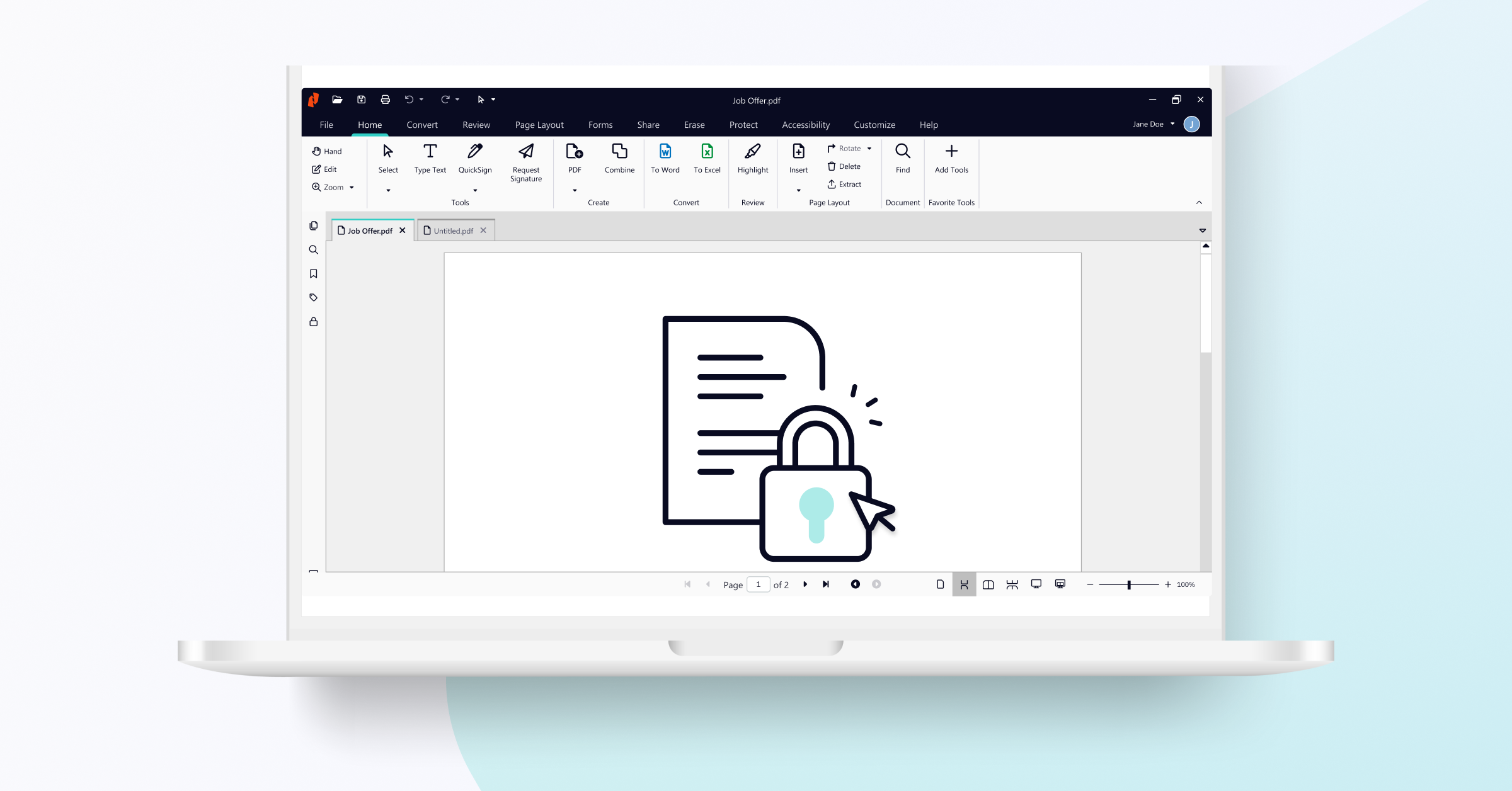
The most classic and effective way to protect a file is by using passwords. If you use tools like Nitro PDF Pro, you'll see that you can differentiate between two types of security. On the one hand, there's the opening password , which requires the user to log in before even being able to view the document's contents.
On the other hand, there are permission passwords . These are especially useful because they allow the person to open the file, but prevent them from performing actions such as printing the document or modifying the text. Basically, you decide who can read and who can edit.
If you work in a team, it's important to know that multiple users can access a protected PDF simultaneously as long as they have the correct password. Some modern editors allow real-time collaboration without compromising the overall security of the file.

Visual blocking and conversion to non-editable format
Sometimes, a password isn't enough because we want to prevent someone from simply copying and pasting the text . For this, a very effective trick is to convert the document into images, using a guide to common file formats to choose the appropriate one. By transforming each page into a JPG or PNG file, the content becomes static and is no longer selectable text.
Once you have the images, the next step is to repackage them into a new PDF. The result is a file that behaves exactly like a scanned document . The reader can see the information, but cannot easily highlight or extract the text, providing an extra barrier against plagiarism.
Advanced Techniques: Redaction, Watermarks, and Erasure
If there is specific data that needs to be permanently removed, redaction is the best tool. Unlike simply crossing out text, professional redaction permanently removes the information from the file's code, replacing it with a box (usually black) that cannot be removed.
To give it a more official and secure look, you can add custom watermarks . Whether by inserting text like "Confidential" or a company logo, this identifies the document's authorship and prevents it from being distributed as an unauthorized original.
When we make a mistake or there's data that should no longer be there, the deletion function is vital. This tool allows you to permanently remove annotations, images, or form fields , ensuring that no trace of the deleted information remains in the final file.
Native protection from the operating system
If you don't want to install complicated programs, both Windows and Mac offer basic options. In Windows, simply right-click on the file, go to Properties, and check the Read-Only box , which integrates with Windows File Management . This prevents the file from being saved with accidental changes.
In the case of macOS, management is done from the "Get Info" window, where sharing permissions can be adjusted . Although this is a simpler measure, combined with editors like PDFelement, which allow for strict printing restrictions, it becomes a fairly robust protection for the average user.
Whether we choose to convert to an image to prevent copying, or implement access keys, watermarks, or redact sensitive data, the goal is always to maintain the integrity of our information. Using our operating system's read-only tools or resorting to specialized software ensures that control of the document remains solely in our hands.
