- Fundamental distinction between the nature of a file and its format structure.
- Comprehensive analysis of extensions for images, video, audio, text, and data.
- Key criteria for choosing the right format based on compatibility and quality.
- Importance of conversion tools for the optimization of digital files.
In the daily life of anyone who uses a computer or mobile device, it's common to encounter a vast number of digital documents. Whether you're editing a photo for Instagram or writing a professional report, you've probably realized that file management is a fundamental part of our interaction with today's technology.
Despite using them constantly, it's very common for concepts like "file" and "format" to get mixed up in our minds. Understanding exactly what each one means isn't just a matter of general technical knowledge; it's vital for optimizing storage and ensuring that programs open our documents without producing strange errors.
What exactly is a file and how does the format differ?
To put it simply, a file is basically a set of data stored on a digital medium. Imagine it as a container where the information resides, whether it's a song, a text, or a video. On the other hand, the format is the organizational rule that tells the computer how to read that data so that it makes sense.
To use a simple analogy, think of potatoes. The "file" would be the potato itself, while the "format" would be how it's prepared: mashed, fried, or in a salad. Although the base ingredient is the same, the final form completely changes the experience and how we use it.

Analysis of the most used image formats
In the visual world, the choice of format depends entirely on whether we prioritize absolute quality or loading speed. Here are the most common ones:
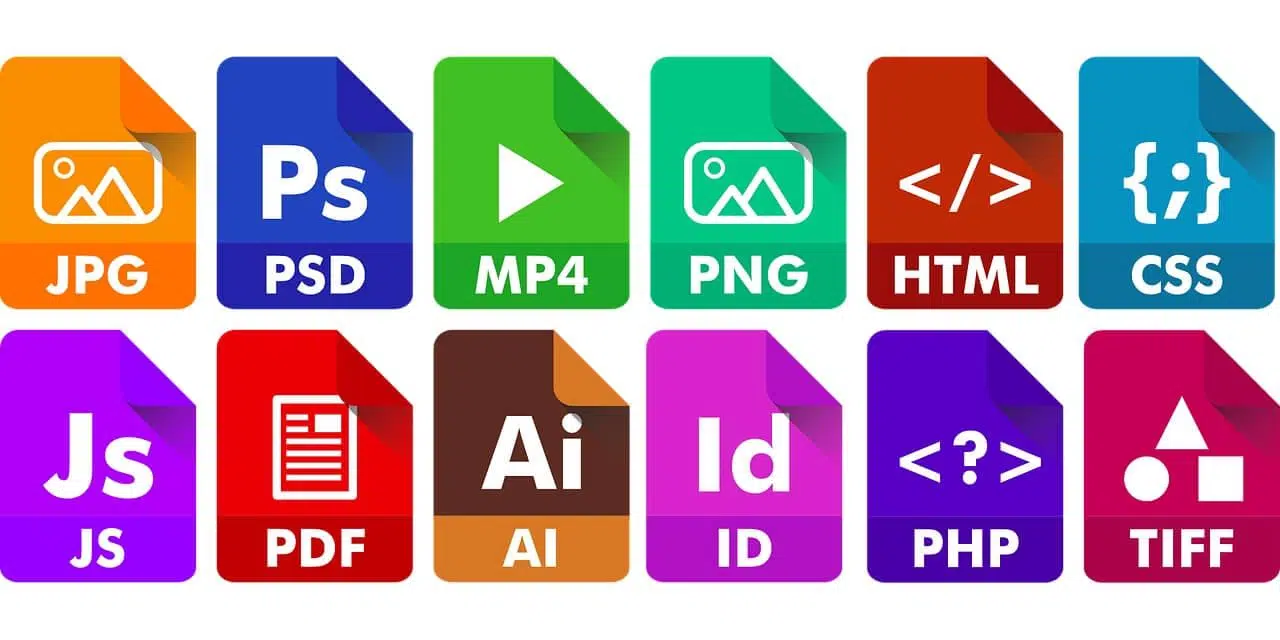
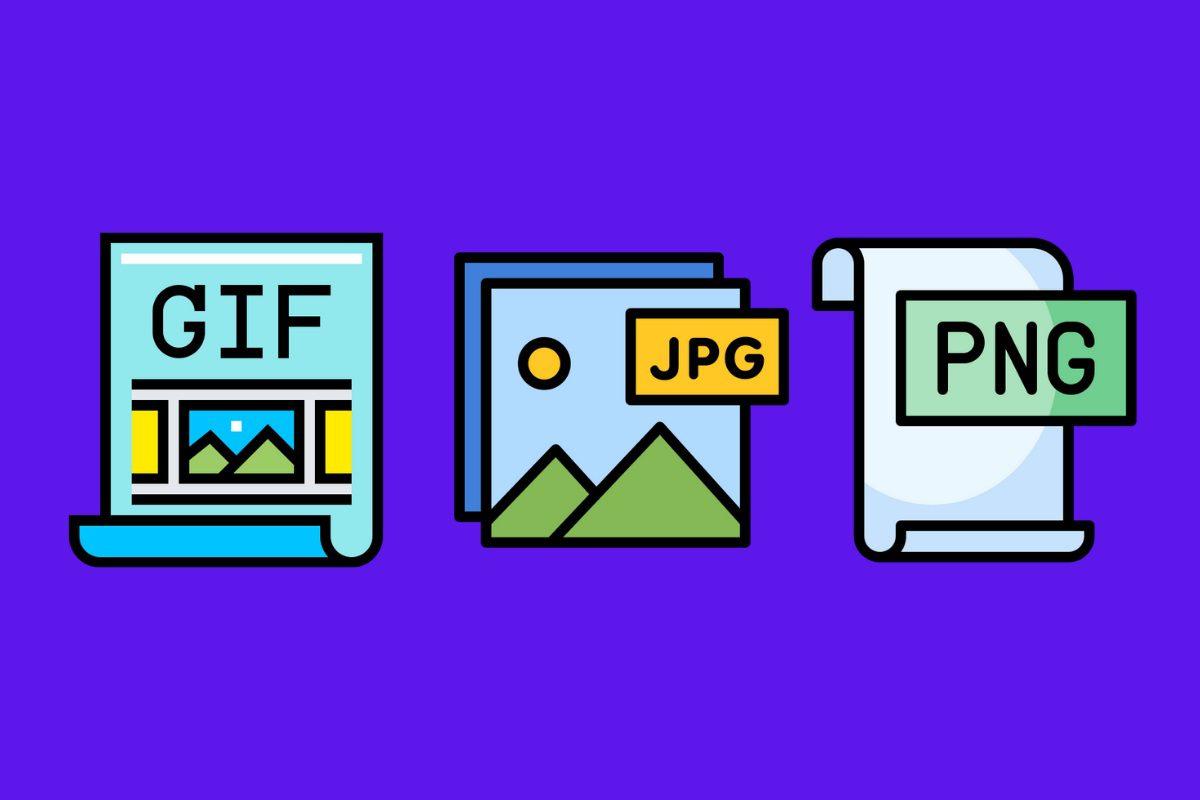
- PNG (Portable Network Graphics): It's the star option when we need transparency and quality lossless. It's the ideal tool for logos or web icons.
- JPG/JPEG (Joint Photographic Experts Group): The standard for photographs. It uses lossy compression that reduces file size, allowing you to Websites load much faster.
- GIF (Graphics Interchange Format): Famous for its simple animations. Although it has a limited color palette, it's unbeatable for interactive memes and banners.
- SVG (Scalable Vector Graphics): Unlike the previous ones, this one is vector-based. This means you can zoom in on the image as much as you want and It will never lose its sharpness, making it perfect for scalable icons.
- TIFF and PSD: While TIFF is the crown jewel for high-resolution prints In magazines, PSD is the native Photoshop file that saves all layers and effects for later editing.
- EPS: Widely used in professional graphic design, as it combines vectors and bitmaps to large format projects like posters.
When working with these variations, an image converter becomes an indispensable tool, although it's important to be aware of the risks involved in using free online file converters . These tools allow you to switch from one format to another without sacrificing visual quality and make sending files by email much faster.

Video formats: Quality and compatibility

Video is one of the most space-intensive types of content, so the format is critical for balancing file size and resolution. MP4 is the undisputed king because it's a universal container compatible with almost any device, making it ideal for YouTube and social media.
There are other options like MKV , which is highly valued by film enthusiasts because it saves audio and video separately, allowing for multiple language tracks. AVI , on the other hand, is a classic format that allows simultaneous data streams, although it is less efficient than modern standards.
We also find WMV , developed by Microsoft for streaming, and FLV , which was the foundation of the Flash era. MPG, although older, is still used for low-resolution videos or short educational clips where cinematic quality isn't required.
Text documents and data management
Not all text documents are created equal. The .txt format is the purest option , as it doesn't store bold or italics, making it compatible with virtually any operating system on the planet.
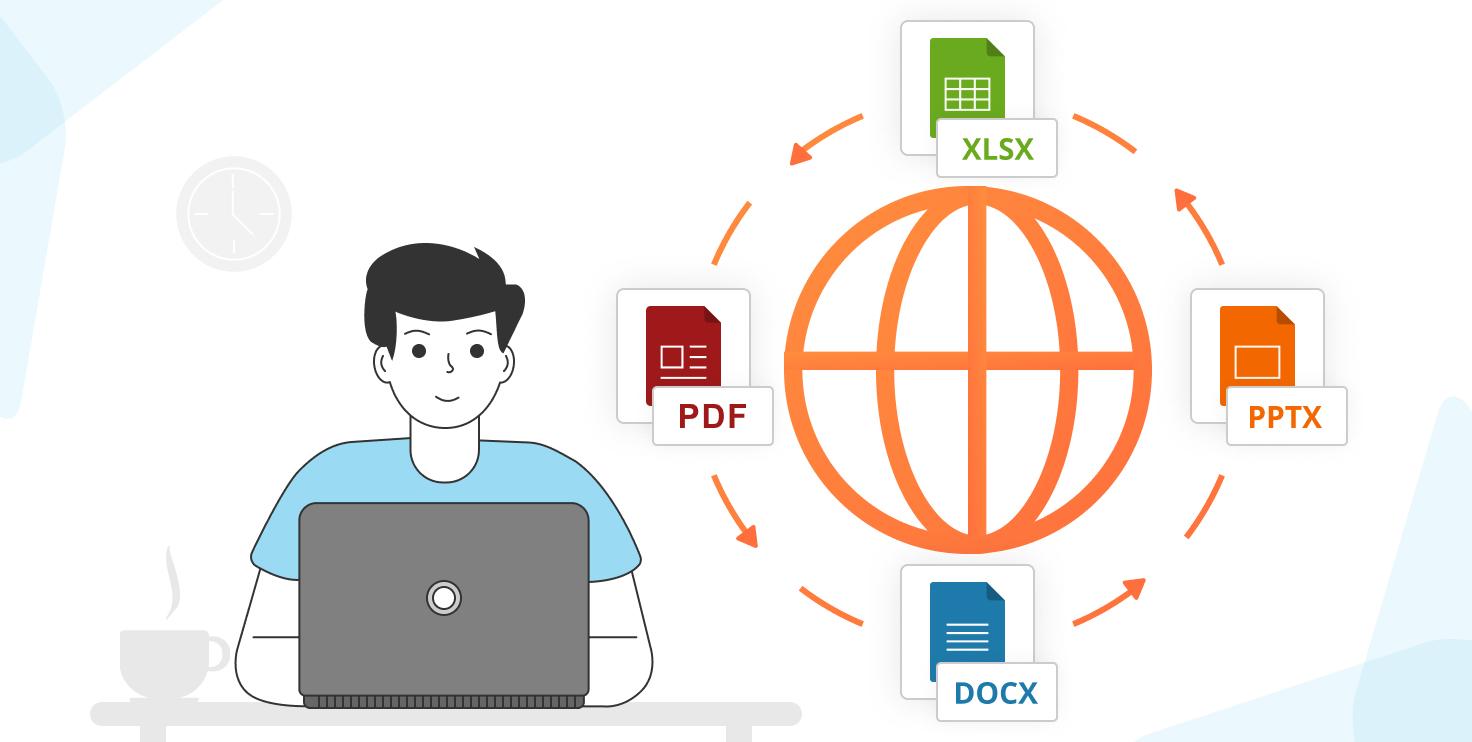
For more elaborate documents, Microsoft Word's .docx format is the industry standard, allowing for tables, images, and complex layouts. If you prefer open-source software, OpenOffice's .odt format offers a similar, open-source alternative. But if you need the document to look exactly the same on any screen, PDF is the ultimate solution , allowing you to take advantage of several useful Word features for working with PDF files , as it freezes the original structure.
For tabular data, CSV is essential for importing and exporting contact lists or financial records, as it separates values with commas in a simple text file. For presentations, PPTX remains the leader , allowing for the integration of animations and dynamic charts.

Audio, Web and Compressed Files
In audio, MP3 dominates thanks to its ability to compress sound without significant loss to the human ear. If you're looking for versatility, there are methods to convert PDFs to MP3 audio and other formats . For those using the Apple ecosystem, .m4a offers superior quality and better metadata management.
In the context of the web, HTML defines the structure of static pages, while PHP allows for the creation of interactive and dynamic sites, such as online stores. They are the foundation of everything we see when browsing.
Finally, to organize the information, we used compressed files. ZIP is the most common due to its universal compatibility. However, RAR is more powerful , as it offers higher compression rates and the ability to protect the content with strong passwords.
To avoid making the wrong choice, it's essential to analyze the available software and the target device. Ultimately, the key lies in balancing visual or audio quality with file size and ease of access for the recipient.
