- Choosing spacious chassis and modular power supplies is the foundation for a clean build.
- It is essential to plan the cable routing before connecting them to avoid crossings and knots.
- The use of Velcro and labels facilitates the organization and long-term maintenance of the hardware.
- External cable management should centralize the cables under the desk using sleeves and channels.
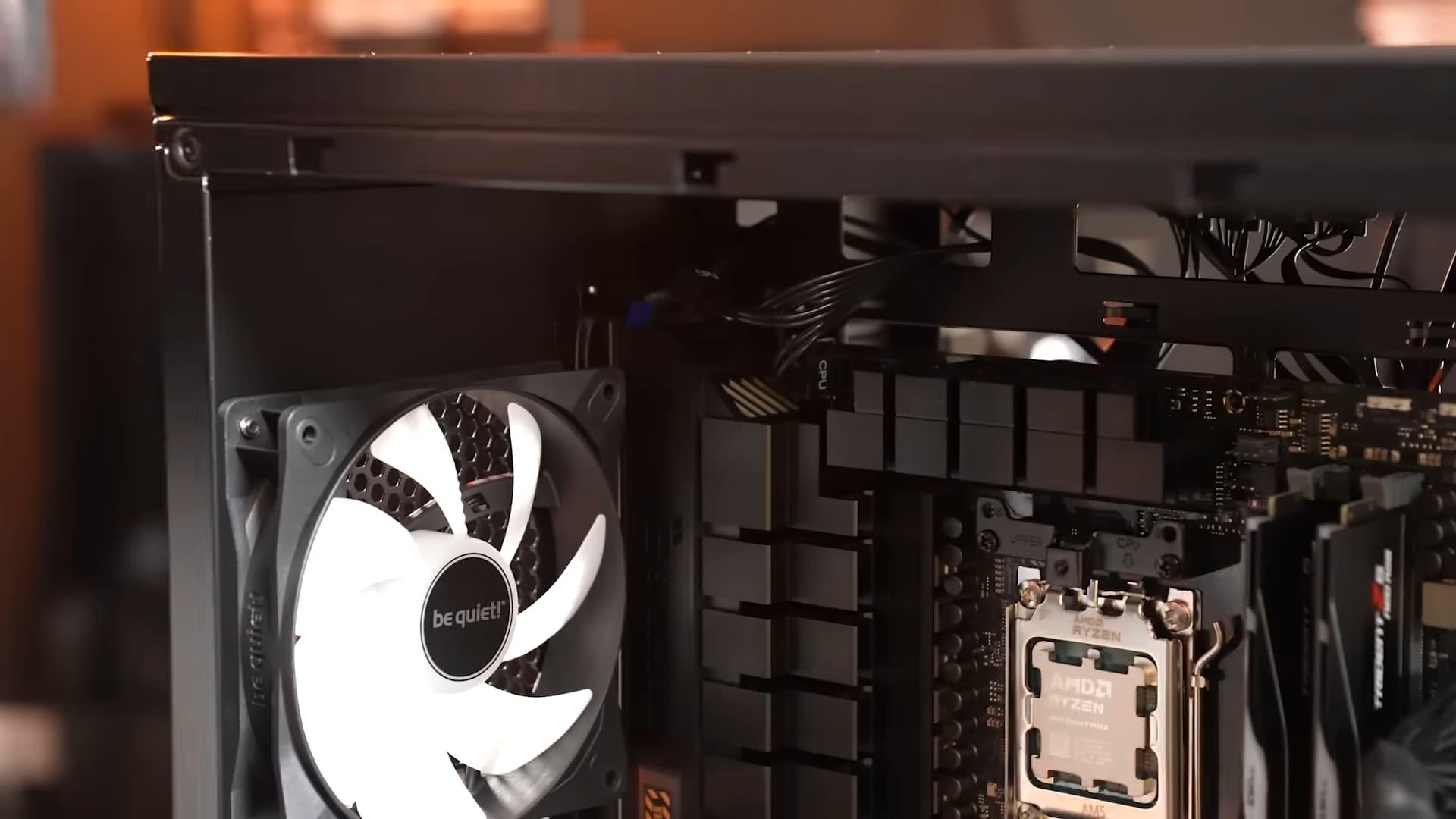
Having a powerful computer is great, but dealing with that tangled mess of cables that looks like a nest of spaghetti can be a real nightmare. It's not just about aesthetics, making your setup look perfect in Instagram photos or during a Twitch stream; keeping things organized is essential for the proper functioning and health of your hardware.
Many people make the mistake of neglecting cable management during initial assembly, leaving everything until the last minute or, worse, simply pushing the cables back to close the cover. However, taking the time to plan the routing of each connection not only avoids visual clutter but also greatly simplifies any maintenance or future component upgrades.
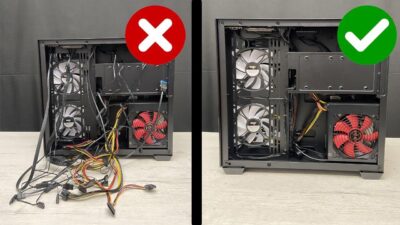
Key elements: The choice of case and font
If you want the inside of your machine to look clean, the first step happens even before you turn on your PC. It's vital to choose a case with enough space and built-in cable management solutions, such as cable grommets or integrated cable tie-downs. Models like the be quiet! Light Base 600 LX ARGB are perfect examples of cases designed for natural cable flow, not chaos.
Similarly, the power supply plays a crucial role. Ideally, opt for modular or semi-modular models . Modular power supplies allow you to connect only the cables you actually need, eliminating the excess material that tends to accumulate at the bottom of the case and obstruct airflow.
The importance of meticulous planning
Don't rush into connecting everything haphazardly. Before tightening any screws, it's advisable to do a preliminary assessment of the wiring layout . Place the cables in their final positions without overtightening them; this will allow you to visualize the connection sequence and prevent the cables from crossing each other, which would create a tangled mess.

Once you have your cable routing planned, resist the temptation to create a single, thick bundle of cables. It's much more efficient to distribute the connections along the sides of the case. This not only makes for a cleaner build, but also means that if you decide to add a fan or upgrade your graphics card later on, you won't have to deal with a dense tangle of cables.
Essential accessories for a professional finish
Sometimes, the accessories that come with your PC tower aren't enough. To take your setup to the next level, you can rely on simple yet effective tools. Velcro cable ties are the best option because they don't damage the cable insulation and allow for quick changes without cutting anything, unlike plastic cable ties, which are more aggressive and permanent.
If you want to take organization to the next level, consider using a label printer . Labeling each cable at its ends will save you a lot of headaches months later when you can't remember exactly which port a specific connector belongs to. This is especially useful for peripherals that run under your desk.

Managing the exterior and lower area of the desktop
The chaos isn't limited to the computer tower; it extends to the desktop environment as well. When cables originate from various points (such as the monitor stand, keyboard, or mouse), the best strategy is to centralize the flow to a single point under the desk. Using cable management sleeves and double-sided tape allows you to attach the trunking to the desk, preventing cables from dangling and becoming visible.
For peripherals like the keyboard, it's best to run the cable to the edge of the desk and then route it through the main cable management system under the desk before it goes up to the computer. This keeps your work surface clear and the cable routing hidden and protected.
Don't neglect the rear of the chassis
It's very common for users to focus only on what's visible through the tempered glass screen protector, neglecting the back. However, tidying up the back is crucial for closing the case without force and to prevent cables from getting pinched or damaged over time.
An effective technique is to group cables according to their function: group all the RGB lighting cables together and the fan cables together. Distributing these pairs of cables throughout the chassis prevents excessive clumps from forming in any one spot, optimizing internal ventilation and overall organization.
Having a flawless PC requires patience and a clear methodology, combining the choice of appropriate hardware, the use of mounting accessories, and intelligent internal and external organization to achieve an efficient and visually pleasing workspace.
