- Installing a router-level VPN encrypts traffic from all connected devices, including those that do not support native applications.
- It is essential to have a neutral router compatible with protocols such as OpenVPN or WireGuard, since the equipment provided by operators is usually limited.
- Although it improves privacy and allows you to bypass geographical restrictions, it can reduce internet speed due to the data encryption process.
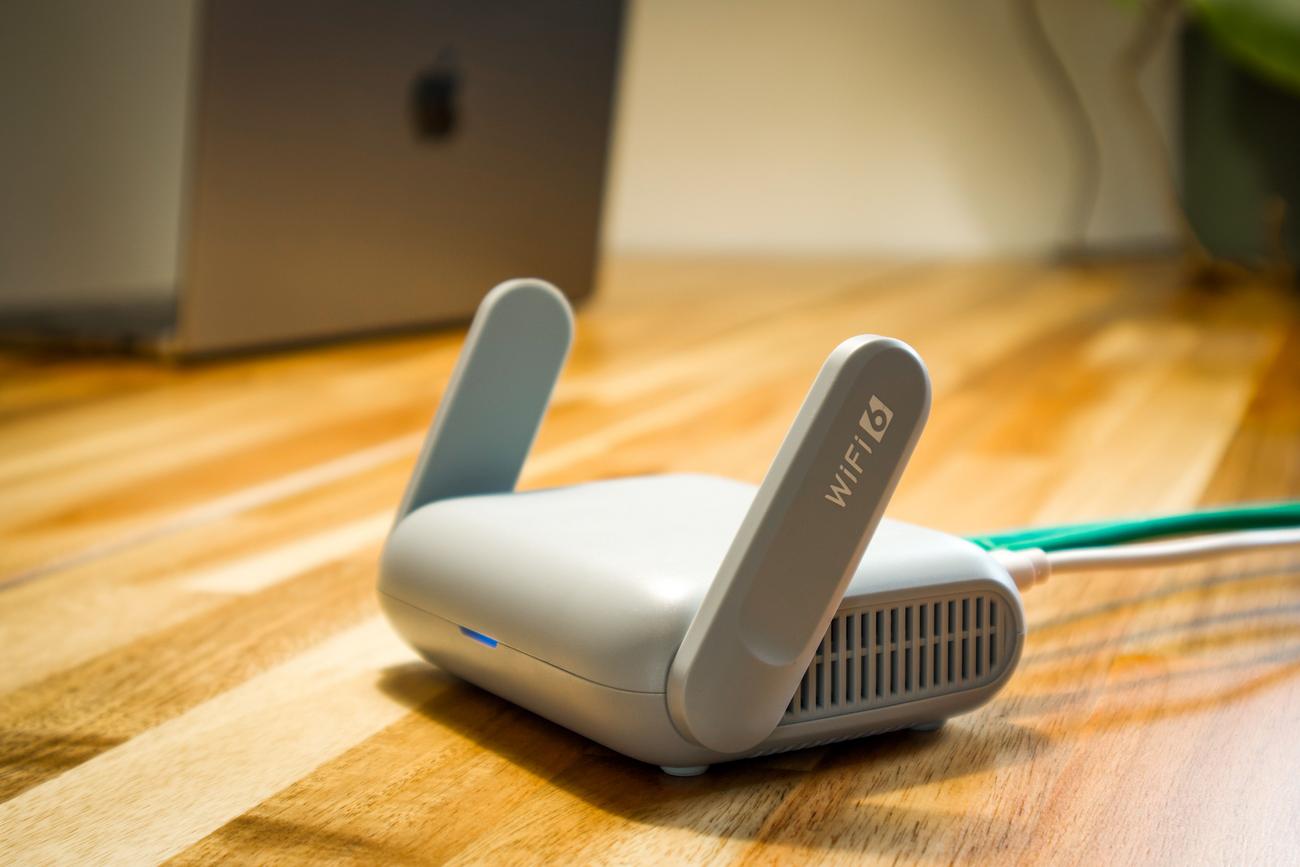
You've probably heard of virtual private networks (VPNs), but taking this to the next level by installing it directly at the heart of your network—your router—is a masterstroke for those seeking total privacy at home . By doing this, you're not just protecting your computer or phone; you're creating an invisible shield that envelops every device connected to your Wi-Fi, from your game console to your smart bulb.
The idea is simple: instead of installing an app on each device, the router encrypts all traffic before it goes out onto the internet. This is especially useful for those devices that are a pain because they don't allow you to install external software. However, it's not without its challenges, as it requires compatible hardware and a willingness to tinker with your network's technical settings.
What exactly is a VPN router and how does it work?
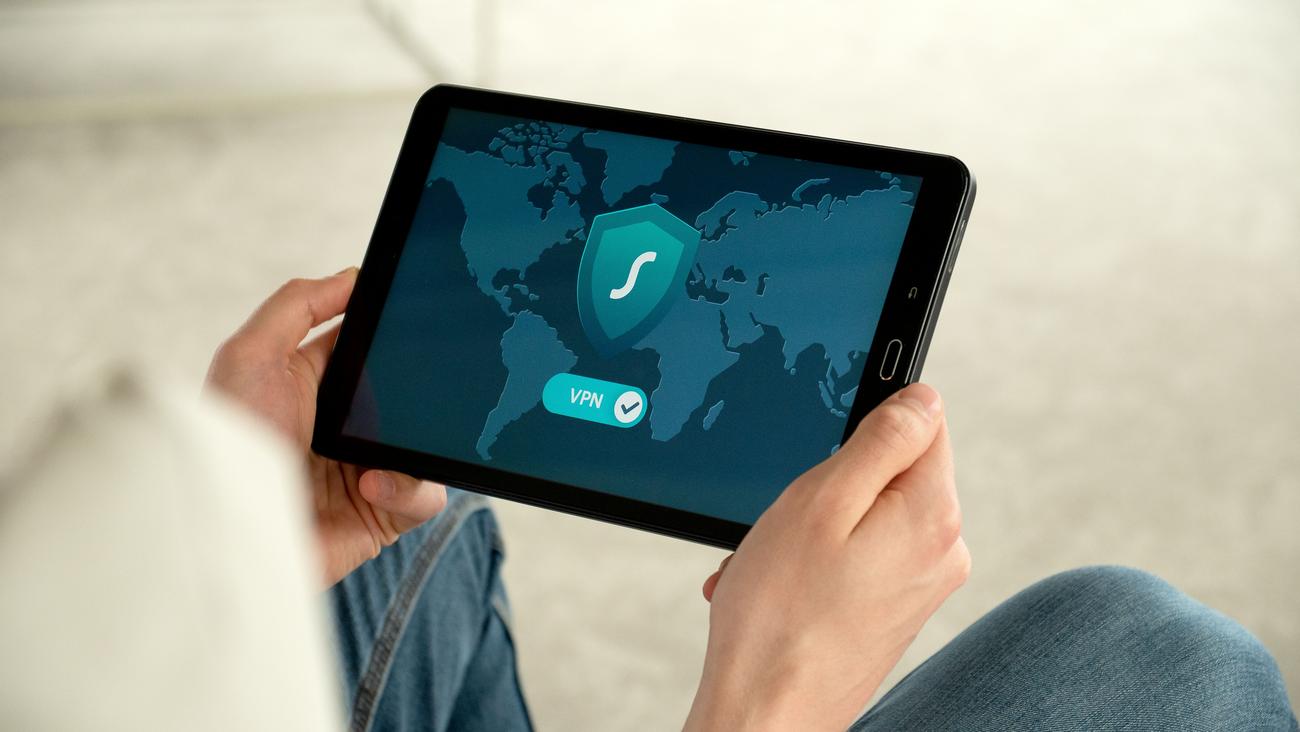
Basically, we're talking about a network device that can run VPN software integrated into its system. Instead of each device managing its own secure connection, the router acts as a centralized, encrypted tunnel . When you browse the internet, data travels from your device to the router, which packages and encrypts it before sending it to the VPN server, thus hiding your real IP address and protecting your identity.
This system is a lifesaver for Internet of Things (IoT) devices , such as configuring the privacy settings of your Smart TV or connected appliances, which are typically security vulnerabilities. By centralizing protection, you ensure that no data travels in plain text, regardless of whether the device supports security apps or not.

Advantages and disadvantages of this method
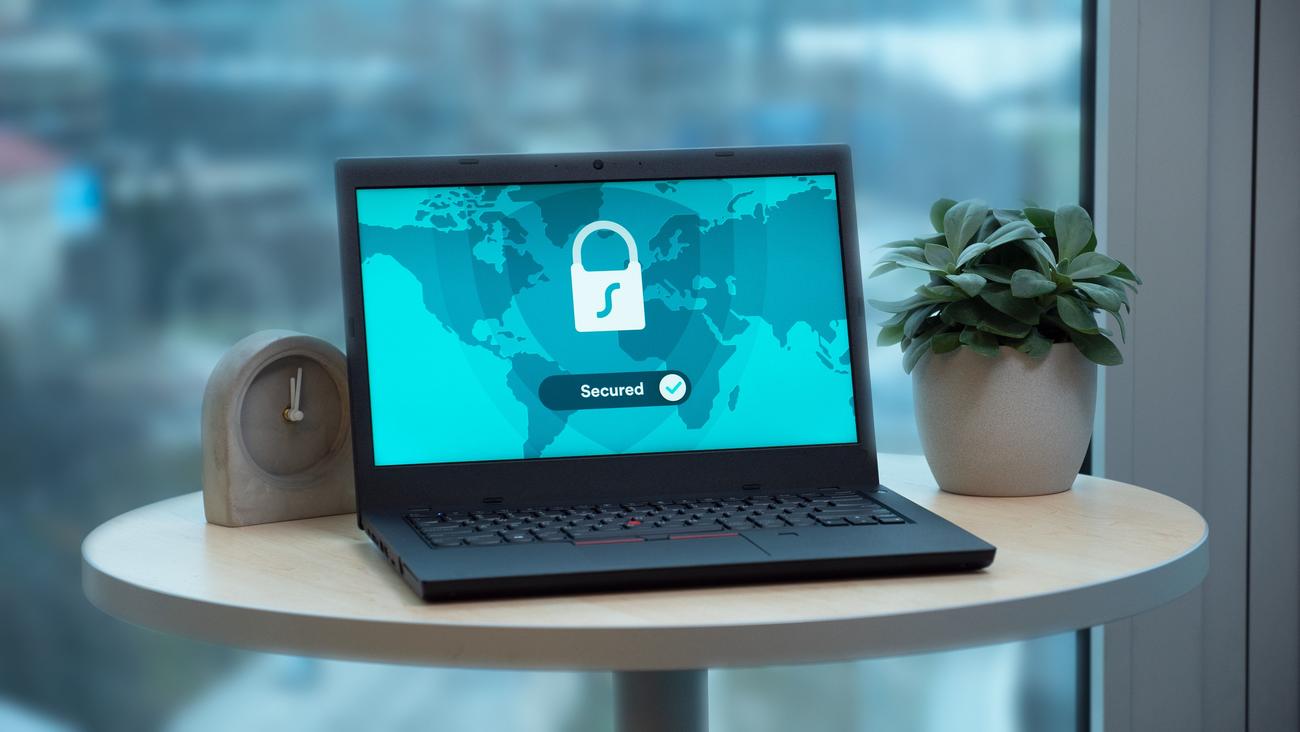
It's not all sunshine and roses, and it's important to weigh the pros and cons before taking the plunge. On the one hand, the protection is permanent and automatic ; once configured, you can forget about it, and everything that enters your home is secure. Furthermore, you optimize the use of your VPN account, since the router counts as a single connected device , regardless of how many phones or tablets are connected to it.
- Time saving: You don't have to configure each device one by one.
- global access: Ideal for bypassing geographical restrictions and watching content from other countries on your Smart TV.
- Security always on: You avoid being left vulnerable while browsing due to carelessness.
However, there are some drawbacks. The main one is that speed may decrease , as encryption consumes resources and traffic takes a detour to the VPN server. It's also true that changing the server location is more cumbersome, as it involves accessing the router's control panel instead of clicking on an app. Furthermore, if the router's processor is very basic, it could become overloaded and restart under heavy demand.

The reality of operator routers in Spain
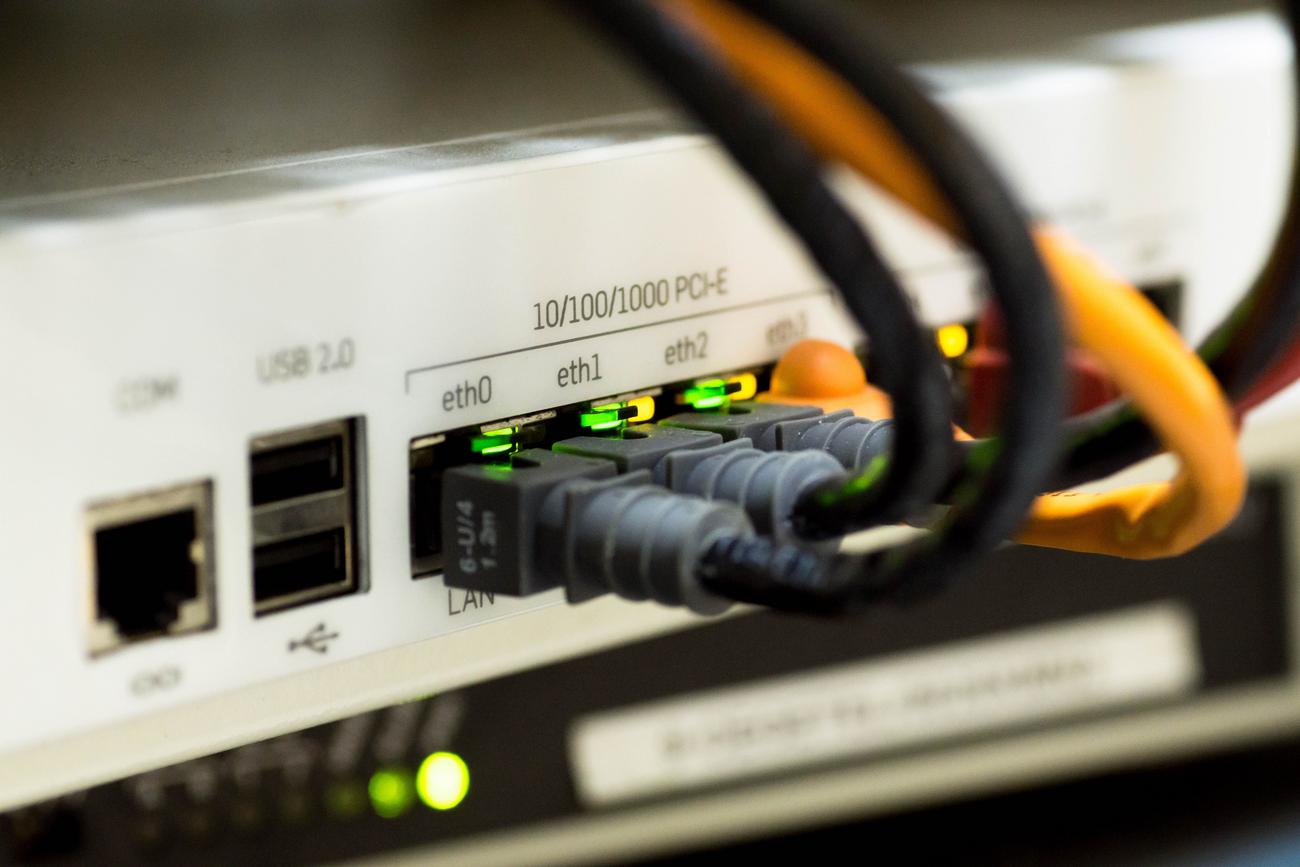
This is where many people get a nasty surprise. The routers provided by Movistar, Vodafone, Orange, or Digi are usually very basic devices with closed firmware. In most cases, these devices don't support VPN clients or allow you to modify the internal software. Trying to install firmware like DD-WRT or OpenWRT on them is playing with fire, as you could lose your connection to the provider by erasing the integrated ONT's configuration.
If your ISP-provided router doesn't have the option, you have two solutions. The simplest is to buy a third-party, third-party router and put the ISP-provided one in bridge mode, delegating all management to the new device. The other option is to set up a VPN server on a separate device, such as a home NAS or a Raspberry Pi, although this is more for accessing your home network remotely than for routing all your traffic through the internet.
Steps to perform the configuration
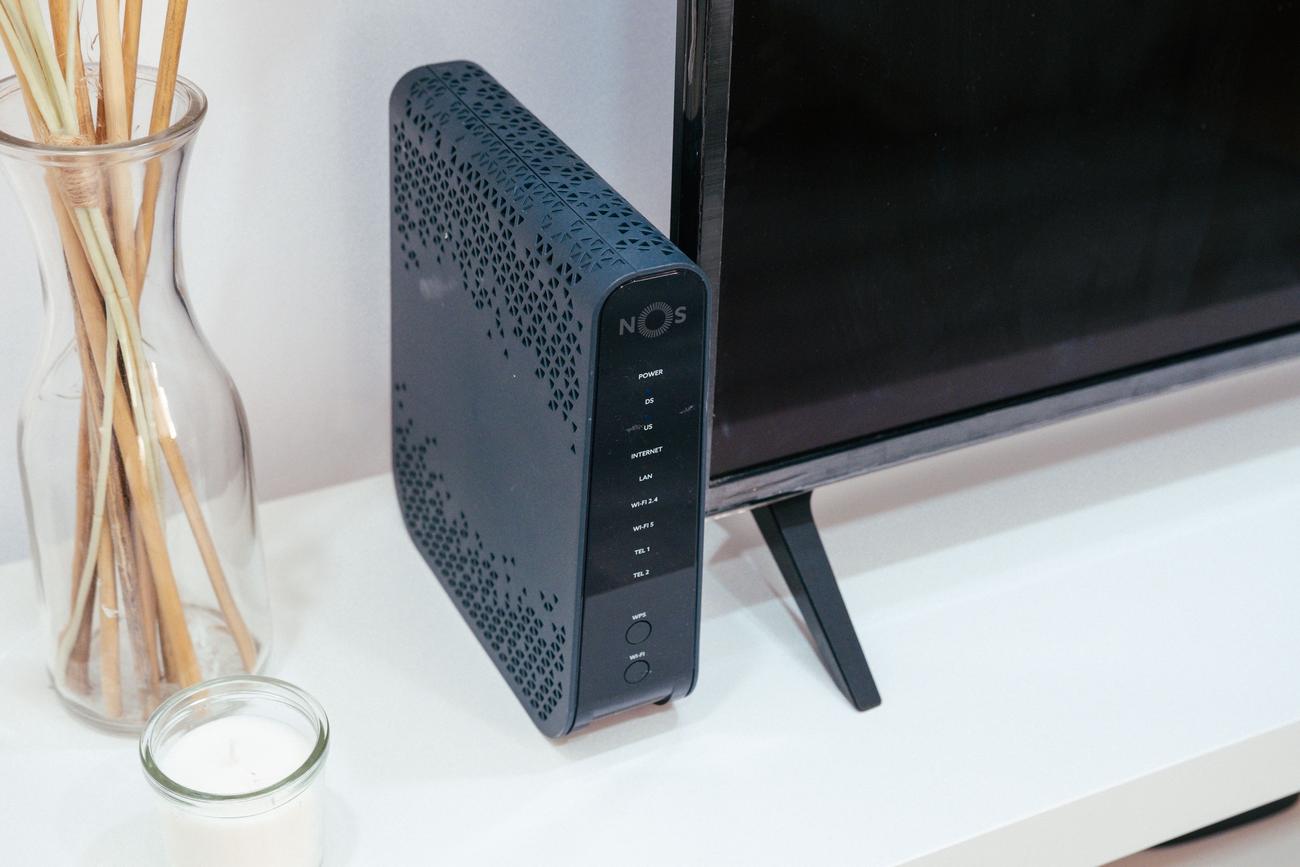
If you already have a compatible router (such as some ASUS, TP-Link, QNAP, or FRITZ models!), the process is similar across almost all brands. First, you need to access the administration interface by typing the default gateway address (such as 192.168.1.1 or 192.168.0.1) into your browser and logging in with your credentials.
Once inside, look for the Advanced or VPN tab . Here you'll need to choose the protocol you're going to use. WireGuard is currently the most recommended for its speed , and OpenVPN for its compatibility. You'll need to upload the configuration file (.ovpn) provided by your VPN provider or manually enter the server address and encryption keys.
A vital step is configuring the DNS settings . To prevent data leaks, it's advisable to use your VPN service's DNS servers instead of your ISP's. Finally, save the changes and restart your device . To verify that everything is working correctly, you can check if your VPN server is truly secure by verifying that the displayed location is that of the VPN server and not your home address.

Tips for getting the most out of your network
To prevent your connection from becoming sluggish, the trick is to choose the server closest to your physical location. The shorter the distance the data travels, the lower the latency. It's also crucial to avoid duplication: if you already have the VPN on your router, don't activate the VPN app on your computer, as the double encryption will severely degrade your browsing performance.
If you have an advanced router, like some from TP-Link, you can use the selective routing feature . This lets you decide which devices go through the VPN and which use the regular connection. For example, you can let your game console use the direct connection to avoid lag, while the rest of the household browses under the privacy of the VPN.
When choosing a VPN service, avoid free ones. Not only are they slow, but they often sell your data to third parties to monetize the service, completely defeating the purpose of installing a VPN. Invest in a paid service that guarantees no logs and uses advanced VPN security features and modern encryption standards.
Having a network encrypted from the ground up is the best way to safeguard your home's privacy, allowing even the simplest device to be protected without any manual effort. While it requires specific hardware and an initial setup that might intimidate a novice user, the peace of mind of knowing that all traffic leaves your home anonymously and securely more than compensates for any potential decrease in download speed.
