- There are advanced tools that allow you to filter messages based on specific terms to prevent constant harassment.
- Both Android and iOS offer native features to block senders and mark communications as unwanted.
- The use of third-party applications with artificial intelligence dramatically improves the detection of phishing and fraud.
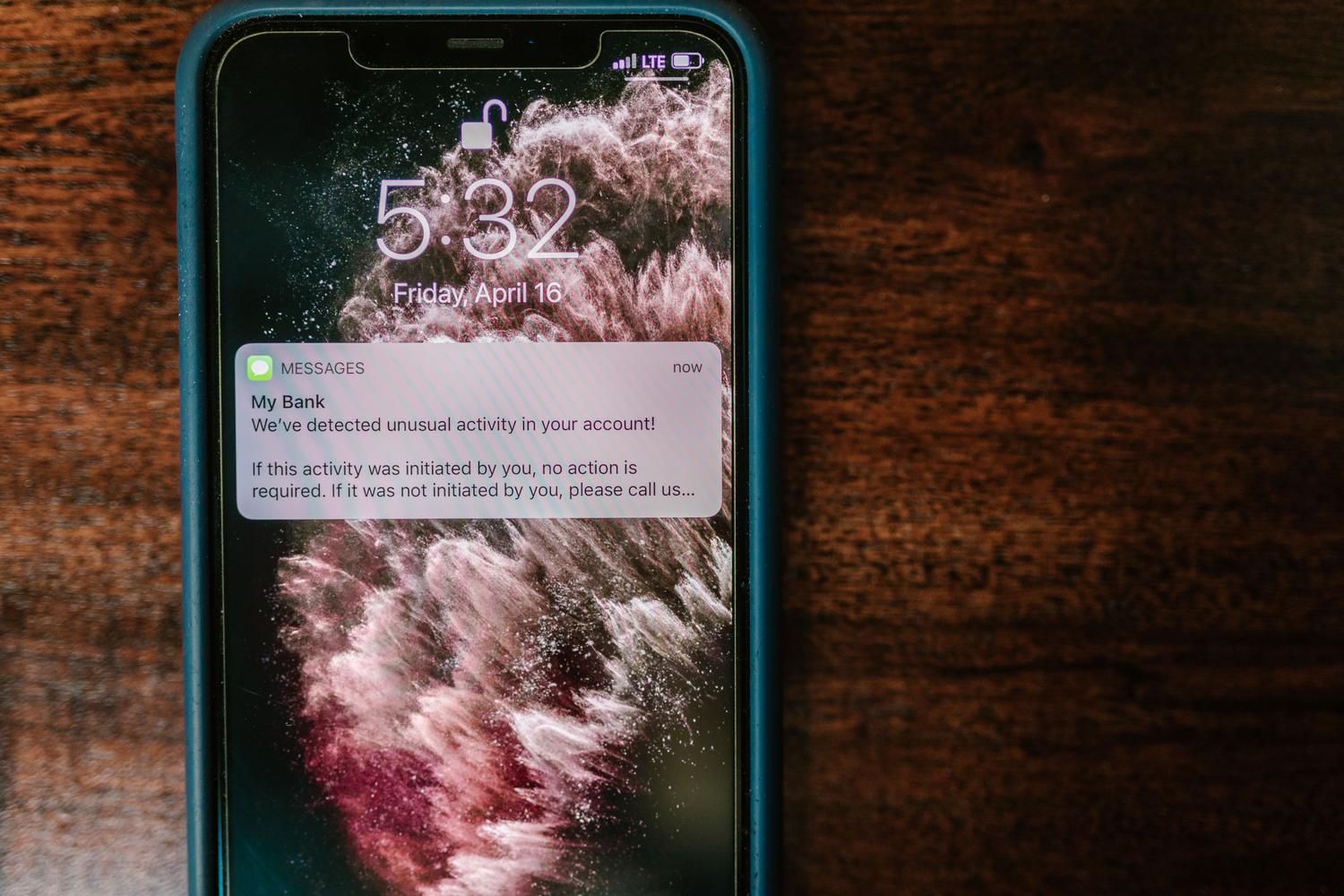
I'm sure it's happened to you: you're minding your own business on your phone and suddenly you get a message from a stranger talking about an amazing loan or claiming you've won a prize draw you didn't even enter. These kinds of unsolicited messages have become commonplace and can be a real headache if you don't know how to stop them.
The worst part is that it's no longer just annoying ads; now we're facing social engineering and phishing techniques designed to steal our personal data or trick us into installing malware. That's why it's crucial to know all the tools available to make our inbox a safe and nuisance-free place again.
Understanding the threat: Spam, Phishing and Bombing
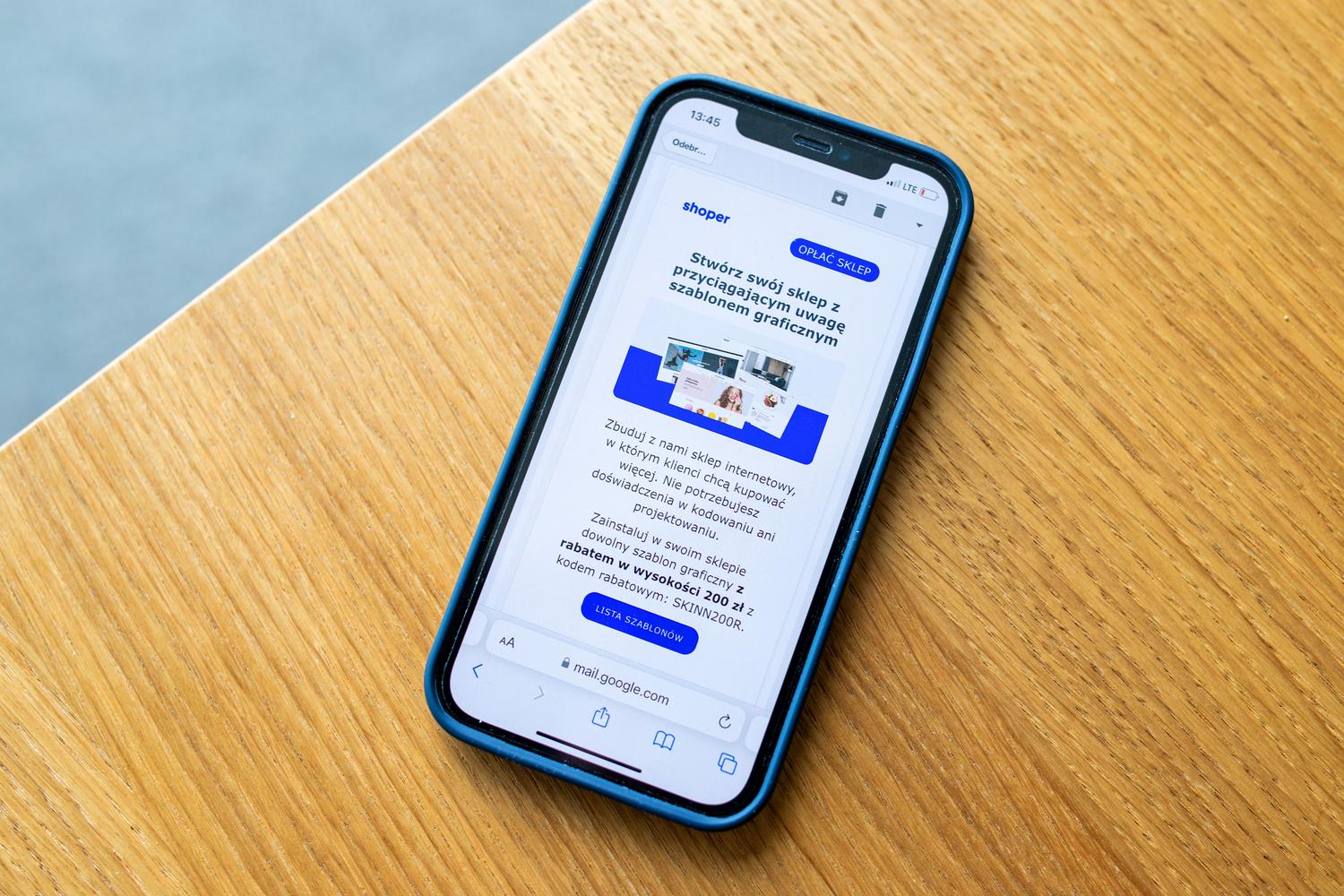
When we talk about spam, we're referring to those mass communications that arrive via SMS or messaging apps. They usually come from unknown numbers or bots using automated dialers. While many are harmless, others attempt to impersonate others to scam us.
Phishing is a step further and much more dangerous. Here, the attacker tries to trick you into giving away passwords, usernames, or bank details . A typical example is a message saying there's a problem with your tax return or that you have a package being held that requires extra payment. Remember that no government agency or reputable logistics company will ask you for money or sensitive information via a simple text message.
On the other hand, there's SMS bombardment, which involves flooding your phone with thousands of messages from different numbers. Sometimes it starts as a harmless joke, but it can escalate into a case of cyberbullying , which is very difficult to stop simply by blocking individual numbers.
Why is our mobile phone full of spam?
Many people wonder how spammers get their phone number. One of the most common ways is through public profiles on social media platforms like Instagram or Facebook, where contact information is readily available. It also happens that when you register on shopping or service websites, these sites share your information with data intermediaries.
In addition, there are automated number generation technologies that create random number ranges, so your number might appear on the list simply due to statistics and luck . There are also Automatic Number Identification (ANI) systems that collect data when we call toll-free numbers.
How to block SMS on Android without complications
If you don't want to install anything unusual, Android has built-in options. The most direct way is to open the Messages app, press and hold the chat that's bothering you, and select the option to block or mark it as spam . Depending on your phone's brand, you might first need to access the three-dot menu and look for the details section.
For those who use the Google Messages app, there's an even more powerful feature. You can go to settings, enter the advanced section, and enable spam protection . This makes the system automatically analyze messages based on a global database and move them to a separate folder without you receiving notifications.
Advanced filtering: Blocking by keywords
When spam is persistent and the numbers are constantly changing, blocking the sender is useless. In these cases, the solution is keyword filtering . This allows any message containing a specific term (such as the name of someone you don't know or words like "loan" or "crypto") to be automatically hidden.
To achieve this on Android, you need to use specialized apps. Tools like SMS Blocker allow you to create custom rules to prevent messages with banned words from reaching your inbox. Other interesting options include Call Control , which uses the collective intelligence of its community to identify scams, and Key Messages , which uses AI to categorize spam.
Options for iPhone users

On iOS, the process is similar but with its own specifics. You can block a contact by going to the sender's information and selecting "Block this contact ." If the message doesn't have a visible number, a trick is to try calling the sender, hang up quickly, and then block the number from your call history.
A very useful feature on iPhone is filtering unknown senders. From the Messages settings, you can enable filtering unknown senders , which saves SMS messages from people not in your contacts to a separate list, preventing notifications from interrupting your day.
Recommended apps for a complete cleaning
If you're looking for an extra layer of security, there are some very comprehensive apps available. Truecaller is probably the most well-known for its enormous database that identifies spam calls and SMS messages in real time. For those who prioritize privacy, VeroSMS is a great option since it allows you to block calls by keywords without accessing the content of your private messages.
Another powerful alternative is SMS Shield , which uses machine learning to learn what constitutes spam in your specific case and offers a frequent traveler mode, ideal for blocking suspicious international messages. Finally, comprehensive solutions like Avast One add malware protection, preventing you from clicking on dangerous links that could compromise your device.
Golden tips for staying safe

The number one rule is never to reply to a spam SMS . Doing so confirms to the attacker that your line is active and that you're a real person, which will only lead to them sending you more junk. Likewise, avoid clicking on shortened or suspicious links at all costs, as they could take you to pharming websites designed to steal your identity.
It's advisable to check your phone bill periodically for unusual charges, as some attacks force your phone to send messages to premium numbers without your knowledge. Keeping your personal information private and using a security-focused browser helps mitigate risks while browsing the internet.
To maintain control of your device, the ideal solution is to combine native Android or iOS features with third-party apps that allow for intelligent keyword filtering and number reporting to carriers. By avoiding interaction with suspicious senders and setting up strict filters, we transform your mobile device into a much safer and more secure environment against modern scams.