- The Kindle app for Android does not allow handwriting, limiting notes to the virtual keyboard.
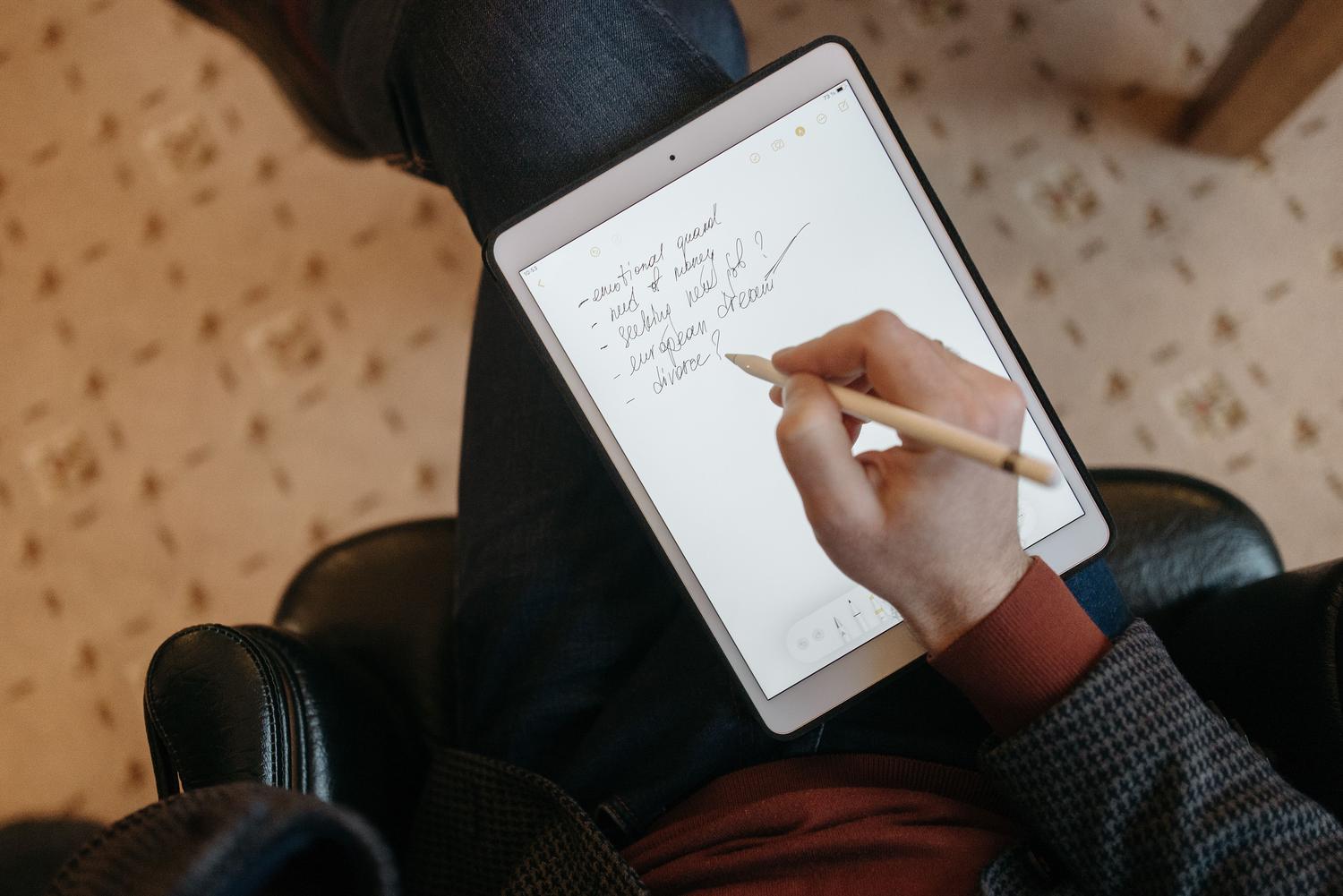
- The Kindle Scribe is the specialized device that allows handwriting using a stylus and the Active Canvas function.
- There are compatibility limitations depending on the book format, and handwriting may be restricted in certain titles.
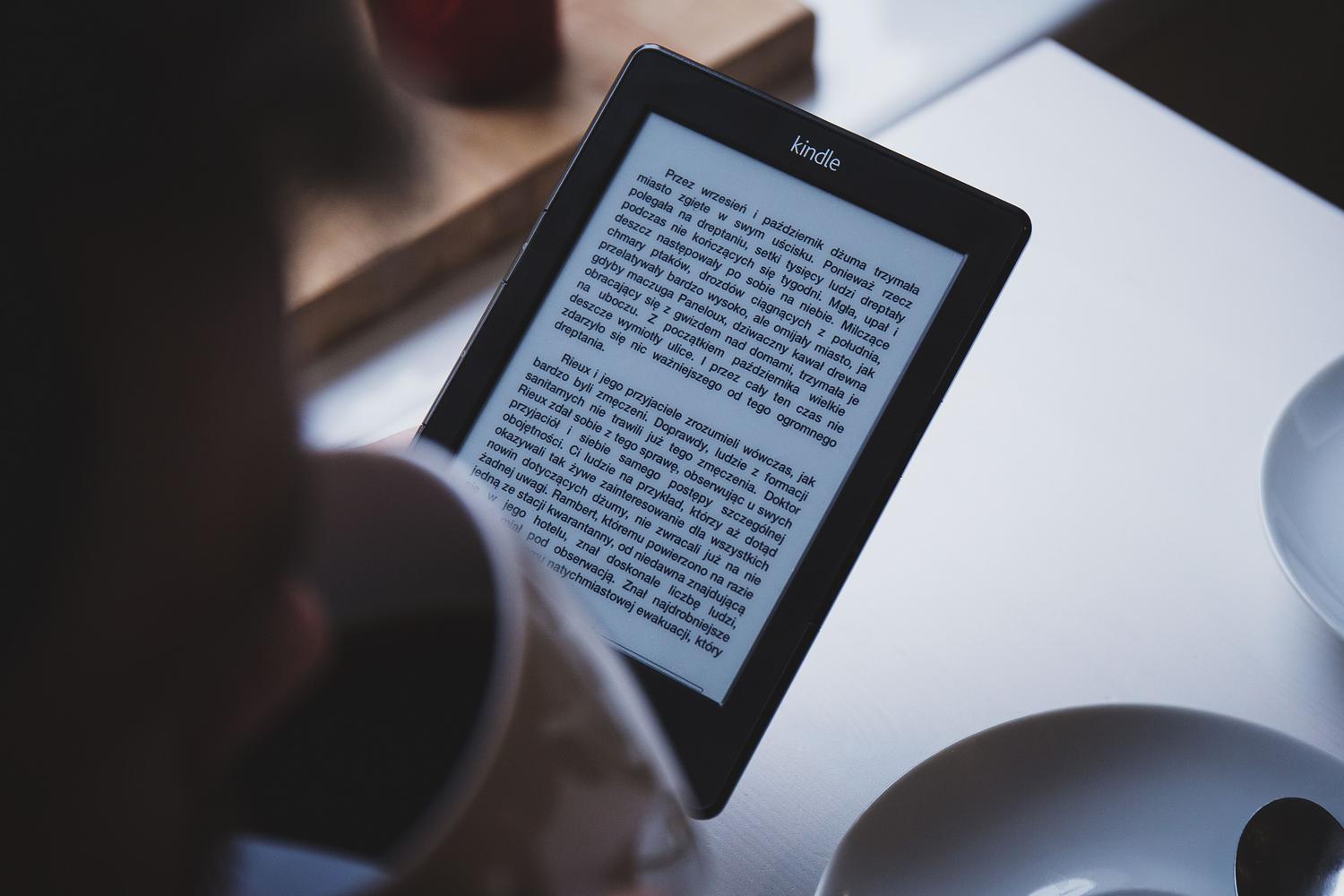
- E-ink hardware promotes eye health by avoiding blue light and simulating reading on paper.
I'm sure it's happened to you: you're reading an ebook on your Android device and a brilliant idea strikes you, or you want to solve a problem, but you realize you can't write by hand like you used to with pen and paper. It's a common frustration, especially when we see that there are devices specifically designed for it and we wonder if our Kindle app has some hidden trick up its sleeve.
The reality is that there's a world of difference between the Kindle mobile app and the high-end physical devices. While on an Android phone we're limited to the virtual keyboard for adding notes, Amazon has pulled out all the stops with the Kindle Scribe, a game-changing device that transforms the e-reader into a true digital notebook.
The Kindle Scribe: The leap into handwriting
For those seeking a tactile and organic experience, the Kindle Scribe is the ultimate choice. Unlike basic models, this device boasts a 10,2-inch E Ink display with an impressive 300 ppi resolution, preventing eye strain by eliminating the harmful blue light. Its asymmetrical design makes it easy to hold in one hand while using the other to work wonders with the stylus.
The most powerful feature of this device is that it allows two types of interaction with the text. On the one hand, there are traditional sticky notes, and on the other, the innovative Active Canvas function . This tool is fantastic because it allows us to insert annotations directly onto any part of the page; the original text automatically shifts to make room for our handwriting, mimicking the feeling of writing in a physical book but with digital advantages.
Pencil options and versatility of use
Amazon hasn't held back and offers two versions of the stylus. The basic version is ideal because it doesn't need charging , eliminating the worry of running out of battery mid-thought. For more demanding users, there's the premium stylus, which adds a physical eraser at the top and a customizable button that allows you to quickly switch between highlighting mode and creating new notes.
In addition to books, the Scribe functions as a standalone notebook with various templates, from lined pages to blank spaces for sketching. It's compatible with Word files, allowing you to edit documents and then share them via email. However, there's an important caveat: although the notes are saved in the cloud, fully syncing the notebooks with the Android app has been a slower process than with traditional notebooks.
Limitations and frequently asked questions
It's important to clarify that not all books allow direct typing. Some users have noticed that, depending on the format or how the publisher has enabled the book, only the virtual keyboard can be used, even on compatible devices. This raises the question of whether it's a file restriction or a device setting, the latter being more likely in books with very rigid formats.
If you try to write by hand using the Android app on a regular phone or tablet, you'll find that the handwriting symbol doesn't appear. This is because the mobile app isn't designed to emulate e-ink, but rather for speed reading. Many users long for a split view where they could have the book on one side and a notebook on the other—a feature that remains a dream for many language learners and avid readers.
In short, while the Android app falls short for handwriting, the Kindle Scribe offers a professional experience with its electronic paper technology, allowing everything from marginal notes to the management of digital notebooks, although full compatibility of handwritten notes with the mobile ecosystem remains the area for improvement.