- Using generative AIs like Suno or TopMediai to create melodies and songs from text.
- Text-to-speech conversion to design custom alarms with character voices.
- Using audio and video editors to trim clips and optimize sound quality.
- Configuring the resulting files in the Android system folders.
Are you tired of always hearing the same default ringtone that comes with your phone? It's normal; they all end up sounding the same and it gets tiresome. The good news is that now, thanks to an incredible leap forward in artificial intelligence , you no longer need to be an expert in music composition or know how to use complicated editing software to have a sound that's completely yours and unique.
Whether you're looking for an epic melody, something funny to share a laugh with friends, or even a specific voice to wake you up in the morning, there are tools available today that do the legwork for you. In this article, we'll take an in-depth look at all the ways to create custom ringtones on Android, from automatic text-based generators to more traditional clipping apps.

Create music from scratch with Generative AI
One of the most innovative options is to use platforms like Suno.ai or TopMediai . These tools work similarly to how Midjourney works with images: you write a description, and the AI takes care of composing the piece. You can ask it, for example, for a pop song with a female vocalist that sounds like a Eurovision entry, or a dark trap beat with powerful bass and 140 BPM to make a statement.
The process is incredibly simple. Just go to the website, create an account, and write the prompt or description of what you have in mind. If you don't want anyone singing, simply activate the instrumental mode option . The most interesting thing is that you can use the custom mode to write the lyrics yourself and create totally crazy parodies for specific contacts in your address book, giving each person their own themed song.
Downloading these files can sometimes be tricky with your browser, so a helpful tip is to share the link via Telegram to save the MP3 directly to your phone's memory. Once you have the file, remember that these AI-generated tracks are usually a couple of minutes long, so you'll need to trim the exact segment you want to play when someone calls you.
Convert text to speech for alarms and notifications
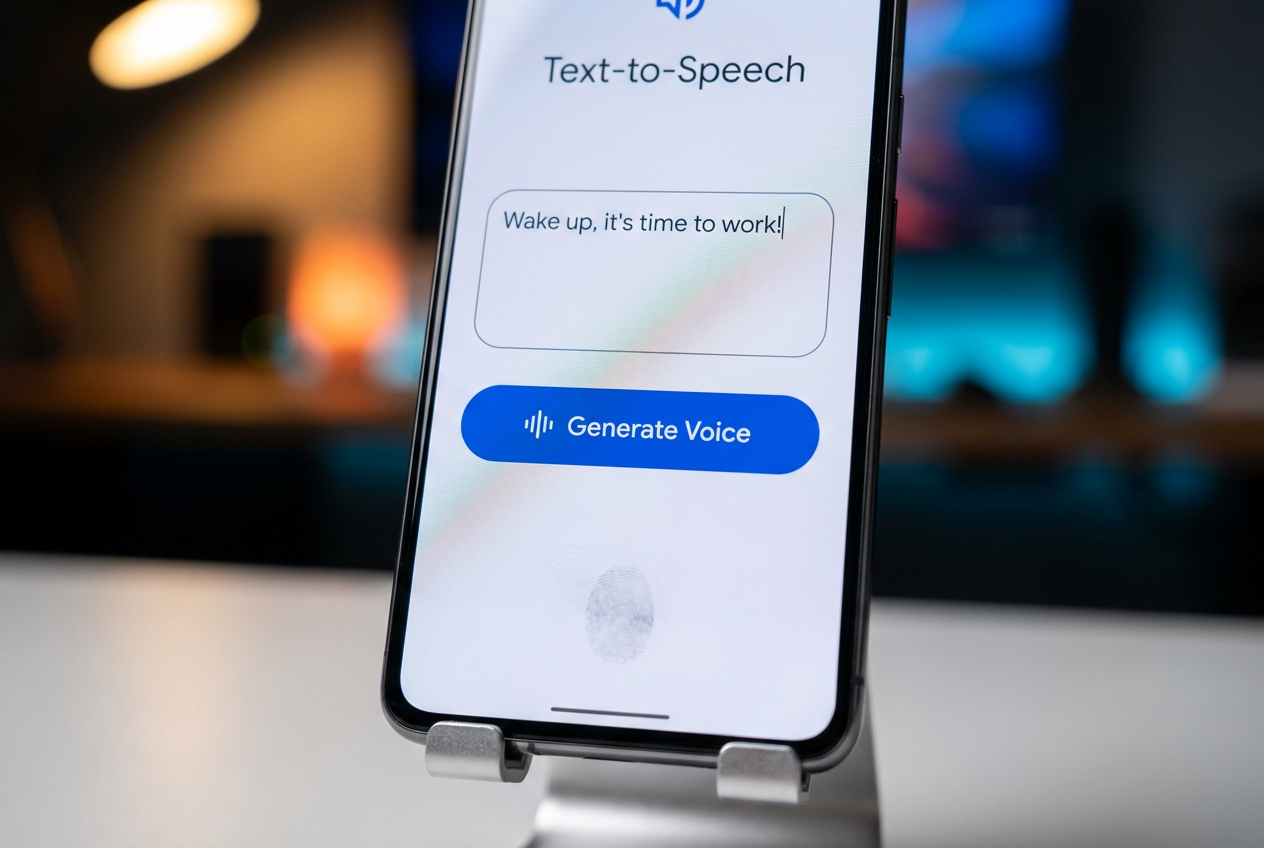
If you're not looking for music, but rather someone to speak to you, TTS (Text-to-Speech) is your best friend. Tools like TopMediai let you choose character voices, anime-style voices, or even voices that imitate Jarvis from Iron Man. Just type your message, like "Wake up, master, it's time to work ," and download the audio.
There are even more advanced options that allow you to clone authorized voices , meaning you could set an alarm with the voice of a family member or your own. These short sounds are ideal for WhatsApp notifications or morning alarms that aren't as intrusive as the standard system beep.

Audio editing and trimming tools
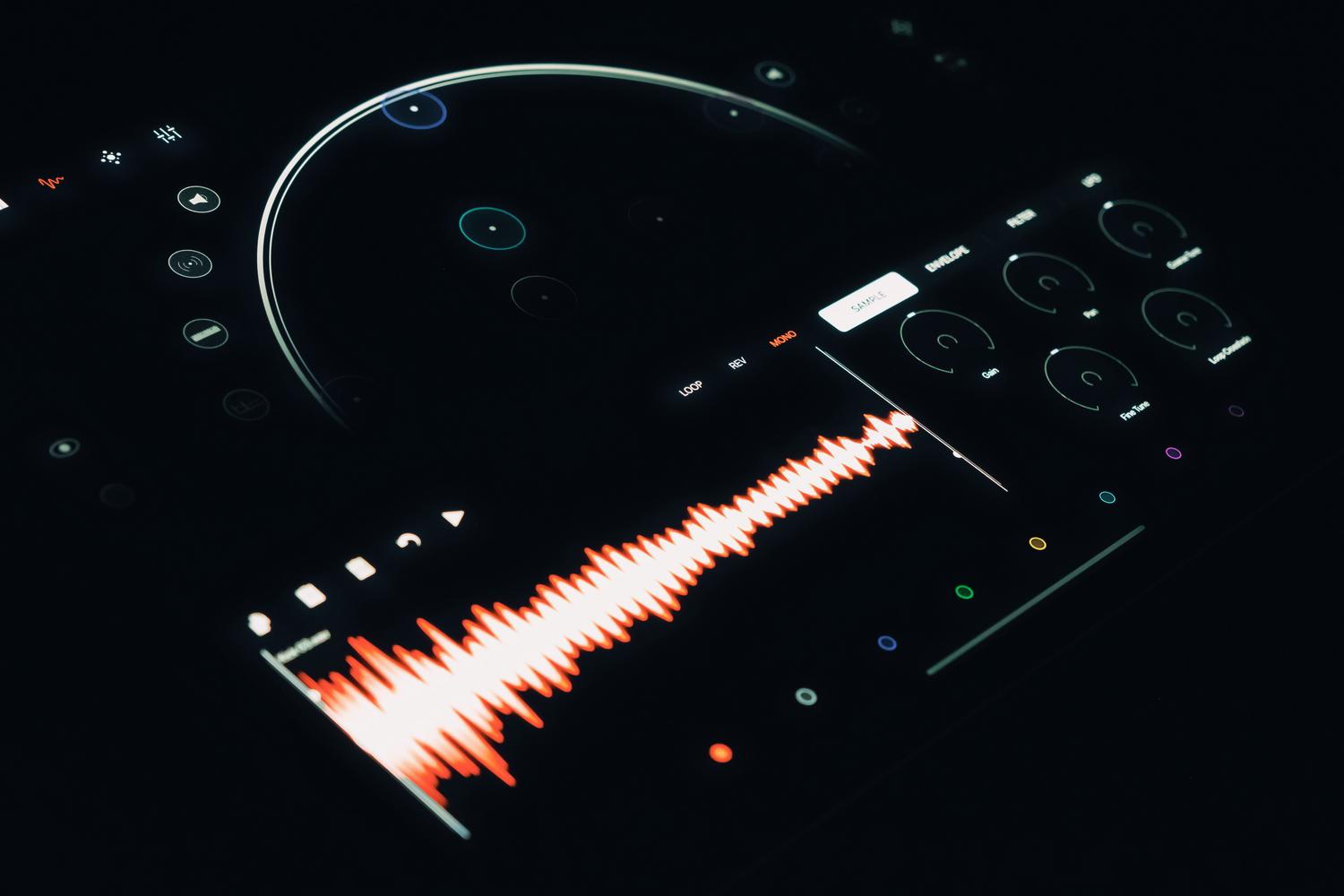
Once you have your AI-generated song or an MP3 file you like, it's time to shape it. This is where apps like Ringtone Maker or Audio Editor come in. These apps allow you to visualize the sound wave of the file and drag arrows on a timeline to mark exactly where the tone begins and ends.
These utilities not only cut audio but also offer professional features like fade-in and fade-out (to prevent abrupt sound transitions) and volume adjustment. Furthermore, they allow you to manage the file so Android automatically recognizes it in the Ringtones, Notifications, or Alarms folders , eliminating the need to manually move files within the internal storage.
Versatile options: Online video and website editors
While it might seem strange, video editors like CapCut are fantastic for creating ringtones. They can extract audio from any video clip , which is perfect if you want to use funny dialogue from a meme or a scene from a movie. CapCut also includes its own text-to-speech feature and allows you to layer multiple audio tracks to create a more complex and rich sound.
If you don't want to install anything, there are websites like Prokerala, Flixier, or FlexClip . These online platforms allow you to upload a file, trim the section you need, and download it in compatible formats such as MP3, WAV, or AAC . They are quick and effective solutions that work seamlessly from any browser.
Tips for getting your perfect tone
To avoid an irritating result, the ringtone should ideally last between 20 and 30 seconds ; longer and it can be intrusive, while shorter ones can sound incomplete. It's also crucial to optimize sound clarity and eliminate background noise if you recorded the voice yourself, so the phone sounds clear even in noisy environments.
Don't forget to test the ringtone at different volumes before finalizing it. A melody that sounds good in headphones might sound harsh through your phone's speaker. Once you're happy with it, go to your Android sound settings and assign the file as your default ringtone or select it specifically for a contact from your address book.
Today we have a vast ecosystem that ranges from AI-powered automatic composition to manual file editing. Whether using Suno for unique songs, CapCut to extract audio from videos, or Ringtone Maker to polish the final cut, personalizing your mobile device is more accessible than ever. The key is combining creative prompts with a polished final cut to achieve a professional sound that truly reflects your style.
