- Google Sheets now allows you to generate box and whisker plots natively without the need for manual formulas.
- The tool automates the calculation of quartiles, medians, and the identification of outliers.
- There is full compatibility with Microsoft Excel, allowing you to import and export these charts without losing the formatting.
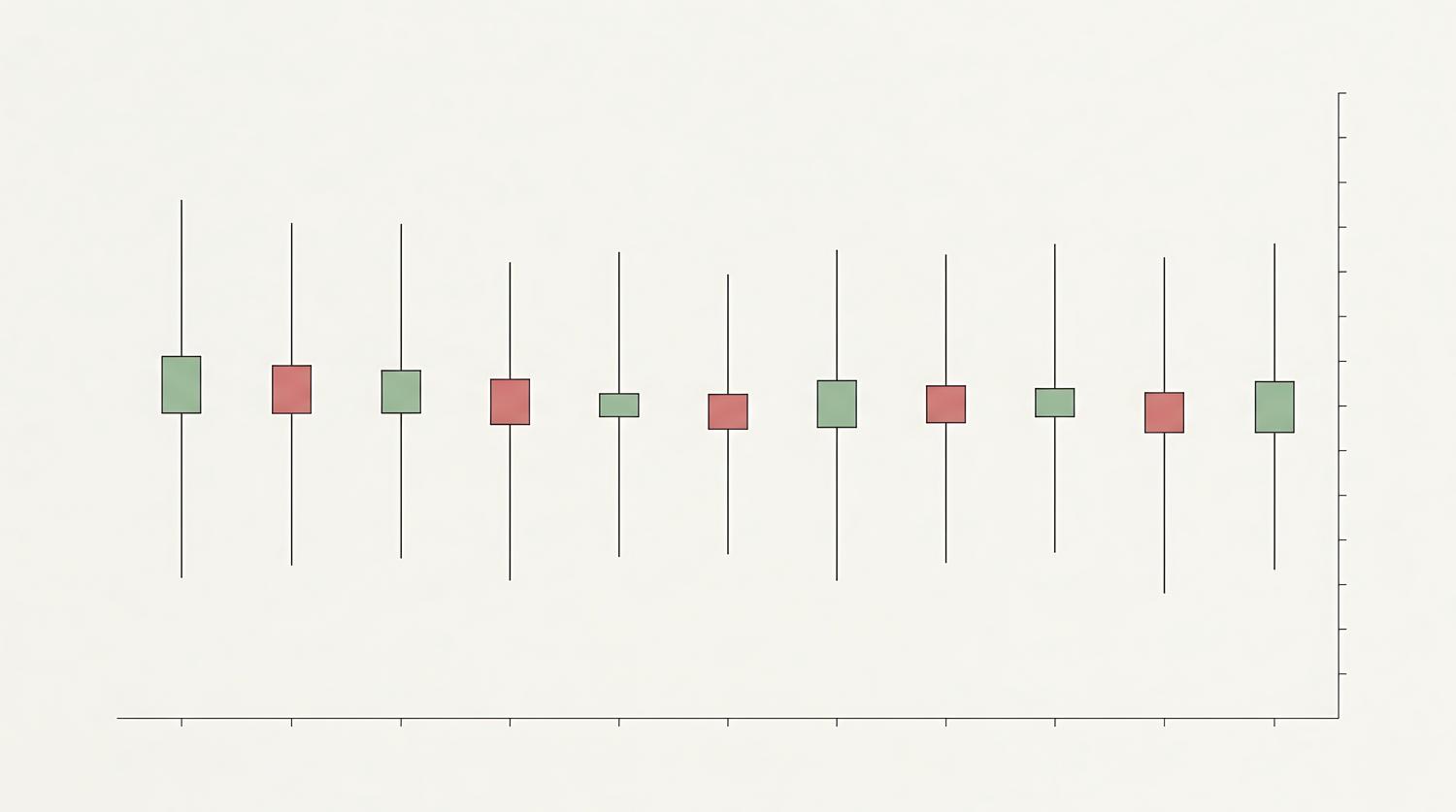
If you've ever felt that analyzing the dispersion of your data in Google Sheets was a real headache, we have good news. For a very long time, those of us who wanted to create a box and whisker plot had to resort to strange tricks, like using candlestick charts or creating endless auxiliary tables. It was a real pain, especially compared to how easy it was to do the same thing in Excel.
Fortunately, Google has taken a decisive step and integrated this advanced statistical visualization natively. Now you no longer need to be an expert in complex formulas to understand how your numbers are distributed or to identify data points that are completely out of the ordinary. In this article, we'll explain in detail how to get the most out of this tool and what options you have for customizing your charts.
What exactly is a box and whisker plot and what is it used for?
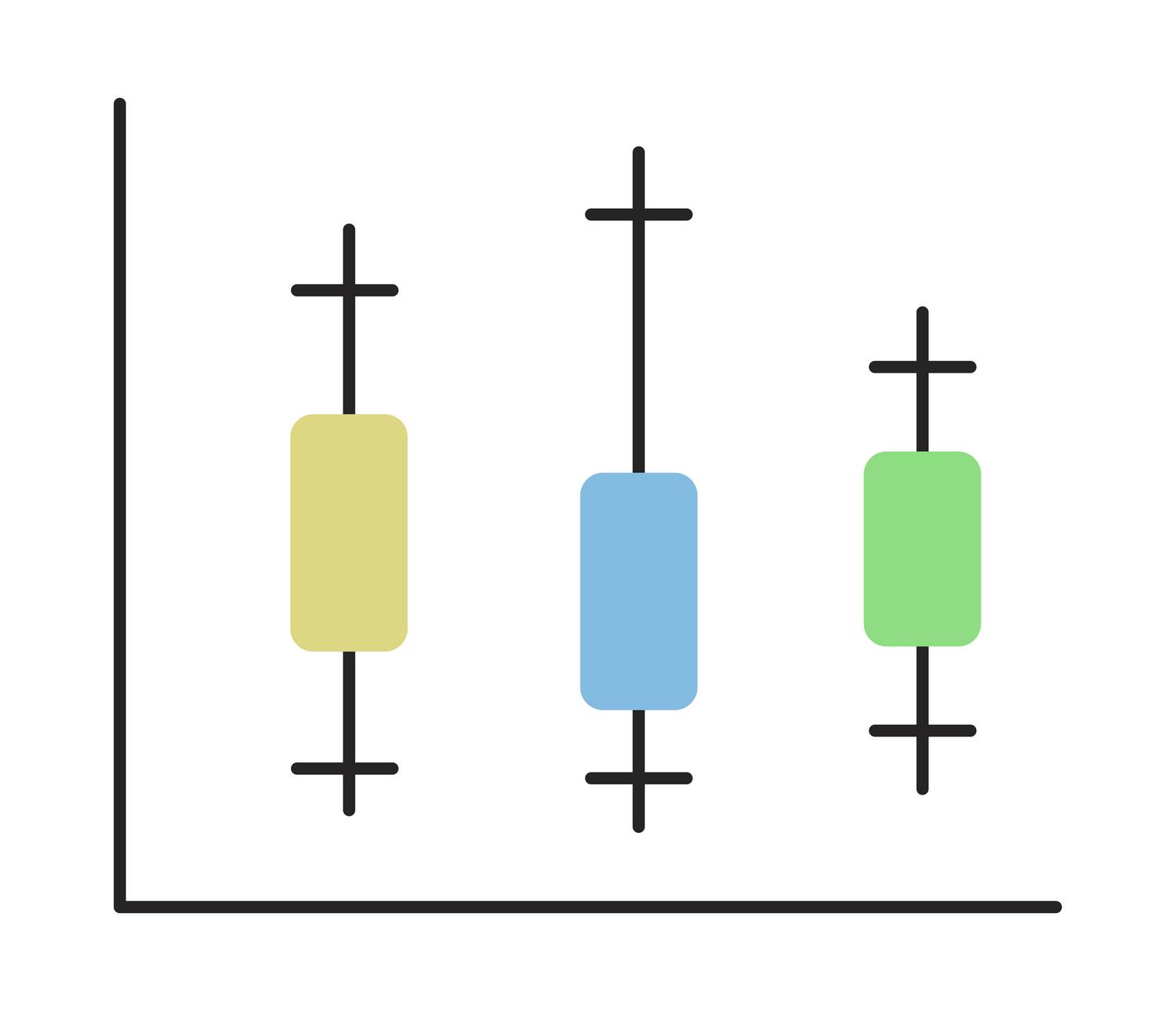
For those who aren't very familiar with it, this type of chart is a gem for summarizing the distribution of a numerical series. Essentially, it allows us to see, in a single image, the minimum, maximum, median, and quartiles . It's ideal when you want to compare different categories or see if your data is tightly clustered or spread out.
The central part, the "box," encloses the central 50% of the data (between the first and third quartiles). The line that crosses this box is the median, which tells us where the true midpoint is, preventing the arithmetic mean from misleading us if there are very extreme values. The "whiskers" are the lines that extend toward the extremes to mark the range of the data, while outliers appear as isolated points, indicating exceptional cases or possible measurement errors.
How to generate the graph without complicating things

The best thing about the new update is that Google Sheets does all the heavy lifting for you. You no longer have to calculate percentiles by hand. The process is incredibly simple: just select the range of numerical data you want to analyze and insert the chart from the usual menu. The system then takes care of extracting the necessary statistical metrics in the background .
The spreadsheet automatically determines the minimum and maximum values, calculates the first and third quartiles, finds the median, and calculates the arithmetic mean. Furthermore, the software identifies outliers without requiring you to write a single line of code or auxiliary formula, resulting in a massive time saving for anyone working with data analytics or finance.
Customization and advanced settings

Although the calculation is automatic, Google doesn't leave us completely unprepared and allows us to adjust several parameters from the customization panel to ensure the chart is perfectly tailored. For example, you can choose the method for calculating quartiles , deciding whether you prefer an inclusive or exclusive approach (this slightly changes the values depending on whether the median is included in the subsets).
You can also adjust the visibility of the elements. If the chart seems too cluttered, you can hide the internal points representing each individual data point or choose whether or not to show outliers. Additionally, you can toggle the mean line to show or hide it for visual comparison with the median.
Full synchronization with Microsoft Excel
Until recently, importing an Excel file with these types of charts into Sheets was a nightmare because the chart would disappear. Now, that problem is a thing of the past. Google has implemented bidirectional compatibility , meaning that if you import an Excel workbook with box plots, Sheets will retain the references, calculations, and original formatting.
Even more interesting, you can create the chart in Sheets and export it to Excel while retaining the ability to edit it. This is a lifesaver for teams that frequently switch between platforms and need consistent, professional visuals without having to redo their work each time.
Implementation and availability
It's important to note that this feature has been rolled out gradually to all Google Workspace users and personal accounts. Depending on whether your domain is in the Rapid Release or Scheduled Release channel , the tool may take a few days to appear. If you don't see it in your menu yet, don't worry; it usually takes up to 15 days to be fully activated for all accounts.
It should be noted that, for the moment, the creation and editing of these charts is confirmed for the web version of Google Sheets , so it is recommended to do the heavy analysis from the computer and not from the mobile application.
Having this native capability transforms how data is analyzed in the cloud, allowing any user to quickly identify data dispersion and detect errors by locating outliers. By eliminating the need for auxiliary tables and offering full compatibility with Excel, the tool positions itself as a robust solution for fast and visual statistical analysis.