- Gemini allows you to extract summaries and specific data from YouTube videos using URLs or direct integration into Android.
- The 2.5 Flash and Pro models analyze audio and vision, eliminating the mandatory reliance on transcripts.
- The tool supports a wide variety of global languages, facilitating access to international content.

Have you ever found a YouTube video that looks like pure gold, but it's an hour long and you don't have time to watch the whole thing? It's a super common dilemma: either you binge-watch it or you skip it because there's no transcript to get to the point. Well, Gemini, Google's artificial intelligence , is here to make our lives easier, allowing us to extract the most valuable information from any audiovisual content without having to invest hours of our time.
The best part is that this tool isn't just for subscribers; it's open to all users , whether you use the free or paid version. Since April, it has made a significant leap, evolving from the early experimental models to the current versions 2.5 Flash and 2.5 Pro, which can analyze both audio and visual content . This means we no longer have to rely on subtitles to get answers.
How to get the most out of Gemini depending on your device
If you're browsing from a computer or using an iPhone, the process is very simple, although a bit more manual. Since there isn't a native Gemini application for Windows, we have to use the web version of the chatbot . Just copy the YouTube video link, paste it into the chat, and ask it to give you a summary or clarify any specific questions. In the case of iOS, although the app exists, the integration isn't as deep, so the workflow is identical: paste the URL and ask your question.
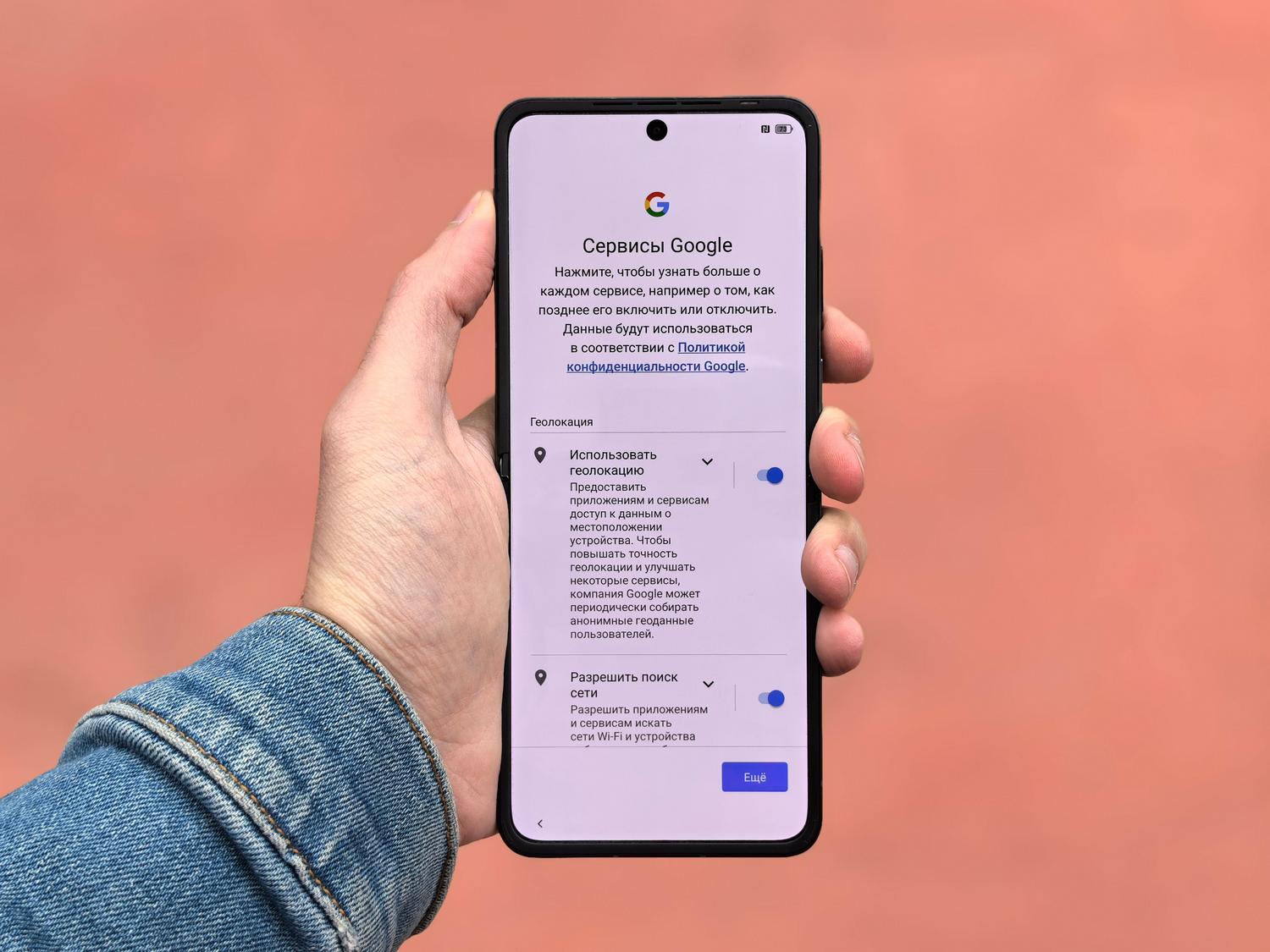
Things get really interesting on Android. Here, AI is fully integrated into the system, allowing us to interact with what we see on screen in real time. For this to work, it's essential to set Gemini as your primary assistant, replacing the old Google Assistant. The process is simple: go to Settings, tap Google, find the All services tab, and within Google app settings, select Search, Assistant & voice. There you can choose Gemini as your digital assistant.

Once set up, while watching a YouTube video, simply double-press the power button . You'll see Gemini appear overlaid on the video, giving you two options: ask questions about the content or use Live mode to chat about the video using your voice. It's fantastic because it lets you jump directly to the information you need, like a list of ingredients in a cooking tutorial or the key points of a podcast.
Real capabilities and limitations of AI

While Gemini is a beast at summarizing, it's important to know where it shines and where it falters. In tests with interviews, such as those for Black Mirror, it proves to be incredibly adept at identifying topics of conversation and assigning precise timestamps. However, there's a caveat: the AI relies heavily on transcription and audio. Occasionally, it may overlook visual details that appear on screen, such as a director's name mentioned only in the description or faces not explicitly named in the audio.
Another point to consider is that, although very accurate, it can make mistakes in very specific nuances, as sometimes happens in sports videos where it can confuse disallowed plays with actual points if the commentator isn't extremely clear. Even so, its technological foundation, powered by Project Astra , aims for AI to understand the world as dynamically as we do, improving its responsiveness every day.
Multilingual support and accessibility

For those who work with international content, Gemini is a global tool. It supports an impressive list of languages , from the most common, such as Spanish (in its Spanish, Mexican, and Latin American variants), English, French, and German, to much more specialized languages like Afrikaans, Amharic, Basque, Galician, and Korean. This makes the tool an ideal universal translator and summarizer for learning from sources anywhere in the world.
The ability to analyze videos and audio so quickly changes how we consume information online. Whether configuring the assistant on Android for a seamless experience or using the browser on a PC, the ability to synthesize complex content in seconds allows us to be much more productive and get straight to the point in our pursuit of knowledge.