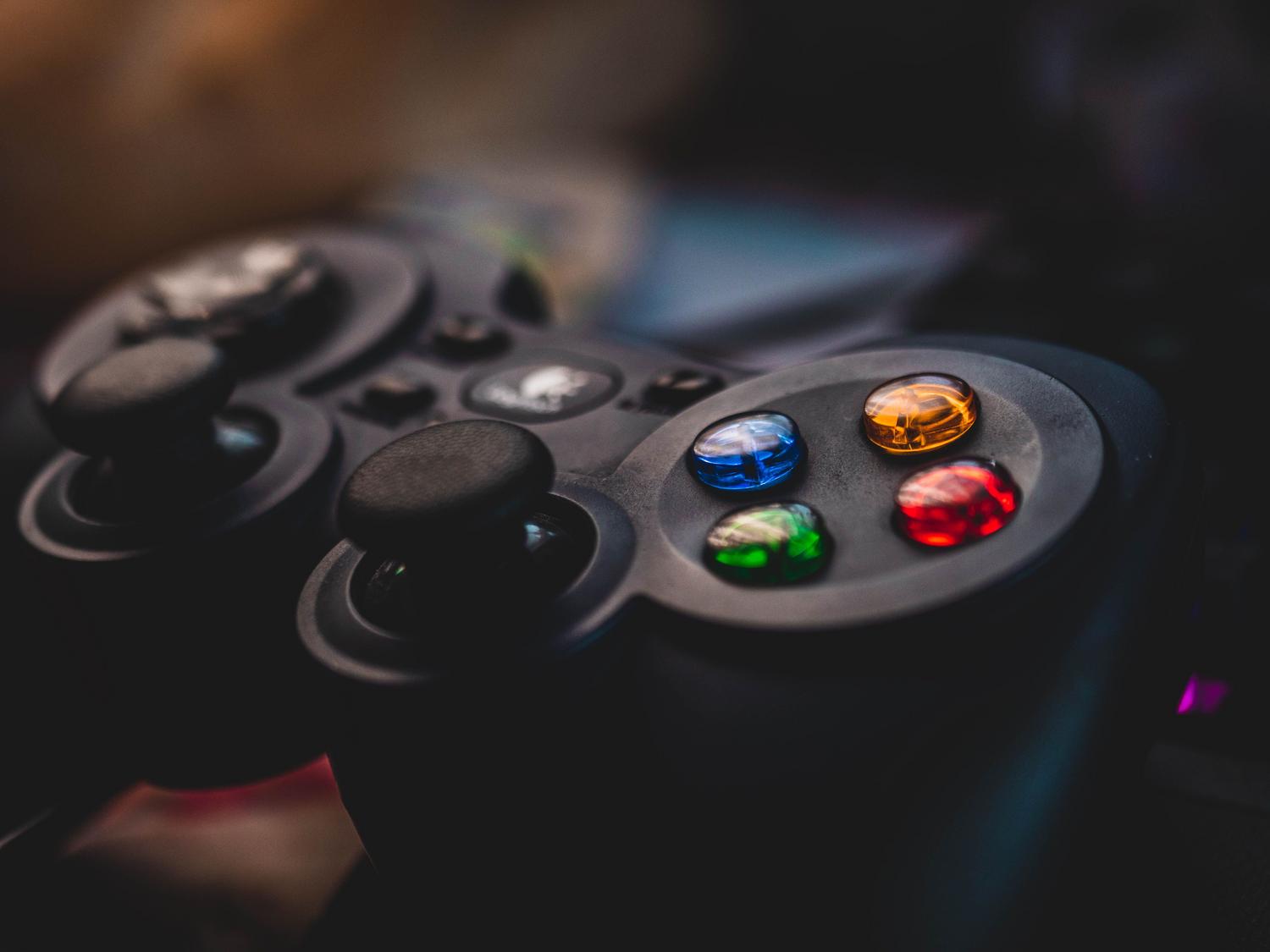
It's probably happened to you: you're in the middle of a game, focused on the action, and suddenly the character starts walking on its own or the camera spins as if it has a mind of its own. This phenomenon, known as joystick drift , is the number one headache for any gamer, whether you're using a next-gen console or a retro controller you've been keeping for a long time.
The most frustrating thing is that this problem can occur in any device, from the PS5 DualSense controllers to the Switch Joy-Cons or the classic Xbox 360 controllers. Although sometimes it seems like the controller is completely dead, there are several alternatives to try and save it before throwing in the towel and spending money on a new one.

Why does drift occur and what exactly is it?
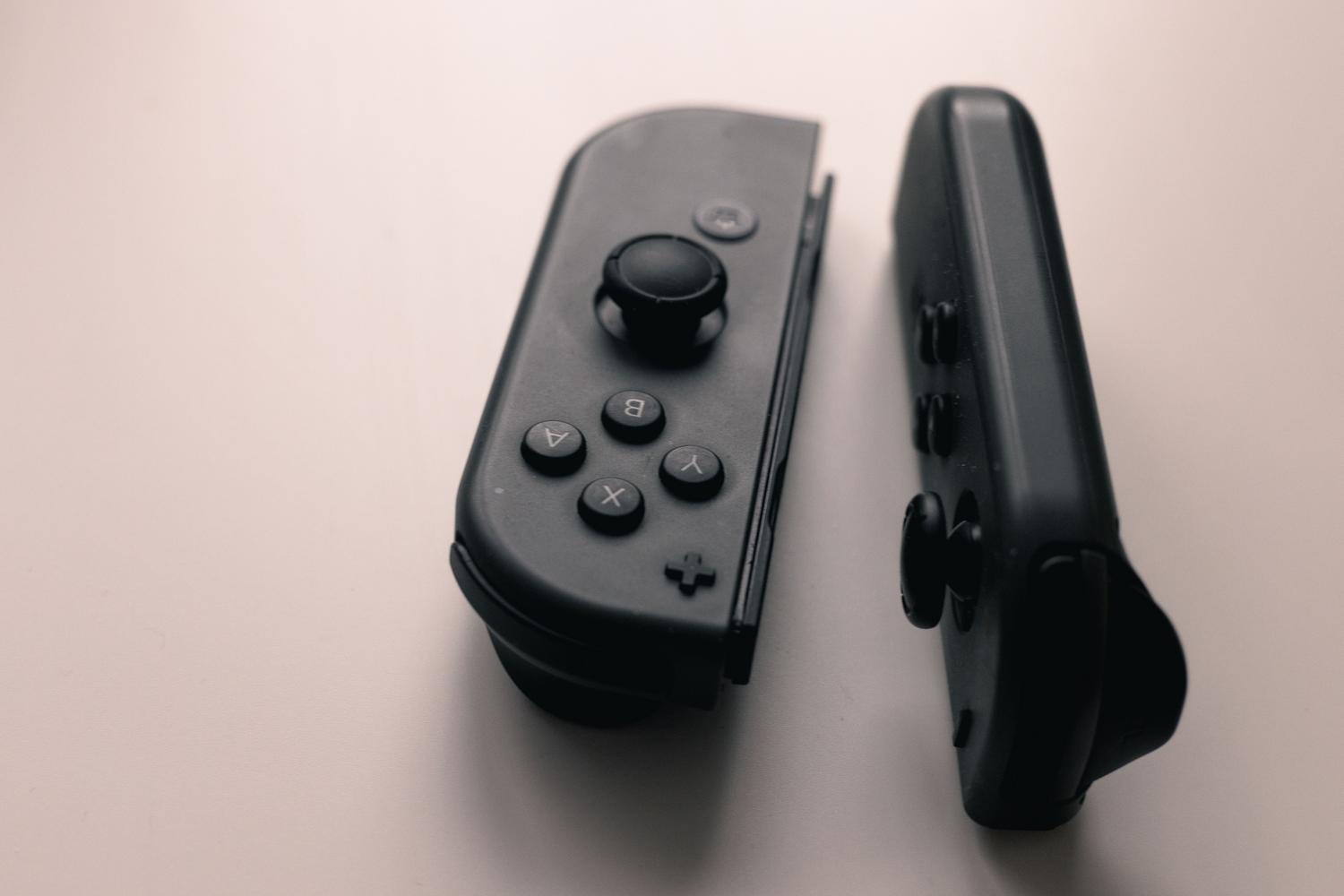
Basically, drift occurs when the controller registers a movement signal even though the joystick isn't being touched. The technical reason is usually wear and tear on the internal potentiometer . With daily use, constant friction and dust getting into the mechanism degrade the electrical contacts, causing the console to receive incorrect information.
Quick tricks and temporary solutions
Many people start by trying to fix the problem without opening the controller, as it's the easiest way. Some of the most common tactics are:
- Compressed air and isopropyl alcoholThis involves applying a little contact cleaner spray or cleaning the base of the joystick with a cotton swab soaked in alcohol to remove dirt.
- Dead zone adjustmentOn platforms like Steam or in the settings of some consoles, you can configure the "dead zone"This makes the game ignore very small movements of the stick, although it can reduce precision in demanding games.
- Reset and updatesSometimes, updating the controller's firmware or using the physical reset button on the back can fix software glitches.

Be aware of this: cleaning the outside of the controller or adjusting the dead zone is usually just a temporary fix. If the potentiometer is physically worn, the drift will inevitably return within a few weeks or months.
Deep and permanent repairs
When quick tricks don't work, it's time for heavy-handed action. Depending on the controller, the approach will be different:
PS5 and Xbox controllers
To fix the problem at its root, you need to open the device. In the case of the DualSense, you have to be very careful because the ribbon cables are extremely delicate and break very easily. The definitive solution is to replace the entire joystick module by soldering. If you don't have tools like Torx T8 screwdrivers or soldering experience, the wisest course of action is to go to a professional repair shop to avoid completely ruining the controller.
The special case of Nintendo Switch
The Joy-Con controllers are notorious for this issue. Before panicking, it's best to calibrate the analog sticks from the console's settings menu . It's crucial to check that no cases or accessories are interfering with their movement. Interestingly, in regions like Europe, the UK, and Switzerland, Nintendo offers free repairs for Joy-Con controllers affected by drift, even if the warranty has expired, provided the controller hasn't been tampered with or suffered accidental damage.
Basic tools for gamer DIY
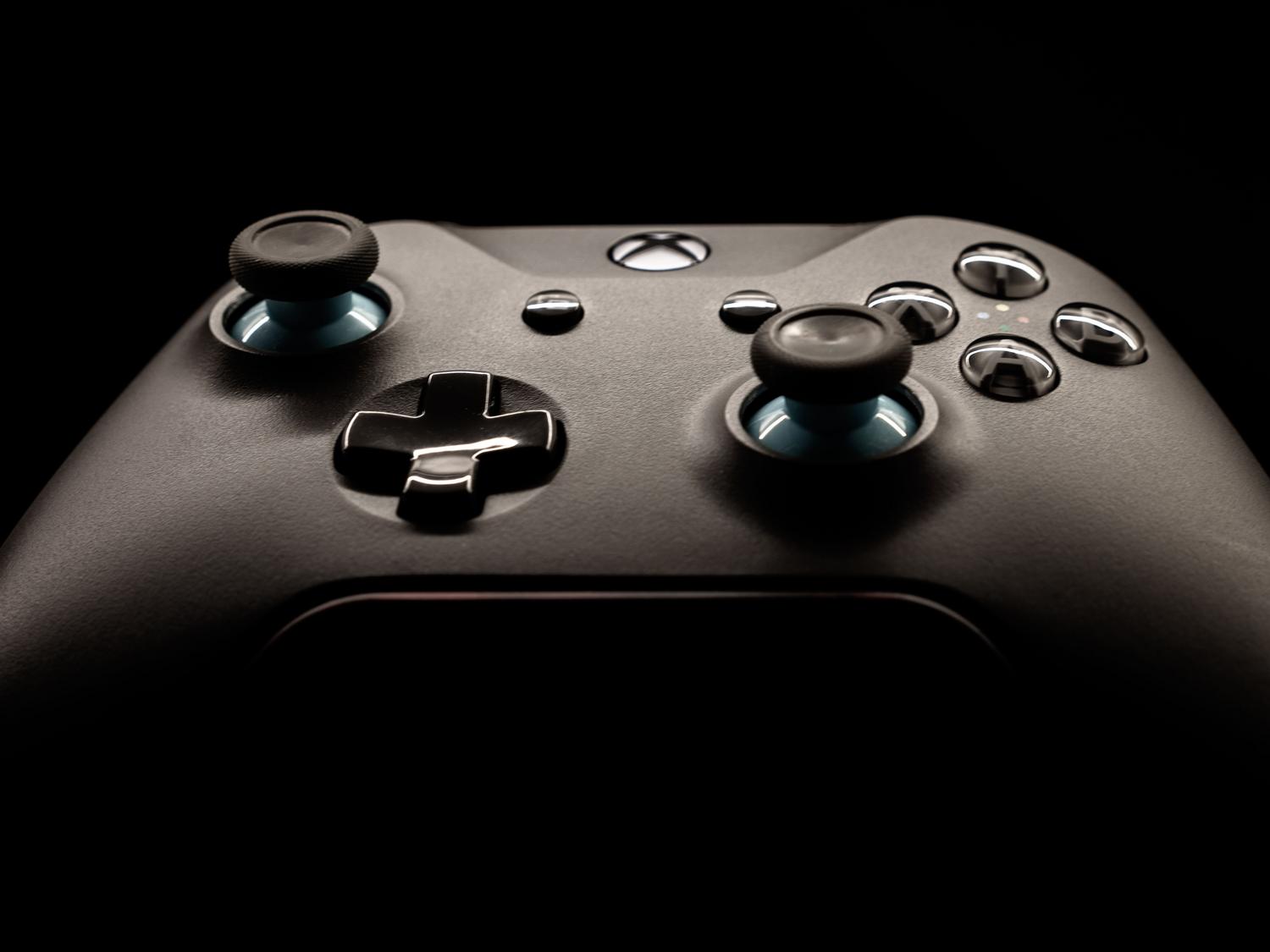
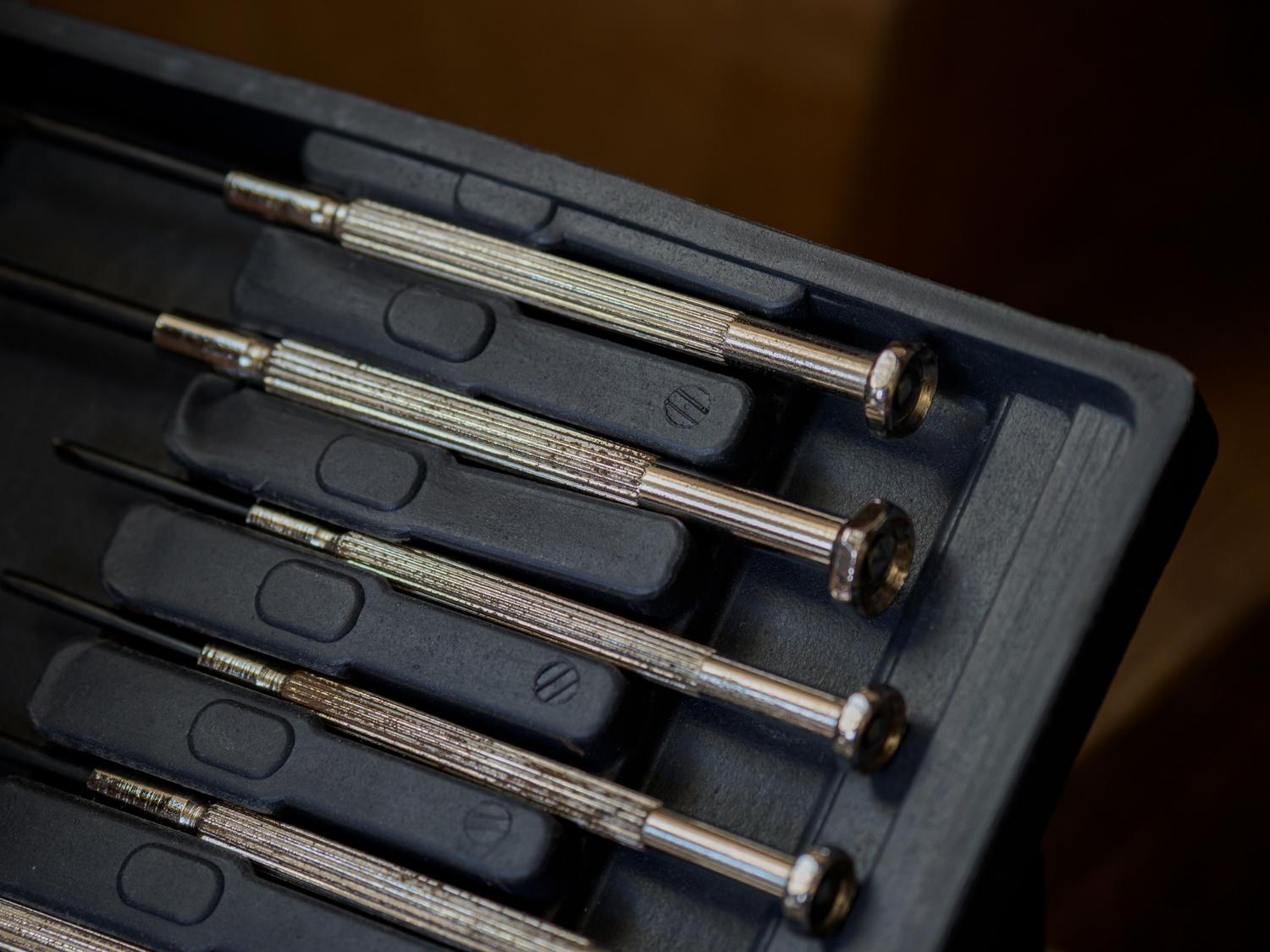
If you decide to open your controller, make sure you have a well-lit surface and the right tools: isopropyl alcohol (which evaporates quickly and leaves no residue), Phillips and Torx screwdrivers, and a plastic pry tool to avoid scratching the casing. Some users mention using WD-40, although this is debatable, as the safest option for the electronic components is always to follow a complete guide for cleaning your console or PC controller.
To combat drift, solutions range from superficial cleaning and software adjustments to physically replacing internal parts. While preventative maintenance and calibration can extend the controller's lifespan, the only real cure for mechanical wear is replacing the module or utilizing the manufacturer's official repair programs.