- Importance of preventive maintenance to avoid premature wear of components.
- Use of specific materials such as isopropyl alcohol and microfiber to avoid damaging the hardware.
- External and deep cleaning techniques without the need to disassemble the device.
- Daily habit recommendations to prolong the lifespan of sticks and buttons.
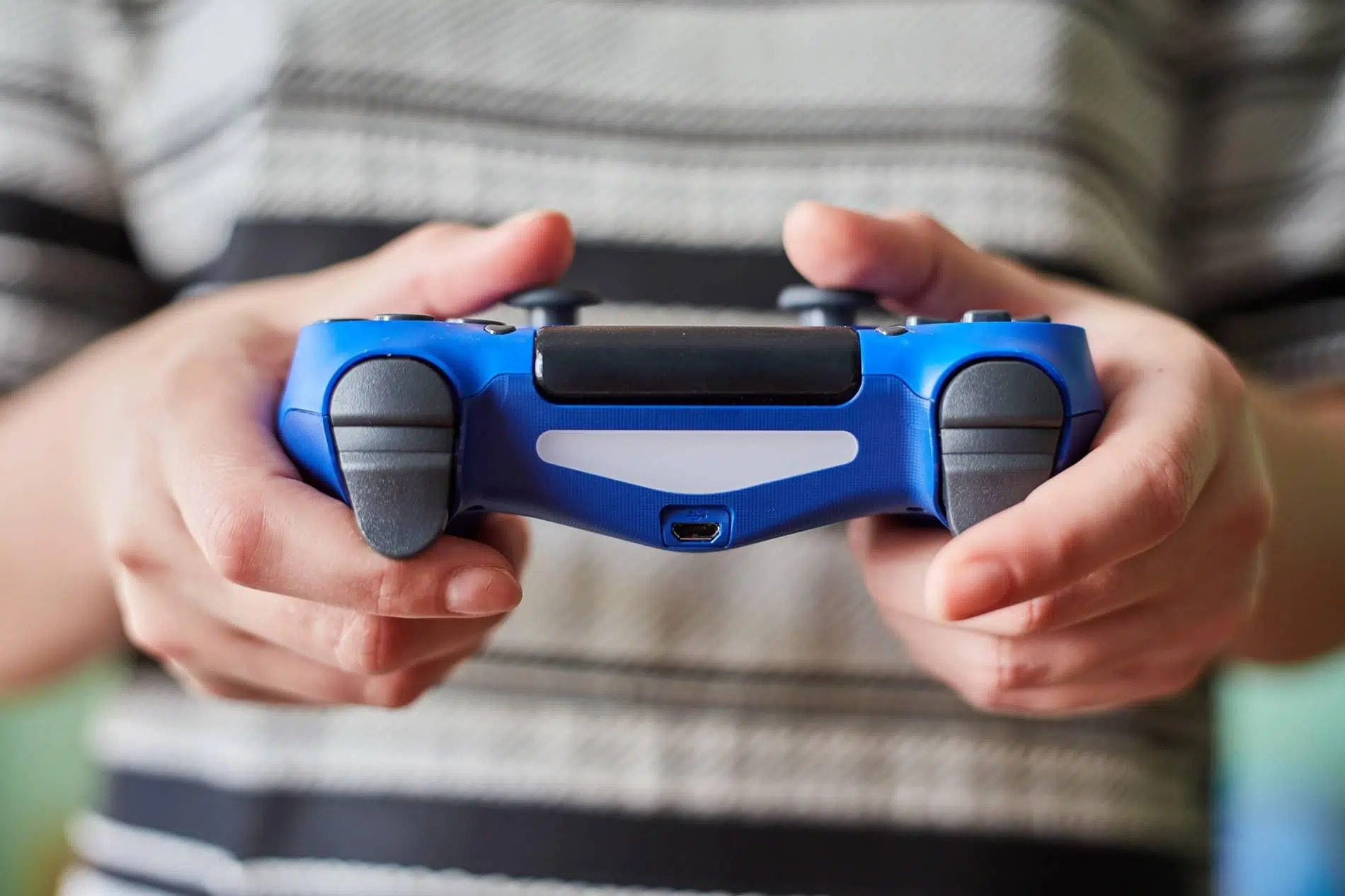
The controller is essentially the bridge that connects us to our favorite virtual worlds. If the device starts to malfunction, the gaming experience is ruined, so keeping it in optimal condition is crucial to avoid frustration in the middle of an intense game. It's perfectly normal for the controller to accumulate dust, sweat, or even food crumbs with use—elements that can seriously affect the performance of the circuits and buttons.
Regular maintenance not only makes your controller look better, but it also significantly extends its lifespan . Preventing dirt from getting into the slots ensures the buttons continue to respond with the same precision as the first day. Best of all, you don't need to be an electronics expert or spend a fortune; simply follow a few easy steps and be careful not to damage the controller in the process.

Why is it so important to clean the gamepad?
Sometimes we don't realize it, but we play with sweaty hands or handle the controller while eating, leaving a sticky layer of grease behind. Additionally, when we leave the controller on a table, moisture and dust settle in the seams and joints of the casing. If we allow this residue to accumulate, the analog sticks can become imprecise and the sensitivity of the buttons will decrease significantly.
In the long run, this lack of hygiene can lead to more serious technical problems. Dirt that gets inside can cause the infamous drift issue or make the buttons stick. In the worst-case scenario, what started as a little dust will end up forcing you to invest in a new controller because the current one has stopped working properly.
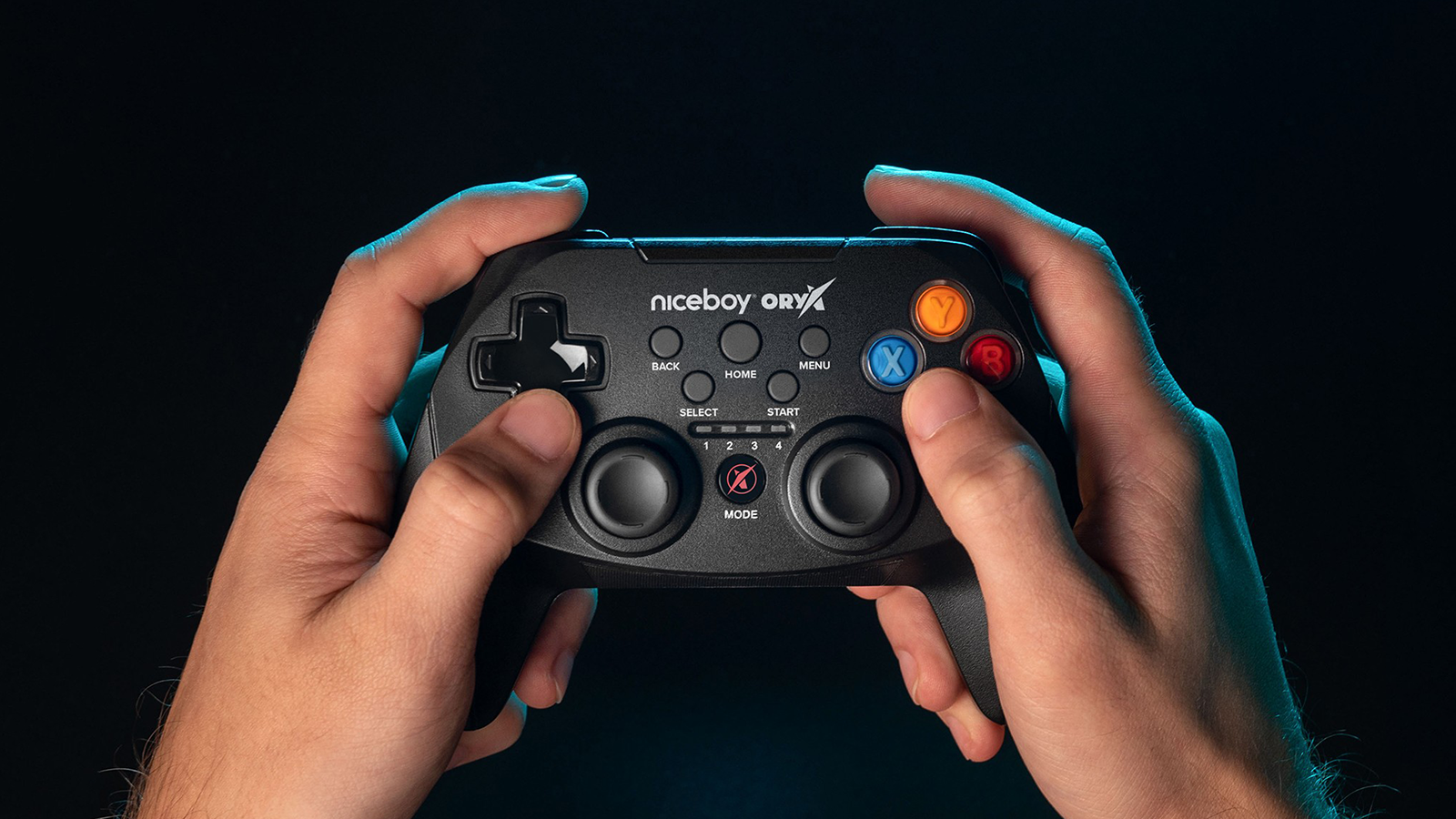
Recommended materials for safe cleaning
You don't need to buy a professional lab kit, as a few items you probably already have at home are more than enough. To start, a microfiber cloth is essential to avoid scratching the plastic. Cotton swabs and a small, soft-bristled brush (like an old toothbrush) will also come in handy for reaching those hard-to-reach corners.
As for liquids, the absolute best is 70% isopropyl alcohol or less. This product is ideal because it evaporates quickly and disinfects without leaving any residue. If you don't have any, water with a little mild soap can work for the surface, but avoid harsh cleaners or bleach at all costs, as they could corrode the controller's finish or remove the button markings.

Step-by-step cleaning process
The first and most important thing is to turn off the device and disconnect it from the power outlet or the console. Do not clean the controller while it is still hot after a long session, as the heat causes dirt to adhere more easily. Start by cleaning the general surface with a slightly damp microfiber cloth to remove surface grease and dust without risking any liquid seeping inside.
For critical areas, such as the edges of buttons and grooves, use cotton swabs. A very effective trick is to wrap a wooden stick in paper towels and gently slide it along the seams to remove accumulated lint. If there are stubborn stains, always apply isopropyl alcohol to the cotton swab or cloth and never directly to the controller, to prevent the liquid from dripping onto the motherboard.
The analog sticks are the most delicate part. To clean them, tilt the controller and move the joystick in different directions while running a slightly damp cotton swab along the base. If you have compressed air, you can use it to remove dirt from the ports, similar to properly cleaning PC ports , but do so in short bursts and from a distance , as holding the nozzle too close could push the dust further in instead of removing it.
Common mistakes you should avoid
Sometimes, in our eagerness to make the controller spotless, we make mistakes that can be fatal. The most serious error is over-soaking the cloth or using harsh chemicals. It's also not advisable to use metal objects like needles or tweezers to scrape off the dirt, as you'll scratch the plastic irreversibly and could damage the internal sensors.
Another important warning is not to attempt to open the controller casing if you lack technical experience or the proper tools. Disassembly is the most thorough way to clean it, but it carries the risk of breaking plastic tabs or losing internal springs. Also, avoid using rubber covers or low-quality vinyl wraps for extended periods, as some materials can accelerate the deterioration of the original plastic.

Frequency and maintenance habits
A deep clean isn't necessary every week, but wiping it down with a dry cloth periodically is recommended to prevent grease from hardening. A more thorough cleaning every three to six months is ideal for keeping your hardware in top condition. The more regular the maintenance, the less likely you are to experience technical issues requiring costly repairs.
To make your controller last longer, the simplest thing is to adopt basic hygiene habits . Washing your hands before you start playing makes a huge difference in the accumulation of residue. Also, trying not to place the controller on dirty or dusty surfaces will help keep the surface pristine and free from that annoying shine that appears with excessive wear.
Keeping your equipment clean isn't just about aesthetics; it directly impacts the accuracy of the joysticks and the responsiveness of the buttons. Using a microfiber cloth, isopropyl alcohol, and simple tools like cotton swabs, any user can extend the life of their peripherals and ensure a smooth and enjoyable gaming experience.
