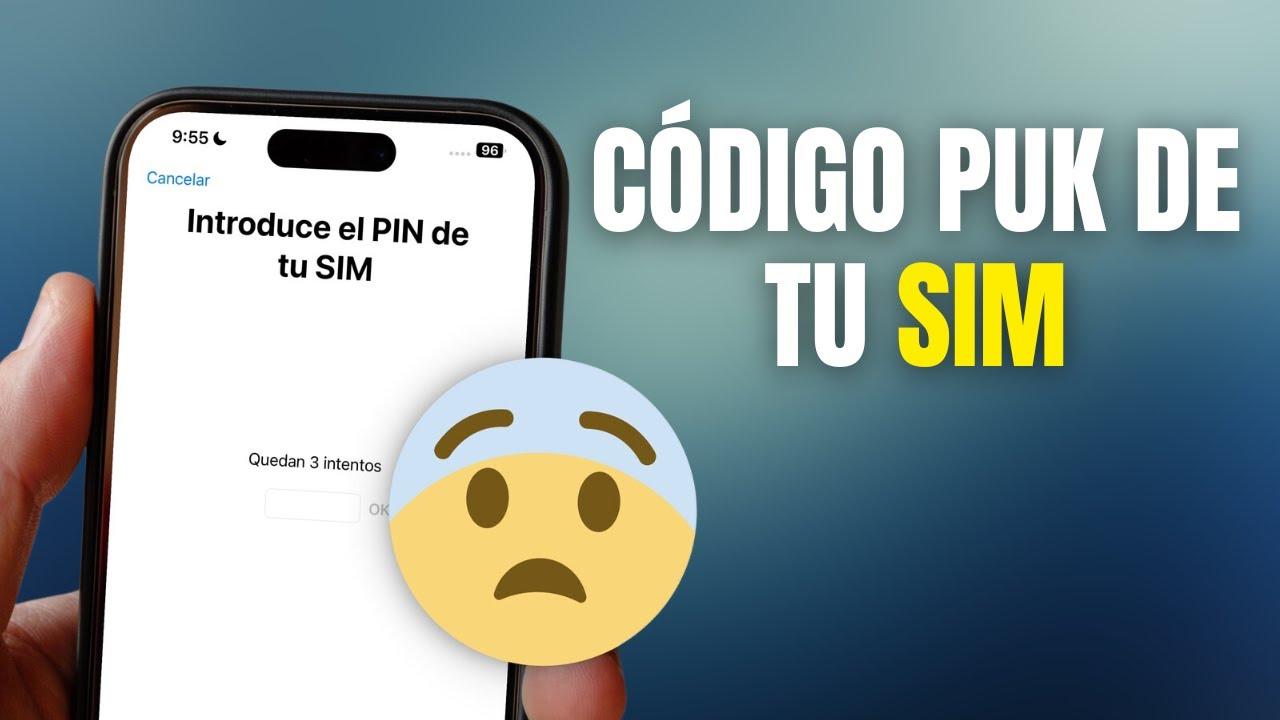
- The PUK is a fixed 8-digit code that unlocks the SIM after the PIN is entered incorrectly three times.
- You can check it on the original SIM card, in the customer area, app or by phone.
- All the major operators (Movistar, Orange, Vodafone, Yoigo, MásMóvil, Jazztel, Lowi and Adamo) offer several channels to recover it.
- If the PUK code is entered incorrectly about 10 times, the SIM card will be rendered unusable and a duplicate must be requested.
Being asked for your PUK code by your phone is never good news . It usually happens when you're in the biggest hurry, and to make matters worse, almost nobody knows this code by heart. You've entered the wrong PIN three times, the SIM card is fried, and now your phone is just displaying a message asking for an 8-digit code that you have no idea where to find.
The good news is that retrieving your SIM card's PUK code is possible with virtually all carriers , whether through the customer portal, the app, by phone, via WhatsApp, or even by visiting a physical store. In this comprehensive guide, I'll explain in detail what the PUK code is, how it works, the difference between it and a PIN, what happens if you enter it incorrectly too many times, and, most importantly, how to obtain it step-by-step with the main Spanish carriers: Movistar, Orange, Vodafone, Yoigo, MásMóvil, Jazztel, Lowi, and Adamo.
What is a PUK code and how does it differ from a PIN?
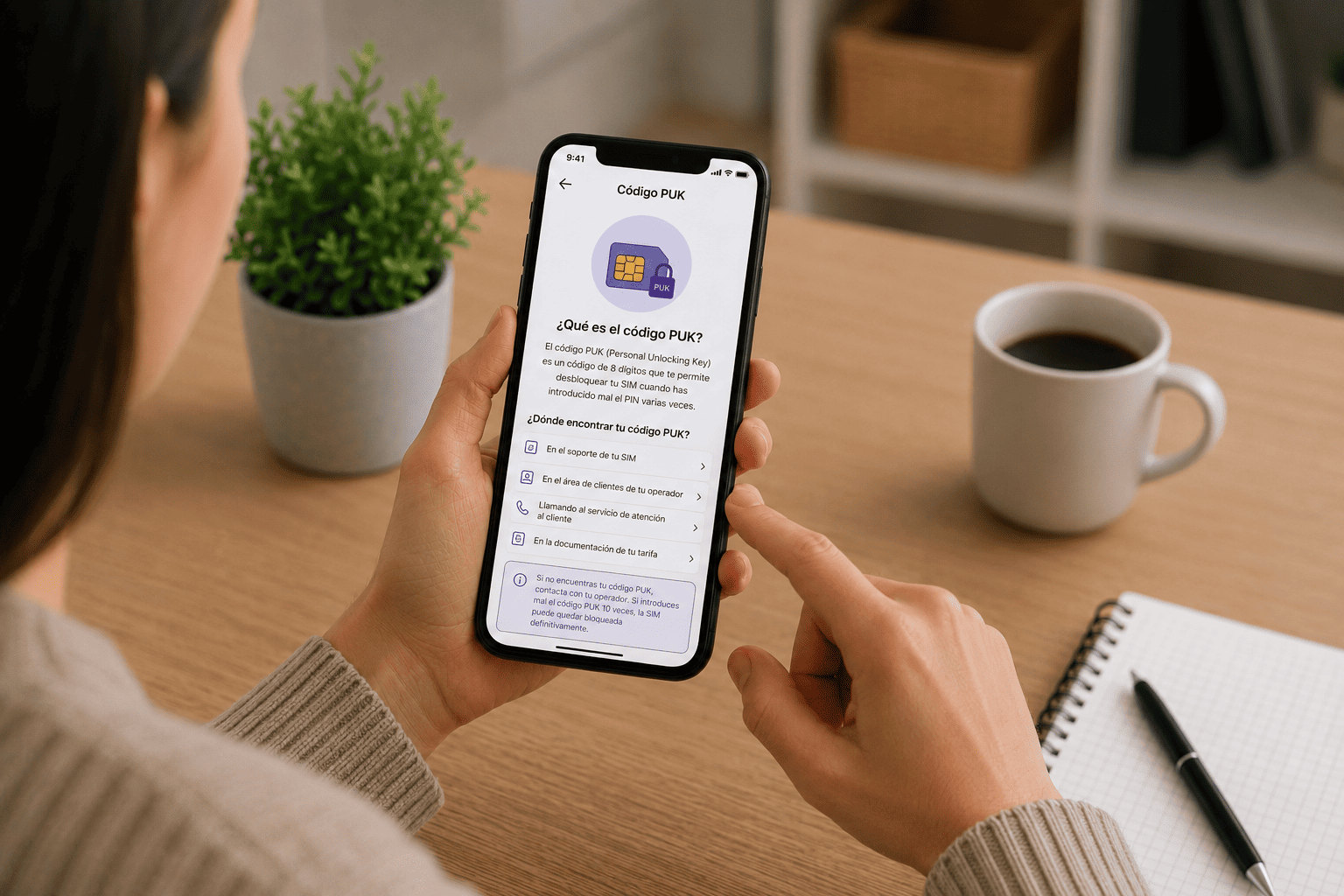
The PUK (Personal Unlocking Key) is an 8-digit security code associated with your SIM card that unlocks it if you've entered the PIN incorrectly three times in a row. Unlike the PIN, the PUK cannot be changed or customized; it's set by the operator and remains the same for the lifespan of that SIM card.
The PIN is the first line of security for your SIM card . It's usually 4 digits (though it can be up to 8), you can change it at any time, and it's what you enter when you turn on your phone so the card registers on the network and you have coverage. If you enter the PIN incorrectly three times, the SIM is automatically blocked and will require the PUK code.

The PUK acts as a kind of "master key" : it's only used when the PIN has been blocked, whether by mistake, because you've changed the PIN and can't remember it, or because someone has been tampering with your phone. Once you correctly enter the PUK, the device will allow you to set a new PIN to continue using the line normally.
It's crucial to be careful when entering the PUK code . Most carriers permanently block the SIM card if the PUK code is entered incorrectly 10 times consecutively. At that point, there's no going back: you have to request a duplicate SIM or go to a carrier store to replace it with a new one.
Where is the PUK code usually found?
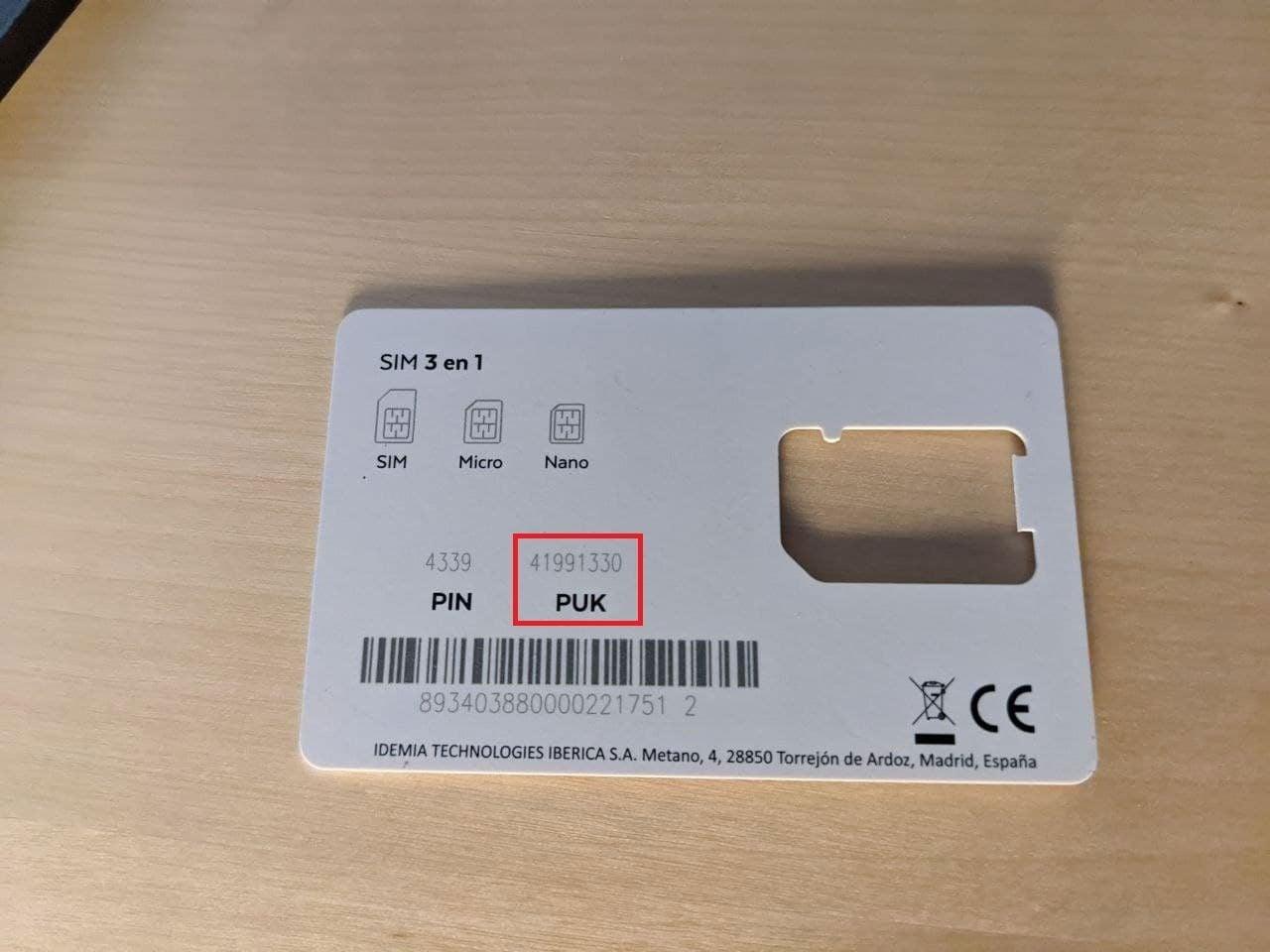
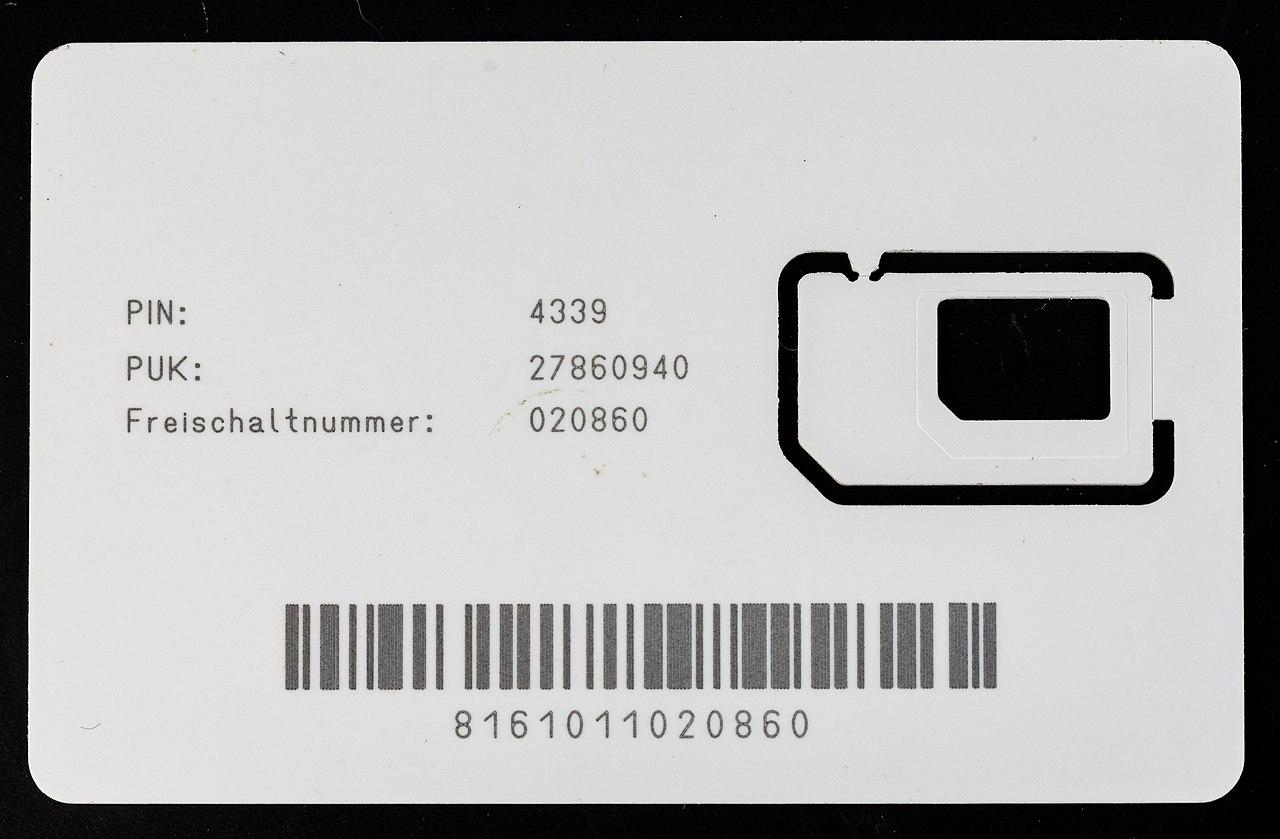
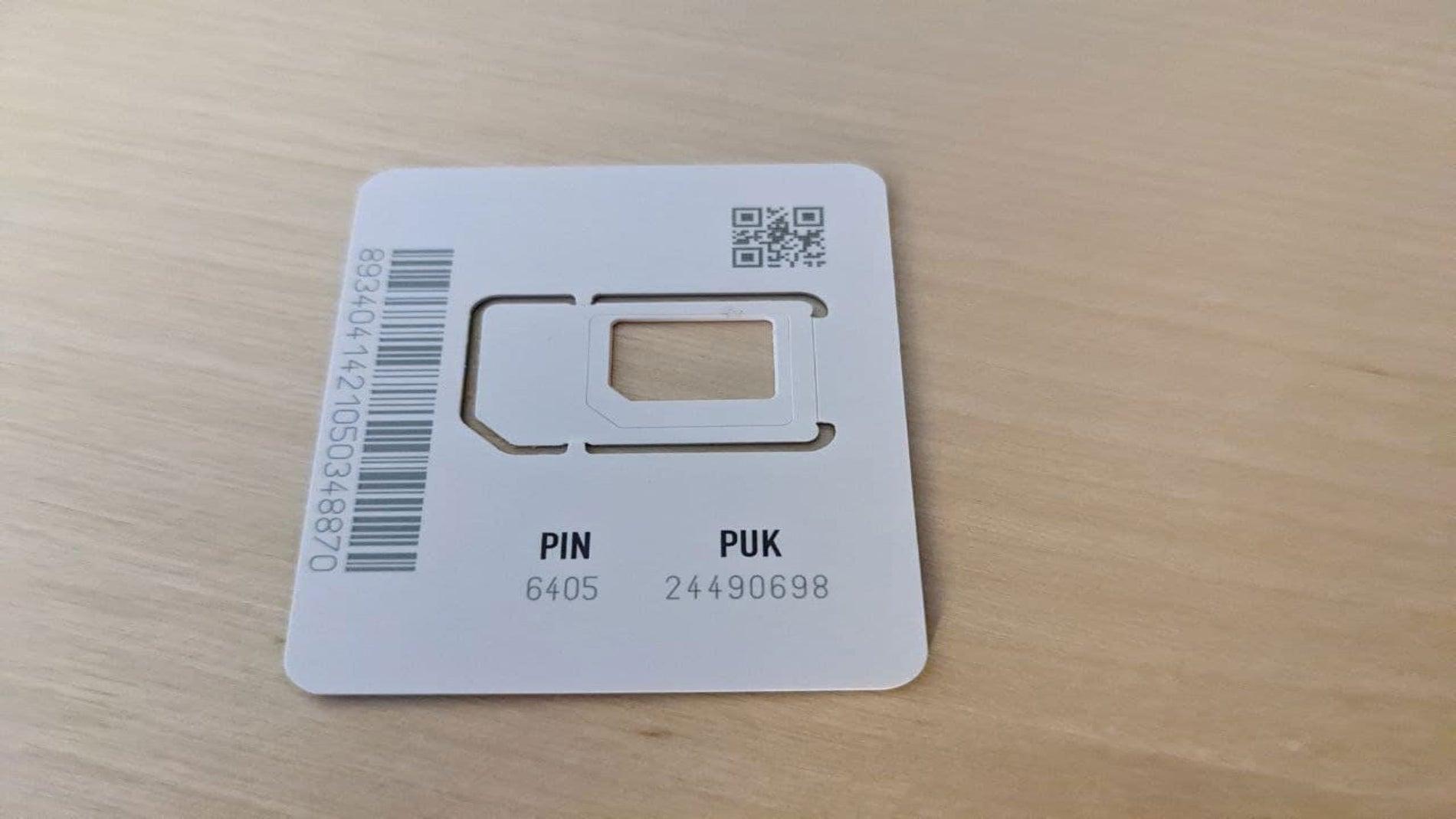
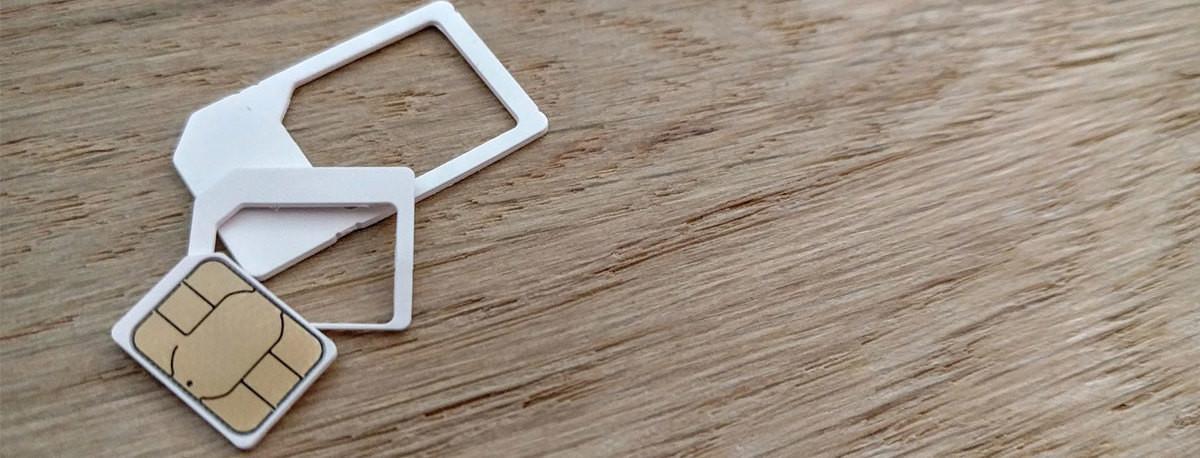
The simplest and most common way to find your PUK code is to look at the plastic or cardboard insert your SIM card came in . When you signed up for your phone line or switched providers, the operator gave you a plastic card containing the SIM card (microSIM or nanoSIM). The 8-digit PUK code is usually printed on this card, next to your initial PIN.
In many cases, the PUK code isn't printed on the SIM card itself for security reasons , but only on the original card or documentation. You'll usually see something like "PIN: XXXX" and "PUK: XXXXXXXX" very close to each other. On multi-SIM cards, the PUK code is also typically printed on the original plastic sleeve of each SIM card associated with the line.
If you no longer have the plastic sleeve or the contract documentation , don't worry: all operators have alternative channels to check the PUK, although for security reasons they will always ask you to identify yourself as the owner of the line (username and password of the private area, ID card, etc.).
In addition to the original package and paper documentation , some operators include PUK information in the online customer area, in their official app, by customer service phone, via WhatsApp, or even through their social networks or web chat.
How to enter the PUK code to unlock the SIM
Once you have your SIM card's PUK code, the next step is to enter it correctly into your phone . On many phones, as soon as you turn on the device with the SIM locked, a screen will appear asking for the PUK code. Simply enter the 8 digits and follow the on-screen instructions to set a new PIN.
If your phone doesn't display a specific box for the PUK code but allows you to dial it (for example, from the "Emergency calls only" option), there's a standard sequence accepted by carriers to unlock the SIM with the PUK code and set a new PIN. The general structure is:
General dialing: **05*PUK*NUEVOPIN*NUEVOPIN#
By entering this combination exactly as shown, without spaces, and then pressing the call button , the phone will send a command to the SIM card to unlock it using the PUK code and save the new PIN you have chosen. If everything is correct, the card will be operational again.
It's important that the new PIN is different from the old one . If you try to reuse the same locked PIN, the PUK unlocking process won't work with some carriers, so it's best to choose a new code that you'll easily remember but that isn't obvious.
Remember that you only have a limited number of PUK attempts . If you enter it incorrectly ten times in a row, the SIM will be permanently deactivated and you will have to request a new card from the operator, either by phone or by going to an official store.
How to get the PUK code from major carriers
Each company has its own methods for checking your PUK code , although in practice they all share the same basic idea: a private area on the website, a mobile app, a toll-free phone number, and, in many cases, additional channels like WhatsApp, chat, or social media. Let's go through each operator individually so you have a clear understanding.
Obtaining the PUK code from Movistar
At Movistar, you can retrieve your PUK code from the My Movistar private area , both on the website and in the app. First, you'll need to log in with your username and password, or with the credentials you have configured in your account.
General steps on the My Movistar website :
- Access the private area From My Movistar on the web and log in.
- In the menu on the left, go to “Procedures” and then in “Lines”.
- Select the mobile line for which you need the PUK if you have several.
- Among the available options, look for the one that... “Check PUK / IMEI / SimLock”.
- Upon login, the system will display the PUK associated with that SIM card.
From the Mi Movistar app, the process is very similar . Go to "My products", tap on the specific mobile line, and there you will find the section where the 8-digit PUK code is displayed, ready to use.
If you have exceeded 10 failed PUK attempts on Movistar , the SIM card will be completely blocked. In that case, the only solution is to go to a Movistar store to have your SIM replaced with a new one associated with your number.
Get the PUK code from Orange
With Orange, your SIM card will be automatically blocked if you enter the PIN incorrectly three times . To unlock it, you need the PUK code, which you can obtain in several ways: through the My Orange customer area, via WhatsApp, by phone, or by contacting SIM support.
PUK lookup in My Orange (web or app):
- From the main screen, go to the section "Products".
- Choose the appropriate mobile line from the dropdown menu.
- Within “Manage your line”, enter “Manage SIM”.
- Press on “Manage” within “Manage your SIM”.
- Select the corresponding SIM and you will see a text like “PUK: XXXXXXXX” with the 8-digit code.
Orange WhatsApp Channel : You can save the number 653 85 00 85 in your contacts and text "Check my PUK". You must contact them from an Orange mobile line included in your contract so the virtual assistant can verify your information and securely return the code.
You can also obtain your PUK code by calling 1470 or 1471 (for individuals and businesses, respectively). The automated message will ask for the phone number for which you want the code, and then ask you to clearly state "PUK Inquiry". These numbers are free from any national operator.
Another option is to check the original plastic packaging your Orange SIM card came in . In most cases, you'll see the PUK code printed next to the PIN. For multi-SIM cards, it's also printed on the card itself, or you can retrieve it by calling 1470 or 1471.
Get your PUK code from Vodafone
Vodafone also offers several ways to find your SIM's PUK code . The quickest is usually through the customer area, but you have alternatives such as the freephone number, the virtual assistant Tobi, or even the plastic card holder, if you still have it.
Steps to view the PUK in My Vodafone :
- Accede to My Vodafone from the web or the app by logging in.
- On the main page, go to the section “Quick access > PIN and PUK”.
- Select the mobile line and check the PUK and PIN associated with that SIM.
If you can't access My Vodafone , you can contact TOBI, Vodafone's virtual assistant, and request your PUK code. If you're not the account holder, they'll ask for the ID of the person named on the contract to provide you with the code.
You can also call the freephone number 1550 , available 24 hours a day from any national operator. You will need to provide the mobile number you wish to inquire about and the account holder's details. Alternatively, you can call 22123, 607 123 000, or +34 607 123 000 if calling from abroad.
In some cases, the PUK code is printed on the plastic holder of your Vodafone SIM card . If you still have that card, check the back because the original code is usually there.
Get the PUK code at Yoigo
At Yoigo, the PUK is also an 8-digit code used to unlock the SIM card after three incorrect PIN entries . You can find it on the original SIM card you received, in the customer area, in the app, or by requesting it directly from the operator through various channels.
From My Yoigo (web or app) :
- Login to My yoigo with your username and password.
- Select the line for which you need the code.
- Go to “Line adjustments” and click on “Show PUK Code”.
Additionally, Yoigo allows you to obtain the PUK in these other ways :
- On the plastic card they gave you along with the SIM when you signed up with Yoigo.
- Writing via WhatsApp to +34 633 996 999 and by sending the text “PUK”; your virtual assistant will guide you.
- Through Yoigo's official social media channels, providing your phone number and account holder's information so they can verify your identity.
- calling the 622 If you do it from a Yoigo mobile phone with a contract, or to 622 622 622 from any other phone, so that they can provide you with the original PUK or PIN.
Get your PUK code at MásMóvil
At MásMóvil, the PUK code is also included in the initial SIM documentation , but if you no longer have it, you can easily retrieve it from your private area or using alternative channels such as WhatsApp.
To view the PUK code in the MásMóvil private area (web or app):
- Access your customer area and enter “Lines or products > Line settings > PIN / PUK”.
- In that same section you can see both the initial PIN and the PUK.
MásMóvil also allows you to obtain the PUK in these ways :
- Writing via WhatsApp to +34 605 51 54 54 from your MásMóvil line and by sending the message “PUK”.
- Check the SIM card itself or the plastic card it came on, as sometimes the PUK code is printed there.
If you want to change your PIN without blocking your SIM card on MásMóvil (or other compatible operators)You can use this sequence from your mobile keyboard: **04*PINantiguo*PINnuevo*PINnuevo# and then press the call key.
Obtain the PUK code at Adamo
At Adamo, the PUK code plays the same crucial role: unlocking the SIM after three incorrect PIN attempts . You can find it on the SIM card or in your contract documents, but there are also convenient online options.
Retrieve your PUK from My Adamo (web or app):
- Enter the platform My Adamo and log in.
- Go to the tab "Products" and locate the line for which you need the PUK.
- Access the settings for that line by tapping on the settings icon.
- Inside the section “Manage your SIM” You will find the option to check the PUK code.
- In that same section you can also see the ICC of the card or block the SIM in case of theft or loss.
If you don't already have a My Adamo account , you can register on the website using your ID and email address. Once your account is created, you can follow the steps above to view your PUK code whenever you need it.
If you cannot access your private area , Adamo offers several alternatives: web chat, support via social media by sending a direct message, or the phone number 900 651 605 (or the "We'll call you" option on their website), always with your identification on hand to expedite the process.
How to get your PUK code from Jazztel
Jazztel provides the PIN and PUK printed on the original plastic SIM card holder , but if you have lost it, you can easily find the PUK in the customer area, via WhatsApp or by phone.
PUK verification in the Jazztel customer area and app :
- Log in with your username and password and enter "Products".
- Select the corresponding mobile line and go to “Line adjustments”.
- Within the “PIN/PUK” section, click on “Show PUK code”The code will be displayed for a few seconds for security reasons.
Jazztel also offers a WhatsApp channel at 640 123 243. You must send the message from a Jazztel line included in your contract, save the number in your contacts, and send "View my PUK" for assistance. This channel is free to use.
If you prefer to use the phone, call 1565 (from 8 a.m. to midnight) from another Jazztel line or 640 001 565 from a landline or mobile phone on another network. The automated message will ask for the mobile number for which you want to check the PUK code. Then, say "PUK Inquiry" and provide the account holder's NIF (Spanish tax identification number) or residence permit. If everything is correct, you will be given the 8-digit PUK code.
To enter the PUK code on Jazztel if your mobile only allows emergency callsYou can use this standard keyboard sequence: **05*PUK*nuevoPIN*nuevoPIN# and press the call key. This unlocks the SIM and updates the PIN you will use from then on.
Get the PUK code on Lowi
Lowi also makes it easy to find your PUK code through their app and the customer area on their website . The same information appears on the original plastic card that came with your SIM, but that card often ends up lost in a drawer.
Steps from the Mi Lowi app :
- Open the app and log in with your username and password.
- Sign in “Line configuration”.
- Go to the “SIM” section, where you can see both the PIN and PUK associated with your card.
If you don't have access to the app or prefer telephone support , you can call 121 from a Lowi mobile phone. Their customer service is available Monday to Sunday, usually from 9:00 AM to 22:00 PM, and they will be able to provide you with the PUK code after verifying your identity as the account holder.
What happens if you enter the PUK code incorrectly too many times?
All carriers agree on one thing: the PUK code has a limited number of attempts . Typically, after 10 consecutive incorrect entries, the SIM card will be permanently blocked. Even if you later find the correct PUK code, that SIM will no longer work.
When this happens, the only solution is to request a duplicate SIM card from your carrier . You'll usually keep your phone number and plan, but you'll receive a new physical card (or eSIM) with new PIN and PUK codes. Some carriers may charge for this replacement, while others include it free of charge under certain circumstances.
That's why it's crucial not to improvise with the PUK code or try random numbers . Ideally, you should always check it through the operator's official channel (website, app, phone, WhatsApp, etc.), copy it carefully, and double-check it before entering it on your phone. This will prevent you from rendering your current card unusable.
In short, knowing how to get your SIM card's PUK code and how to enter it correctly can save you a lot of headaches and unnecessary trips to physical stores. Keeping the SIM card's plastic holder, having your customer area passwords handy, using private storage options , and knowing your operator's toll-free numbers are small things that make a big difference when your phone freezes at the worst possible moment.