- Proton Drive prioritizes end-to-end encryption and total privacy, while Google Drive focuses on integration and collaboration.
- Google Drive offers more productivity features, better real-time collaboration, and a highly integrated experience with Android and other services.
- Proton Drive stands out for its zero-knowledge architecture, secure links, and location in Switzerland, ideal for sensitive data.
- The choice between the two depends on whether you value the convenience and ecosystem of Google more, or the confidentiality and control over your files.
If you've made it this far, it's because you're considering switching from Google Drive to Proton Drive , or at least you want to know if it's worth it. It's a very common question: on the one hand, you have the unparalleled convenience of Google and its entire ecosystem; on the other, the promise of robust privacy, end-to-end encryption, and zero prying eyes on your files. And of course, it's not a minor decision when we're talking about personal photos, work documents, or sensitive projects.
In recent years, more and more people have grown tired of Big Tech profiting from their data. It is in this context that Proton Drive, Proton's cloud service, has emerged, designed for those who prefer to sacrifice some convenience in exchange for greater privacy . This article provides an in-depth comparison between Proton Drive and Google Drive, detailing security, features, performance, pricing, real-world user experience, and even how well Proton performs as a daily replacement for Google Drive.

Proton Drive and Google Drive: two very different philosophies
Proton Drive and Google Drive operate in the same cloud storage market , but with almost opposite approaches. Google Drive is the de facto standard: real-time collaboration, integration with Android, Gmail, and virtually everything, and a generous free storage plan. Proton Drive, on the other hand, was born in Switzerland with a clear focus: privacy, advanced encryption, and minimal access to your data, even by the provider itself.
While Google is betting on a gigantic ecosystem where everything is connected, Proton follows a much more contained strategy: a suite of security-focused services (Mail, Calendar, VPN, Pass, Wallet and Drive) that does not aim to control your entire digital life, but rather to offer you private havens where you can store your information without being tracked.
This difference is reflected in everything: how documents are shared, what can be done with them in the cloud, what levels of encryption are applied, how version history is managed, and how well they integrate with other programs. In short, Google Drive is synonymous with convenience and collaboration; Proton Drive, with confidentiality and control.
If you're looking for a space to set up collaborative projects, edit documents with multiple people, and take advantage of hundreds of third-party integrations, Google Drive remains hard to beat. However, if your concern is that no one can spy on your files, not even the provider, Proton Drive is in a different league than Google.
To add some context, there are also other privacy-focused services, such as Internxt, Sync.com, and Tresorit, which have established themselves as alternatives for those who don't want to rely on either Google or Microsoft. In this comparison, we'll focus on Proton Drive vs. Google Drive, but you'll see mentions and references where they help to better contextualize each option.
What exactly is Proton Drive and how does it work?
Proton Drive is an end-to-end encrypted cloud storage service developed by Proton and hosted in Switzerland and other European data centers. It's part of the same ecosystem as Proton Mail, Proton Calendar, Proton VPN, and Proton Pass. The entire concept revolves around ensuring that you are the only one who can access the content of your files, without Proton being able to decrypt anything.
The service encrypts not only file content, but also filenames, folder names, and paths . This means that, at the server level, only encrypted text is stored (client-server encryption), without Proton being able to know exactly what you are saving. Key security components are based on recognized standards: AES-GCM for data, Curve25519 for key exchange, and Argon2 for password strength.
This entire system translates into a "zero-access" or zero-knowledge model : the servers only see the encrypted data, never the actual content. Even under legal pressure, Proton cannot deliver plaintext versions of your files because it doesn't have the keys. Only you have them, derived from your password and your devices.
Proton Drive includes the basic features we expect from any modern cloud service: custom folders, uploading various file types, sharing via links , and desktop and mobile clients. Although it was in beta on the web for quite some time, today it behaves like a much more mature product, with lightweight and polished apps for Windows, macOS, Android, and iOS.
However, it's not all advantages: the encryption layer comes at a cost. There's no full-text search in the cloud (the server can't read the content), previews of certain formats are limited, and real-time collaboration isn't as seamless as in Google Docs because every change goes through constant encryption and decryption.
How Proton Drive performs in everyday use: synchronization, apps, and real-world usage
Beyond the theory, what matters is how Proton Drive performs in everyday use. In tests with over 50 GB of varied data (RAW photos, high-resolution video, code repositories, office documents, and complex folder structures), on both macOS 14 (M3) and Windows 11, the service demonstrated fairly stable and predictable synchronization.
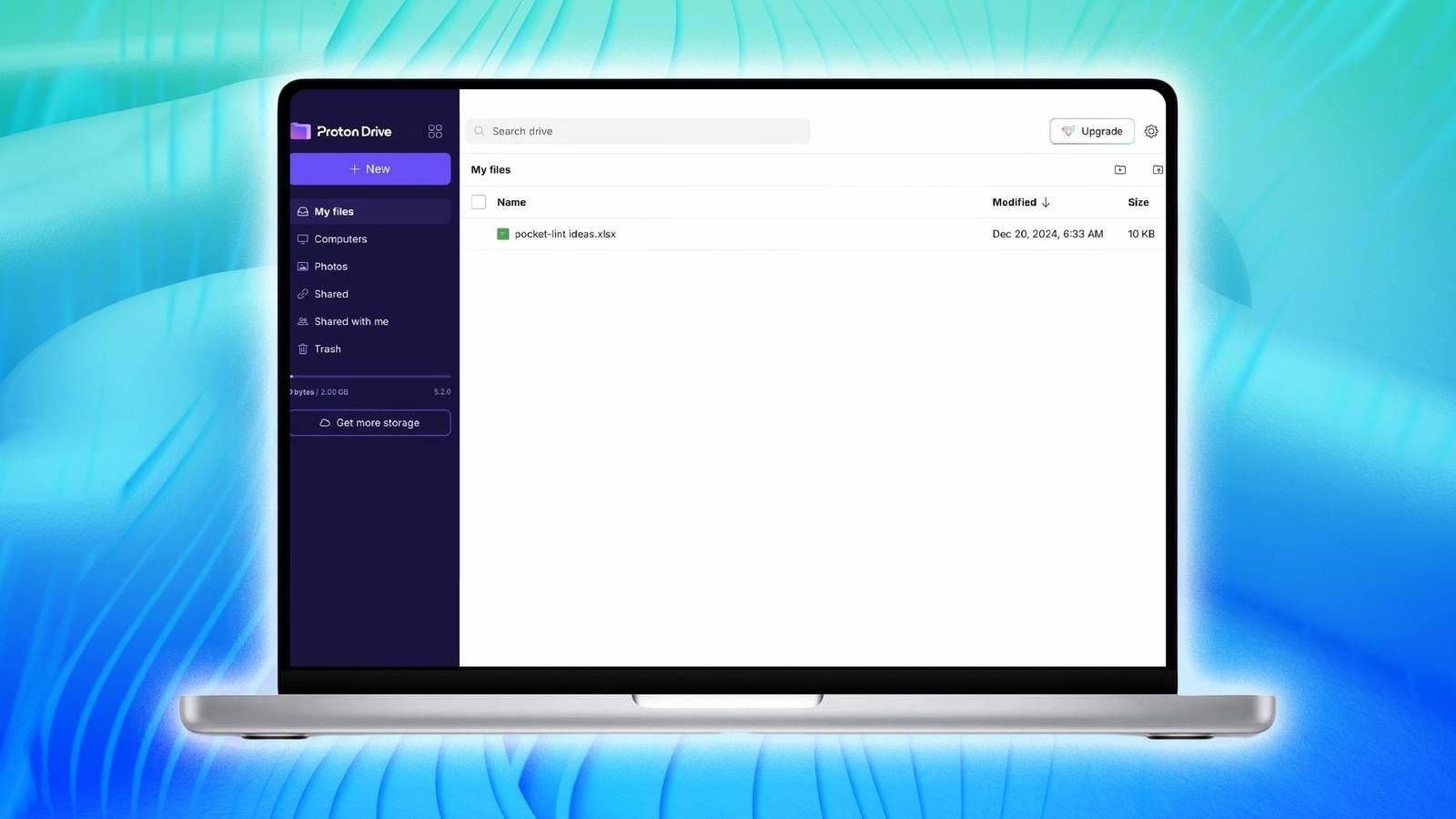
On your desktop, Proton Drive mounts as a virtual drive integrated into the file system . You can instantly view your files in the system explorer without needing to download them completely, which helps prevent filling up your local disk. Furthermore, it features selective synchronization: you can choose which folders you want to keep locally and which only in the cloud.
In terms of speed, a 50 GB upload on a 1 Gbps fiber connection averaged between 70 and 80 MB/s , with even higher peaks before the system begins to smoothly regulate traffic. If the upload is interrupted, Proton resumes the process, although it performs a rehash and re-encryption that results in slight delays if you're closely monitoring the progress bars, but nothing dramatic.
Conflict resolution doesn't lock files; instead, it creates copies with conflict tags when two people edit the same document simultaneously. This prevents bottlenecks and crashes , although it can fill shared folders with duplicate versions if many people are working on the same files at the same time.
As for the mobile apps, Proton Drive offers automatic photo uploads, offline access to certain files, and local encryption with biometric unlocking . It also includes features such as document-to-PDF scanning and video playback compatible with casting to compatible devices. On iOS and Android, navigating large libraries is smooth, and searching across thousands of items returns results almost instantly.
The desktop app, on the other hand, is lightweight even when handling large uploads (50 GB or more). CPU usage is moderate, and memory consumption typically remains below 500 MB. After putting the computer to sleep, synchronization resumes smoothly . However, it's advisable to avoid excessively long file paths, as these can cause problems on some operating systems.
Security and privacy: why Proton Drive makes a difference
The main battleground between Proton Drive and Google Drive is data security and privacy . Proton Drive was designed from the ground up with a focus on full encryption and a zero-knowledge architecture, while Google Drive prioritizes integration, ease of access, and leveraging its ecosystem over extreme security.
With Proton Drive, all files are encrypted on your device before being uploaded . Encryption keys are derived from your password using robust mechanisms, and not even Proton employees can access the content. Furthermore, the company operates from Switzerland, which has strict privacy laws and is not subject to the same massive data requests typical of other countries. Any government request must go through formal processes (MLAT), and even then, they could only provide encrypted data.
Transparency is another pillar of Proton: many components are open source and have been independently audited . They publish transparency reports detailing the number and type of data requests they receive and maintain a warrant canary to indicate whether they have been subject to secret orders, which aligns with current cybersecurity trends .
Although it all sounds very secure, the weak link remains the user: if you lose your password or your device is infected with malware, no amount of cloud encryption can save you . It's also advisable to review your router's secure configuration to protect local traffic. That's why Proton Drive adds layers such as two-step authentication with TOTP codes and support for FIDO2 security keys, in addition to session controls and activity logs to detect suspicious access.
Google Drive, for its part, offers a level of security adequate for most general uses, but its encryption model is not zero-knowledge. Google can access the content of your files , at least at a technical level, since many features (advanced indexing, searches within documents, smart suggestions, etc.) depend on this visibility into your data.
Furthermore, the Google ecosystem is deeply integrated into Android and other services: all it takes is your email address for anyone to send files to your cloud storage. This is incredibly convenient, but it means your data travels through a vast network of services , where the line between security and commercial exploitation of information is blurred, and where the company's privacy record has raised concerns for years.
Functions for use: sharing, collaborating, and working with files
When it comes to working with files, the differences between Proton Drive and Google Drive become significant. Google Drive combines storage, cloud-based office suites, and seamless real-time collaboration through Google Docs, Sheets, Slides, and many other integrated services.
With Google Drive, you can create documents from scratch, edit them simultaneously with others, see changes in real time, chat within the document itself, and add comments and suggestions. The permissions system is flexible (read, comment, edit), and shared links allow you to grant quick access to anyone with just a couple of clicks. For teamwork, educational projects, or team management , it remains a go-to tool.
Integration with Android and other apps makes uploading photos, documents, or forms almost automatic. Google Photos, for example, relies on Drive for much of its storage, and organizing images by date, faces, or locations is very efficient. All of this is in addition to integrations with hundreds of third-party applications that use Google Drive as their foundation; if you prefer to do without this ecosystem, you can de-Google Android step by step.
At Proton Drive, the approach is almost the opposite: the goal is to securely store and share files , not so much to offer a feature-rich productivity environment. Proton Docs, its document editor, is relatively new and favors a minimalist design, similar to Word and Google Docs but with fewer frills. You can change the font and size, apply styles (titles, headings), insert tables, links, images, and apply standard formatting, but without the avalanche of options and add-ons found in Google.
Although Proton Docs already allows collaboration with comments and simultaneous editing, its performance isn't as smooth as Google Docs, especially in very dynamic sessions. Latency is more noticeable because each modification has to go through the encryption layer, and it only works well when everyone involved has a Proton account, which somewhat limits its usefulness in open projects.
When it comes to sharing, Proton Drive excels in security: links to files and folders can be password-protected and set to an expiration date , and you can even limit the number of downloads allowed. This reduces the risk of someone forwarding a link indefinitely or leaving it circulating online longer than desired. Recipients without a Proton account can download the file, although they won't have access to advanced previews without authentication.
However, internal compatibility with certain formats is limited: you'll often have to download, edit externally, and then re-upload. And if you need workflows like "I edit directly in the cloud with my favorite editor," you'll notice more friction than in Google Drive, where the ecosystem and APIs are much more mature.
Performance, technical limitations, and migration experience
One of the most common concerns before switching cloud services is how the migration process will be, especially if you're coming from Google Drive with gigabytes and gigabytes of files. Proton has developed specific import tools for Google Drive and Dropbox that make the switch much easier.
These tools allow for the relatively automated copying of large volumes of data, although speed limits or maximum number of operations per time period may apply to prevent abuse or service overload. For the vast majority of home users or freelancers, this is more than sufficient; only in massive enterprise migrations is it advisable to break the process down and plan it carefully.
In addition to importers, Proton Drive supports WebDAV, allowing for finer control from the command line or advanced tools . Performance in these cases will depend heavily on the network connection and the client used, but it provides additional flexibility for technical users.
Regarding limits, Proton Drive doesn't impose an artificial cap on the maximum file size beyond the available storage space, although there are practical restrictions for extremely large files (several gigabytes), especially with certain tools and clients. Very large files may require a bit more patience during encryption and upload, particularly on slow connections.
Google Drive, for its part, excels in speed and stability for downloading and uploading files. Its global server network and synchronization expertise make for a very smooth experience, with virtually no visible interruptions. However, the system is geared more towards keeping everything synchronized and connected with other Google services, which is great for productivity but not ideal if you want to keep your data as isolated as possible.
Plans, prices and quality-privacy ratio
When choosing between Proton Drive and Google Drive, the price per gigabyte and what you get in return are also significant factors . Their strategies are very different here, as are the audiences they target.
Google offers 15 GB of free storage linked to your account (shared between Gmail, Google Photos, and Drive). From there, with Google One you can purchase 100 GB, 200 GB, or 2 TB at very competitive prices, as well as other higher tiers. The service is very cost-competitive, especially if you value the collaboration features and the rest of the ecosystem.
At Proton Drive, the free tier typically offers around 5 GB in current plans (the size has changed over time and was smaller in the past), designed to let you try the service with end-to-end encryption and access to the online document editor . From there, there are several tiers:
Typical Proton Drive plans (for guidance only):
- Drive Plus plan with approximately 200 GB of storage.
- Proton Unlimited, which adds 500 GB, private VPN, password manager, multiple custom email addresses and advanced security features.
- Duo and Family plans that increase total storage (up to several TB) for 2 or up to 6 users.
- Professional plan for businesses, with 1 TB per user and advanced management features.
The general feeling when compared to Google One, Dropbox, Sync.com, or Tresorit is that Proton Drive is in the mid-range price per TB : it's not the cheapest on the market, but considering end-to-end encryption, Swiss law, and the entire Proton suite, the value-to-privacy ratio is quite good for those who prioritize confidentiality.
On the other hand, Google Drive offers an excellent price-to-features ratio if you're looking for collaboration tools, integrated productivity, and a vast ecosystem. The entry cost is very low, the plans are flexible, and the amount of extra services you receive in return is hard to beat.
What type of user is best suited for each service?
Putting everything on the table, the answer to "Proton Drive vs Google Drive" isn't so much which is better in the abstract, but which one fits you, your work, and your level of concern for privacy.
Proton Drive is especially interesting for:
- Journalists, lawyers, consultants, and professionals who work with confidential information or information subject to strict compliance.
- Users who want to store encrypted copies of personal documents, sensitive photos, medical records, or contracts without any third party being able to see them.
- People who already use Proton Mail, Proton VPN, or Proton Pass and want a coherent ecosystem focused on security.
- For those who don't need massive real-time collaboration and prioritize the peace of mind that no one is spying on their things.
Google Drive, on the other hand, is better suited to:
- Work teams, students, and companies that make a living from real-time collaboration and teamwork about documents.
- Users highly integrated into the Google ecosystem (Android, Gmail, Google Photos, Calendar, etc.).
- For those seeking maximum comfort, speed, and advanced productivity features, even at the cost of giving away more data and depending on the Google ecosystem.
- People who constantly share files with various users, including those who are unwilling to create new accounts on other services.
A reasonable strategy for many people is to combine both: using Google Drive for everyday collaboration and Proton Drive as an encrypted vault for anything you really don't want going through Google's servers. In fact, Proton is very well-suited for storing encrypted backups, legal documents, and any sensitive files you don't access daily.
In any case, before changing your entire infrastructure, it's a good idea to run a small test: migrate about 5-10 GB of photos, PDFs, and documents to Proton Drive, use it for a couple of weeks, try sharing password-protected links, and test the recovery of previous file versions . This way, you'll see for yourself if the experience suits you or if it feels too clunky compared to Google Drive.
After considering security, features, performance, pricing, and user types, the most sensible conclusion is that there's no clear winner between Proton Drive and Google Drive . Google remains the king of collaboration and convenience, boasting a massive ecosystem and highly competitive plans. Proton, on the other hand, offers an encrypted and private haven, ideal for those fed up with their data being monetized or used to fuel advertising. The final decision hinges on how much you value your privacy, how much you're willing to rely on the Google ecosystem, and whether sacrificing some conveniences is worth it to truly protect your most important files.