- Passkeys replace shared secrets with asymmetric cryptography, eliminating the vulnerability of compromised databases.
- They support FIDO2 and WebAuthn standards, making them inherently resistant to phishing and credential stuffing attacks.
- Integrating biometrics and cloud synchronization optimizes the user experience by drastically reducing access errors.
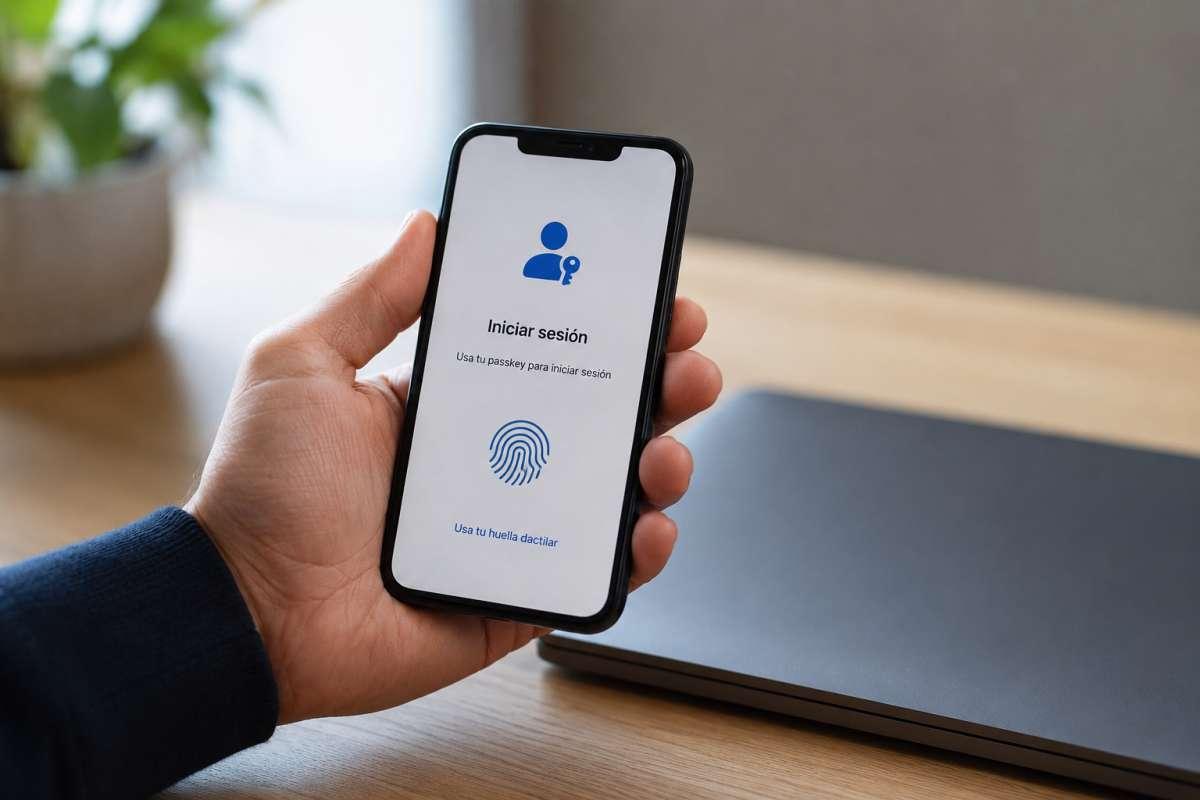
I'm sure it's happened to you: you try to log into an account and it tells you the password is incorrect, even though you'd swear it's the same one you always use. For years we've lived chained to strings of characters that we have to remember, change, and protect, but the reality is that traditional passwords are no longer sufficient against today's threats. With billions of credentials floating around on the Dark Web, continuing to rely on a simple text is, essentially, leaving the door wide open for cybercriminals.
This is where passkeys come in, a proposal that promises to make traditional passwords obsolete. It's not just a simple improvement, but a complete paradigm shift in cybersecurity . Instead of you and the server sharing a secret that can be stolen, a much more sophisticated technology is used, making the process of accessing your accounts as natural as unlocking your phone, but infinitely more secure.

What exactly are passkeys and how do they work?
Simply put, a passkey is a cryptographic key designed to replace passwords . While traditional passwords were easy to guess or intercept, passkeys operate using a system of key pairs: one public and one private. It's as if the server has the lock and you are the sole owner of the physical key, which never leaves your device.
Technically, it's all based on asymmetric cryptography . When you create an account, two elements are generated: the public key, which remains on the service's server and is useless on its own, and the private key, which is stored in your device's hardware. The latter is kept in ultra-secure areas, such as Apple's Secure Enclave, Windows and Android's TPM, or Samsung Knox , which act as vaults isolated from the main processor to prevent malware from stealing them.
The login process is a breeze. The service sends a cryptographic challenge, and your device signs it with your private key. Since the server has the public key, it can verify the signature's authenticity without the private key ever having to travel across the internet. Furthermore, each attempt has a time-based signature that expires quickly, preventing anyone from intercepting the signal and reusing it later.

The evolution: from finger in clay to the FIDO2 standard
Although it may seem futuristic, biometrics is ancient; even in Babylon, fingerprints were used on clay. However, the modern leap truly began in 2012 with the creation of the FIDO Alliance , whose goal was to eliminate passwords. Later, the arrival of Touch ID on the iPhone 5S normalized the use of fingerprints, paving the way for what we know today.
The real boom came in 2021, when tech giants adopted the FIDO2 and WebAuthn standards . A key turning point was the endorsement from NIST, which validated synchronized passkeys as a viable and phishing-resistant solution, allowing highly restrictive sectors, such as banking and healthcare, to begin relying on them for digital identity management.
The showdown: Passkeys versus traditional passwords
To understand why passkeys are winning out, we need to analyze the weaknesses of passwords. Passwords rely on a shared secret; if a hacker gains access to the server's database and steals the hashes, they can launch offline brute-force attacks. Passkeys, on the other hand, are not stored on servers , so there's nothing sensitive to steal in a massive data breach.

- Immunity to phishing: Thanks to WebAuthn, the key only works on the registered domain. If you land on a fake website, the passkey simply won't activate.
- Goodbye to mental fatigue: You no longer have to think about capital letters, numbers, or strange symbols. Access is instantaneous. facial recognition or fingerprint.
- Intrinsic safety: It doesn't matter if the user is careless; each passkey is robust by definition and cannot be guessed through social engineering.
From a business perspective, the change is dramatic. Companies have noticed a decrease in user abandonment during login and a drop in technical support calls for "forgot my password" of up to 81%, resulting in enormous operational savings.
Types of passkeys and current compatibility
Not all passwords are created equal. There are multi-device passwords , which are the most convenient for the average user since they sync via iCloud, Google Password Manager, or Microsoft, allowing you to switch seamlessly between tablets and phones. On the other hand, there are device-bound passwords , which are the crown jewel for companies with stringent security policies, as the password cannot be copied or moved from a specific hardware device.
As for who has already joined, the list is long. In the operating system arena, Apple (iOS 16+), Android (9+), and Windows (10 and 11) are leading the way. Browsers like Chrome, Edge, and Safari already fully support them, while Firefox does so in a more limited way.
Looking at apps, giants like Amazon, PayPal, GitHub, TikTok, and Coinbase already allow you to ditch the password. Even third-party password managers like 1Password and Bitwarden have adapted to store these keys, preventing us from being completely tied to a single ecosystem.

Challenges, limitations and the business roadmap
Of course, it's not all sunshine and roses, and there are still some hurdles to overcome. Ecosystem dependency remains an issue; if you use iCloud and switch to Android, moving your keys isn't so straightforward yet, although FIDO's Credential Exchange Protocol aims to address this. Furthermore, shared accounts among multiple employees are a headache, since passkeys are personal by nature.
For companies looking to make the switch, the ideal approach is to avoid a drastic change. It's recommended to start with a hybrid implementation , where the passkey is the preferred option but the password remains as a backup. Later, the inconvenient requirement to change the password every 90 days can be eliminated , and ultimately, the goal is to achieve a completely passwordless environment using only FIDO2 physical keys or biometrics.
In terms of compliance, passkeys are the shortest path to NIST AAL2 and AAL3 standards and Zero Trust architecture. Based on the premise of "never trust, always verify," they ensure that each session is a genuine cryptographic proof of device ownership, while also complying with regulations such as GDPR by reducing the amount of personal data exposed.
The path toward the complete elimination of passwords seems inevitable. Although we still use key managers and traditional methods, the combination of biometrics and asymmetric cryptography has created a nearly impenetrable shield. Ultimately, the goal is for security to cease being a burden for the user and become an invisible process that protects our digital identity without us having to remember a single character.
