- Forced periodic password changes encourage weak keys and predictable patterns, reducing actual security.
- Passwords should be long, unique, and strong, and only changed when there is suspicion or evidence of compromise.
- Multi-factor authentication and password managers are now the key tools for protecting accounts against leaks and attacks.
- The future lies in systems like passkeys, which reduce dependence on traditional passwords and their problems of theft and reuse.
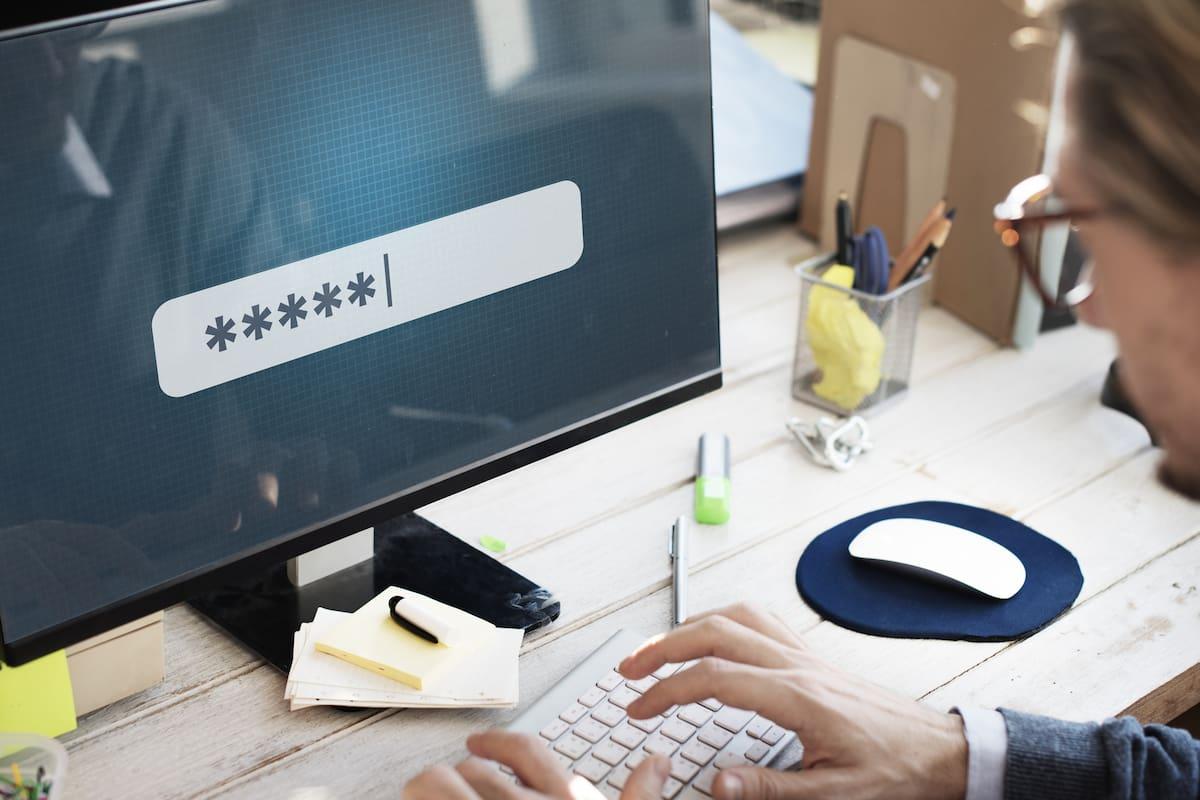
For years we've heard that the responsible thing to do was to change our passwords frequently , almost like filing our taxes: it was mandatory. But in recent years, leading cybersecurity organizations, such as the US National Institute of Standards and Technology (NIST) , have completely revised this recommendation and reached a striking conclusion: forcing frequent password changes usually worsens security rather than improving it.
This shift in approach is supported by data from massive credential breaches, user behavior studies, and the practical experience of companies and universities. Today, the prevailing recommendation is to maintain strong, long, and unique passwords , change them only when there is suspicion or evidence of compromise, and rely on tools such as multi-factor authentication (MFA) and password managers to avoid the frustration of memorizing impossible passwords.
NIST, which sets technical standards for U.S. government agencies and serves as a benchmark for companies worldwide, has clarified in its guide SP 800-63-4 that users should not be required to renew their passwords periodically if there is no evidence of a security breach. This is a radical shift from the traditional "change it every 30/60/90 days" policy.
The public draft of these guidelines explains that, when a password has been chosen correctly (it is long, random and unique), forcing changes every one or three months reduces security : the burden of remembering new passwords pushes people to simplify them, reuse them or apply predictable patterns, which is exactly what attackers take advantage of.
Current recommendations state that service providers and identity verifiers should not impose periodic password expirations . Instead, they are obligated to enforce an immediate change when there are signs that the authenticator has been compromised, for example, following a data breach, suspicious access, or the presence of the password in leaked databases.
Furthermore, NIST questions other traditional requirements, such as rigid composition rules (forcing a mix of uppercase letters, numbers, and symbols) or the infamous security questions like "name of your first pet." Evidence shows that these rules cause users to behave in very predictable ways, generating passwords like Password2023, Password2024, or Password1!, which are a gift to attackers.
Analysis of massive databases of stolen passwords reveals that the actual benefit of these classic rules is far less than previously thought , while the negative impact on usability and memorability is enormous. In short: people end up looking for easy shortcuts, and those shortcuts almost always match.
How your passwords are really being compromised today
Regardless of whether you change your password every three months or not, your accounts are vulnerable due to the way cybercriminals obtain them . Theft doesn't usually occur through a miraculous guess of your password, but rather through several very specific and well-known methods.
One of the most common methods is through massive data leaks from online services. Social networks, forums, gaming platforms, e-commerce sites, and cloud providers suffer security breaches that expose millions of username-password combinations, sometimes even unencrypted or with broken algorithms. These databases end up being resold on hacking forums and the dark web.
Another classic reason is that your password is weak or too common . Lists of the most used passwords in countries like Spain show truly awful ones like "admin", "123456", "000000", "password", or obvious names and cities like "carl0s" or "barcelona". These kinds of combinations can be cracked in less than a second with automated brute-force tools.
There are also phishing and social engineering attacks , in which an attacker tricks you into entering your password on a fake website that mimics your bank, email, or social media site. Sometimes this is combined with keylogger malware, which records keystrokes to capture any credentials you enter.
Finally, we mustn't forget software and hardware vulnerabilities . Outdated systems, routers with old firmware, applications with security flaws—all of these can allow a third party to access your stored passwords or even change them and block your legitimate access. Hence the experts' insistence on keeping systems and devices up to date.
Why changing it “just in case” might be a bad idea
In this context, many users assume that changing their password frequently is a kind of universal security measure. However, both NIST and studies from universities like Carnegie Mellon agree that frequent, unreasonable password changes increase the risk of malicious activity.
When a system forces you to change your passwords continuously, most people stop thinking about it too much and apply small, trivial transformations : adding or increasing a number at the end, changing the year, alternating an obvious symbol... exactly the patterns that attackers already have in their dictionaries.
Furthermore, the inconvenience of these changes is driving people to use increasingly shorter and simpler passwords , or even to reuse the same password across different services with slight variations. If an attacker compromises one of these accounts, they will have very clear clues for the others, multiplying the potential damage.
Many experts point out that if companies dedicated the time and money spent on forcing quarterly password changes to training users on how to create strong and unique passwords , and deploying password managers and two-step verification, the real improvement in security would be much greater.
Even security companies acknowledge that, without evidence of a data breach , routinely changing your password doesn't make it more secure. In fact, it can create a false sense of security while other, more serious weaknesses persist, such as reusing the same password on multiple sites or not enabling MFA.
When should you change your password without hesitation?
Although forced password rotation is no longer a good practice, that doesn't mean you should stick with the same password no matter what. There are situations where changing it immediately is essential to reduce risk.
If a company where you have an account announces a data breach , the wise thing to do is update your password for that service as soon as possible, and also for any other accounts where you might be reusing it (if you've done so). Sometimes these breaches take weeks to be reported, so dark web monitoring tools or services like "Have I Been Pwned" can help you detect sooner if your email address appears on a leaked list.
Another clear warning sign is unsolicited login or password change attempts . If you receive legitimate emails asking "Have you requested a password reset?" or login alerts from unfamiliar locations or devices, you should immediately change your password by logging into the service yourself (without clicking on suspicious links) and enable MFA if you haven't already.
If you suspect your device has been infected with malware , you should also change your passwords, but only after cleaning your device. Changing passwords is pointless if the attacker can still see everything you type. Once the system is disinfected, you must update the credentials for critical services (email, banking, social media, cloud storage, etc.).
If one of your accounts has clearly been hacked (messages appear that you haven't sent, purchases you haven't made, strange profile changes), all accounts that share the same password or similar variations should be considered compromised, and their passwords should be changed immediately.
In corporate environments, for administrator accounts or particularly sensitive systems, many organizations still choose to rotate privileged credentials with some frequency, but they do so in an automated way and by generating strong random passwords, precisely to avoid the human errors associated with manual changes.
What is a secure password today (and what isn't)
A password is simply a set of characters that gives you access to private information or valuable resources: email, social media, online banking, your website's control panel, your company VPN, mobile devices, etc. The fact that it's the only barrier between your digital life and an attacker should be reason enough to take it seriously.
Experts have long maintained that a good password should be long, complex, and unique . Traditionally, this meant a minimum of eight characters, combining uppercase and lowercase letters, numbers, and symbols, and avoiding dictionary words or personal information (dates, names, license plates, etc.).
The latest NIST guidelines place even more emphasis on length: they recommend requiring at least 8 characters , but consider it desirable to raise the bar to 15 or more , allowing up to a maximum of 64 characters. The longer the phrase, the harder it is to crack with automated attacks, provided it is not a predictable phrase.
A good strategy for humans is to use passphrases : sequences of random words mixed with symbols and uppercase letters, which are easy for you to remember but very difficult for a computer to crack. Examples like "Mars-Whale-Near4-Melted" or "Minute.Truck.Where2.Attempt" offer very high entropy without relying on typical patterns.
What you should avoid are the passwords that appear year after year among the most used: "123456", "password", "qwerty", "111111", "admin" , obvious keyboard combinations, single words, sequences of numbers or keys based on information that anyone could extract from your social networks (partner's name, football team, date of birth...).
Equally important is that each service uses a different password . Reusing the same password for email, social media, banking, and shopping is like using the same key for your house, car, and safe, and then leaving a copy on the doormat. If one of those websites is breached, an attacker could simply try that combination on all the other popular services.
Multi-factor authentication, password managers and passkeys
The other major aspect of this paradigm shift is moving away from relying solely on a single password, no matter how strong it may be. Today, it's considered essential to supplement passwords with multi-factor authentication (MFA) whenever the service allows it.
MFA adds a second proof of identity, which can be something you know (your password), something you have (mobile phone, physical token, code app), or something you are (fingerprint, face, iris). This way, even if someone steals your password, it will be much harder for them to gain access without this second factor.
Enabling MFA for email, social media, online banking, cloud services, or remote work access thwarts many automated attacks that rely on stolen or weak passwords. Even if your password appears in a data breach, the attacker will encounter an additional, difficult-to-overcome barrier.
To deal with the problem of remembering dozens of long, unique passwords, experts recommend using a password manager . These tools generate highly complex, random passwords, store them encrypted in a secure vault, and fill them in for you when you log in. All you have to do is protect one strong master password and, if possible, enable MFA (Multi-Factor Authentication).
A good password manager prevents risky practices like writing passwords down on paper, in unencrypted spreadsheets, or in notes on your phone, or simply letting your browser save them. It also encourages you to use much longer passwords than you could remember on your own, which improves your resistance to attacks.
Meanwhile, passkeys, or access keys , are becoming increasingly popular. These modern alternatives to traditional passwords are based on public-key cryptography. Passkeys are stored on the device or a compatible manager and allow users to log in using a fingerprint, facial recognition, or a local PIN, without sending a reusable password to the server.
Giants like Google, Apple, Microsoft, Amazon, PayPal, and GitHub already support passkeys, and over a hundred websites and apps are joining in. While passwords aren't going to disappear overnight, the future points to passwordless systems that will mitigate many of the current problems of theft and reuse.
Good password security practices for everyday life
Beyond the debate about expiration, your goal should be to minimize the attack surface your passwords present. This involves combining several simple best practices that are easy to implement if done thoughtfully.
First, commit to not reusing the same password for more than one account , especially for critical services like email, banking, online stores with saved credit cards, and work accounts. If you're already reusing it, make it a priority to change those passwords and keep them separate using a password manager.
When updating a password, avoid "cheating" by modifying only one character (adding a number to the end, replacing a letter with a similar symbol, etc.). Cybercriminals are well aware of these patterns, and attack tools incorporate them by default.
Consider using long passphrases for accounts you want to remember (for example, your master password for your account manager). Combine several seemingly unrelated words, insert capital letters in less obvious positions, and add a number or symbol in between to increase the complexity.
When you don't need to memorize your password because you're using a password manager, take advantage of its password and passphrase generators . These automatically create random strings like "3>ZfrT61(9#X;?Kdk4FQ" or complex phrases and store them in your vault. The important thing here isn't so much being able to recite them from memory as ensuring that no one else can guess them.
On a practical level, avoid at all costs storing passwords in plain text on your computer or mobile device, whether in notes, loose documents, photos of sticky notes, or emails you send to yourself. Any malware, device theft, or unauthorized physical access would turn all of that into a treasure map for an attacker.
Finally, get into the habit of regularly checking if your accounts have appeared in known data breaches, using breach detection services or the security features of your own password manager or browser. If you detect that a password has been exposed, then you should change it without hesitation.
In a world where data breaches number in the billions and alternatives like MFA and passkeys are emerging, the winning strategy is no longer about constantly changing passwords, but about building a robust and manageable access ecosystem : long and unique passwords, multi-factor authentication, tools that simplify management, and attention to signs of real compromise. If you adjust your habits in this direction, your accounts will be much better protected even if you can't remember the last time you changed your password "on a calendar basis."
