- Passkeys use public-key cryptography and replace memorizing passwords.
- They are resistant to phishing and are not exposed in breaches: the private key never leaves the device.
- Broad compatibility across iOS, Android, Windows and modern browsers; adoption by major services.
- There are synchronized and device-linked passkeys to balance convenience and control.
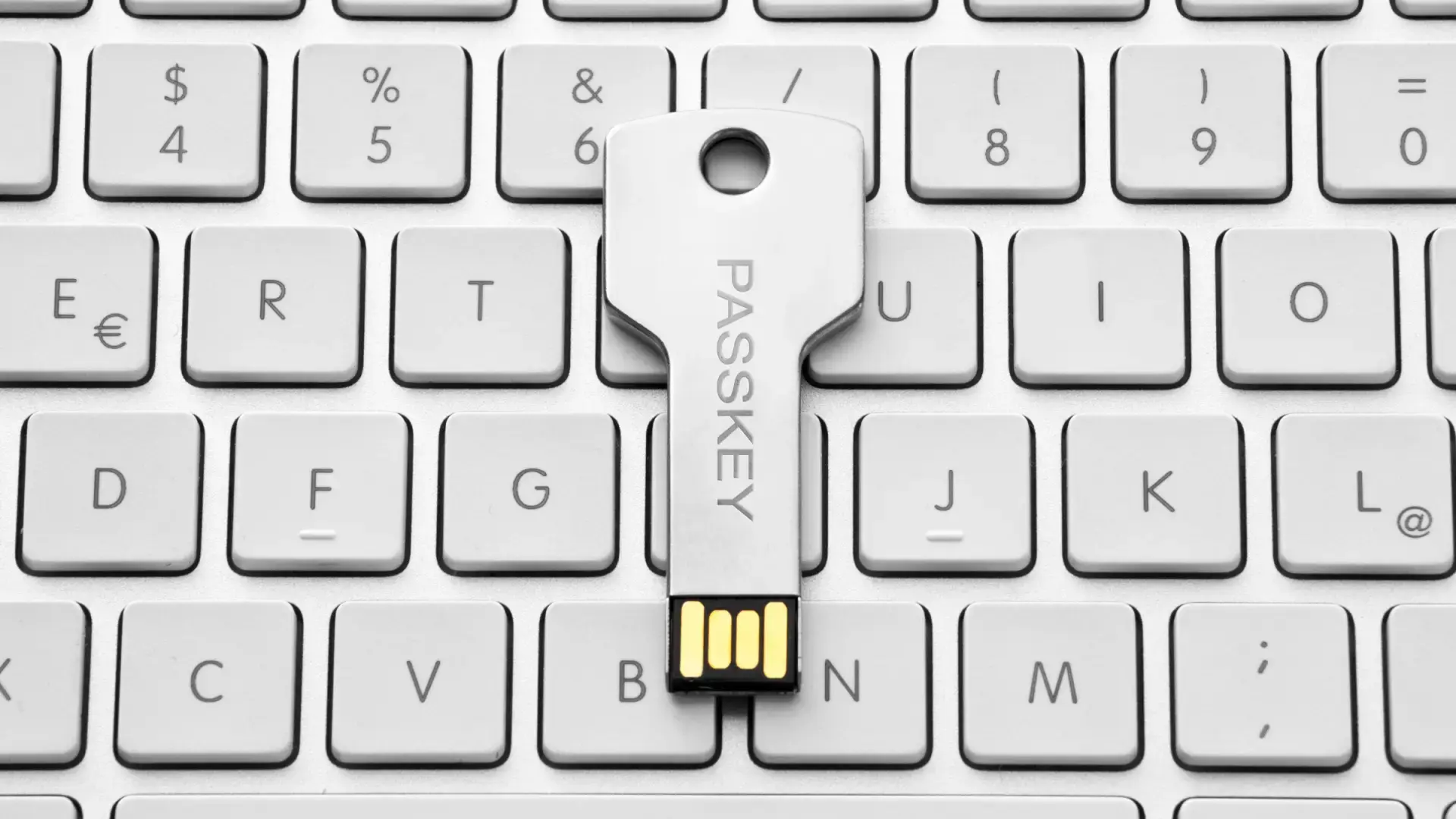
If you've been struggling with impossible-to-remember password combinations for years, you're not alone: passwords have been the price we pay for accessing online services. The good news is that passkeys are poised to change this ritual , making logins more secure and convenient without the need to memorize anything.
Behind this revolution lies a strong industry consensus: Apple, Google, and Microsoft, among others, have embraced a common standard to eliminate reliance on passwords. The goal is to reduce fraud, data leaks, and friction with a system based on modern cryptography and user verification on their own device.
What is a passkey and how does it work?
A passkey (or access key) is not a disguised password, but an authentication method that relies on cryptographic key pairs. Instead of typing a string of characters, you validate your identity with your device using biometrics (fingerprint or face) or a local PIN.
When you create a passkey for a service, your mobile phone or computer generates two pieces: a public key and a private key. The public key is stored on the service's server , while the private key remains secure on your device and is never shared.
Asymmetric cryptography: two keys working together
The system is known as public-key cryptography. The private key signs challenges sent by the server , and the public key verifies that signature. This allows the service to verify your identity without needing to know or receive any sensitive information.
It is important to emphasize the following: the private key does not travel to the server or become exposed. It is only used locally to sign the ephemeral challenge , which marks a crucial difference compared to traditional passwords.
Step-by-step authentication flow
When you log in, the service generates a challenge, and your device requests your verification (biometrics or PIN). If you identify yourself correctly, the device signs the challenge with your private key and sends the signed response. The server, using the stored public key, validates the signature and grants you access.
Furthermore, to prevent reuse, these challenges have a limited validity period and are tied to the correct domain. This domain binding prevents phishing attacks , even if an imposter tries to trick you into buying a fake website that looks identical.
Where is the private key stored?
Modern devices store the private key in secure areas of hardened hardware or software. iPhones, iPads, and Macs use Secure Enclave; Android and Windows use TPM or equivalent solutions ; and Samsung devices use Knox. These "vaults" are isolated to minimize the risk of malware or unauthorized access.
In many cases, passkeys are also securely synced across your devices through services within each ecosystem (such as iCloud or Google Password Manager). This syncing makes it easy to log in from multiple trusted devices without compromising security or usability.
Passkey vs. password: key differences
The difference from conventional passwords is clear. With Passkeys, you don't create or memorize weak secrets , so typical mistakes (reuse, weak combinations, typing on fake websites, etc.) disappear.
Another vital difference is where the value resides. Passwords are usually stored (or derived) on servers and can be leaked in data breaches; with passkeys, the server only has the public key, which is useless without the user's private key.
Creation and management
Creating a strong password is complicated: it needs to be long, unique, and random for each account. With Passkeys, you don't design anything: your device generates the key pair and it's ready to use with your usual unlocking method.
Phishing resistance
Spoofing attacks try to trick you into entering your credentials on fake websites. With passkeys, you don't type any secrets, and the signature is linked to the legitimate domain , so a fraudulent website can't steal what isn't entered.
Exposure in gaps
If a service suffers a breach and its database is leaked, with passwords the disaster can spread to other accounts where you reused them. With passkeys, the only thing on the server is the public key, which is worthless without its private counterpart , which you keep with you.
Current compatibility
Passwords work everywhere. Passkeys are already widespread, but they haven't reached every platform . That's why they coexist with passwords and 2FA, although their adoption is growing every month.
Advantages of passkeys
The list of benefits is compelling. The main one: "default" security without relying on your memory . There's no need to remember strings, no reuse, and no typos.
- Antiphishing and antikeylogger: You don't type passwords, so a fake site or a keylogger doesn't get anything.
- Greater privacy: The biometric data does not leave the device and the private key is never shared.
- Real comfort: Biometrics or local PINs replace the tedium of passwords, with less friction and fewer login abandonments.
- Cost impact: fewer resets and less 2FA "patch" It reduces the burden on technical and support teams.
In addition to all this, passkeys offer a type of integrated multi-factor authentication: something you have (your device) and something you are or know (biometrics or PIN). This combination comes standard, requiring no extra steps for the user in most cases.
Disadvantages and current limitations
Not everything is perfect. Adoption is still incomplete, and some services don't support them , so you'll have to continue using passwords in certain cases.
Another critical point is recovery. If you lose all your devices and don't have a backup/sync , regaining access may require alternative methods or support from the provider.
There is also ecosystem dependency. Many passkeys sync via iCloud, Google Password Manager, or equivalent solutions , which may not fit all environments or policies.
Finally, managing different systems can be complex if you don't use a compatible manager. Sometimes you'll need the original device or a synchronization bridge to log in to another platform.
The technical foundation is mature and compatibility is broad. On Apple systems, iOS 16 and later, and macOS Ventura 13+, already support passkeys , integrated with Face ID and Touch ID.
On the Android front, devices with Android 9 (Pie) or higher are compatible , with Google Password Manager handling synchronization between devices of the same user.
In Windows, Windows 10 and 11 integrate passkeys in Windows 11 through Windows Hello , which unifies verification by local PIN, fingerprint or facial recognition on compatible devices.
What about browsers? Google Chrome 109+, Apple Safari 16+ and Microsoft Edge 109+ include support, while Firefox offers it in a more limited and evolving way.
The list of services that have already jumped on the bandwagon is constantly growing. Among the prominent names are Apple, Google, Microsoft, Amazon, PayPal, Best Buy, and Adobe , in addition to numerous platforms and retailers.
- Electronic commerce: Amazon, Walmart, Best Buy, Target, Shopify, Kayak.
- Social networks: X (Twitter), LinkedIn, TikTok.
- Finances and payments: Coinbase, Robinhood, Stripe, PayPal, Affirm.
- Development and repositories: GitHub, Bitbucket; as well as support for services like Dropbox.
Many other platforms are in the process of being rolled out or tested. If you find the "Create access key" option when updating your account, it means the service already supports it, at least as an alternative to a password.
Types of passkeys: synchronized and linked to device
Not all passkeys are created equal. Multi-device (synchronized) passkeys prioritize end-user convenience , securely replicating across your trusted devices within the same ecosystem.
In contrast, there are passkeys linked to a single device that cannot be copied. This approach is attractive to companies with strict policies , where portability is sacrificed in favor of control and security.
Advanced security: challenge expiration, domain binding, and MFA
In addition to public-key encryption, the protocol adds further protections. Signed challenges expire immediately to prevent reuse and are associated with the correct domain, preventing a fake website from "validating" signatures.
Biometric verification, or PIN, provides the second piece of the puzzle: without this local step, the private key cannot be used . This means that even if someone has the device in their hand, they cannot authenticate without your verification.
Taken together, we're talking about a kind of one-step multi-factor authentication. The result is strong authentication with less friction than traditional username+password+2FA combinations.
Best practices, password recovery and coexistence
If you lose your phone or computer, don't panic. Most platforms offer recovery mechanisms : another previously linked device, backup codes, or alternative methods.
It's a good idea to enable passkey copying and synchronization options when available. If you use multiple systems, consider a password manager that supports passkeys to keep them accessible and secure across platforms.
Since not all services have made the switch, you'll have to continue using passwords for a while. Where passkeys aren't available, use strong passwords and 2FA or MFA (preferably with authentication apps rather than SMS) to mitigate risks.
Also remember that biometrics are processed on your device. The provider does not receive your fingerprint or face , only confirmation that you passed local verification, thus preserving your privacy.
Standards and institutional support
This isn't just the magic of a single manufacturer. Passkeys rely on the W3C's FIDO2 and WebAuthn standards , promoted by the FIDO Alliance in conjunction with leading vendors.
This open framework allows browsers, operating systems, and services to speak the same language. Thanks to this, the experience is consistent and security is verifiable by third parties.
A key milestone was NIST's recognition of synchronized passkeys in its supplement to SP 800-63B. This institutional endorsement is driving their adoption in regulated sectors such as banking and healthcare, where phishing and fraud are critical concerns.
For developers: hassle-free integration
If you build digital products, there's no need to reinvent encryption. Modern identity providers already offer ready-to-use passkeys within their login flows.
If you need granular control on the backend, WebAuthn libraries are available for various languages to handle challenge verification and public key storage. On mobile, Apple Authentication Services and Google Identity Services make it easy to integrate the native experience.
There are also dedicated platforms that provide SDKs, customization, and analytics to accelerate passkey projects. Solutions like OwnID simplify deployment with just a few lines of code , while maintaining compliance and a seamless user experience.
Use cases and practical scenarios
In e-commerce, fast and secure logins reduce shopping cart abandonment. In finance, anti-phishing and integrated MFA are especially valuable due to the risk of fraud.
In enterprises, device-linked passkeys provide control over internal access. For SaaS and consumer platforms, synchronized passkeys offer a better balance between security and convenience , reducing "I've forgotten my password" tickets.
FAQ
Are passkeys more secure than passwords?
Yes. They are phishing resistant, cannot be guessed, and are not exposed in breaches because the private key never leaves the device.
Can they be hacked?
No security is foolproof, but the design minimizes attack surfaces. Even if a server is attacked, only the public key is obtained , which is useless without its private key pair and local verification.
Do they work everywhere?
Not yet. Coverage is growing rapidly, but you'll still have to use passwords for some services . Enable 2FA where passkeys aren't available.
What happens if I lose my phone?
Activate recovery using backup devices or codes. If you sync passkeys to your trusted cloud, you can restore them on a new device with your account.
Do I need password managers?
It's not mandatory, but it helps if you use multiple systems or want a more portable copy. Some password managers already store both passwords and passkeys to centralize everything.
Can I still use my password if I enable passkeys?
In many services, yes, for compatibility reasons. If you have the option, prioritize the passkey and leave the password as a legacy method while they continue to coexist.
What biometrics are used and sent to the server?
The biometrics you already use to unlock your device (fingerprint or face) are used. This information is not shared; it is only used to confirm locally that the verification was successful.
Passkeys were created to solve the root problems of passwords: they eliminate the need to memorize them, protect against phishing, and reduce the impact of data breaches, all while providing a seamless experience on your own device. With support from Apple, Google, Microsoft, and open standards like FIDO2/WebAuthn , their adoption is growing across systems, browsers, and major services (e-commerce, networking, finance, and development). While they coexist with passwords, enabling passkeys where available and maintaining two-factor authentication (2FA) elsewhere is currently the most sensible way to enhance your security without complicating things.
