- Methods to access the Wikipedia encyclopedia using the built-in browser or search bar of Amazon Kindle.
- Possibility of installing a bulk archive of vital articles on unlocked devices using KOReader.
- Technical evolution of Kindle models and compatibility with external reading formats such as EPUB and MOBI.
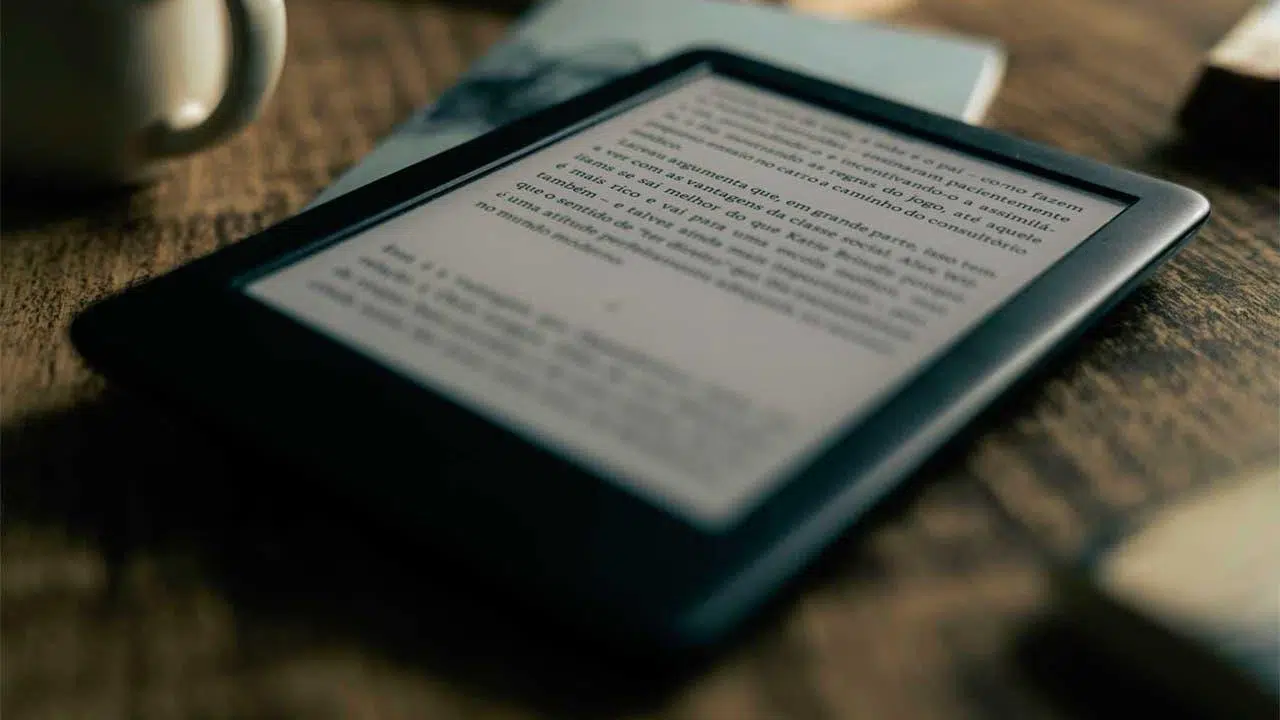
Having an e-reader is wonderful for devouring books, but sometimes a sudden curiosity arises while we're reading, and we don't want to put the device down. For a long time, Kindles were basically standalone reading devices, but over time Amazon has integrated features that allow us to explore the web, greatly facilitating quick information searches without having to reach for our phones.
If you're someone who enjoys challenging yourself with technology, you'll know there's a world of difference between using the official function and carrying an encyclopedia in your pocket without relying on a Wi-Fi signal. From taking advantage of a basic browser to performing jailbreaking processes to load entire databases, there are several ways to turn your device into a self-contained, universal knowledge library.
Quick inquiries through the official system
For most users, the easiest way to interact with Wikipedia is through the built-in tools. While the Kindle's web browser is, frankly, quite basic and sometimes slow, it gets the job done. There's no need to go into the three-dot menu and manually open the browser every time you want to search for something, as there's a much faster shortcut.
If you look at the main screen, you'll see a search bar. When you type a term there, the Kindle not only searches your books and the Amazon store, but also searches dictionary entries and Wikipedia results . If the system finds a match, it will allow you to go directly to the page using the "Open Wikipedia" button, which is a straightforward and hassle-free way to access it.
However, it's important to clarify that this method requires a wireless connection . It's the ideal option for those who don't want technical complications and simply need to resolve a specific question while at home or in a café with internet access.

The challenge of Wikipedia Offline on jailbroken devices
Now, if you're looking for true independence, we enter the realm of jailbroken Kindles. The fundamental problem is that Wikipedia is enormous and won't fit in the memory of an e-reader. To overcome this, some enthusiasts use Wikipedia's Vital Articles project , which ranks the most important topics into priority levels.
For a device with limited storage, such as a Kindle 4 with about 1,4 GB of free space, the "sweet spot" is usually Level 4, which includes around 10.000 essential articles . This covers topics in history, science, geography, and technology, taking up approximately 400 MB in plain text format, preventing the device from becoming overloaded and ensuring smooth reading.
The technical process involves downloading the content via the MediaWiki API, optimizing the files for mobile devices, and then converting them to EPUB format using tools like Calibre. To read these files without Amazon's restrictions, it's essential to use alternative software such as KOReader , which allows you to browse ebook folders as if they were file directories.
Hardware evolution and format compatibility
To understand why some models are better than others for these tasks, it's worth taking a look at Amazon's history. From the first model in 2004 with its modest 256 MB, to the modern Kindle Scribe or Colorsoft , storage capacity has grown exponentially, reaching 32 GB in the most recent versions.
Over the years, we've gone from screens with four levels of gray to 300 ppi E-Ink Carta panels with adjustable brightness and IPX8 water resistance. This evolution has allowed the experimental browser, which in older models was very limited to Amazon and Wikipedia via 3G, to become much more versatile thanks to Wi-Fi and USB-C.
A critical issue has always been the format. The Kindle is notorious for its strict adherence to AZW and MOBI formats, excluding the EPUB standard. However, thanks to open-source software like Calibre , any user can convert their files and transfer them to the device via cable, thus overcoming the limitations of the official store.
File management and external storage
It's important to note that, unlike other e-readers on the market, the Kindle doesn't allow you to expand its memory with microSD cards in most of its modern versions. This forces users to carefully manage their available storage space if they want to load large offline files.
Amazon offers an email conversion service for sending .doc or .txt documents, but for offline Wikipedia projects, this method is impractical. The only viable option is direct wired transfer , organizing the articles into categorized folders to facilitate manual searching once the device is unlocked.
From the arrival of Bluetooth models for audiobooks to the implementation of color screens, the ecosystem has advanced, but the essence of wanting to have the information available without depending on an external server remains a driving force for the community of advanced users.
Having the ability to consult the world's largest encyclopedia without an internet connection transforms the Kindle into an intellectual survival tool. Whether by taking advantage of the system's native integration or venturing into software releases to install thousands of essential articles, it's possible to turn a simple e-reader into a self-contained, portable repository of knowledge.