- Ollama allows you to run advanced language models locally, guaranteeing total privacy and operation without internet.
- Performance depends directly on the hardware, with the GPU's VRAM being the critical factor for response speed.
- The tool offers an API compatible with OpenAI and the ability to create custom models using Modelfiles.
You're probably already familiar with tools like ChatGPT, Claude, or Gemini. While they're amazing, there's a catch: they run in the cloud. This means that every word you type travels to a company's servers, which can pose a serious privacy risk if you handle sensitive data or work in sectors where the law prohibits information from leaving the office.
This is where Ollama comes in, an application that essentially turns your computer into the nerve center of AI . Forget monthly subscriptions and relying on a stable internet connection; with this tool, you can download open-source models and run them directly on your own hardware, maintaining complete control over your data.
What exactly is Ollama and what are its advantages?

Ollama is an open-source software that acts as a client for managing large language models (LLM). Its main advantage is that it simplifies the technical complexity , handling GPU optimization and memory management so you only need to execute a command and start chatting.
The advantages are clear. First, privacy is absolute since nothing leaves your machine. Second, you save on API token costs or the monthly fees for Plus plans. And third, once the template is on your hard drive, you can use it completely offline , ideal for when you're on a plane or in places with poor network coverage.
However, it's not all sunshine and rainbows. The main drawback is that you need powerful hardware . If you try to run a huge model on a PC with little RAM, the response will be so slow you'll have time to make a coffee before it finishes its sentence. Furthermore, the AI only knows what it learned up to its training date, so it doesn't have access to breaking news in real time.
System requirements and recommended hardware
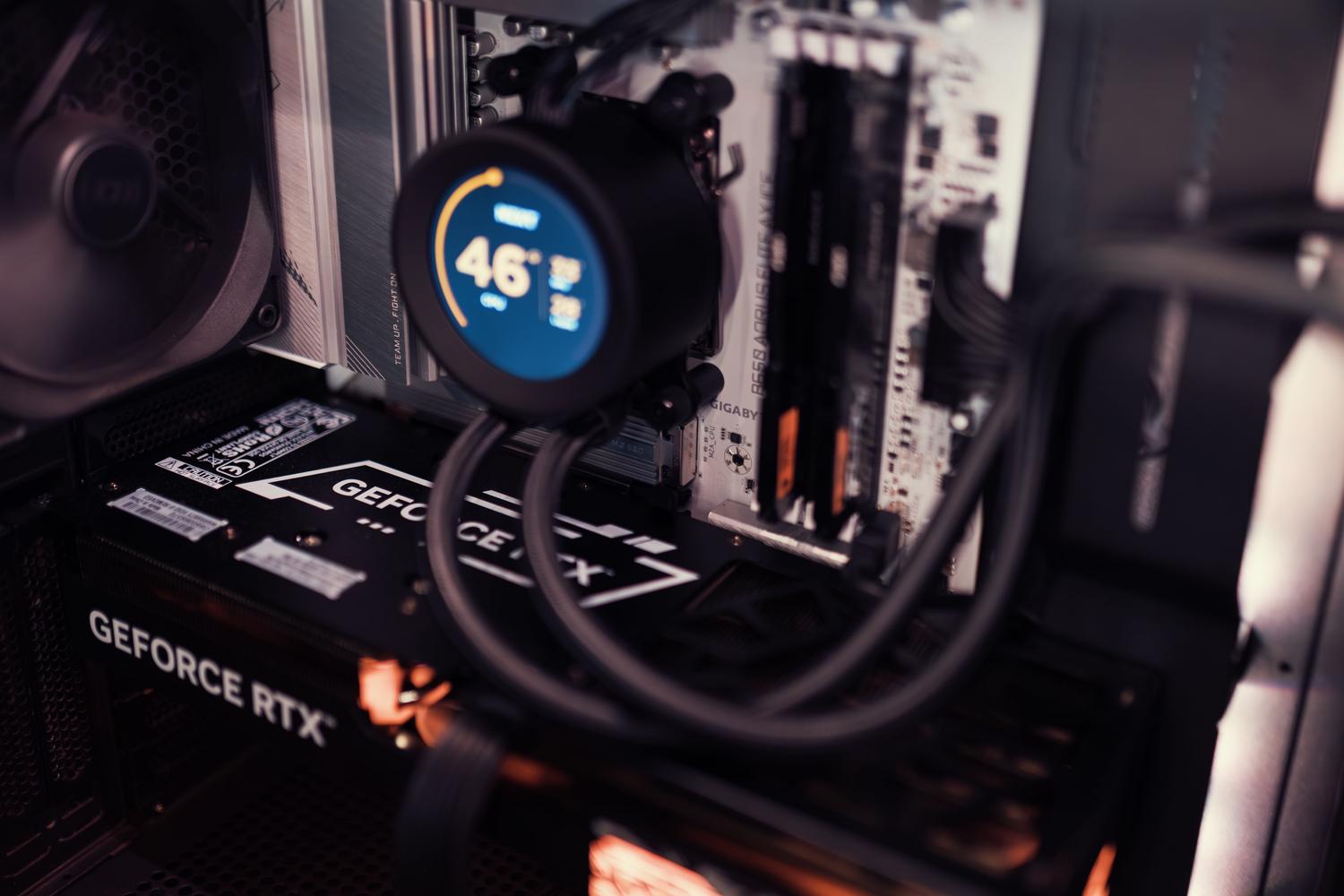
To avoid a frustrating experience, you should take a look at your components. The most critical resource is your graphics card's RAM and VRAM . As a general rule, a 1.5B model occupies approximately 1GB of space, but it needs more memory to operate smoothly.
- Mini Models (270M to 4B): Ideal for modest or mobile equipment.
- Small Models (4B to 14B): The balanced option for a home user.
- Medium Models (14B to 70B): Here you need serious hardware.
- Large Models (over 70B): Only for machines with gigantic resources.
As for the GPU, having an NVIDIA card with CUDA, an AMD card with ROCm, or a Mac with Apple Metal makes a huge difference, speeding up text generation by 5 to 10 times compared to using only the CPU. If you're going to buy equipment, look for graphics cards with at least 16GB of VRAM so you don't run out quickly.
Step by step installation guide
Installing Ollama is surprisingly simple and can be done in a matter of minutes depending on the operating system you use:
On Windows , simply download the .exe file from the official website. It will typically install in the user's AppData folder. For those who prefer containers, it can also be deployed using Docker Desktop by running the official installation command in the terminal.
For users of LinuxThe fastest way is to use the terminal with the command curl -fsSL https://ollama.com/install.sh | shOnce installed, the service usually runs in the background. If you need to change where the models are stored to avoid filling up your main disk, you can edit the environment variable. OVEN_MODELS in the systemd service configuration file.
En MacOSThe installation is straightforward using the downloaded installer or even using brew install ollamaThe system will automatically take advantage of the Metal acceleration of Apple Silicon chips.
How to manage and run AI models
Once the Ollama server is active (you'll see it in the taskbar icon), you can start downloading models. The fundamental command is ollama pull [nombre-del-modelo]although if you use ollama run, the system will download the model automatically if you don't have it yet.
There are various categories of models depending on your needs:
- Conversational: Llama 3 or Mistral are the kings here because of their balance between quality and speed.
- Programming: CodeLlama or DeepSeek-Coder are ideal for debugging code or generating functions.
- Multimodal (Vision): Models like LLaVA allow you to upload images and ask AI to describe them.
- Reasoning (Thinking): Models designed to explain processes step by step.
To interact, simply use ollama run llama3 and you will enter an interactive prompt. Within this session, you can use commands such as /? for help or /bye To exit. If you want to see what you have installed, ollama list It will give you the complete list, and with ollama ps You can check if the model is loaded onto the GPU or CPU.
Advanced settings and customization
If you're a developer, Ollama is a goldmine because it exposes a REST API on port 11434. This allows you to connect local AI to any application. It's compatible with the OpenAI format, so you can integrate it into VS Code via GitHub Copilot (using the BYOK option) or use agents like OpenCode.
Another powerful feature is the Modelfile . It's similar to a Dockerfile but for AI. It allows you to create a customized version of a model by defining a specific System Prompt (for example, turning Llama into an expert in Spanish law), adjusting the temperature to make it more creative or more precise, and saving that configuration under a custom name.
For those seeking a visual interface more similar to ChatGPT, we recommend installing Open WebUI . It connects to Ollama as a backend and provides a complete web experience with chat history and document management, all running on your own local network.
Optimization and performance tips
When you notice that the AI is running slowly, the first step is to check the quantization . This process reduces the precision of the model's weights (from 16 bits to 4 or 8 bits, for example), which drastically decreases the RAM required without sacrificing too much quality. A Q4_K_M model is usually the sweet spot between performance and precision.
To prevent Ollama from consuming resources when not in use, you can disable automatic startup in the Windows Task Manager. It's also helpful to monitor VRAM usage in real time to determine if the model is offloading system RAM, which significantly slows down performance.
Having control of local infrastructure democratizes the use of artificial intelligence, eliminating the economic barriers of subscriptions and the security risks of the cloud. By combining the power of models like Llama 3 or Mistral with the ease of management of Ollama, any enthusiast or company can build their own private AI ecosystem , optimizing available hardware and customizing model behavior through integrated Modelfiles and APIs.