- There are multiple applications for transmitting audio from your computer to your smartphone via WiFi or USB.
- It is possible to reuse old PC speakers by connecting them to your mobile phone using DAC adapters.
- Wired connections drastically reduce latency compared to wireless networks.
- Multiple devices can be synchronized simultaneously to create a multi-sound system.
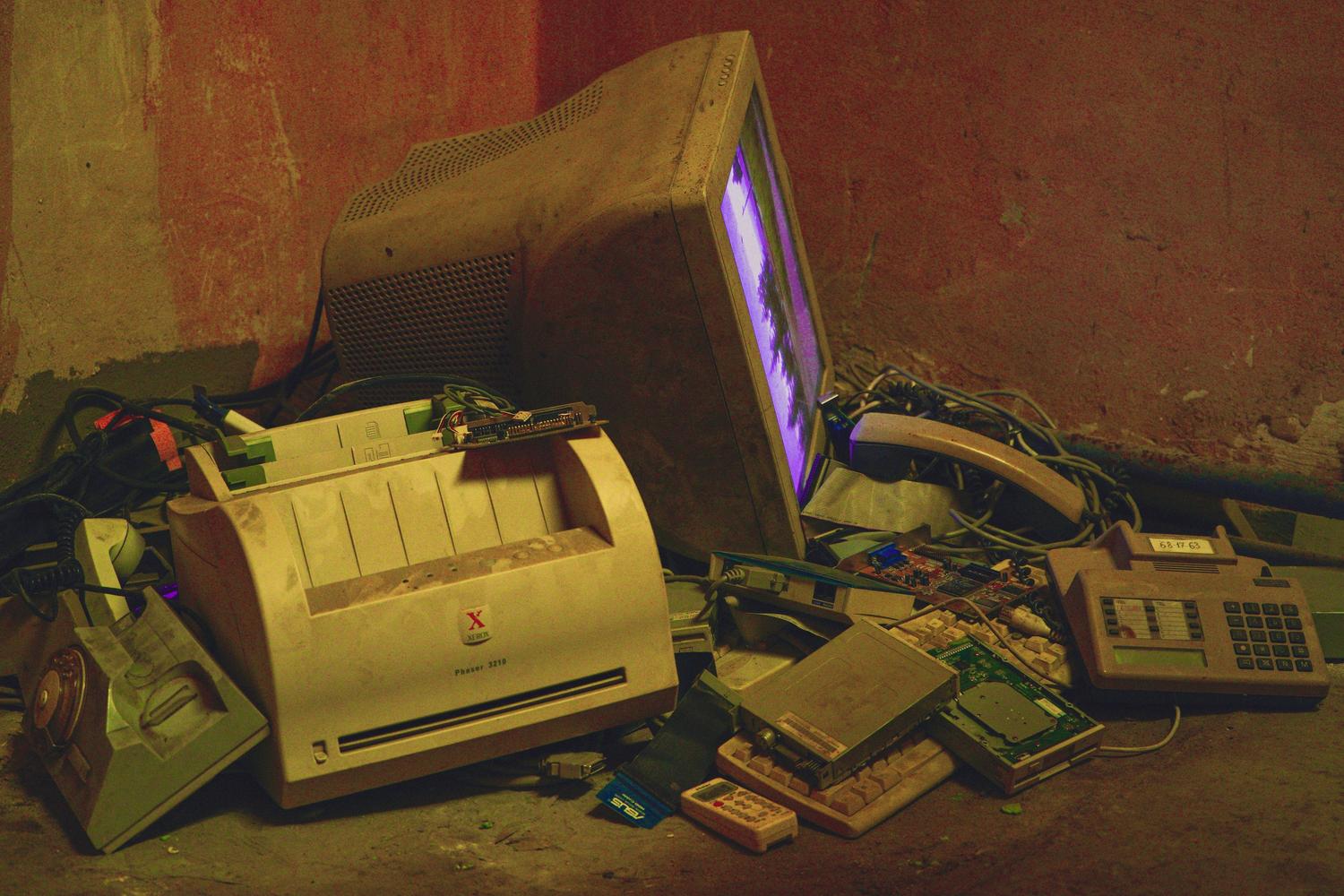
Do you have an old phone gathering dust in a drawer because you no longer use it for everyday tasks? It's common to keep these devices as spares in case something happens to your current one, but the reality is that they often end up forgotten and useless. Instead of letting the battery degrade and be forgotten, giving it a second life through technology recycling is a fantastic and very sustainable option.
One of the most ingenious ways to take advantage of that hardware is by transforming it into an external speaker for your computer. Whether your laptop speakers sound tinny, you're having audio problems with your PC , or you simply want to extend the sound to another part of the room without spending a penny on new equipment, there are tricks and tools that make this process a breeze.

Software-based solutions for audio transmission
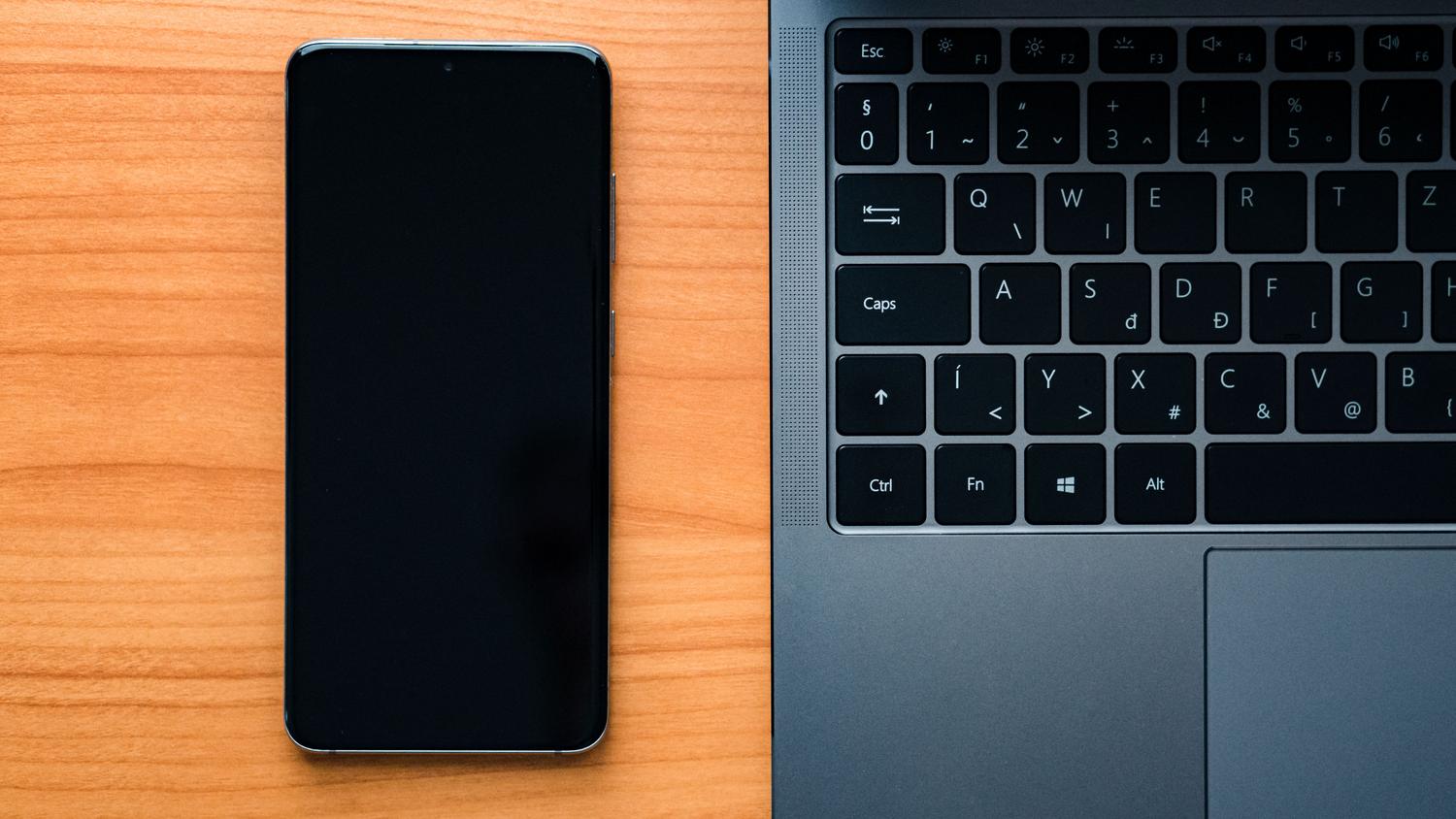
When it comes to turning your phone into a speaker, the quickest way is to install apps that act as a bridge between your PC and smartphone. One of the most robust options is AudioRelay , which lets you send sound from Windows, macOS, or Linux to an Android device. The cool thing about this app is that it lets you choose who is the server (the one emitting the sound) and who is the player.
To get started, install the program on your computer and the app on your phone. As long as both are on the same Wi-Fi network , your phone will detect the server and start playing whatever you play on your PC. If you notice a delay in the sound, a common latency issue, AudioRelay allows you to tether via USB by enabling the modem in your phone's settings, eliminating those annoying delays.
Another long-established and effective alternative is SoundWire . It works similarly: you install the client on Windows and the app on Android. To link them, you copy the server's IP address from your PC and paste it into your mobile device. Besides serving as a speaker, this tool has the advantage of also functioning as a microphone for your computer, giving you a very practical two-in-one solution.
Multi-device synchronization
If you're looking to set up a surround sound system or throw a house party, there are apps designed to connect multiple phones simultaneously . SoundSeeder is ideal for this, as it allows you to sync different smartphones to play the same thing at the same time. While it has paid versions for advanced features, it's a great option for distributing audio throughout your home.
Along similar lines, we find AmpMe , which not only works with nearby devices but also allows people in remote locations to connect and listen to the same music simultaneously. It's more of a social tool than a technical one, but very useful if you want to share a playlist with friends who aren't physically with you.
Other alternatives and technical tricks
For those using the Apple ecosystem, the most viable option is Airfoil Satellite . This system allows the iPhone to receive sound from a Mac or PC, functioning as a wireless receiver. Alternatively, if you already use VLC Media Player , you can use its "Broadcast" function to send audio files over your local network by entering the sender's IP address in the VLC app on your mobile device.
If you'd rather avoid software and have some old computer speakers lying around, you can do the reverse: use your phone as the source and your PC speakers as the output. If your smartphone doesn't have a 3,5mm headphone jack, you'll need a USB-C adapter with a built-in DAC. This is crucial because the DAC converts the digital signal to analog, ensuring clean sound reaches the external speakers, which often have better sound quality than any cheap Bluetooth speaker.

Precautions regarding hardware and volume
It's important to be careful when forcing the audio output of an older phone. Not all speakers are designed to handle high volumes for extended periods. If you notice the sound becoming distorted or metallic , it's a sign that the device is overloading. Forcing the volume to maximum for a prolonged time could permanently damage the speaker diaphragm .
To improve the experience safely, you can adjust the system equalizer in Android's sound and vibration settings, or use moderate sound amplifiers. Ideally, you want a balance where the sound is clear and powerful, but without reaching the point of saturation that could compromise the device's lifespan.
Recycling an old device to turn it into a speaker is a brilliant and economical solution that avoids unnecessary purchases. Whether using apps like AudioRelay and SoundWire for wireless or USB connections, AirFoil for iOS, or even connecting your phone to old PC speakers with a DAC adapter, you can rescue forgotten hardware to improve the acoustics of your workspace or gaming setup.
