- Find Hub allows you to remotely locate, lock, and erase data using a network of Android devices.
- Security is reinforced with biometric identity verification to prevent intruders from disabling protections.
- The system includes advanced theft detection and offline location features via Bluetooth.

Losing your phone these days is a real nightmare, and not just because of the device's cost. The true anguish comes from knowing that we store our entire digital life on that small piece of glass and metal : from bank passwords and work emails to intimate photos and private conversations. Fortunately, the Android ecosystem has made a giant leap in security, moving from simple trackers to proactive systems that protect our information.
To combat this problem, Google has evolved its classic tool into what we now know as Find Hub . This system not only allows you to see a point on the map, but also integrates much deeper layers of security, including biometric authentication , so that even if someone gets hold of the device, they can't erase its history or access its contents. Let's take a closer look at how to set everything up so you're not caught off guard.
The heart of the recovery: Find Hub
What we used to know as "Find My Device" has evolved into Find Hub, a much more robust platform. If you have a linked Google account and location services enabled, protection is already turned on by default. From your browser or via the app on another device, you can manage your lost device with four levels of action, depending on the severity of the situation.
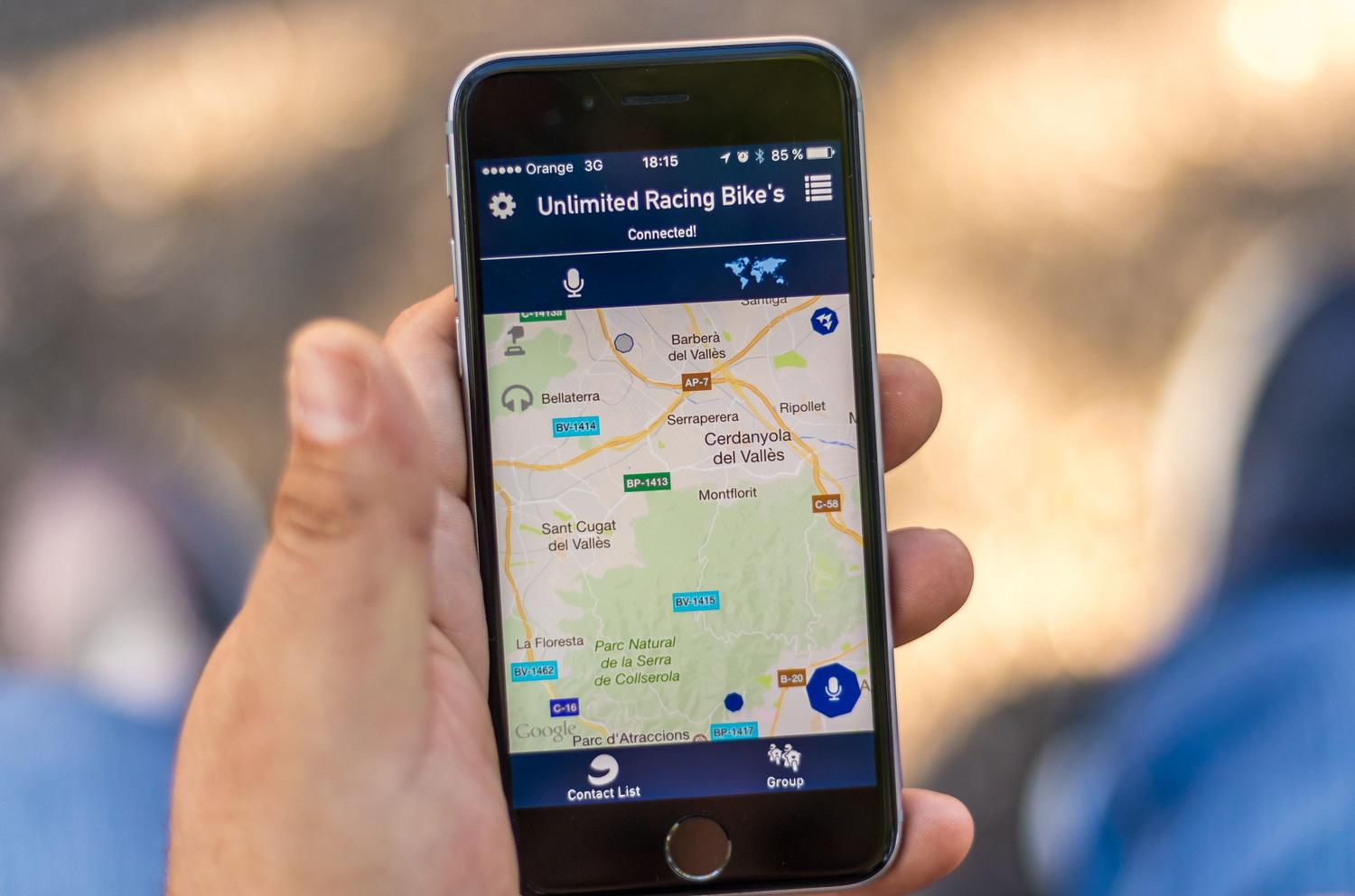
- Location in real time: You can see the exact location on Google Maps. If your phone is switched off or has no network connection, the system will show you last known locationIn addition, it includes detailed maps for complicated locations such as airports or shopping malls.
- audible alert: Ideal for when your phone has "fallen asleep" between the sofa cushions. It makes the phone... play at full volume for five minutes, ignoring whether it was in silent or vibrate mode.
- remote lock: If you suspect it wasn't an oversight but a theft, you can log out of your current session and set a password. It's possible. add a custom message and a phone number on the lock screen so a good Samaritan can contact you.
- Complete erase: It's the nuclear option. It completely erases all the content from the device. Be aware that once this is done, You will no longer be able to locate him. because the Google account is deleted from the device.
Advanced protection: Biometrics and anti-theft protection
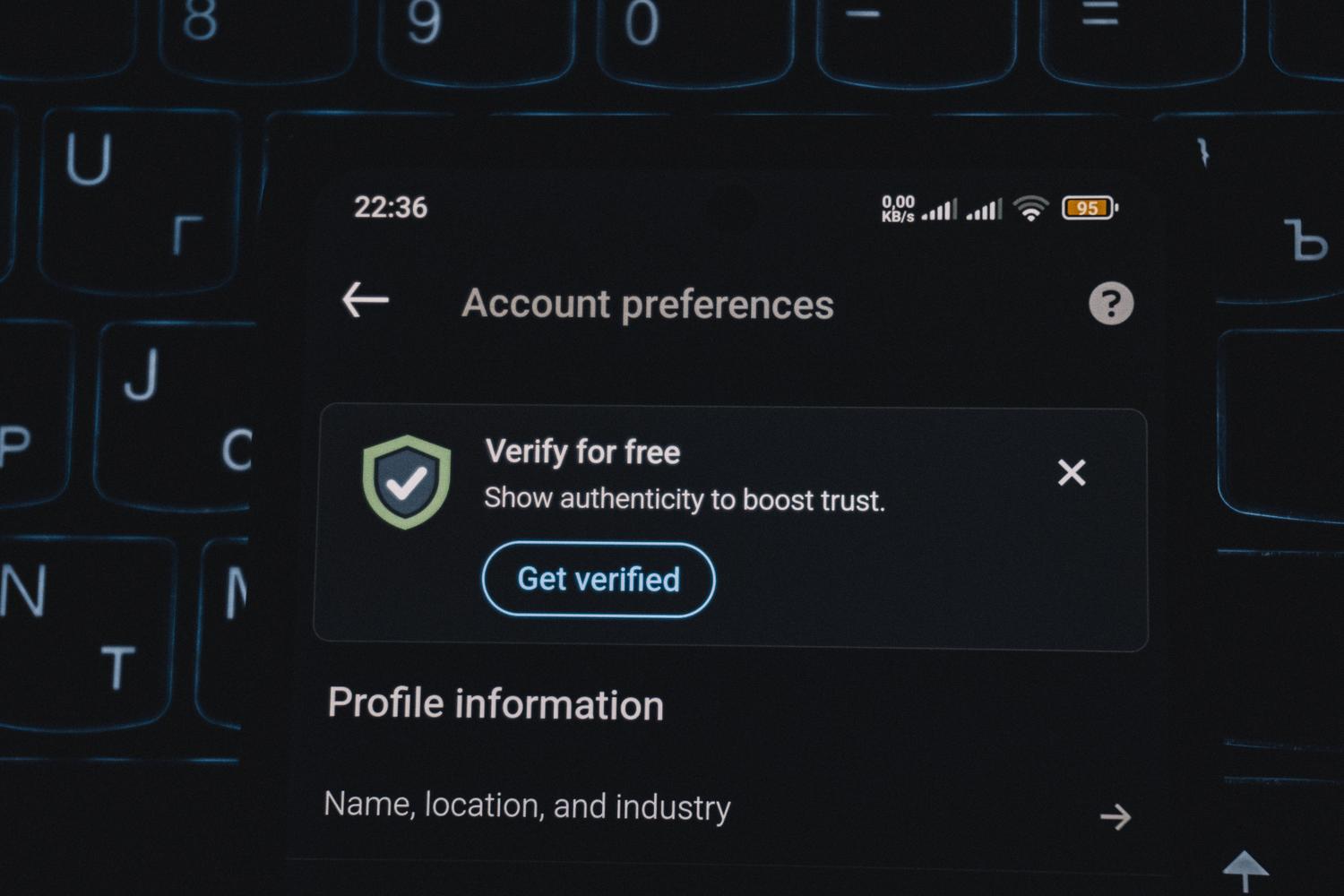
Having a PIN is essential, but professional thieves already know how to bypass them. This is where identity verification comes in . This feature requires the user to use their fingerprint or facial recognition before making critical changes, such as disabling the locator or resetting the phone. In this way, biometrics acts as a barrier that prevents intruders from disabling the alarms.
In addition, Android has implemented features that seem straight out of a spy movie. Theft detection lock analyzes sudden movement patterns; if the system detects that someone has snatched your phone and run away, the screen locks instantly. There's also offline device lock , which activates automatically if the thief puts the phone in airplane mode to prevent you from tracking it.
Extra tips for total security
Not everything depends on Google. If you have a Samsung device, you can take advantage of its own platform, Samsung Find My Mobile , which offers extras like remotely extending battery life or creating cloud backups right before erasing the device. For everyone else, managing the IMEI number is vital . By dialing *#06# you can obtain this unique code, which is the only way your carrier can disable the device's cellular connectivity nationwide.
For the system to be truly effective, it's advisable to adjust a few settings. Using a six-digit PIN instead of four is highly recommended, as this increases the number of possible combinations from ten thousand to one million. Additionally, locking your SIM card with your own PIN prevents criminals from transferring your chip to another phone to receive your verification codes via SMS and access your bank accounts.
Offline location and the future of the network
One of the biggest advances is the creation of a crowdsourced device network . Now, even if your phone doesn't have internet access, it can emit Bluetooth signals that other nearby Android devices detect anonymously and encrypted. This information is then sent to you so you know the device's location. This technology isn't just for phones; it also works with compatible Bluetooth accessories and tags , making it easier to recover luggage from partner airlines or find lost keys.
For those seeking maximum control, there are complementary apps that fill in the gaps in Android, such as those that take a photo of the intruder when they enter the wrong PIN and send it to you via email along with their GPS location. Combining these tools with Google's native settings creates a nearly impenetrable security mesh.
Setting up a robust screen lock, activating the Find Hub network, and enabling biometric verification transforms a vulnerable phone into a digital fortress. From the ability to locate your device offline to the option of erasing sensitive data with a single click, the current priority is safeguarding privacy over hardware. Prevention is the only real tool: configuring these settings now is the only way to ensure that, in case of loss, you remain in control and not a stranger.