- The Google account restoration process is based on identity verification using previously linked data.
- It is essential to have up-to-date recovery methods such as alternative emails and mobile phones.
- Google offers official and secure channels to manage access, warning about the danger of using unauthorized external services.

Being locked out of your Google account can be a real headache, especially since nowadays our entire digital life is tied to it. From work emails in Gmail to memories in Google Photos or the apps we've downloaded from the Play Store, losing access is essentially like being cut off in the virtual world.
The good news is that, although it might seem like a nightmare, regaining control of your profile is entirely possible if you follow the right steps. Google has a robust security system in place designed to verify your identity, preventing intruders from accessing your accounts while helping you regain access smoothly.
Steps to recover your forgotten password
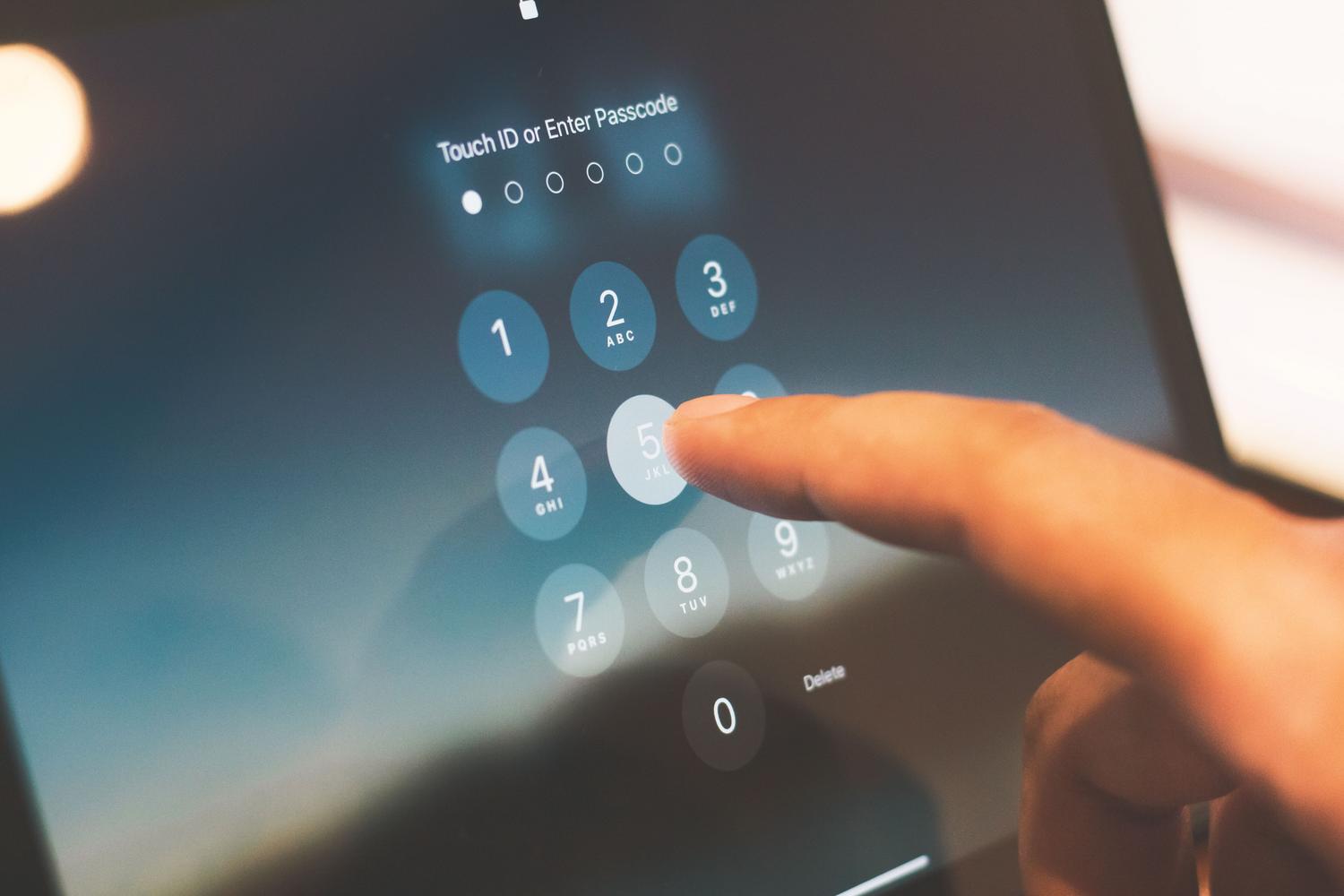
If you've been stuck on your password, the first thing to do is not panic. Go to the official account recovery page (accounts.google.com/signin/recovery) and enter your email address or phone number. The system will then ask you a few questions to verify your identity. Importantly, there's no limit to the number of attempts you can make, so if you get an answer wrong, you can try again as many times as needed until you succeed.
To confirm you're the rightful owner, Google will ask you to verify your identity through codes sent via SMS , backup emails, or by answering personal questions you set up previously. Once the system is convinced it's you, it will allow you to set a new password. However, be sure to choose a strong password, and above all, one you haven't used before on that same account to avoid security issues.
What if you don't remember your username either?
Sometimes you forget both your email address and your phone number. In this case, you'll see the option "Forgot your email address?" on the login screen . For this to work, you'll need the phone number or recovery email you linked when you created the account, as well as the full name you used to register.
After entering that information, Google will guide you through a brief confirmation process and then show you a list of usernames that match the information provided, allowing you to quickly identify which account you are trying to recover.
Managing hacked or deleted accounts

If you're unlucky enough to have someone access your account without your permission, it's vital to act quickly. Google has a specific section for hacked or intercepted accounts within its recovery portal. In this scenario, the verification process will be more rigorous. Once you regain access, the smartest thing to do is review recent activity and change all your passwords immediately to permanently remove the intruder.
On the other hand, if you recently made the mistake of deleting your account, there's still hope. There's a limited window of time in which it's possible to restore a deleted account . Simply go through the usual recovery process and follow the instructions to try and recover your information before it's permanently deleted from the servers.
Golden tips and safety warnings

To prevent this from happening again, it's crucial to keep your recovery information up to date . Having an updated phone number and email address is the difference between recovering your account in two minutes and losing it forever. Keep in mind that if you've recently changed this information, it may take up to 7 days for the changes to be reflected in the system, so you'll need to be patient before trying the process again.
A critical point is to never trust third-party services that promise to recover your password in exchange for money or personal information. Google does not collaborate with any third-party companies for these matters and does not offer telephone support for password recovery. Never, under any circumstances, reveal your verification codes or passwords to anyone, as you could be handing over the keys to your privacy to a scammer.
If you still can't log in after exhausting all official channels, your only option will be to create a new account. To avoid this happening again, activate two-step verification from the start and write down your passwords in a safe place. Maintaining good digital hygiene and using official channels is the only way to ensure your personal data is always safe and under your complete control.