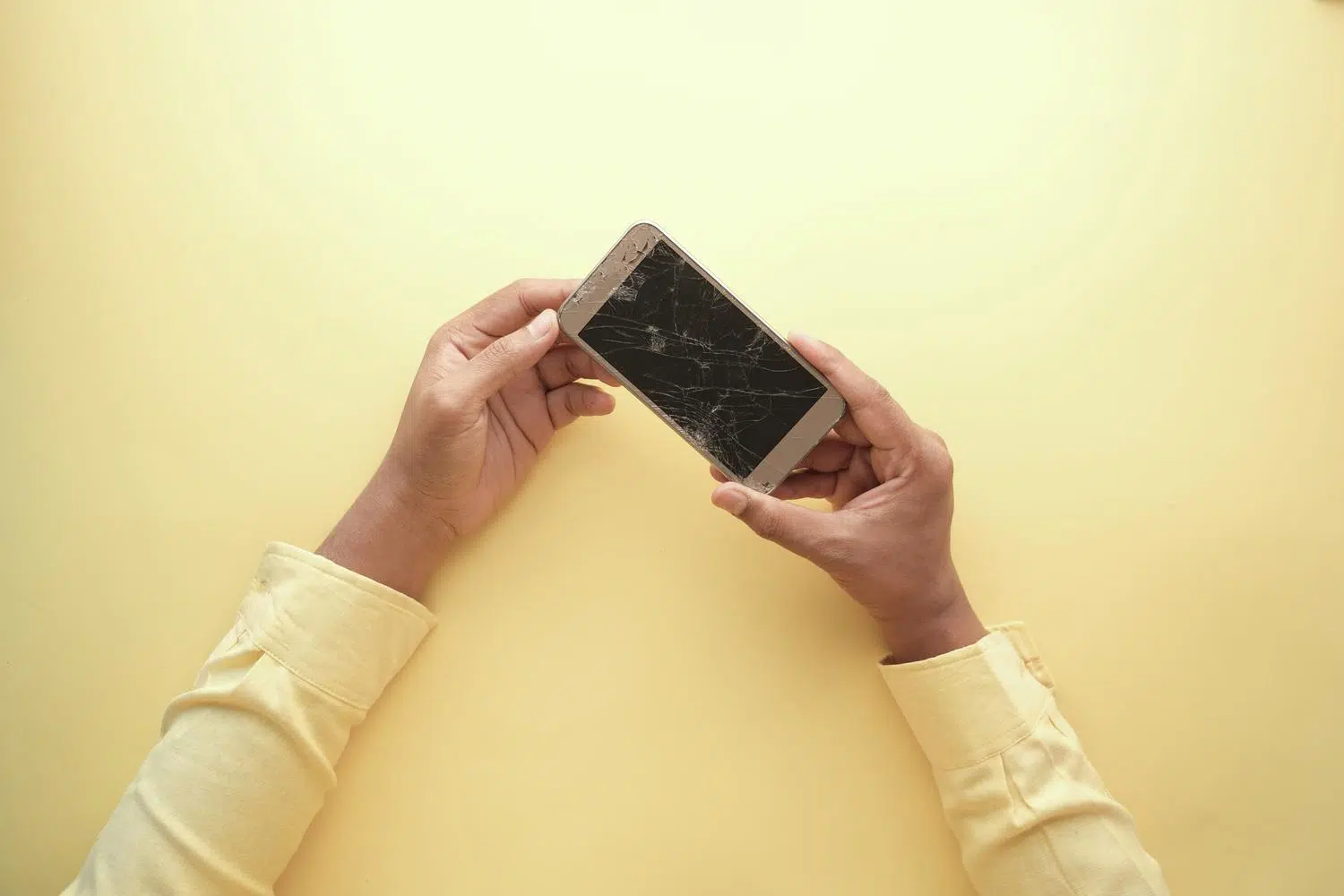
Who hasn't experienced it: that split second of panic when your smartphone slips out of your hands and, upon turning it over, you find the screen shattered . It's a frustrating feeling that can ruin your day, especially since nowadays our mobile phone is our tool for everything, from work to talking to family.
In desperation, many of us succumb to the temptation of searching for quick fixes online. The problem is that, with the rise of social media platforms like TikTok and Instagram, completely fake and dangerous tricks promising miracles have proliferated. In this article, we'll break down what to actually do and, above all, what you absolutely shouldn't try if you don't want to permanently damage your phone.

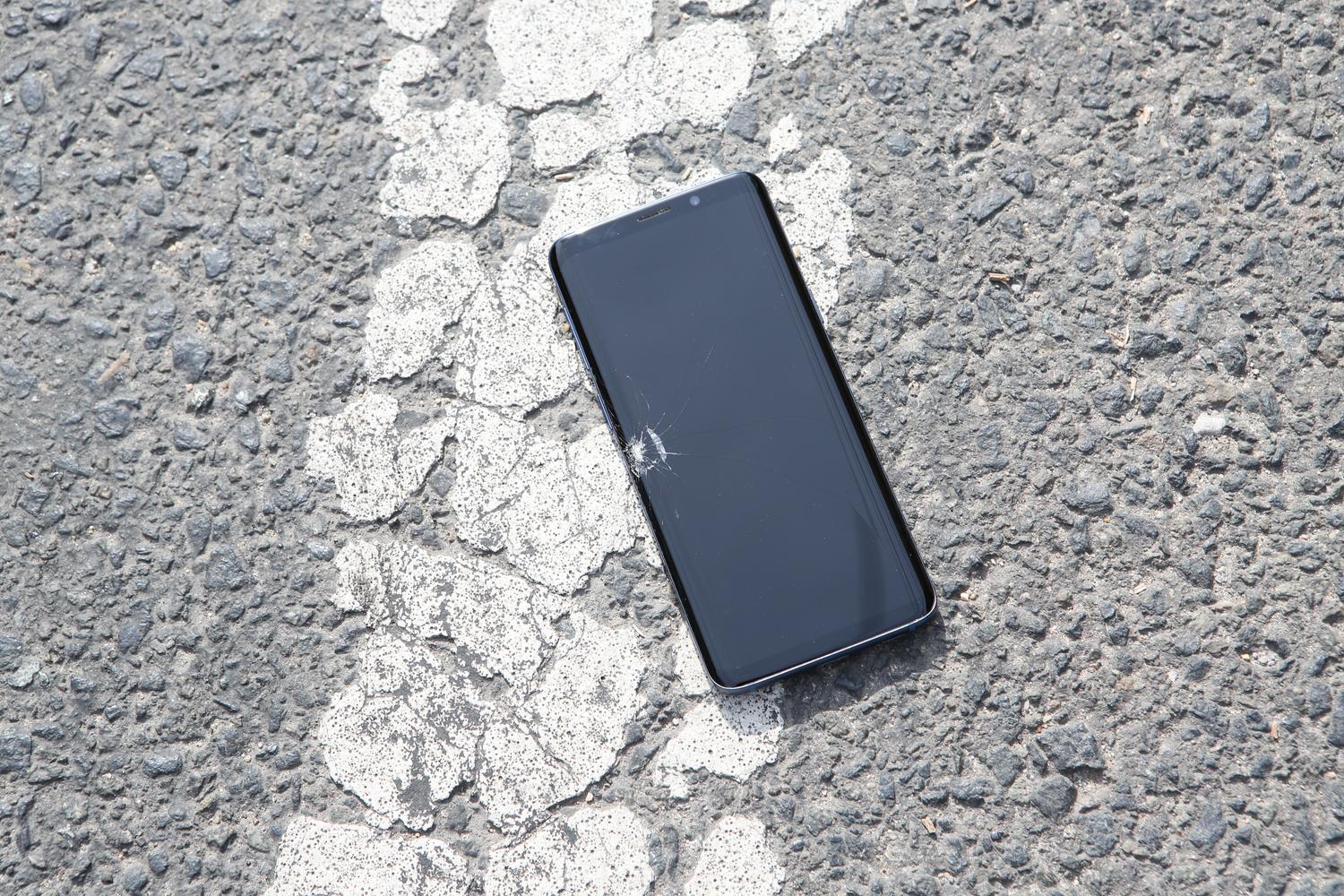
You've probably seen a video where someone passes a lighter over the screen and, magically, the colored lines disappear or the glass seems to smooth out. Let's be clear: this is a complete fake . Exposing your device to a direct flame is like playing Russian roulette with your technology. Extreme heat can't repair dead pixels or restore touch functionality; all it will do is melt internal components or, even worse, cause the battery to explode due to thermal stress.
These techniques go viral because they're visually deceiving, but they're dangerous traps. If your screen is cracked, no heat trick will fix it; the only real solution is to replace the damaged part with a new one. Don't risk it trying things that only get you likes but leave your phone unusable.
First aid for a broken phone
If you've just broken a window, the first thing to do is stay calm and act sensibly to avoid making the situation worse. Before thinking about repairs, prioritize your own physical safety . Don't run your fingers over the broken glass because you could cut yourself badly; a very effective temporary solution is to place a piece of clear tape or an inexpensive screen protector over it to prevent shards from forming.
The next critical step is to immediately back up all your data. A damaged screen is unstable, and you could suddenly experience a complete touch screen failure or a black screen, locking you out of your photos and contacts. Also, be alert for warning signs: if you notice the device is excessively hot or emits a strange odor, turn it off immediately, as this could indicate a battery problem.

Real options to fix the breakage
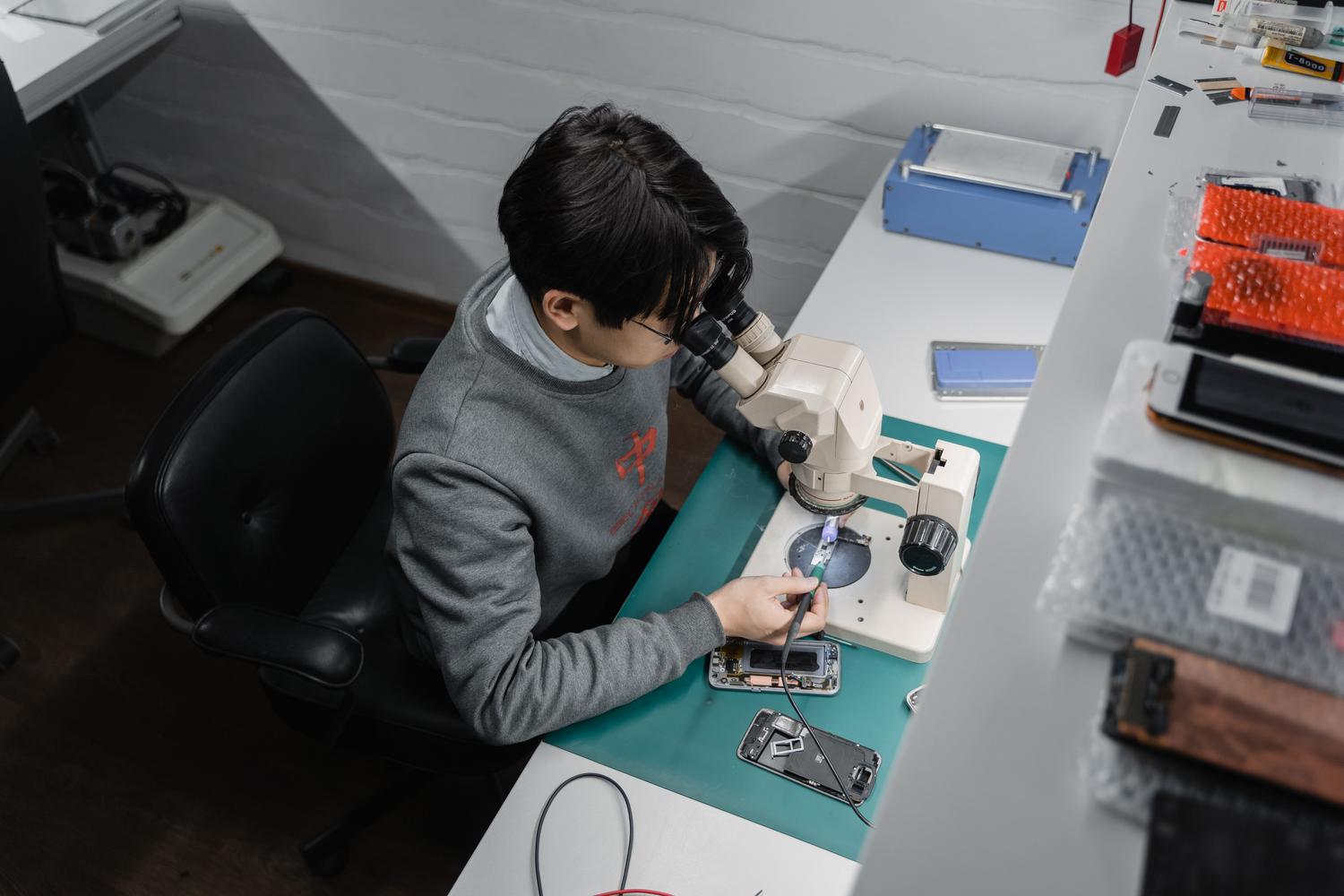
- Official Technical Service: It is the safest route with the best guarantees, although it is usually the most expensive and slowest.
- Local workshops: They can be much faster and cheaper, but it's vital to find a trustworthy site so you don't get ripped off. poor quality parts.
- Self-repair: Only recommended for those with technical experience. Modern mobile phones are very delicate pieces of machinery, and it's extremely easy to break something else in the process.
- Equipment replacement: If the damage also affects the motherboard or battery, sometimes it's more cost-effective to buy a new phone than to try to revive the old one.
In some cases, if you're not in a hurry, you can use an older phone as a backup while you decide what to do. This allows you to assess whether it's really worth investing in the repair or if it's time to upgrade to a newer, more durable model.
How to prevent it from happening again?
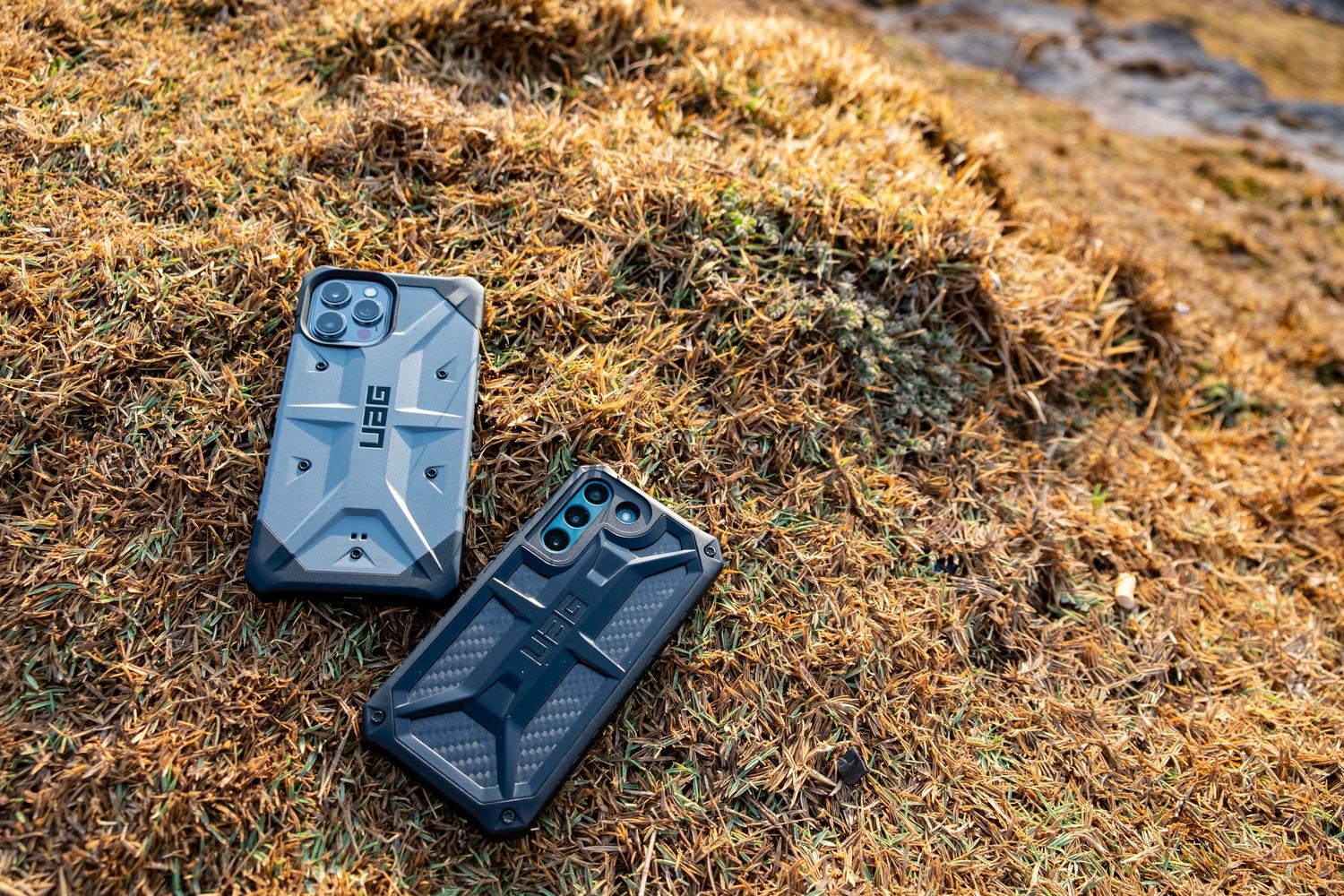
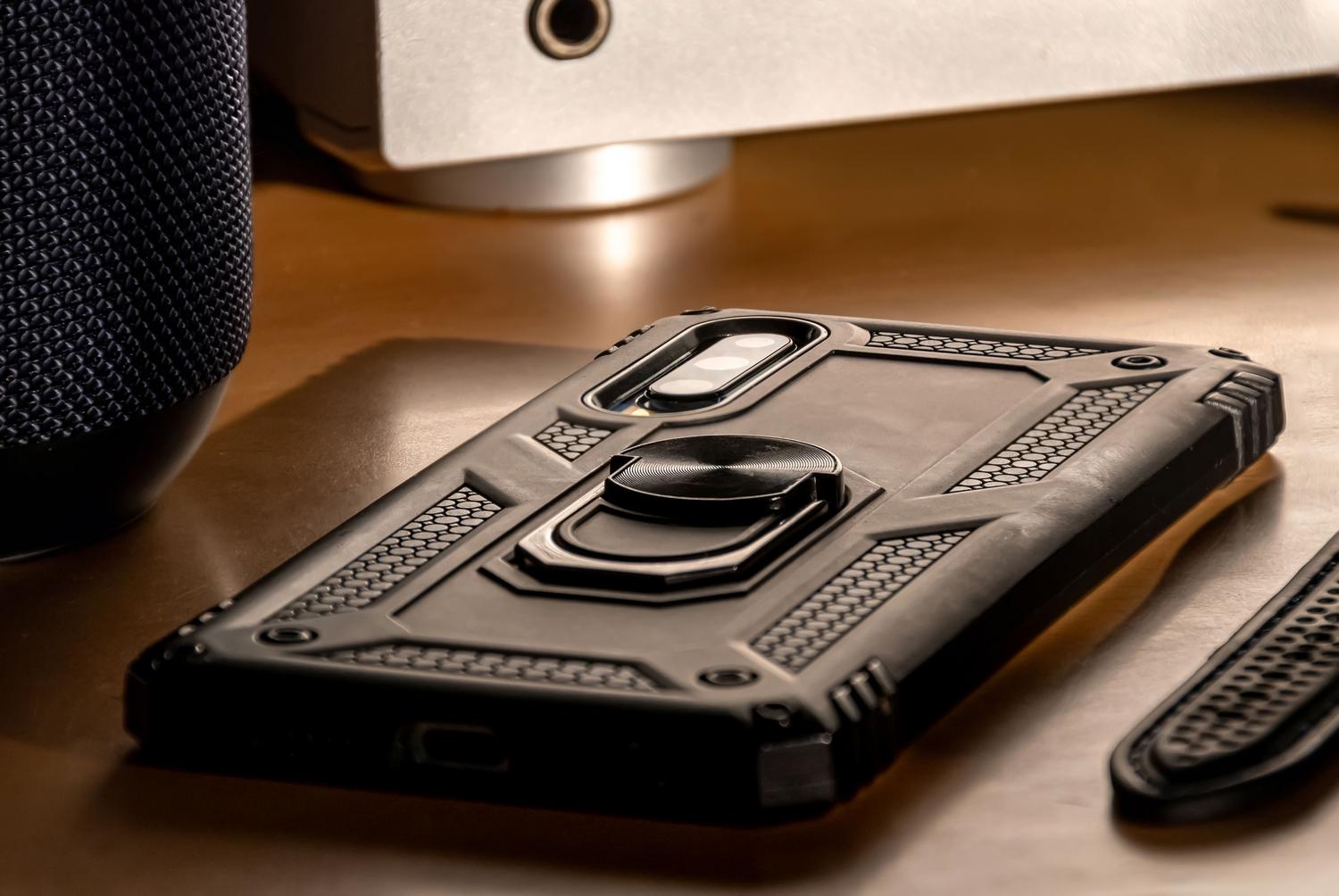
The best repair is the one that doesn't need to be done. To avoid this unpleasant experience again, invest in tempered glass screen protectors , which are the first line of defense against impacts. Always use them with a sturdy case that has raised edges; this ensures that, in case of a fall, the impact is absorbed by the plastic and not the glass.
Our daily habits also play a significant role. For example, it's essential to stop carrying your phone in your back pocket, as sitting on it is the quickest way to bend the casing or break the screen. Similarly, avoid leaving your device exposed to extreme temperatures (like the dashboard of a car in summer), as heat weakens the materials and makes them more brittle.

Alternatives if you don't want to repair the device
If you decide not to repair it, you can try to recoup some money by selling the phone as is. There are companies and online buyers who accept broken phones to salvage the internal parts. To get a fair price, make sure you know the exact model, serial number, and whether it has suffered water damage. Comparing prices on secondhand sites will help you avoid being overcharged.
Having insurance is another option you should consider. Many phone plans or standalone insurance policies cover screen breakage, and you could end up with your device as good as new without spending a penny. Don't forget that keeping the screen clean with a microfiber cloth prevents small dirt particles from scratching the glass over time.
Having a broken phone is a real headache, but it can be fixed with patience and by avoiding quick fixes found online that only cause problems. The smartest thing to do is protect yourself first, back up your data, and then choose between a professional technician or replacing your device, always using cases and screen protectors to prevent the problem from happening again.