- Optimized storage capacity for up to 8 HDD or SSD drives.
- Modular design compatible with materials such as plastic, aluminum or wood.
- Simplified assembly using SATA/SAS cables without complex electronics.
- Easy access to all components through global online stores.
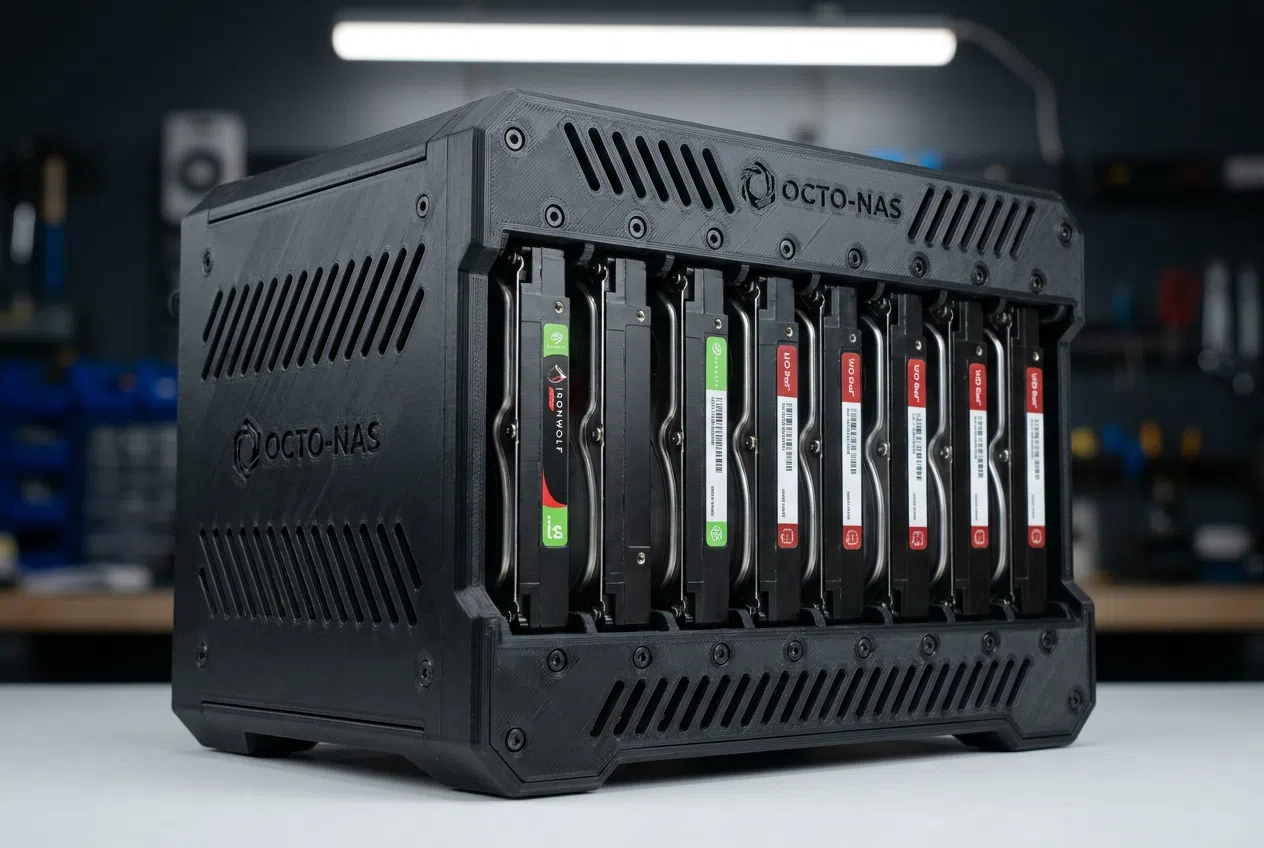
If you're passionate about data storage and have a bunch of drives gathering dust, you know that finding a flexible and affordable enclosure solution isn't easy. That's why 3D printing hard drive enclosures has become the preferred option for those looking to customize their NAS server or build a robust storage system without spending a fortune on commercial chassis.
The coolest thing about this approach is that you're not tied to a fixed design; you can play with materials and adapt the structure to your space. Whether you're looking for a minimalist aesthetic in plastic or prefer to combine 3D printing with more traditional elements, the possibilities for organizing your records are practically endless if you have a printer handy.

A versatile system for NAS and Servers
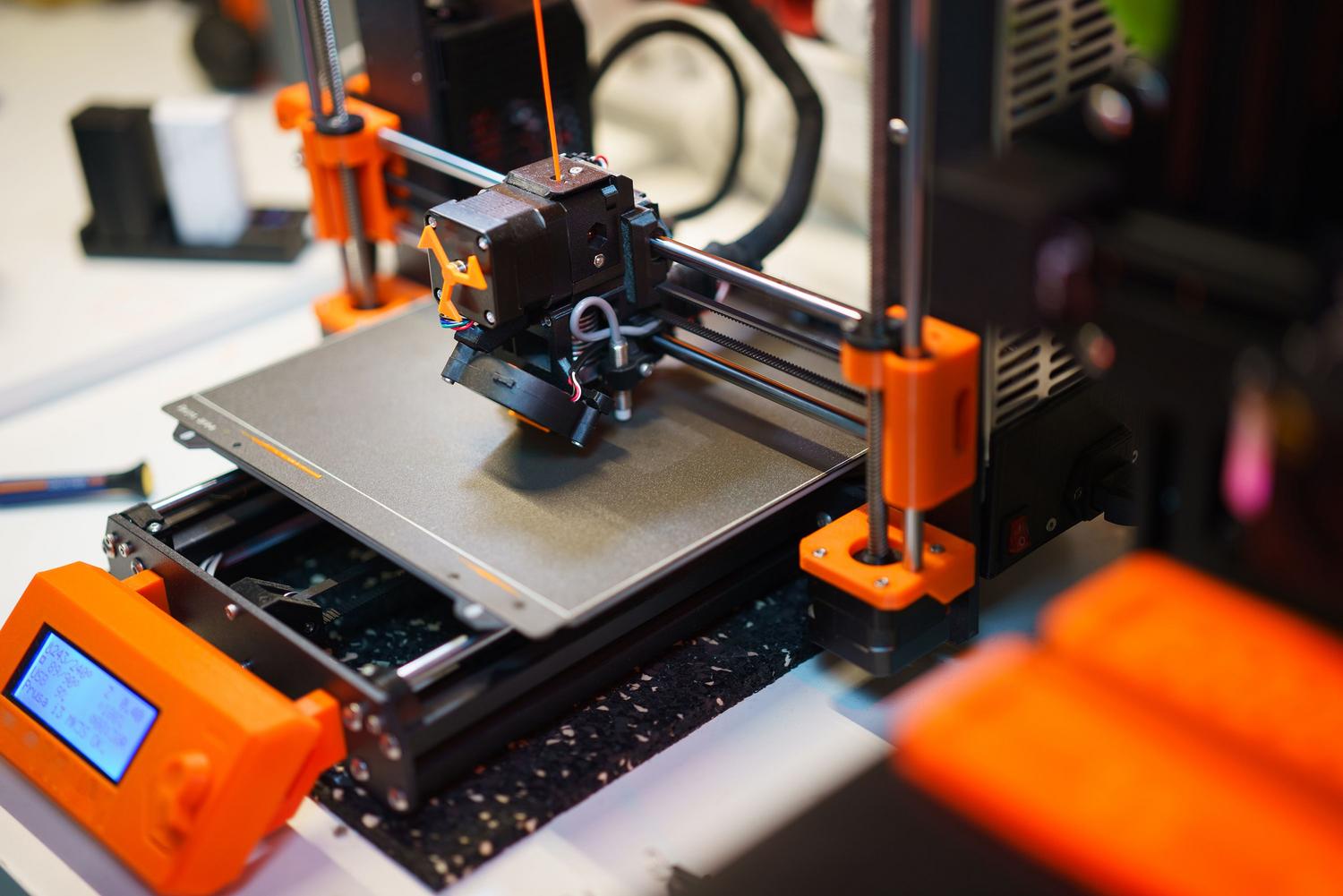
There's a highly efficient design capable of housing up to eight HDDs , ideal for those managing large volumes of data. The interesting thing about this project is that the enclosure can be entirely 3D printed, although if you're feeling creative, you can use the external case as a guide to build your own structure using aluminum, wood, or metal, depending on how strong you want the assembly to be.
Compatibility and Components
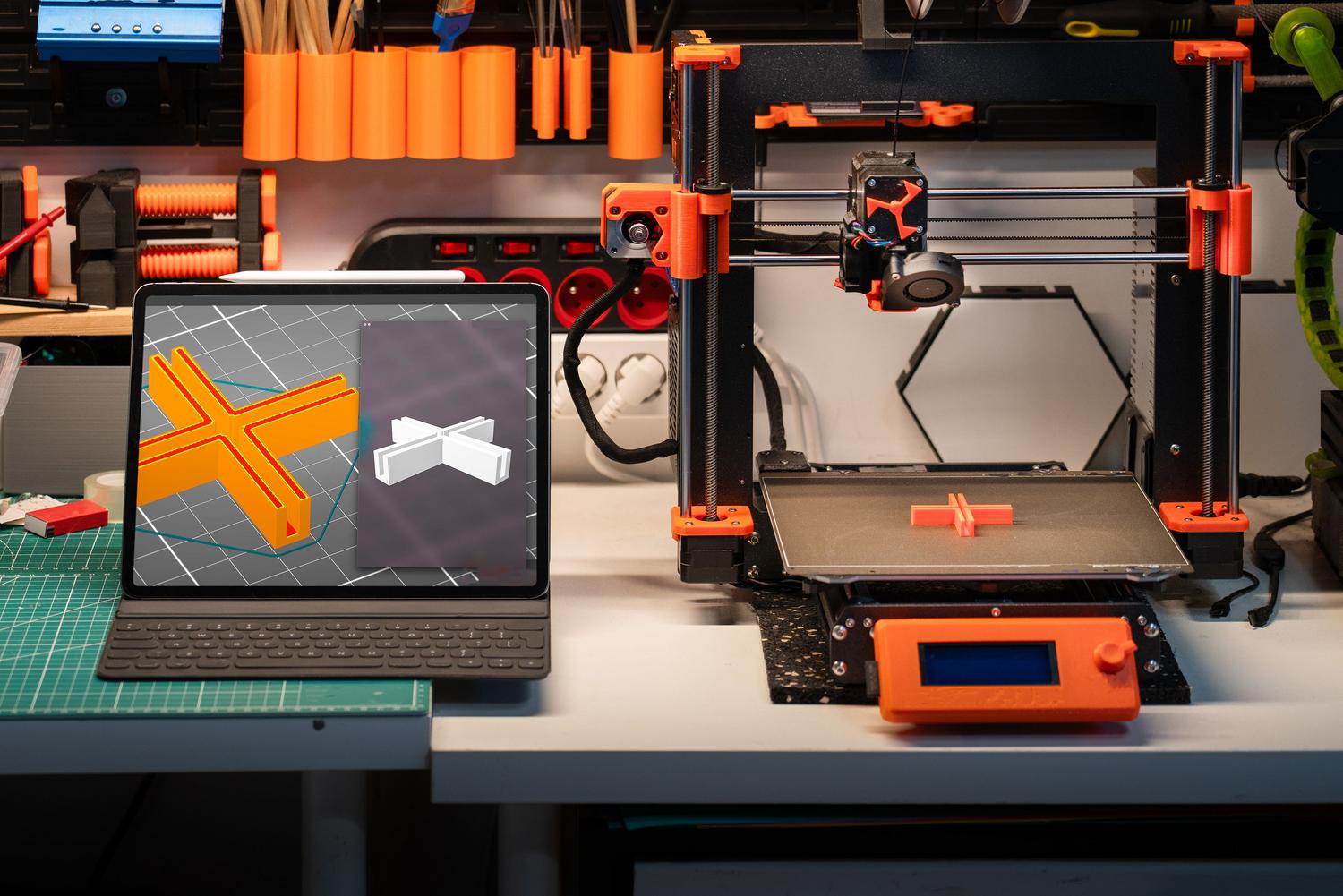
The secret to making everything run smoothly lies in technical simplicity. Instead of getting bogged down with complex circuit boards, this system relies on the use of extended-length SATA or SAS cables , which greatly simplifies internal assembly and avoids connectivity headaches.

As for the necessary materials, there's no need to go to expensive specialty stores, since all the parts are readily available on global platforms like Amazon, AliExpress, or eBay. Furthermore, the design is extremely flexible, allowing for the integration of specific trays for both 3.5-inch HDDs and 2.5-inch SSDs, ensuring that any drive you have fits perfectly.
Advantages of In-House Manufacturing
By printing your own chassis, you gain complete control over ventilation and airflow, which is critical when you have multiple drives running at full capacity. You can adjust the wall thickness or add extra vents to prevent the drives from overheating, thus optimizing the lifespan of your hardware.
Having the freedom to choose between a fully printed finish or a hybrid with industrial materials allows the server to adapt to any environment, whether it's a technical cabinet or an office desktop. The ease of obtaining replacement parts makes it a scalable solution for the long term.
Having a custom-designed cabinet allows you to manage up to eight drives using an adaptable structure that supports diverse materials and readily available standard components, eliminating electronic complexity through the use of extended cabling and ensuring compatibility with various hard drive formats.