- The FNMT certificate for individuals is free; video identification costs €2,99 + VAT.
- You can obtain it via app (electronic ID or video), via web with Configurator or with in-person accreditation.
- It is used to identify yourself and sign online procedures with administrations and private entities.
If you want to manage paperwork without leaving your living room, the digital certificate from the Spanish Royal Mint (FNMT-RCM) is your master key. With it, you can identify yourself to government agencies and companies, sign documents, and access online services with complete security. The best part is that you can request it from home, using your mobile phone, in just a few steps.
Before we get into the details, it's helpful to know exactly what it is and what options are available to obtain it. The certificate itself is free, although video identification has a processing fee of €2,99 + VAT . There are also free alternatives if you have a valid electronic ID card (DNIe) or if you choose to verify your identity at an office. I'll explain all the options in detail, including requirements and tips to avoid mistakes.
What is the FNMT Citizen Electronic Certificate
The Citizen's Electronic Certificate—also referred to as a Personal or User Certificate—is a digital credential issued by the FNMT-RCM (Spanish Royal Mint) that uniquely links you to a set of signature keys. In practice, it's a file or component installed on your device that confirms your identity online, allowing you to sign, identify yourself, and encrypt communications with full legal validity.
This certificate contains your identifying information and integrates with the Google Chrome browser or the official app. When a procedure requires it, a window will appear allowing you to select your certificate and continue. Selecting the certificate authorizes the transaction, just as showing your ID card at a service window would.
Who can apply?
Spanish citizens and foreign nationals can request it, provided they are of legal age or emancipated minors and have a valid identity document (DNI or NIE). Issuance of the FNMT certificate for individuals is free , regardless of the method chosen; only video identification incurs the aforementioned processing fee.
One important detail: only one active personal digital certificate per citizen is allowed. If you already have one and request another through the mobile app, the previous one will be automatically revoked . This isn't a problem if you have a backup, as you can easily install the new certificate on your devices.
What it's for: procedures you can do
With a digital certificate, you can interact with public administrations and private entities without leaving home. These are some of the most common uses :
- Filing and paying taxes.
- Register resources, claims, and official requests.
- Fill in and update population and housing census data.
- Check and register in the municipal register.
- View and manage traffic fines.
- Apply for and process grants.
- Check your polling station assignment.
- Carry out actions communicated to organizations.
- Electronically sign documents and official forms.
In all these cases, you avoid queues and travel. Your browser or the app acts as a single point of contact with full legal validity , provided the certificate is correctly installed and up-to-date.
Where and how it is used
You can use it on the FNMT website and many other government and corporate websites that accept certificates. To access secure pages (HTTPS) , your browser must have the certificate installed in its store (or you can use the app, if the process allows it). When you access a compatible process, a window will appear allowing you to select and authorize the certificate.
As a general rule, you'll find that it integrates seamlessly with most major browsers and mobile devices. It's important to keep the certificate securely stored and backed up in case you change computers or reset your system.
Ways to request the certificate from home
There are several options for obtaining the certificate without visiting an office, depending on whether you have a working electronic ID card (DNIe) or prefer video identification. The official FNMT app for Android and iOS greatly simplifies the application process , and you can also do it from your computer using the FNMT Configurator.
Free option: with a valid electronic ID card and a mobile phone with NFC
If your electronic ID card (or digital ID card on your mobile ) has valid certificates and you remember your PIN, you can obtain the certificate for free from your mobile phone. You need a smartphone with NFC and the FNMT app installed (available for both Android and iPhone).
- Open the FNMT app and tap on "Request digital certificate", choose "Read DNIe".
- Accept the terms, enter a valid email address, and confirm the code that will be sent to you by email.
- Enter the CAN code from your ID card (it's on the bottom right of the front) and the PIN from your electronic ID card.
- Bring your ID card close to your phone to read it via NFC: on Android, place it under the back; on iPhone, over the front camera area. Keep it in contact for a few seconds.
- Validate the issuance and wait for the app to confirm the download. Then, go to "Requests" to install the certificate; it will ask for your DNIe PIN again.
Note: You only have three attempts with your electronic ID card PIN. If you enter the wrong PIN several times and it becomes blocked, you will have to reactivate it at a police station with a renewal machine . This is a free procedure and does not require an appointment.
Option with video identification: all online for €2,99 + VAT
If your electronic ID card (DNIe) is no longer valid, you've forgotten your PIN, or you'd rather avoid traveling, video identification is your alternative. The certificate itself remains free, but this verification service costs €2,99 + VAT.
- In the FNMT app, go to "Request digital certificate" and choose "Video identification".
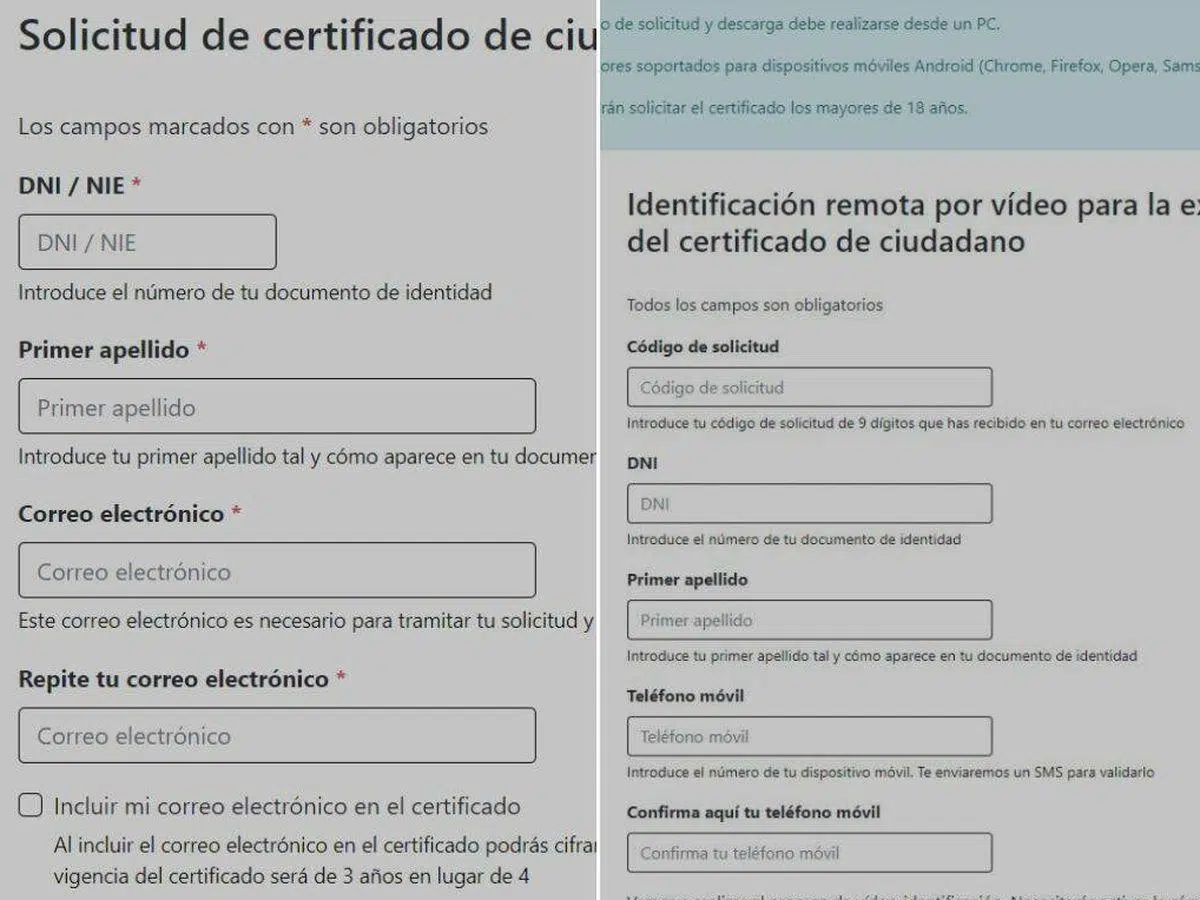
- Accept the terms and conditions, provide your ID number, first surname and a valid email address.
- Confirm your email, enter your mobile number and validate the verification SMS.
- Complete the identification by recording the evidence with your phone's camera as prompted by the system.
After that initial automated verification, an agent will review the application. The usual processing time is approximately 48 business hours . You will receive an email confirming approval or rejection; if approved, you can download the certificate from the provided link.
To download, enter your ID number, surname, and application code. At this point, pay €2,99 + VAT by card (VISA or MasterCard) or Bizum, and the certificate will then be available for installation on your mobile phone or computer. The FNMT will send you an electronic invoice within approximately two business days.
Request it from the computer: FNMT Configurator and accreditation methods
You can also manage everything from your PC. The FNMT offers an "FNMT-RCM Configurator" to generate keys and complete the steps securely. It is compatible with major browsers and operating systems and simplifies the process for both video identification and in-person accreditation.
100% online itinerary with video identification from the web
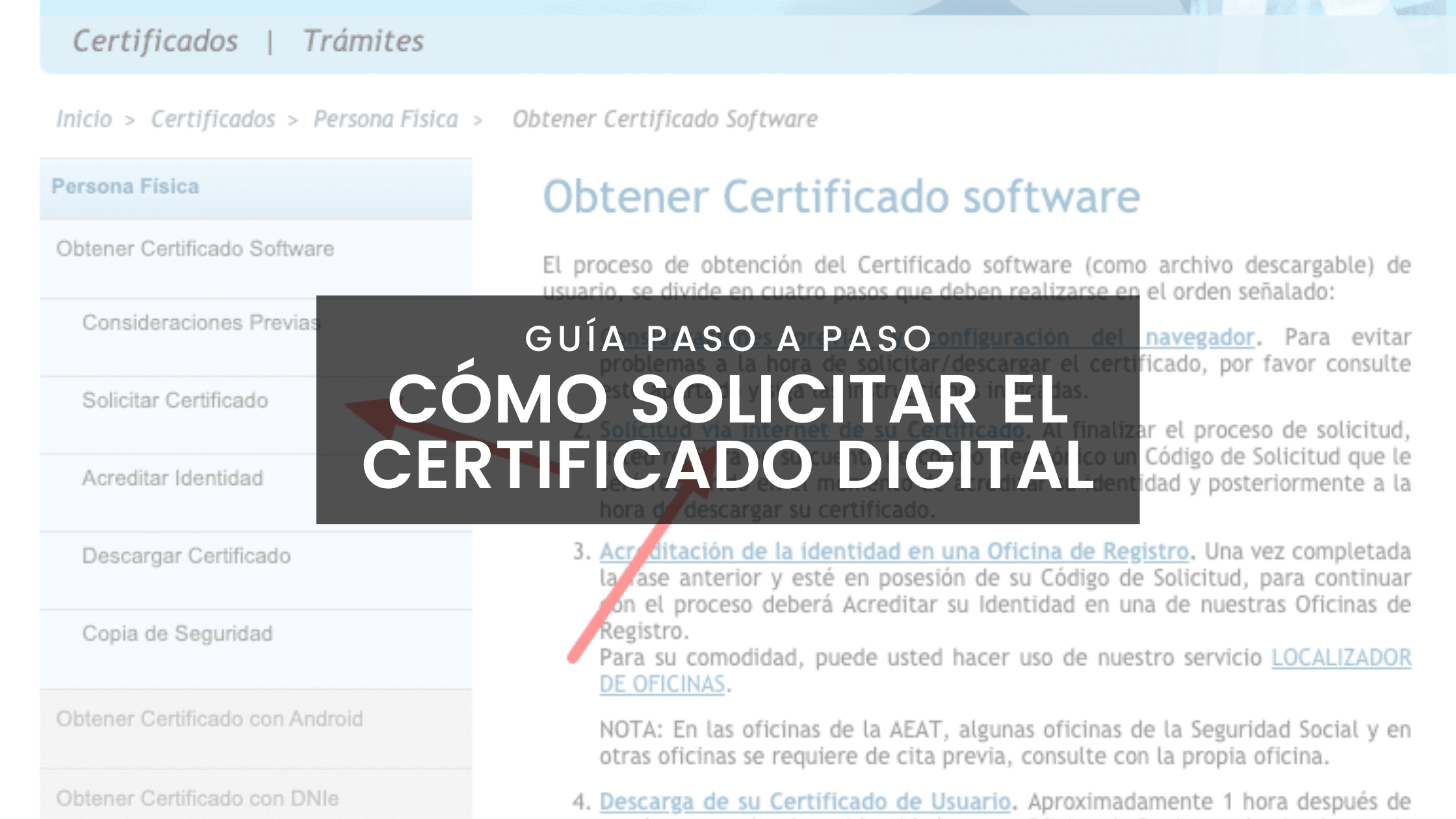
In the downloadable software certificate format, the FNMT details a four-step flow from its website:
- Pre-configurationInstall the FNMT-RCM Configurator from the Download Area, choosing your operating system, accepting permissions and completing the installation.
- Online ApplicationEnter your details and upon completion you will receive an Application Code by email; you will need it for accreditation and download.
- Identity verification with video identificationWith the Application Code displayed on the screen, scan the QR code provided by the website with your mobile phone to continue the verification process. A valid electronic ID card (DNIe) is required to complete the process. You will receive the result by email within approximately 48 business hours.
- Download and installationIf you are approved, use your Application Code to download and install the certificate and take the opportunity to create a backup copy (highly recommended).
This route avoids unnecessary travel. Remember that video identification costs €2,99 + tax , exactly the same as when done through the mobile app.
Itinerary with in-person accreditation at the Registration Office
If you prefer to verify your identity in person, the procedure is also simple and valid for tax and administrative purposes. The application is not submitted through the Tax Agency's website, but rather through the website of the issuing entity (FNMT) , and the Tax Agency acts as the accreditation office in many cases.
These are the usual steps for software certification with in-person accreditation :
- Pre-configurationInstall the FNMT-RCM Configurator to generate the keys and minimize errors.
- Online applicationFill in your details and you will receive an Application Code by email; save it because they will ask for it at the office and when downloading.
- Identity accreditationMake an appointment and go to a Registry Office with your documents and the code. The required documents vary depending on whether you are an individual or a representative.
- Certificate downloadBack on your computer, download the certificate from the FNMT website using your NIF and the code you received, accepting the terms of use.
- BackupExport the certificate with its private key so you can install it on other devices.
Very important: For security, complete the entire process (application and download) on the same computer and with the same user account . Avoid formatting, updating your browser, or changing components between steps; this ensures that the keys generated at the beginning remain valid at the end.
On the FNMT website, you'll find a registry office locator and the link to book an appointment. Practical tip: book your appointment before requesting the certificate to ensure the Application Code doesn't expire or you don't miss the deadline.
Types of certificates available when applying
When you access the FNMT website to begin the process, the first step is to choose the type of certificate. In addition to the Individual certificate, there are other types designed for different needs :
- Electronic certificate of Citizen or Natural Person: the one we discuss in this guide, for personal use.
- Electronic Certificate of Company or Representative: with variants for Sole or Joint Administrator, for Legal Entity or for Entity without Legal Personality.
- Electronic Certificate of the Public Sector: aimed at public bodies and entities.
If you only need to sign personal documents, the Individual signature is the one for you. Representative signatures are used when you act on behalf of a company or organization and require additional documentation for accreditation.
Backup and installation across multiple devices
Once downloaded and installed, create a backup of the private key (export it) from your browser's certificate store or the tool you're using. Save this backup to an external device and password-protect it , as this is how you restore the certificate if you switch computers or need to transfer it to your mobile device.
Without a backup, if you lose the installed certificate, you won't be able to recover it. The only alternative would be to request a new one and, if necessary, revoke the old one . That's why exporting is a critical step and should be done immediately after the download is complete.
Good practices and useful warnings
To avoid errors during the application, follow the FNMT's technical recommendations. Install the Configurator, don't switch browsers mid-process, and don't format your computer or update components between the application and the download . This ensures that the keys generated initially remain available at the end.
If you're using the mobile app, make sure the email address you provided is accessible and that your phone has a stable connection. When reading your electronic ID card (DNIe) via NFC, place the document in the indicated position and wait a few seconds ; sometimes you need to move the ID card slightly so the chip is positioned directly over the phone's antenna.
Also remember that if you request a new personal certificate through the app, the previous one will be automatically revoked and will no longer be valid . Always keep a backup copy of the new certificate handy so you can easily transfer it to your PC, laptop, or tablet.
Quick FAQs
How much does the certificate cost? The certificate itself is free. Video identification alone costs €2,99 + VAT, whether you do it through the app or the website.
How long does video identification take? It typically takes about 48 business hours for review by an agent. You will be notified by email when it is approved or if they need more information.
Can I use it on multiple devices? Yes. Export your certificate with its private key from the browser or app and then import it to your other devices. A backup is essential for this.
What happens if I forget the password I set when creating the application? Only you know that password, and it's also required during the download process. If you forget it, you'll have to start the application process again.
What if your electronic ID card PIN is blocked? Go to a police station with an issuing machine to renew/activate it. It's a quick, free process and you don't need an appointment.
Does the Tax Agency issue certificates? No. The Tax Agency does not issue certificates; it refers them to issuing entities (such as the FNMT) and acts as an accreditation office. Applications and downloads are done through the FNMT website.
With all of the above, you now have the complete roadmap to obtaining your digital certificate conveniently from home or, if you prefer, with in-person accreditation. Choose the option that best suits you (free with a valid electronic ID card, video identification for €2,99 + VAT, or registration at an office), install the certificate, create a backup, and start saving time on every procedure . Once you try it, there's no going back: signing and submitting documents online becomes a matter of minutes.
