- Creative alternatives to give a second life to old clocks through home automation, health and cybersecurity.
- Advanced optimization of the Wear OS system to improve battery and storage.
- Configuring accessibility, safety, and emergency features for senior users.
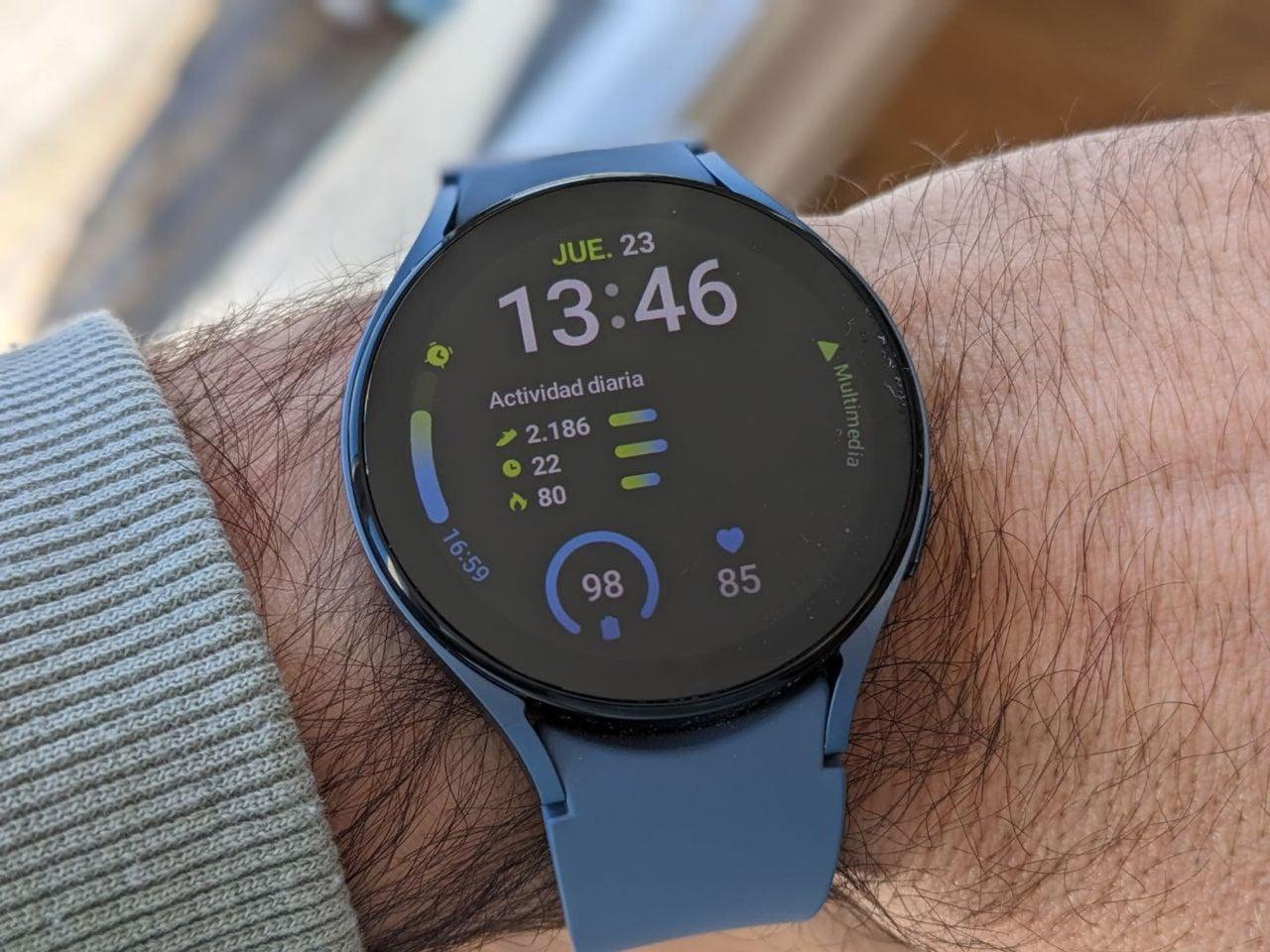
I'm sure it's happened to you: you buy the latest smartwatch model and the old one ends up forgotten in a drawer , gathering dust even though it still works perfectly. It's a shame to let such a powerful piece of hardware go to waste, especially when these devices have sensors and screens that can be useful beyond our wrists.
If you're feeling down about having unused technology at home, don't worry, there are plenty of ways to revitalize it. Whether it's transforming it into a specialized tool or simply optimizing it to perform like new, there are some very interesting ways to keep that watch productive.
Creative ideas to give your watch a second life
If you no longer want to wear it, you can convert it into a dedicated health monitor . This is ideal for elderly family members; by setting it up independently, it can be used to monitor heart rate, blood oxygen levels, and physical activity levels without any hassle.

For those with a keen eye for detail or those who know how to program, the watch can be integrated into a more complex ecosystem. Using cloud services like AWS or Azure , it's possible to store and analyze health trends using custom software, turning the device into a constant data hub.
Another great option is to use it as a home automation remote . Thanks to AI and virtual assistants, you can create routines to control your home's lights or heating from the watch, turning it into a very practical IoT control center.
If you're looking for pure productivity, you can use it as a second notification screen . Even if you're familiar with Power BI or custom dashboards, you can view real-time business indicators while you work. In terms of security, it can be used as a multi-factor authentication token for enterprise access, leveraging AI to detect unusual behavior.
Master tricks to get the most out of your Galaxy Watch
If you prefer to continue using it but feel you're not taking full advantage of its potential, there are some features that go unnoticed. For example, you can take a screenshot by simultaneously pressing the home and back buttons; the image will be saved directly to a special folder in your phone's gallery.
To better organize your space, remember that you can rearrange apps in the app drawer. You can do this directly from your watch by pressing and holding the app, or more conveniently through the Galaxy Wearable app on your smartphone.
Interface management is also key. You can customize the information cards that appear when you swipe left and change the watch face to suit your style, adjusting colors and shortcuts from your mobile device.
If you have vision problems, don't hesitate to change the font size in the Settings > Display > Font menu. This way you'll be able to read everything without straining your eyes.
Advanced system settings and buttons
The watch allows for extensive customization of its physical buttons. You can configure it so that double-pressing the Home button opens your favorite app instead of Bixby. Similarly, the back button can be configured to return to the previous screen or display recent apps.
To prevent the screen from constantly turning off, Always On Display mode is the solution, although keep in mind that this consumes more power. If you enjoy music, there's a great trick: activate the option to show media controls when you turn your wrist in the display settings.
In terms of organization, the Quick Panel is essential. You can edit the quick settings by moving the buttons you use most often to the first page so you don't waste time navigating through menus.
Sports use and device protection
If you're a swimmer, it's essential to activate Water Lock to prevent splashes from causing accidental touches on the screen. Additionally, the water mode helps protect the watch's internal components, and when you're finished, the watch beeps to expel any water that has accumulated in the speaker.
For those seeking peak performance, the touch bezel is a fantastic tool for quickly navigating menus. If it's not enabled, go to General > Touch Bezel and turn it on to improve navigation.
When you need peace and quiet, Cinema Mode silences everything for a set time, while Sleep Mode not only silences notifications, but also disables wrist-turn activation and the Always On Display so you can rest undisturbed.
Battery management, storage, and security
Battery life is always a challenge. To extend battery life, it's best to use black watch faces and disable automatic wake-up when you raise your wrist. Power saving mode is the ultimate solution, as it limits processor speed and screen brightness.
If you run out of space, remember that the operating system takes up a significant amount of storage. You can free up storage by going to Watch Settings > About Watch > Storage and clearing the cache.
When it comes to safety, don't overlook the emergency options . You can configure the watch to send your location to a contact if you repeatedly press the home button or if it detects a hard fall during a workout or in everyday life.
Finally, for those who forget things, the feature to find your phone from your watch (and vice versa) is a lifesaver. Just tap the magnifying glass icon in the quick panel to make your phone ring.
Whether you decide to turn your device into a smart home tool, a health monitor for a family member, or simply optimize its software for lightning-fast performance, the important thing is not to let the hardware go to waste. By combining the capabilities of wearable sensors with the cloud and a good battery-saving and security configuration, any Galaxy Watch can remain a key component in your tech ecosystem.