- Detailed analysis of the best platforms for transferring massive amounts of data without compromising privacy.
- Comparison between zero-knowledge encryption, encryption in transit, and blockchain or P2P-based systems.
- Guide to free and professional tools according to size limit and business traceability needs.
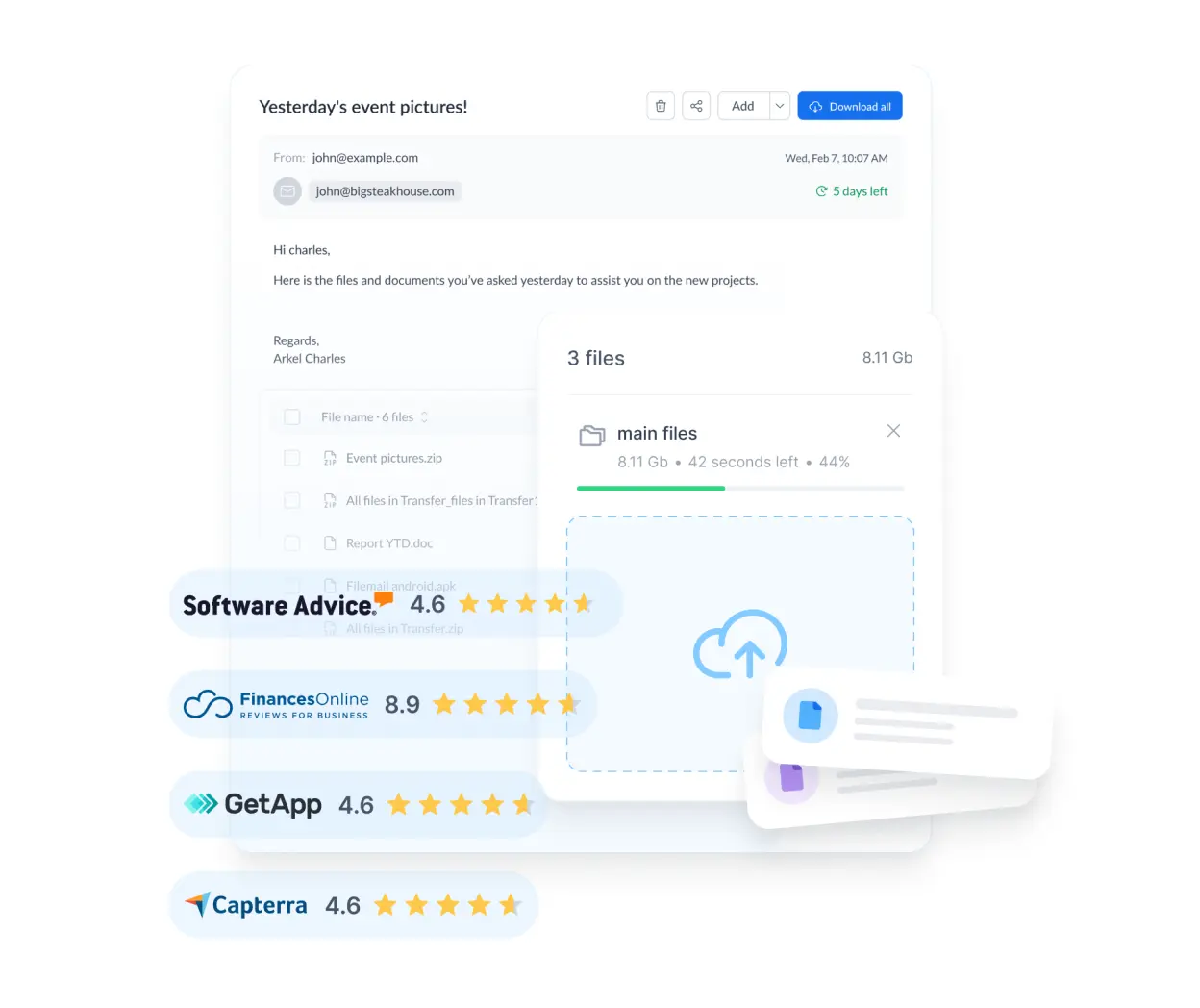
Who hasn't experienced trying to send a video or a folder full of photos only to be met with the dreaded message that the file exceeds the allowed size ? It's a frustrating situation, especially when you're in a hurry and the recipient is waiting for the material. Although we seem to be in the age of hyperconnectivity, email still has rather outdated limitations that force us to look for more agile alternatives, and above all, alternatives that don't expose our data to the elements.
The issue isn't just that the file arrives, but that it arrives securely. Sharing confidential documents or professional projects through unprotected channels is like playing Russian roulette with your information. Fortunately, today there are plenty of specialized bulk transfer services that combine one-click simplicity with advanced security protocols, allowing us to move gigabytes of data without having to resort to old-school USB drives or memory cards.

The challenges of sending large amounts of data over the network
Moving large files isn't as simple as it seems due to several technical barriers. First, there are the size limits of Gmail or Outlook , which are usually around 25 MB, a ridiculously small amount for anyone working with multimedia content. Furthermore, if the connection fails mid-upload, you often have to start from scratch, turning the experience into a real nightmare.
But the biggest problem is security. If you use a public Wi-Fi network, any hacker with even a little know-how could intercept your data in transit . That's why it's vital to differentiate between basic encryption and zero-knowledge encryption, where not even the service provider can see what you've uploaded, since you and no one else have the keys.

Quick and registration-free alternatives
For those times when you don't want to waste time creating an account, there are excellent options. WeTransfer is probably the most famous for its minimalism; it lets you send up to 2 GB for free, and the files are deleted after 7 days. It uses TLS and AES-256 encryption, which ensures the file's journey is secure, although in its free version it's more of a quick transfer tool than a data vault.
If you need a little more storage, pCloud Transfer lets you upload up to 5 GB without registering. The interesting thing here is that you can manually add a password so only authorized users can download the content, thanks to the robustness of 256-bit AES encryption and TLS/SSL protection.
On the other hand, we have Smash, which is a gem because it doesn't impose size limits on uploads. If the file is very large (over 2 GB), it will be placed in a download queue, but it's the ideal solution for those who don't want restrictions. It also offers password protection and SSL/TLS encryption, and is extremely intuitive.

We can't forget TransferNow, which offers a great balance between capacity and security. It allows free transfers of up to 5 GB and uses the HTTPS protocol to secure the upload, also letting you manage link expiration so files don't remain floating around the internet indefinitely.
Solutions based on P2P and Blockchain
Some services break the traditional model of uploading a file to a server. ToffeeShare, for example, uses P2P technology, meaning there's no intermediate storage ; the file travels directly from sender to receiver. It employs end-to-end DTLS v1.2 encryption, although it requires both users to keep their browser windows open to complete the process.
Along similar lines is TeraShare, which combines the cloud with BitTorrent. If the file is less than 10 GB, it stays on the server, but if it's larger, it's sent via P2P. To protect the information, these systems typically use RC4 encryption or similar, allowing massive amounts of data to be transferred without a central server limiting the operation.
From a more innovative perspective, Internxt Send uses blockchain to decentralize information . This means that the file is automatically fragmented and encrypted with 256-bit AES before leaving your device. It is arguably one of the most private options on the market today, as it complies with strict regulations such as GDPR and HIPAA.

Tools for a corporate and professional environment
When we talk about businesses, the game changes. It's not enough for the file to simply arrive; traceability is essential. BlueFiles is a professional-grade solution that offers end-to-end encryption before uploading , allowing you to control exactly who accessed a document, when, and how many times—something vital in legal or medical fields.
Dropbox, while best known as a storage service, is a powerful sharing tool. It allows you to create folders with end-to-end encryption (E2EE) and add digital watermarks that display the recipient's IP address, preventing content from being leaked without a trace. Furthermore, it allows you to manage granular permissions so that only specific users can edit or view the material.
Kiteworks and LockTransfer are designed for critical environments. LockTransfer, for example, integrates seamlessly with Outlook and Microsoft 365, offering CSPN security certification . Kiteworks, on the other hand, focuses on comprehensive auditing, ensuring that every data movement is logged to comply with ISO 27001 standards.
Other notable options for each need
- SendGB: Ideal for quick privacy, it allows you to send up to 5GB and has a self-destruct function once the recipient downloads the file.
- TransferXL: Highly versatile, it offers up to 5 GB free and allows you to cancel the transfer at any time, as well as generate thumbnails to preview videos and images.
- SendThisFile: It requires registration, but offers 128-bit TLS encryption in transit and AES-256 in storage, with a three-day expiration on the free plan.
- Filemail: It stands out for allowing up to 50 GB in its free version, although it is important to note that advanced encryption is usually reserved for paid plans.
For Apple users, Mail Drop is the native solution . It uploads large attachments to iCloud, where they are stored encrypted for 30 days, allowing you to send up to 5 GB per file without cluttering the recipient's inbox.
Today we have an impressive array of tools at our disposal, ranging from the simplicity of WeTransfer to the robust security of Internxt or BlueFiles. The key is to analyze whether we need a quick, one-off transfer or a secure file-sharing infrastructure with access control and traceability, always prioritizing encryption to prevent our sensitive information from falling into the wrong hands.
