- AI allows you to summarize long videos in seconds, extracting key ideas, transcripts, and outlines without viewing the full content.
- Tools like ChatGPT, Gemini, and NotebookLM analyze links, files, and transcripts to generate summaries tailored to each need.
- Specialized applications such as Recall, Eightify, or TubeOnAI facilitate summaries of YouTube and podcasts with simple interfaces and extra features.
- Creators and professionals can repurpose these summaries for scripts, articles, and projects, multiplying their daily productivity.
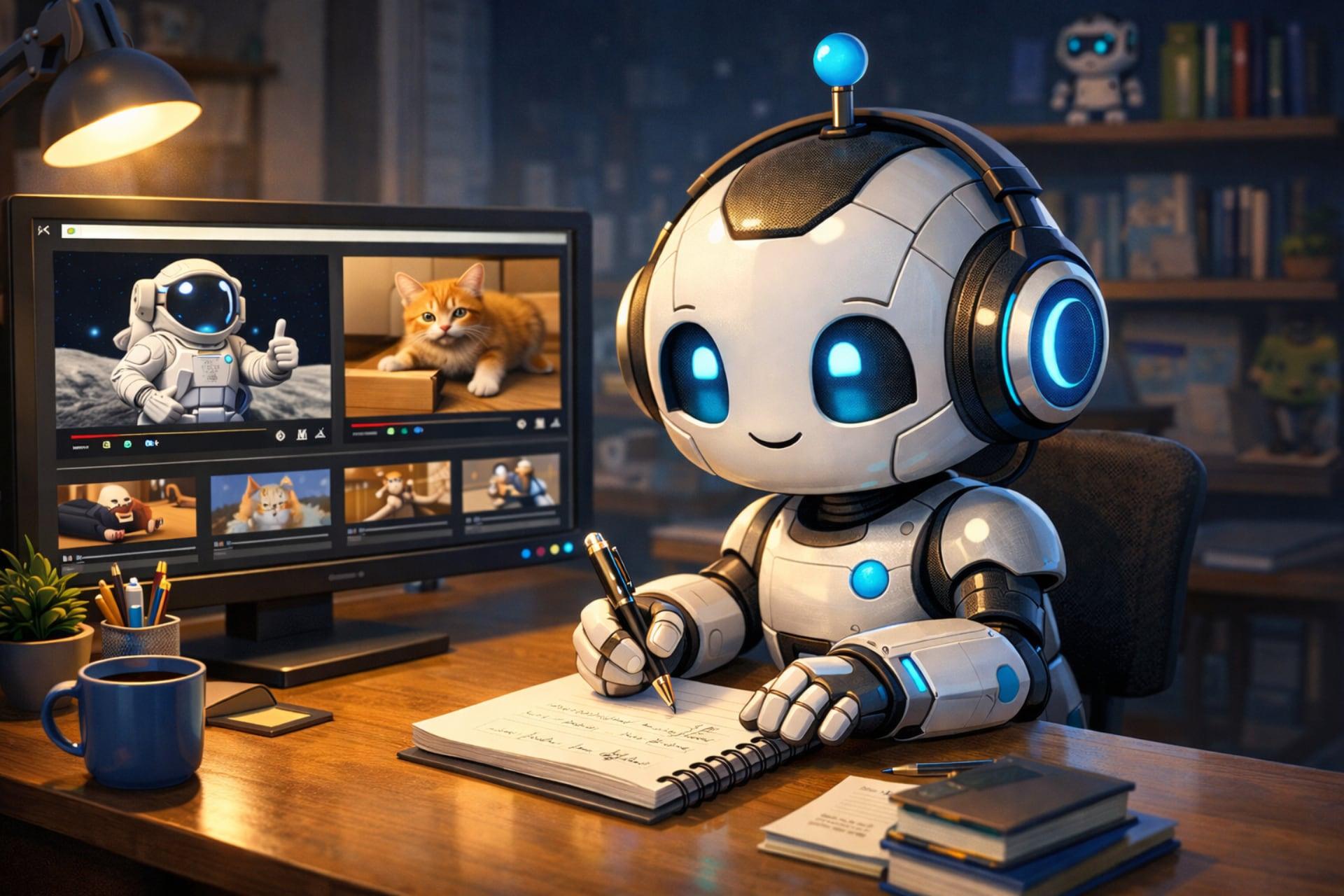
If you spend your day jumping from one YouTube video to another, listening to endless podcasts, or enduring lengthy interviews, you've probably thought more than once that you'd like to get straight to the point without having to sit through 40 minutes of content . The good news is that you no longer have to watch everything: today you can summarize videos with artificial intelligence in a matter of seconds and keep only what really interests you.
Current AI tools allow you to analyze videos, extract key ideas, generate summaries, answer specific questions, and even create scripts, outlines, or bullet points based on what's said on screen. And the best part is that many of these features are available for free with platforms like ChatGPT and Gemini , NotebookLM, or specialized apps designed specifically for summarizing videos.
The internet is overflowing with video content on virtually every topic, but watching an entire video takes much longer than reading a well-structured text . You can skim a long article, but doing the same with a video is considerably more difficult without missing key moments or important nuances.
Furthermore, many long videos, such as lectures, interviews, podcasts, or step-by-step tutorials , almost always feature the same speaker or stock footage with little visual impact. In these cases, what truly matters is the audio content : the ideas, data, advice, or instructions.
Thanks to modern generative AI models , such as those used by Google and OpenAI, it's now possible to process text, documents, audio, images, photos, and videos to extract the essentials in a matter of seconds . You can obtain general summaries, lists of headings, bullet points, or even complete transcripts that you can then reuse in your notes, documents, or projects.
Once you have the video content in text format, things get even more interesting: you can ask the AI itself to organize the information into tables, diagrams, concept maps , or adapt the language to a specific audience, simplify technical terms, or translate the content into another language without complicating your life.
These types of tools are not only useful for viewing more content in less time; they also make it much easier to work with information professionally : preparing meeting summaries, writing scripts, identifying key quotes, extracting relevant data, or comparing what is said in several videos on the same topic.
Summarize online videos directly from the URL
One of the easiest ways to use AI is to summarize videos already published on online platforms like YouTube or Dailymotion . In many cases, you simply paste the video link into the AI tool's chat and ask it to analyze the content.
In the case of Gemini, Google's artificial intelligence, you can provide the video link and ask it to generate a summary with the key points, a step-by-step outline if it's a tutorial , or a list of conclusions and specific data mentioned in the recording. Gemini is especially convenient for YouTube videos because both platforms belong to Google and are quite integrated.
An example of a prompt you can use with Gemini for online videos would be something like: “I want you to give me a summary of the content of the video in the link. Make the summary schematic using bullet points.” The part about asking for bullet points is optional, but it's very practical if you want something visual and easy to scan.
If you prefer a different style, you can modify your request and ask for a more narrative text, a short summary to get a general idea, or a detailed breakdown geared toward a specific audience. Ultimately, the key is to be specific about what you want so that the summary meets your actual needs.
It's important to note that not all video platforms allow this type of AI access . With Gemini, for example, it works well with services like YouTube or Dailymotion, but you might not be able to directly analyze videos hosted on social networks like Instagram, depending on the content settings or the model's technical limitations.
Upload video files to be summarized by AI
When the video you want to analyze isn't on a public platform or you prefer not to share the link, you have the option of uploading the file directly to the AI tool . In Gemini, for example, you can attach the video to the message by uploading it from your device or linking it from Google Drive.
In this case, you could use a prompt like this: “I want you to give me a summary of the content of the attached video. Please summarize it schematically using bullet points .” The idea is practically the same as with online videos, but instead of the link, you attach the file.
Gemini will analyze both the audio track and the video footage , generating a structured summary of the main ideas. This approach is ideal for internal company content, recorded classes, private webinars, or materials you don't want to upload to public platforms.
ChatGPT operates similarly: it also allows you to upload video files for processing , as long as you respect the size limits. Currently, videos or files sent to ChatGPT cannot exceed 512 MB, and free accounts typically have a maximum of three file uploads per day, which is something to keep in mind if you work with a lot of material.
Once you've uploaded your video to ChatGPT, you can request different types of results: a full summary, a summary focused on only a section of the video, a literal transcript , a simplified version for a younger audience, or even a translation of the content if the original language isn't comfortable for you.
Additionally, if you use custom GPTs within ChatGPT, you can find templates already configured specifically for summarizing videos with optimized prompts . Searching for terms like "summarize videos" or "summarize videos" in the GPT catalog will easily lead you to tools focused on this task.
Ask specific questions about the content of a video
One of the most powerful functions of AI applied to video is not just summarizing, but allowing you to ask specific questions about what is being said . Instead of requesting a generic summary, you can ask very specific questions related to the content.
For example, you can tell the AI something like: “I want you to find the information in the attached video and tell me .” This way, the model doesn't respond based on what it “thinks” from general internet knowledge, but rather by searching for the answer directly within the video you provided.
This is especially useful for technical conferences, specialized interviews, in-depth podcasts, or training videos where you need to locate a specific explanation, a particular figure, a relevant quote, or a very specific procedure.
Tools like NotebookLM take this idea a step further. NotebookLM is designed to process and relate large amounts of information from videos, PDFs, web pages, presentations, and other documents . Once you provide it with multiple sources, you can chat with the tool and ask complex questions that combine data from different files.
In the case of videos, NotebookLM allows you to add one or more YouTube links, generate written or audio summaries , and then delve deeper with additional questions without having to return to the original video. It's ideal if you're researching a topic and want to extract the maximum amount of verified information.
Summarizing videos with ChatGPT: features and limitations
ChatGPT has become the most popular and versatile AI assistant, and among its capabilities is the ability to analyze videos to extract key ideas, conclusions, or structured summaries . You can provide it with content in several ways: by uploading the file, providing the video link, or pasting the transcript if the platform offers it.
When working with ChatGPT to summarize videos, it's important to be very clear and detailed when asking for what you need . For example, you can specify whether you want a complete summary of the entire video or just a specific section, whether the text should be adapted to a certain level of knowledge, whether you're looking for a more formal or more informative tone, or if you need the result in another language.
Another very powerful option is to combine the summary with other transformations: you can ask it to create a script from the video content, to turn it into a list of steps for a tutorial , or to reorganize the information into thematic blocks that are easy to review later.
In addition to the standard function, ChatGPT offers an ecosystem of custom GPTs . These are AI "profiles" trained to perform specific tasks. Among them are several designed specifically for summarizing videos from YouTube or other platforms , with pre-configured prompts and settings tailored to the type of audiovisual content.
Simply go to the custom GPTs section, search for keywords like "summarize videos," and you'll find various options with more academic, marketing-oriented, or technical approaches. Choosing the right GPT can save you time when writing elaborate prompts and allow you to directly obtain the type of summary you need.
However, it's worth remembering that free ChatGPT accounts have upload and file size limits , so if you work with many long videos, you might want to consider a paid subscription or combining ChatGPT with other video-specific tools.
Summarize YouTube videos with Gemini
If your main focus is YouTube videos, it makes perfect sense to use Gemini, Google's AI, which integrates especially well with the video platform . Google has been applying artificial intelligence to YouTube for some time now with automatic subtitles, resolution enhancements, and other features, and that same technology is being used for content analysis.
Gemini can work directly from a video link. As the AI itself explains, if you provide a URL, it can analyze the content, extract key messages, generate a step-by-step summary for tutorials , or list specific conclusions and data points from the recording. Gemini is especially convenient for YouTube videos because both platforms belong to Google and are quite integrated. If you're concerned about privacy, you can configure Gemini's security and privacy settings in Chrome.
Another option is to use the video transcript when it's available on YouTube. More and more creators are enabling this feature, so you can copy and paste the transcript into the Gemini chat to process it like a text document . From there, you can ask for a short summary, a more detailed one, or even have the information reorganized into a guide, outline, or list of key concepts.
The main advantage of this approach is that, being a Google product, Gemini usually handles YouTube's metadata and internal structures with ease , which facilitates a more precise analysis of the content and relevant parts of the video.
By combining various functions (video analysis, use of the transcript, and specific questions about specific fragments), you can turn Gemini into a kind of personal assistant to "read" YouTube for you and deliver only what's important , whether it's for studying, learning something new, or keeping up to date with a professional sector.
NotebookLM: a complete environment for learning from videos
NotebookLM is a Google project designed to help understand complex topics by combining videos, documents, and other formats in a single platform. While it can be used for many things, one of its key features is its ability to work in depth with YouTube videos.
This tool allows you to add videos, PDFs, presentations, web pages, and Google Docs as information sources . With all this material, NotebookLM generates comprehensive summaries, content sheets, section-by-section explanations, and even audio versions of the most important points—very useful for reviewing while doing something else.
Once you've uploaded one or more videos, you can chat with NotebookLM in a way similar to other AI chat rooms . There, you can ask specific questions about what's being said, request comparisons between different videos, ask for additional examples, or request that it explain a difficult concept in other words.
NotebookLM offers both a free and a paid version, but for summarizing videos and extracting essential information, the free plan is usually more than enough . What's interesting is that the tool doesn't just provide a simple summary; it helps you shape that knowledge so you can apply it: from creating article outlines to suggesting possible structures for a presentation.
Whether you're preparing a paper, researching a topic for your business, or simply want to delve deeper into an area without wasting hours jumping through video timelines, NotebookLM can become your central control panel for managing large amounts of audiovisual content.
Specialized apps for summarizing videos with AI
While general assistants like ChatGPT or Gemini are very powerful, sometimes it's worth using specialized applications designed specifically for summarizing videos . These tools usually have a simpler interface, with clear buttons for pasting a link and choosing the type of summary you want.
One of the most interesting is Recall (getrecall.ai) . It's a browser extension that lets you summarize videos, chat with the content, and take notes while watching the recording . It works even when the video doesn't have a transcript available, and it saves all the information in a personal knowledge base so you can search through everything you've watched later.
Recall isn't limited to video: it can also work with podcasts, PDFs, and articles . This is very useful if your content consumption isn't limited to YouTube, but rather combines different formats, and you want to have them all centralized in a single system for asking questions.
Another well-known tool is Eightify , a YouTube summarizer that generates quick summaries with timestamps directly on the platform. When the video has a transcript, Eightify delivers particularly robust results, organizing the key points into clear sections so you can jump to the exact minute you're interested in.
You can also find options like TubeOnAI , a cross-platform web application that focuses on providing short summaries and notifications of new content from the channels you follow. It doesn't have as many advanced features as some other alternatives, but it works very well if you simply want to stay up-to-date with certain creators without watching all their videos in full.
Most of these applications use APIs from Google, OpenAI, or other AI models to analyze videos. Their strength lies in their user-friendly design: simply paste a link, choose the output type (summary, list of ideas, timestamps) , and let the tool do the rest. You can then export this content and work with it in other programs.
Although there is still no perfect solution that does absolutely everything for everyone, the combination of these specialized applications with general assistants like ChatGPT or Gemini offers a very powerful range for summarizing long lectures, podcasts, interviews or tutorials without wasting time.
How to leverage these summaries if you're a content creator or professional
Content creators, journalists, and media professionals can greatly benefit from these tools. A video condenser transforms raw footage, lengthy interviews, podcasts, and vlogs into condensed, structured versions that are much easier to review.
By working with summaries, creators can spot highlights, identify key quotes, organize ideas, and turn them into scripts for new videos, articles, or newsletters without having to rewatch all the original material. This drastically reduces production time.
Some users report that integrating these tools into their daily routine has significantly increased their productivity when processing video content . Some use an application like Recall to convert everything they watch into a searchable knowledge base, while others prefer to rely on ChatGPT or Gemini to transform summaries into ready-to-publish texts.
Beyond content creation, it's also incredibly useful if you work in fields like training, consulting, research, or marketing , where you constantly need to stay on top of conferences, webinars, product launches, or industry interviews. Having clear summaries allows you to absorb more information in less time.
Once you've extracted the important information from the videos, you can go a step further and ask AI to generate charts, comparison tables, pros and cons lists, or visual diagrams that help you present that data to clients, students, or internal teams in your organization.
And if you also want to stay informed about new technologies and tools like these on a continuous basis, it's always a good idea to subscribe to specialized newsletters focused on innovation and digital transformation.
All these possibilities make summarizing videos with artificial intelligence a smart way to save time, better organize information, and get much more out of all the audiovisual content you consume, whether you do it for work or for pure personal interest.
