- My FanCam uses artificial intelligence to reframe videos recorded in a wide shot, focusing the action on a specific subject.
- The tool allows you to choose the ideal aspect ratio to adapt the content to social networks like TikTok or Reels.
- This post-production functionality is integrated directly into the Gallery on devices compatible with Galaxy AI.
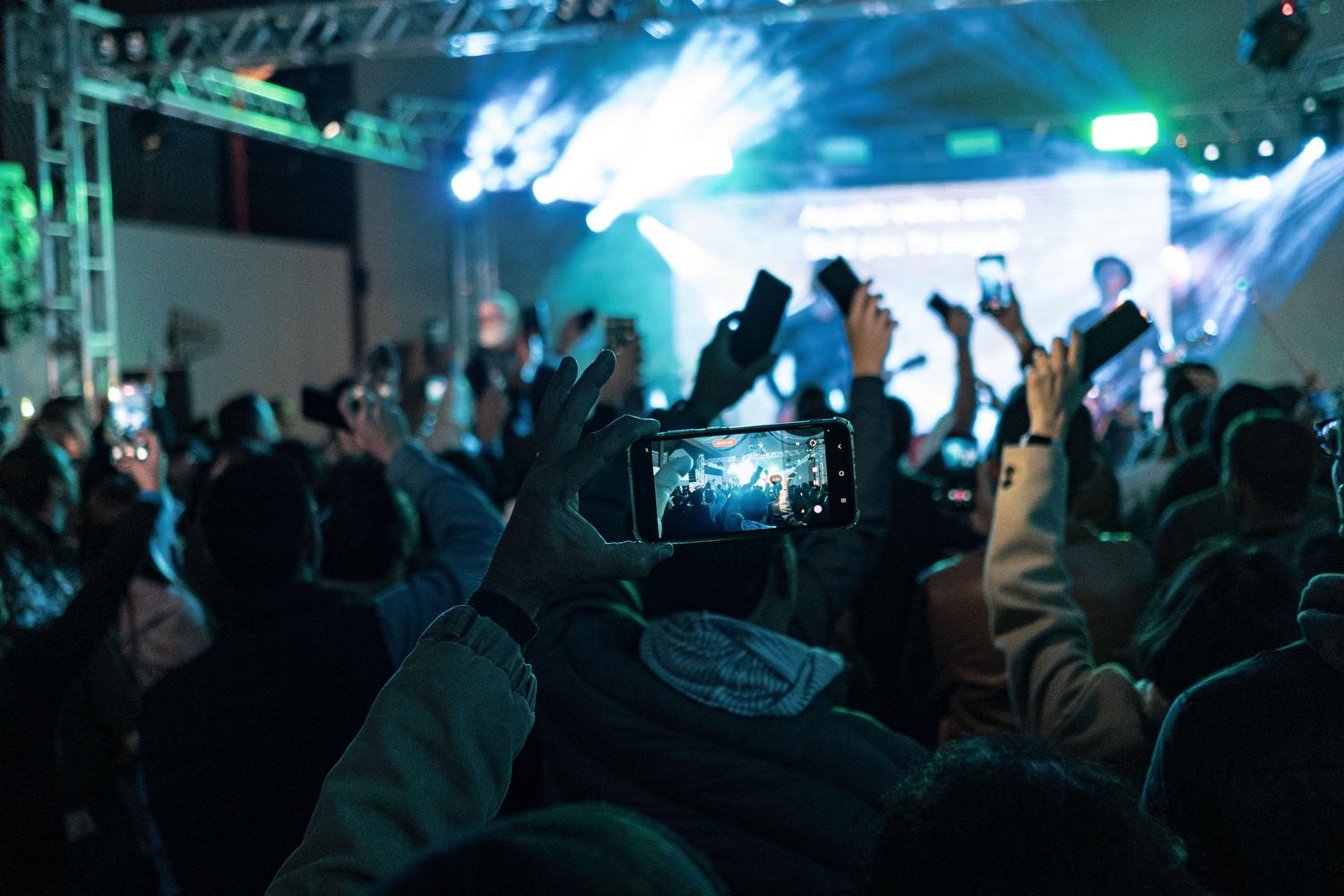
I'm sure it's happened to you: you're in the middle of a concert, an exciting game, or a party with friends, and when you review the video, you realize that the main character is out of focus or lost in a shot that's too wide. There's nothing more frustrating than capturing a great moment only to find the framing is off, but thanks to Samsung's technology, you no longer need to be an editing expert to fix it.
To solve this problem comes My FanCam, a gem powered by Galaxy AI that lets you transform any wide-angle recording into a clip focused entirely on your chosen subject. Essentially, it's like having a professional cameraman following your favorite person, but doing all the hard work after you've recorded the video, without any hassle or external software.
What exactly is My FanCam and how does it work?
Unlike other tools such as Auto Framing, which adjusts the zoom while you're recording in real time, My FanCam focuses on intelligent post-production . This means you can record the entire scene, with all the context and everyone involved, and then decide who should be the focus from the comfort of your Gallery. Samsung's AI analyzes each frame, identifies the subjects, and precisely tracks their movements so the framing adjusts automatically.
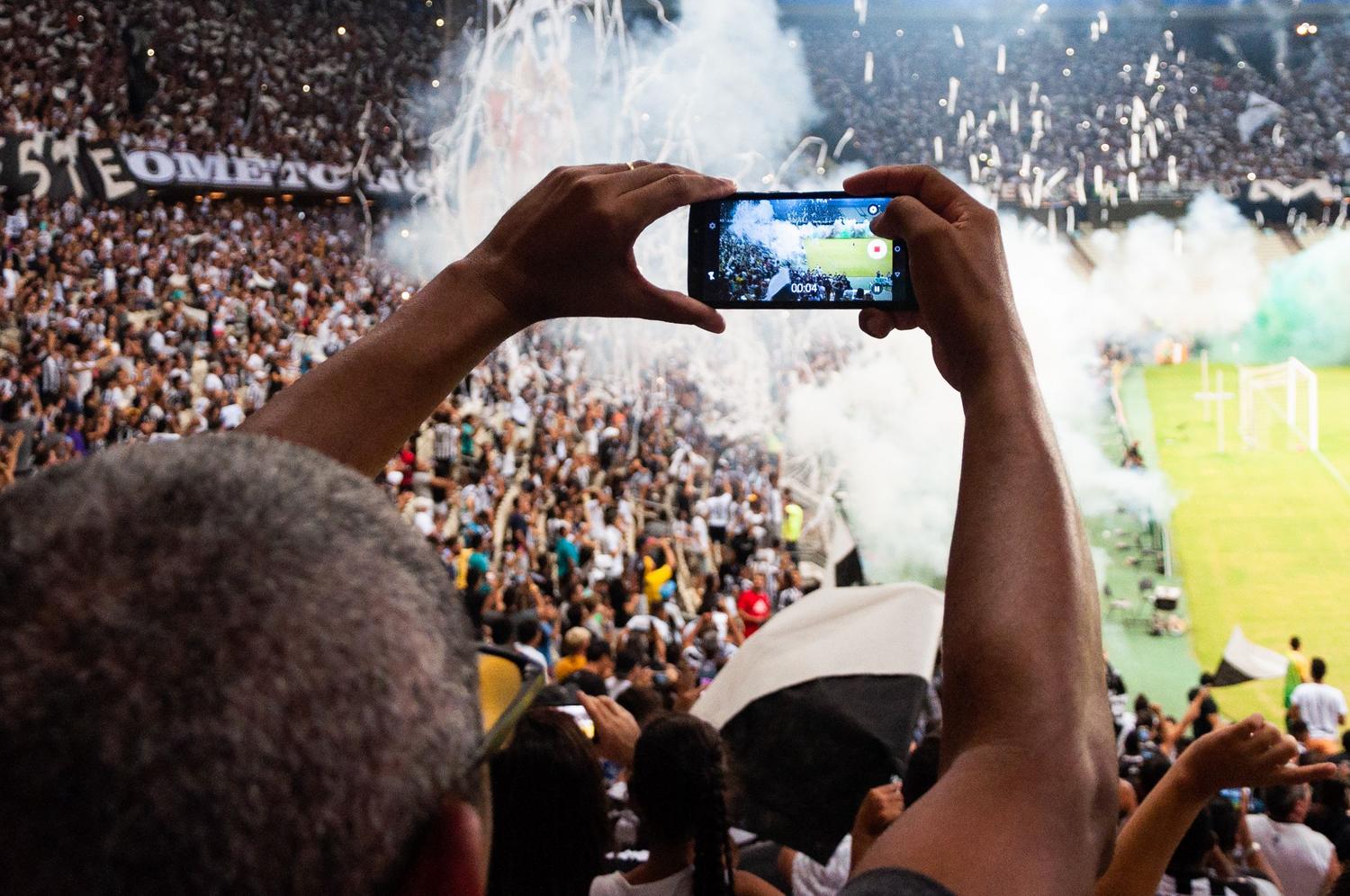
Imagine you're filming your child at a school festival or a player in a children's soccer match; you can capture all the action and then isolate that specific person to create a video where they're the absolute star. It's a feature designed for everyday use, saving you from struggling with tedious manual cropping.
Steps to create your own custom FanCam
If you have a compatible device, such as the Galaxy Z Fold or Flip series models, or the Galaxy S26 FE, the process is very simple and won't take more than a minute. Just follow these steps:
- Enter the application of Samsung Gallery and select the clip you want to edit.
- Click on the Galaxy AI icon to deploy the smart tools.
- Choose the option My FanCam (or detect people in the frame) and wait for the AI to analyze the scene.
- Tap the person or people you want to be the stars of the video.
- Define the aspect ratio Choose the aspect ratio that best suits you; you have options such as 1:1, 3:4, 9:16 (ideal for Reels or TikTok), 2:3, 3:5, 4:5 or 5:7.
- Hit the button Follow or process so that AI generates automatic tracking and exports the final result.
An optimized creation ecosystem
This tool isn't a standalone feature; it's part of a suite of Galaxy AI functions designed to make content creation a breeze. For example, you can combine My FanCam's reframing with Audio Eraser to remove unwanted background noise, or use Photo Assist to retouch your photos using natural language. All of this is integrated into the One UI 9 interface, aiming for a smooth and efficient workflow.
Although this feature has initially arrived on the most powerful foldable phones, it could potentially be extended to other models such as the S25 and S26 series, depending on the NPU's capabilities and the processor's power . This move by Samsung targets content creators seeking professional results without spending hours editing.
Having a tool that lets you switch from a wide shot to a video focused on a specific subject in just a couple of clicks changes the way you capture memories. From the ease of choosing the vertical format for social media to intelligent tracking stabilization , My FanCam simplifies editing and ensures everyone gets their moment in the spotlight in your videos.