- Full integration of local images, OneDrive, and iCloud into a single unified gallery.
- Intelligent content-based search and facial recognition to quickly locate photos.
- Updated editor with support for HEIC formats and tools for lighting and erasing objects.

If you have an iPhone but use a Windows computer, you've probably already realized that managing photos can be a real headache. Fortunately, the Windows 11 Photos app has been completely redesigned so you don't have to jump from folder to folder, allowing you to see everything you have saved on your hard drive, in the Microsoft cloud, and in the Apple ecosystem in one place.
This redesign isn't just a visual facelift; it aims to make organizing your memories much smoother and easier. It no longer matters whether your videos are on OneDrive or iCloud ; the idea is to have a unified gallery where you can retrieve that special moment without going crazy trying to find which storage service you left it on.
How to integrate iCloud and OneDrive into your Windows gallery

To get the most out of this tool, the first thing to understand is that the application functions as a command center. If you want your OneDrive images to appear, simply sign in with your personal Microsoft account. In fact, if you have an Android or iOS mobile device, it's highly recommended to enable camera backup in the OneDrive app so that everything is automatically uploaded and appears on your PC.
For Apple users, the process is slightly different but just as effective. To import your iCloud Photos files , go to the Microsoft Store and download the iCloud for Windows app . Once installed and signed in with your Apple ID, check the Photos box. Windows will then index your photos, and you can view them directly from the left navigation pane of the Photos app, in the iCloud section.
New features in image management and search

One of the crown jewels of this update is the ability to search for content using natural language . You no longer need to remember the exact file name; you can type words like "beach" or "cake," and artificial intelligence will analyze your OneDrive photos to find them. If you have a Copilot+ PC , this magic also applies to photos stored locally on your computer.
Furthermore, for those with thousands of images, the People feature is a lifesaver. The system automatically groups faces (this happens in the cloud for OneDrive photos), allowing you to filter the gallery by specific people . So, if you want to see all the photos of your brother, just select him and the system will do the rest in a flash.
- moments: It's an exclusive OneDrive feature that creates automatic seasonal summaries, generating slideshows that you can save as videos.
- Advanced filters: You can narrow down what you see based on resolution, photo orientation, whether it's a favorite, or the file's origin.
- Offline access: Even though it's a cloud-connected app, you can still see photos that have already been taken. downloaded to your device without the need for internet.
The new file editor and viewer
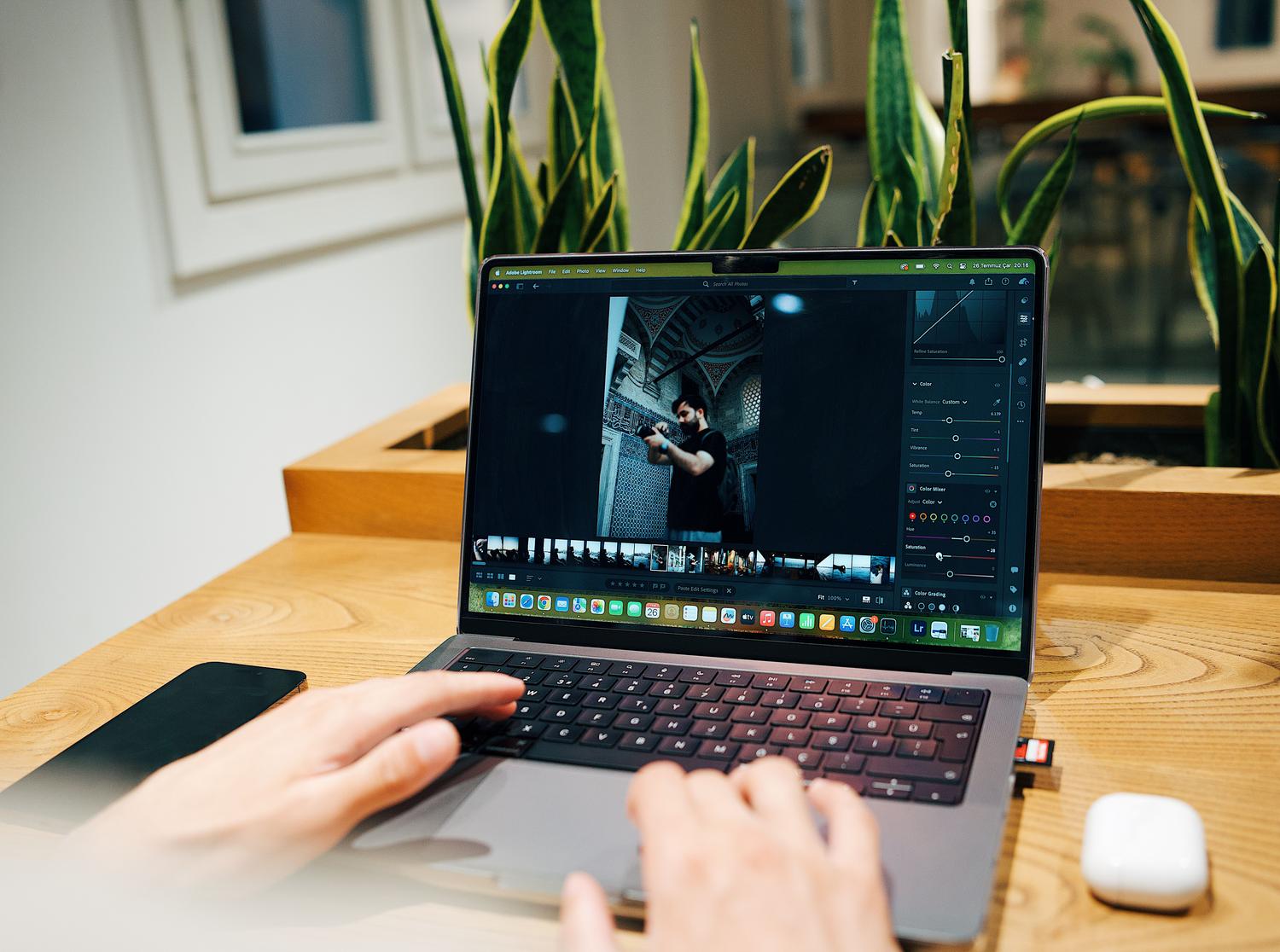
Microsoft has rebuilt the editor from the ground up to be much faster, reducing loading time by 25%. It now supports previously cumbersome formats like HEIC and WebP , which is crucial for those transferring photos from an iPhone. Among the most powerful tools are Relight , which allows you to correct the lighting in a shot, and the ability to remove unwanted objects from the background of an image.
The viewfinder has also been optimized for smoother navigation, improving the opening speed by 30%. A minimalist design has been chosen, prioritizing the image itself by eliminating visual distractions and enhancing HDR display for more vibrant and realistic colors.
Account and privacy considerations

It's important to note that not everyone has access to all features. If you use a work or school account , you'll be able to use the gallery, search for files, and bookmark favorites, but social features like Albums, Moments, and People won't be available. On the other hand, if you're concerned about privacy, you can disable face grouping in your OneDrive settings, which will permanently delete facial recognition data after 30 days.
A key detail is that you can use the Photos app without signing in to any Microsoft account; in that case, you'll simply be managing the local folders on your PC. Also, adding local folders to the gallery doesn't mean they'll be uploaded to the cloud, so your private files will remain on your hard drive unless you choose to move them to a synced folder.
Having a gallery that merges local storage with Microsoft and Apple cloud services drastically simplifies digital life, allowing you to edit files in modern formats and locate memories using artificial intelligence without technical complications.