- A proprietary VPN offers full control and access to the local network, but requires technical knowledge and hardware.
- Commercial VPNs stand out for their simplicity, global anonymity, and ability to bypass geographical restrictions.
- There are advanced implementations such as site-to-site VPNs, SSL, or cloud-based solutions for corporate needs.
- The choice depends on whether you prioritize absolute data control or the convenience of a plug-and-play service.
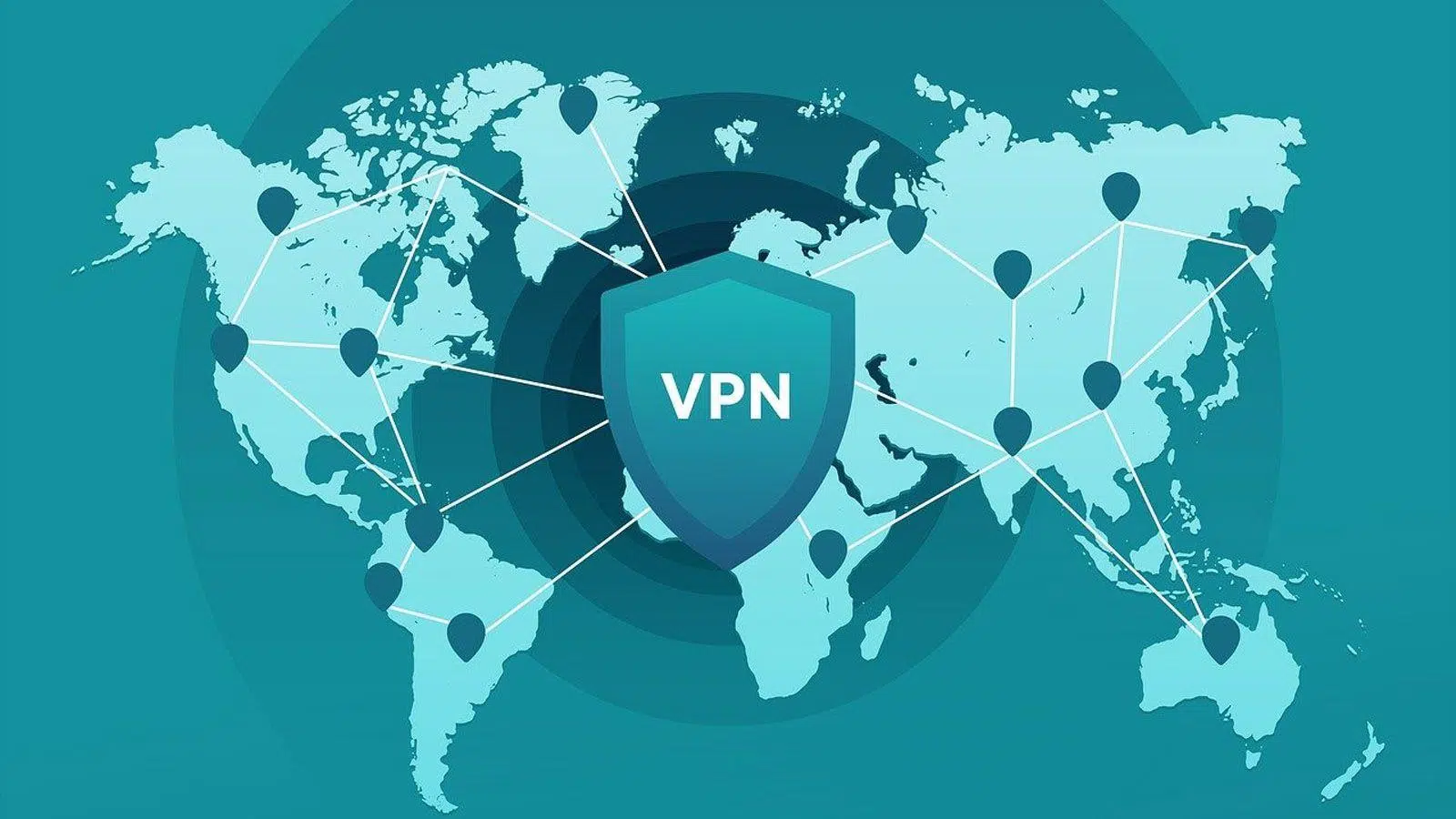
Today, browsing the web without leaving a trace or accessing content restricted in our country has become almost a necessity. To achieve this, VPNs are the star tool, as they create a secure and encrypted path that protects our information, especially when connecting in public places like airports or cafes where security is often lacking.
However, just because you need a VPN doesn't mean there's only one way to get one. You can either pay a monthly fee to a specialized company or, if you enjoy tinkering with technology, set up your own server . Each option has its advantages and disadvantages, and choosing the wrong one could waste your time or compromise your privacy.

What exactly is a VPN and how does it work?
To put it simply, a VPN (Virtual Private Network) is like a secure tunnel connecting your device to a remote server. Normally, when you visit a website, your data travels unencrypted, and your internet service provider (ISP) knows exactly where you're going. With a VPN, the traffic is encrypted from the moment it leaves your computer, making it unreadable to anyone trying to intercept it along the way.
This process involves three fundamental components: the VPN client (the app you install), the VPN server (the destination that decrypts the data and sends it to the final website), and the security protocols . These latter protocols, such as WireGuard, OpenVPN, or IPsec, are the rules that determine the strength of the encryption and the speed of the connection.
Setting up your own VPN: The path to total control
Having your own VPN means managing both the software and hardware yourself. You can install it on a NAS, a mini PC, or even an advanced router that already has the function built in. If you're looking for an advanced self-hosted VPN to bypass geo-restrictions while maintaining ownership, you could rent a VPS server in another country, although this involves paying a monthly fee to the cloud provider.

The big advantage here is that you have complete control. There are no middlemen who can decide to store your logs or change their privacy policies overnight. Furthermore, it's the ideal option for remote access to your local network , allowing you to access your NAS files or use your printer from anywhere as if you were sitting in your living room.
It's not all sunshine and rainbows, as you become your own technical support. If the connection drops or there's a security breach, it's up to you to find the tutorial and fix it. Furthermore, if your internet provider uses CGNAT (sharing a public IP address among multiple customers), you might find it technically impossible to expose your home server without external help.
Commercial VPNs: Convenience and fast anonymity
If you don't want to bother with complex configurations, commercial VPNs like NordVPN or ProtonVPN are the logical choice. You download the app, press a button, and you're browsing securely. Their biggest strength is their global server network , which lets you pretend you're in Japan, the United States, or any other corner of the world to watch blocked shows or websites.
From a privacy standpoint, these companies typically undergo external audits to demonstrate that they don't actually keep logs of your activity. However, trust comes into play here: you have to take the provider's word for it. Furthermore, you share your IP address with thousands of other people, which sometimes leads to websites requiring you to solve more captchas or blocking your IP address due to another user's misconduct.
Direct comparison: Key points
- Location: Your own server limits you to where your server is located; a commercial one offers you the whole world.
- Speed: A home VPN can be more stable and faster if you have good hardware, while a commercial one depends on the saturation of the chosen server.
- Installation: The commercial version wins hands down in ease of use; the proprietary version requires technical knowledge and setup time.
- Costs: In the home office you make an initial investment in hardware; in the commercial one you pay a recurring subscription.
Types of VPNs for professional and business environments
When we move beyond the home environment, VPNs become more complex. There's the site-to-site VPN , which connects two entire networks (like a head office and a branch office) so they work as one. This typically uses IPsec tunnels or Cisco's Enterprise VPN configuration , which is much more scalable for companies with dozens of locations.

We also found SSL VPNs , which are great because they don't require installing client software; a web browser is all you need to access company resources. On the other hand, cloud-based VPNs (VPNaaS) offer incredibly fast and scalable deployment, ideal for teams working in distributed locations around the world.
For those seeking maximum security, there's Double VPN . Essentially, traffic passes through two sequential servers, being encrypted twice. It's like putting a safe inside another safe; security is significantly enhanced, but speed drops considerably due to the double routing process. Therefore, some users are exploring why having two VPNs installed might be beneficial for optimizing their bandwidth.
For the most demanding performance scenarios, there are Layer 3 VPNs based on MPLS. Unlike the previous ones, these don't travel over the public internet, but instead use a managed infrastructure that guarantees quality of service (QoS) , although the cost is significantly higher.
Having your own VPN is a lifesaver for those who value control and access to their local data, while a commercial service is the perfect ally for anonymity and circumventing geo-censorship. Ultimately, you don't have to choose just one; many users opt for a hybrid model, using their own VPN for remote work and a commercial one for unrestricted browsing.