- A VPN encrypts your connection, hides your IP address, and reduces tracking by carriers, platforms, and advertisers.
- Paid VPNs offer better privacy, speed, stability, and no-logs policies than free ones.
- Free VPNs can limit speed and data, display intrusive advertising, or sell usage information.
- A VPN is just one more layer: you need to combine it with antivirus software, updates, and strong passwords to properly protect your devices.
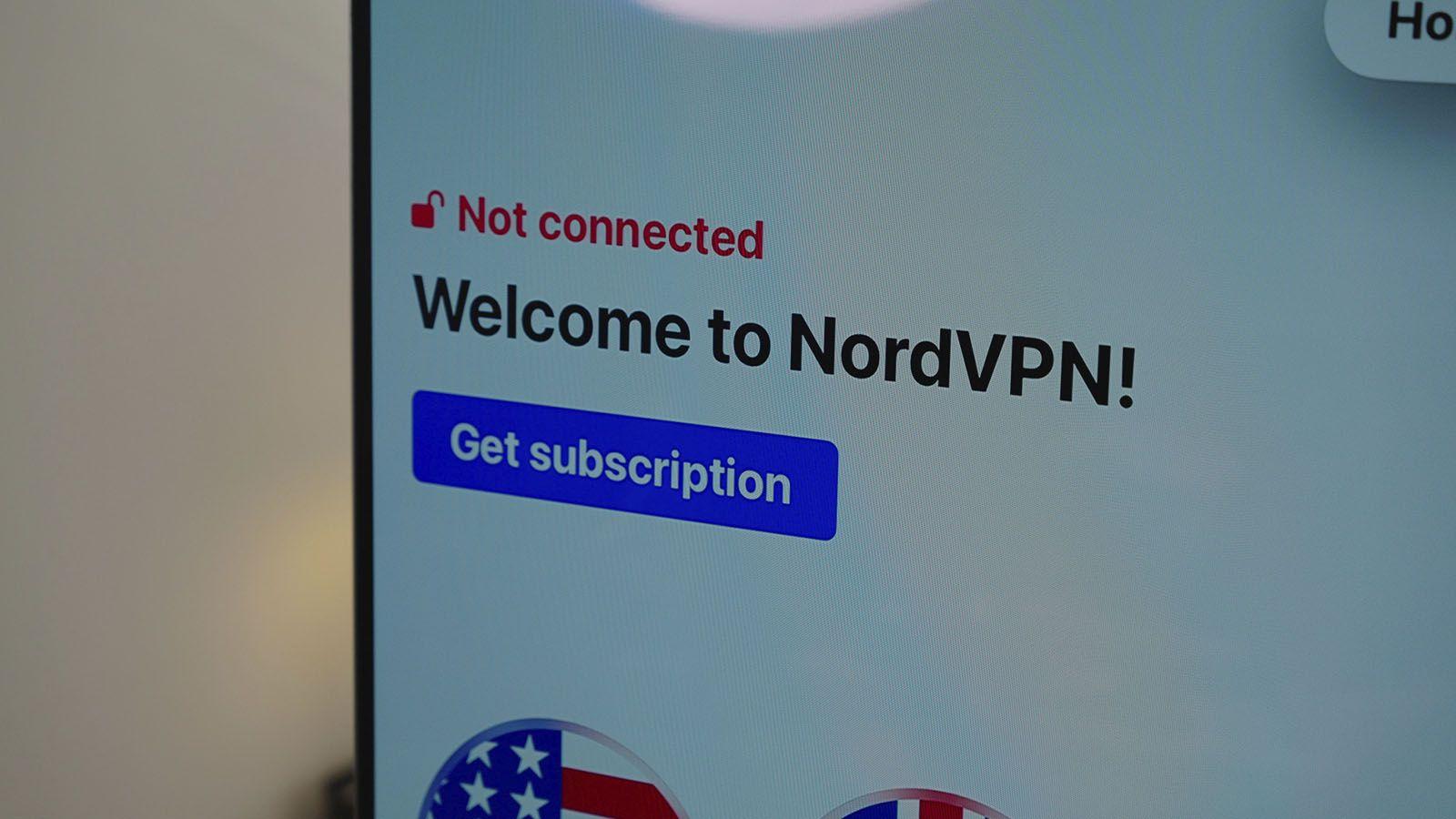
As we get older, we start accumulating personal data, bank accounts, medical documents, and private conversations that we wouldn't want in the wrong hands. It's natural to wonder if it makes sense to pay for a VPN and if there's a tool that can truly help you protect your digital life, beyond the usual recommendations.
VPNs have become incredibly popular because they promise greater privacy, connection encryption, and access to blocked content , but they also generate a lot of confusion: some say they're essential, others that they're useless, and in between lies a jungle of free and paid services. Let's clear things up, calmly explaining when it's worth paying for a VPN, when it's not, what risks free VPNs pose, and what other tools you need to properly protect your devices.
What exactly is a VPN and what can it do for you?
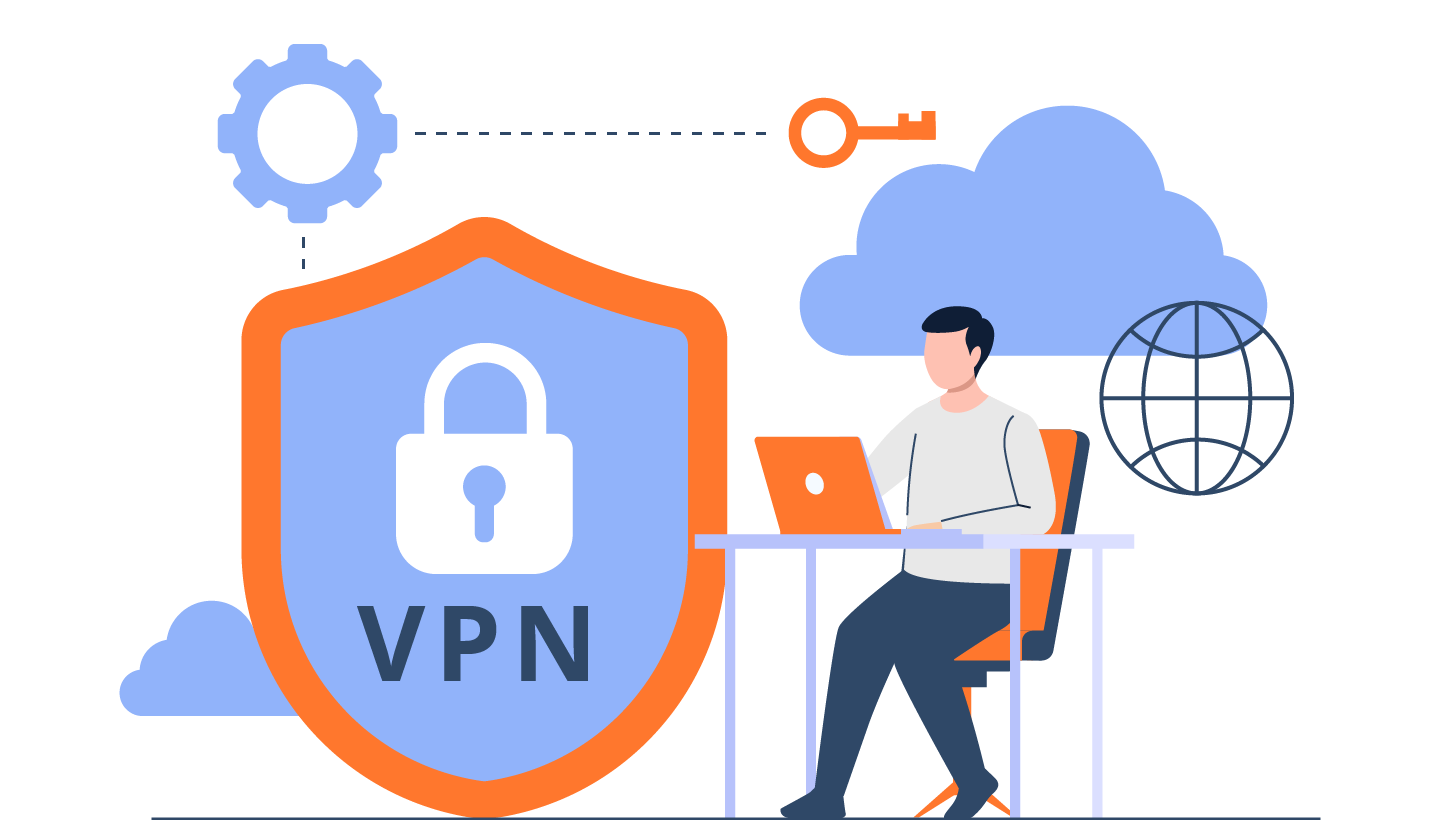
A VPN (Virtual Private Network) is a service that creates an encrypted tunnel between your devices and the internet . Instead of connecting directly to websites or applications, you first connect to a VPN server, and that server then accesses the internet for you.
This "routing" has two key effects: first, your real IP address is hidden and replaced by the VPN server's IP address , so websites and services see that IP instead of yours. Second, all traffic is encrypted , so your internet provider, a nosy government, or an attacker on public Wi-Fi can't see exactly what you're doing.
In practice, using a VPN makes your activity much harder to track. Your browsing history, downloads, the apps you use, and the videos you watch are no longer as exposed to your internet service provider and other third parties that collect data for advertising or surveillance.
Furthermore, by switching VPN servers you can simulate being in another country . This different virtual location allows you to access content, websites, or services that are only available in certain regions, or bypass temporary blocks on your network, at work, or in your country.
Key advantages of using a VPN regularly
The first major advantage of a VPN is enhanced online privacy . By hiding your real IP address and mixing your traffic with that of thousands of other users on the same server, it becomes much more difficult to link your specific activity to your identity.
Without a VPN, your internet provider can see which websites you visit, when you visit them, which services you use, whether you download torrents , and even infer what kind of content you consume. With a properly configured VPN, your provider only sees that you connect to a VPN server and nothing more.
This is especially important if you're worried that large platforms like YouTube, social media, or advertisers might have your IP address associated with every video, click, or ad. With a VPN, they'll only see the server's IP address, not yours, which greatly reduces their ability to profile you individually.
The second pillar is online security . Robust encryption (usually 256-bit AES, the banking and government standard) means that even if someone intercepts your connection, they will receive unreadable data. This makes a huge difference when using public Wi-Fi in cafes, airports, hotels, or libraries , where it's relatively easy to spy on unprotected users.
With a quality VPN, attackers on open networks have a much harder time seeing your passwords, emails, banking details, or messages . Furthermore, many reputable services include protection against IP leaks , trackers, and DDoS attacks, further strengthening your security.
Another highly valued advantage is the ability to bypass blocks and censorship . In countries with strict restrictions (China, Iran, Russia, Venezuela, among others), many foreign news websites, social media platforms, and services are blocked. Some VPNs offer obfuscation technologies that disguise VPN traffic so firewalls cannot easily identify it.
If you're a journalist, activist, a frequent traveler, or simply concerned about accessing unfiltered information , a robust VPN can make all the difference. It's a key tool for maintaining a degree of digital freedom where governments are tightening their grip.
In more everyday contexts, a VPN also helps with streaming and geo-blocked content . Many streaming platforms for series, movies, sports, or television restrict their catalogs based on country. By connecting to a server in another region, you get a local IP address and can watch content that would otherwise be unavailable.
Something similar happens with online games : a good VPN can offer access to servers in other countries, extra content, stores with different prices, or even reduce ping if your provider throttles your connection when it detects gaming, streaming, or heavy downloads.
When is it worth paying for a VPN?
Not everyone needs to dig into their pockets every month, but there are several scenarios where a paid VPN more than compensates for the cost compared to free options or not using one at all.
The first consideration is whether you plan to use it frequently for streaming (Netflix, online TV, sports, etc.) . Free VPNs often have monthly data limits and slow speeds that fall short when watching high-quality video. Furthermore, they rarely manage to reliably bypass the restrictions of major platforms.
In a paid service, in addition to higher speed and bandwidth, you usually find more servers and countries available , giving you much more flexibility to "simulate" that you are in a specific location when you want to access a particular catalog or television channel.
The second clear example is if you download large volumes of data , whether for P2P/torrenting or for work. A free VPN will not only fall short in terms of bandwidth, but its servers are frequently overloaded, causing speeds to plummet. A paid VPN, on the other hand, can offer fast and stable connections designed to handle intensive downloads.
It's also highly recommended to pay if your number one priority is strong privacy and a strict no-logs policy . There are free services that claim to keep nothing, but common sense and business models prevail: if you don't pay, someone else will with your data. Reputable paid VPNs undergo independent audits by firms like PwC, KPMG, Deloitte, and Cure53 to demonstrate that they don't store or sell user activity.
If you live in or travel to countries with intense censorship and potential retaliation for what you visit online, a paid VPN with no logs, located in privacy-friendly jurisdictions (British Virgin Islands, Romania, Netherlands, Panama, etc.) and with specific technology to function in hostile environments is vital.
Another scenario where the difference is noticeable is when you want to save money on online purchases . Many flight, hotel, subscription, and video game websites adjust prices based on your country. If you can change your IP address and compare rates "as if you were" in different locations, you'll often find cheaper deals that more than offset the monthly cost of the VPN.
Finally, if you frequently use public Wi-Fi networks (while traveling, working remotely, in cafes, hospitals, etc.), a paid VPN provides extra security and technical support if something goes wrong. For someone who works remotely and accesses sensitive company information, a good VPN is practically essential.
When a free VPN (or no VPN at all) might be enough
While many providers want everyone to pay for a subscription, the truth is that not all users need a paid VPN . There are specific cases where a free option, or simply not using a VPN at all, can be more than enough.
If you're only going to use a VPN very occasionally (for example, to test a feature that's only available in another country, activate a specific service, or bypass an occasional block), the data and speed limitations of free VPNs may not be a problem for you.
A free VPN can also suffice if you only need to temporarily hide your IP address , without requiring high speeds or consuming a lot of data. For these light uses, some reputable free tools will do the trick, provided you carefully review their privacy policies.
If you simply want to protect yourself a little on public Wi-Fi and you're not going to be constantly connected to these types of networks, there are free services like some VPN modes from well-known providers (for example, Warp-type solutions) that offer an acceptable additional layer for occasional use.
In countries without significant censorship or aggressive surveillance, when you only need to bypass a specific website block or a service that your provider has restricted, a free VPN can get you out of a bind at any given time without the need for a subscription.
Many recommendations agree that, if you've never used a VPN, it might be a good idea to start by trying a free option or a trial period , see if you really benefit from it, and only when it falls short, consider upgrading to a paid service.
Key differences between free and paid VPNs
The first major difference is the business model . A paid VPN relies on your subscriptions: that money goes towards maintaining servers, improving infrastructure, updating software, and paying the support team. A free VPN, on the other hand, has to finance all of that without charging you directly, and that's where the problems begin.
Many free VPNs monetize by collecting and selling usage data, browsing metadata, or advertising profiles to third parties—the exact opposite of what a VPN is supposed to avoid. Others abuse intrusive advertising or redirect traffic to business partners, degrading the user experience and raising security concerns.
On the technical side, paid VPNs typically offer strong encryption, modern protocols (OpenVPN, IKEv2/IPsec, WireGuard), leak protection, and built-in firewalls . They also implement features like a "kill switch," which disconnects your internet connection if the VPN suddenly drops, preventing your real IP address from being exposed.
Free Wi-Fi services, on the other hand, often use weaker encryption, outdated protocols, or poorly configured settings . In some cases, they don't even encrypt all traffic properly or they filter DNS and IP addresses, leaving gaps through which your real information can be leaked.
In terms of performance, a paid VPN typically offers better speed, lower latency, and fewer interruptions because there are more servers distributed worldwide, thus mitigating server overload. With free VPNs, the same few servers support thousands of users, resulting in frequent queues, delays, and outages.
There are also differences in compatibility and flexibility . Paid VPNs typically offer apps for Windows, macOS, Android, and iOS, as well as browser extensions and even guides for installing them on your router to protect all your home devices, including Smart TVs and game consoles that don't directly support VPNs.
Finally, there's the issue of technical support and transparency . A reputable provider clearly publishes its no-logs policy, allows third-party audits, and offers support channels (chat, email) to resolve issues. Many free providers, on the other hand, offer little information about what they log or who they sell it to, and if something goes wrong, you're on your own.
Weaknesses and risks of using a VPN
A VPN isn't a magic wand that fixes everything. In fact, it has limitations and disadvantages that you should be aware of before deciding if it's worth it for you.
The first is that, by design, encryption and traffic routing add some speed loss . Your data travels a greater distance (to the VPN server and from there to its destination) and goes through the encryption/decryption process. With a quality VPN, this drop is usually small and even imperceptible on nearby servers, but with cheap or free services it can be a significant drawback.
Furthermore, when you use a VPN, you shift your trust from your internet provider to the VPN company . All your traffic passes through their servers, so if you choose poorly, you could end up worse off than before. Some VPNs have a bad reputation for logging and selling user data, or for having security scandals behind them.
Another point to consider is that some platforms and countries block or restrict VPN use . In places like China, Russia, Iran, or Turkey, many standard VPN connections don't work because their firewalls detect and block them. In even more restrictive countries (North Korea, Belarus, Turkmenistan, Iraq), using a VPN itself can be illegal and lead to penalties.
There are also compatibility limitations : not all devices natively support VPN apps (certain Smart TVs, game consoles, IoT devices, etc.). This can be resolved by configuring the VPN on the router, but it requires some technical knowledge or following step-by-step guides.
Finally, you should know that a VPN is not a substitute for antivirus software or a malware scanner . A VPN protects your connection, but it doesn't scan for or clean infected files. You can browse with encryption and still download a malicious file or visit a phishing website and fall into the trap. They are distinct and complementary layers of security. To better understand this difference, see if VPNs protect against malware.
How to choose a reliable paid VPN (and avoid the bad ones)
If you decide to pay for a VPN, it's crucial to choose one that truly protects your privacy and doesn't compromise your data . There are several key points to consider before spending your money.
The first is a no-logs policy . The provider must clearly state that it does not store browsing histories, connection IP addresses, timestamps, or any other identifiable information. And, very importantly, this promise should ideally be backed by external audits from reputable companies or by real-world examples where, in the event of an incident, user information could not be recovered because it simply did not exist.
The jurisdiction where the company is headquartered also matters a great deal . Countries with highly intrusive surveillance laws or that are part of aggressive intelligence alliances can exert more pressure on providers. Conversely, locations with a tradition of respecting privacy tend to offer better legal guarantees.
On a technical level, check which connection and encryption protocols the VPN offers. Ideally, it should have modern options like OpenVPN and WireGuard, combined with AES-256 encryption. This guarantees a good balance between security and performance, and greater compatibility with different systems.
Another factor is the number and distribution of servers . The more servers a provider has spread around the world, the easier it will be to find a nearby and fast one, as well as to choose specific countries to access geo-blocked content. Also, check if they allow P2P traffic on certain servers if you plan to use torrents.
Compatibility with your devices is another basic criterion: check that there are apps for your operating system (Windows, macOS, Linux, Android, iOS) and that multiple devices can be connected with the same account, which is very useful if you want to cover your mobile phone, laptop, and tablet at the same time.
Finally, consider whether the provider offers clear pricing, trial periods, or a 30-day money-back guarantee, for example. This will allow you to verify if the speed, stability, and features match your actual needs, without getting stuck with a service that ultimately doesn't meet your expectations.
VPN and tools to fully protect your devices
Returning to your initial concern, a VPN is an important piece of the puzzle, but if you want to "completely" protect your devices, you need to combine it with other tools and best practices.
To begin, it's essential to have a reliable antivirus or security suite that includes real-time analysis and regular full scans. This will detect and remove viruses, Trojans, ransomware, and other malware that might sneak in through downloads, email attachments, or malicious websites.
It's also a good idea to use a complementary antimalware or antispyware program (many are free) that specializes in detecting spyware, adware, and potentially unwanted programs that sometimes sneak in along with other installers.
Don't forget to keep your operating system, browser, and programs up to date . Many infections exploit security vulnerabilities in older versions. Enabling automatic updates on Windows, macOS, Android, or iOS is one of the simplest and most effective things you can do.
For your online accounts, it's highly recommended to use a password manager that generates long, unique passwords for each service, and to enable two-factor authentication (2FA) whenever possible. This way, even if someone steals your password, they won't be able to log in without the second factor.
If you're looking for an all-in-one tool to simplify your life, there are security suites that combine antivirus, firewall, application control, password manager, and sometimes even their own integrated VPN . They're not foolproof, but they greatly simplify management for someone who wants to stay protected without dealing with a multitude of different programs.
Using a paid VPN on top of that security base (antivirus, updates, strong passwords) will give you a very powerful extra layer of privacy and connection protection , especially on public Wi-Fi networks and against mass tracking by carriers and platforms.
If you are unsure between specific options or want neutral recommendations, in Spain you have resources such as INCIBE (National Cybersecurity Institute) , which maintains a catalog of security tools and offers free help by phone (017), WhatsApp and Telegram to guide you on these issues.
Looking at the big picture, paying for a VPN is usually worthwhile when you're really going to use it for continuous privacy, travel, streaming, remote work, heavy use of public Wi-Fi, or bypassing censorship ; in those cases, the monthly cost is low compared to the advantages and peace of mind it provides. That said, the VPN must be used in conjunction with a good antivirus, safe habits, and updated devices to ensure your digital shield is solid and has no weaknesses.
Table of Contents
- 1 What exactly is a VPN and what can it do for you?
- 2 Key advantages of using a VPN regularly
- 3 When is it worth paying for a VPN?
- 4 When a free VPN (or no VPN at all) might be enough
- 5 Key differences between free and paid VPNs
- 6 Weaknesses and risks of using a VPN
- 7 How to choose a reliable paid VPN (and avoid the bad ones)
- 8 VPN and tools to fully protect your devices