- Discover what makes the top Linux distributions unique for security and privacy.
- Learn the key tools and ideal use cases for each system
- Learn how to choose the distribution that best suits your digital protection needs.
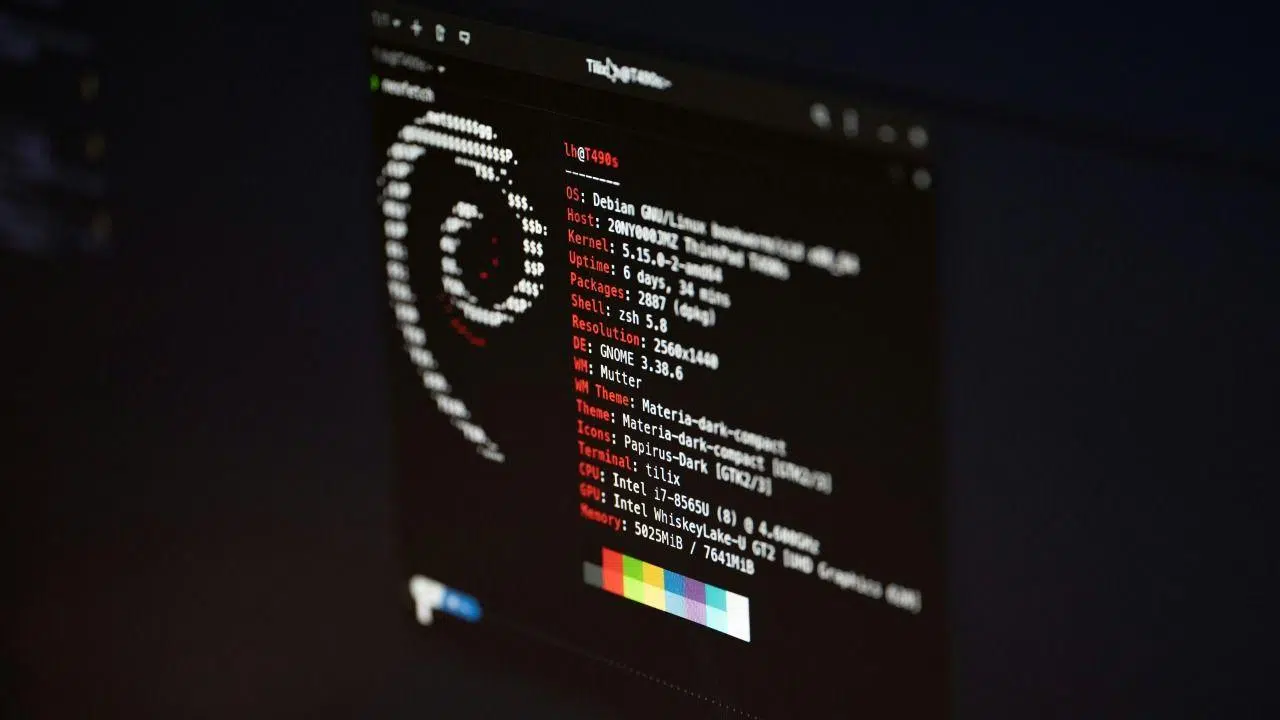
Concern about digital security and privacy has grown exponentially in recent years due to the increase in cyberattacks, mass surveillance, and the sophistication of cyber threats. While giants like Windows and macOS try to strengthen their systems, Linux has established itself as a key platform for users and professionals seeking maximum protection, anonymity, and complete control over their computers and data.
If you're a Linux user or thinking about switching , you're probably wondering which distribution is best suited to protect your information and browse with peace of mind. This article offers a comprehensive guide to the best Linux distributions for security, penetration testing, privacy, and professional use , explaining their features, tools, advantages, and even which ones are ideal for beginners, experts, or enterprise environments.
Why is Linux the preferred choice for security and privacy?
Linux has earned its reputation in the cybersecurity field for several compelling reasons . First, its open-source nature allows any user or developer to review the code, detect vulnerabilities, and propose patches before attackers can exploit them.
Furthermore, permission management in Linux is much more precise and restrictive compared to other systems, preventing the granting of unnecessary administrator privileges. This limits the attack surface and reduces the risks of privilege escalation, so common in Windows environments.
The large community behind Linux and the open-source software ecosystem facilitates frequent updates, security patch releases, and support for a vast array of tools dedicated to protection, forensics, and privacy . Its modularity and flexibility allow the system to be adapted to almost any need, from server use to ethical hacking testing.
How does Linux protect user privacy?
One of Linux's greatest strengths is its proactive approach to privacy . Besides its open source code and advanced permissions, it stands out for:
- Granular Access Control: You can define exactly who has access to each file and folder.
- Integrated firewall and network control: Tools like Wazuh They allow traffic to be regulated and suspicious services to be blocked.
- Advanced data encryption: Native support for LUKS, VeraCrypt, GnuPG and similar technologies.
- Secure Boot Technologies: They improve security from the very start of the system.
Thanks to these standard features, and the countless third-party programs available, Linux is a solid foundation for the most secure and private operating systems on the market.
Types of security-oriented Linux distributions
The Linux universe is so vast that there are distributions adapted to almost any use case . When we talk about security, they are usually classified into three main groups:
- Distributions for pentesting, forensics, and ethical hacking: They include tools for penetration testing, network auditing, malware analysis, and digital forensics.
- Distributions for anonymity and privacy: Optimized for anonymous browsing, leaving no traces, and protecting communications.
- Distributions for servers or firewallsDesigned to implement firewalls, VPNs, and integrated network security solutions.
Let's delve into the main options for each type, detailing specific features, advantages, and disadvantages.
Distributions for Pentesting and Security Testing
If your goal is to perform security audits, penetration testing, or forensic analysis, there are several distributions focused on ethical hacking that come packed with top-notch tools. Here's a selection of the most outstanding ones:
Kali Linux
Kali Linux is the leading system for ethical hacking and penetration testing . Developed by Offensive Security and based on Debian, it stands out for including over 600 pre-installed tools for network analysis, vulnerability exploitation, reverse engineering, and digital forensics. To learn more about its new features, you can check out the new features in Linux 6.14.
You can boot Kali Linux in live mode, install it to disk, or use it in virtual machines , and it supports both x86 and ARM architectures (ideal for Raspberry Pi and mobile devices). It has a huge community and abundant documentation with tutorials for all levels.
Among its flagship applications, you'll find Metasploit, Nmap, Wireshark, John the Ripper, Burp Suite, and many more. That's why it's the preferred choice for professionals, students, and even stars of series like Mr. Robot.
Parrot Security OS
Parrot Security OS is a lightweight and versatile alternative for penetration testing, privacy, and secure development. Based on Debian and maintained by FrozenBox, it stands out for its MATE desktop environment, low resource consumption, and specific versions for standard use, cloud applications, and ARM architectures.
It includes AnonSurf, OnionShare, and many proprietary tools that facilitate anonymity and secure file sharing over Tor. It's ideal for both penetration testers and those seeking a secure system for everyday use.
BlackArch
BlackArch is Arch Linux's answer to the Kali concept . It targets advanced users and professionals seeking maximum customization and the latest technology. Its greatest strength is a repository with over 2800 tools for all phases of cybersecurity, which can be installed individually or in groups.
It offers several ISOs: a basic one (netinstall), a full one, and a slim one for different architectures, and includes multiple desktop environments (fluxbox, openbox, etc.). It's more complex to install, but unbeatable in terms of tools and modularity.
BackBox
BackBox prioritizes simplicity and efficiency . Based on Ubuntu and using Xfce as its default desktop environment, it provides a carefully curated selection of essential programs for penetration testing, forensics, vulnerability audits, and network monitoring.
It's lightweight, fast, and stable, ideal for those looking for an easy-to-use distribution without sacrificing advanced features.
WiFi
Wifislax stands out as the most powerful option for WiFi network auditing . Developed in Spain and based on Slackware, it integrates all the well-known tools for cracking, hacking, and analyzing WiFi networks (Aircrack-ng, Reaver, Wifite, and more). For more details, see the Linux resources.
With its live mode, you can audit wireless networks without installing anything, although you can also use it in a virtual machine or on disk. Its easy-to-use interface makes it a favorite for beginners and experts alike.
Bugtraq
Bugtraq is another option with an offensive focus and broad compatibility with desktop architectures and environments. Available in versions based on Ubuntu, Debian, and openSUSE, it stands out for its multilingual support and custom tools for penetration testing and forensics.
Other specialized distributions
There are many other distros for pentesting: Xiaopan OS (ideal for wireless auditing), Pentoo (based on Gentoo, highly customizable), DEFT Linux and Caine (focused on digital forensics), as well as Samurai Web Testing Framework and NST (for network security analysis).
Distributions focused on privacy and anonymity
For those who prioritize anonymity, encryption, and seamless browsing, Linux has systems designed for this. Here are the main ones:
Tails
Tails (The Amnesic Incognito Live System) is the ultimate distribution when it comes to absolute privacy. Designed to boot from USB or DVD in live mode, it leaves no trace on the machine and routes all connections through Tor, ensuring anonymity even on hostile networks. If you want to learn more about improving your security, we recommend reviewing the importance of computer security.
It includes tools such as Tor Browser, GnuPG, KeePassX, VeraCrypt, and multiple utilities for encrypted communications and secure data erasure. It is especially recommended for journalists, activists, and users who require maximum discretion.
Qubes OS
Qubes OS prioritizes security through isolation and compartmentalization . Each application, document, or activity runs within a virtual machine (cube), preventing an infection or intrusion from spreading to the rest of the system. For more information about the system's internal structure, you can visit the Linux file systems page.
It's based on Fedora and uses the Xen hypervisor, even supporting the simultaneous execution of Windows and other Linux distributions. It's the preferred choice of experts like Edward Snowden , although it requires powerful hardware.
Whonix
Whonix goes beyond conventional anonymity . Based on Debian, it runs on virtual machines, separating the gateway from the workstation. All workstation activity is forced through the Tor network, preventing IP and DNS leaks. To maximize its potential, see [link/reference].
Compatible with Qubes OS and VirtualBox, it includes privacy tools and hardened kernel configuration. It's highly recommended for those seeking stable and flexible anonymity.
Linux Kodachi
Kodachi is a ready-to-use solution focused on everyday anonymity. Based on Debian, it can be run from USB or DVD, forcing all traffic first through a VPN and then through Tor, in addition to DNS encryption. It includes VeraCrypt, MAT, ZuluCrypt, and tools for clearing RAM traces, as well as utilities for encrypting files and messages. If you want to learn more about these tools, see how to edit the hosts file.
Thanks to its "Panic Room" , it can erase all data encrypted with a password, very useful in particularly hostile environments.
PureOS and Septor
PureOS focuses on simple privacy and ease of use, making it ideal for users who want uncomplicated protection. Septor , based on Debian and running KDE Plasma, includes Tor Browser and OnionShare, allowing anonymous browsing and file sharing over the Tor network. To learn more, check out the best Linux distributions for servers.
Distributions specializing in firewalls, servers, and network protection
To strengthen your network security, monitor traffic, or implement VPNs and firewalls, there are distributions designed just for this:
- clearOS: Based on Fedora/Red Hat, it facilitates the implementation of firewalls and servers for SMEs with a simple web interface.
- IPCop: Turn an old computer into a high-performance firewall/VPN with intuitive web-based configuration.
- IPFire: Oriented to firewall, routing and services such as intrusion detection, proxy and Wake-on-Lan (very versatile and expandable through plugins).
- smooth wall: Very simple and stable, with free and paid versions, widely used to create network barriers in small businesses.
Security-hardened Linux distributions for everyday use
Of course, not all security distros are exclusively geared toward hacking or anonymity. If you want to use Linux in your daily life but with greater protection, you have several options:
- Alpine Linux: Ultra-lightweight and robust, it uses PaX and grsecurity patches by default and buffer overflow mitigations. For more details, see Oregon 10 Linux.
- Openwall: Offers a hardened kernel and a hardened generic system, with an emphasis on password protection.
- Subgraph OS: Still in development, but functional. It strengthens privacy with the use of Tor, advanced sandboxing, and security patches, although it's not recommended for beginners.
- Security onion: Based on Ubuntu, it adds powerful tools for intrusion detection, network monitoring, and forensic analysis, such as Snort, Suricata, and Bro.
Light and specialized distributions
For computers with limited resources, there are distributions like Puppy Linux, Slitaz, and Tiny Core , which allow you to revive older computers without sacrificing speed or security. There are also options for music (Musix), multimedia (MythTV), education (Edubuntu), scientific development (Scientific Linux), and router management ( Linux in a virtual machine ).
Frequently Asked Questions about Linux Distributions for Security
- Is Kali Linux better than Ubuntu for security? Kali is geared toward penetration testing and ethical hacking, with hundreds of pre-installed tools. Ubuntu is suitable for general use, and you can strengthen your security by installing the necessary tools.
- What real advantages does Linux offer over Windows? Complete control over permissions, open source code, and an active community that constantly detects and fixes vulnerabilities. Additionally, users are not given administrator permissions by default, reducing the risk of critical attacks.
- What kind of hardware do I need? Most distributions can run on modest hardware, especially in live mode. However, distributions like Qubes OS require powerful hardware due to virtual machines.
- Which distribution should you choose for beginners? For those new to security, Parrot Security OS, BackBox, and Wifislax offer good ease of use with relevant features.
- Can I use these distributions as main systems? While many are suitable for everyday use, those geared toward pentesting or extreme privacy (Kali, Tails, Qubes OS) are designed for specific tasks. For everyday use with greater security, options like Alpine Linux, OpenWall, or Subgraph OS may be more suitable.
The diversity of the Linux ecosystem allows you to choose the distribution that best suits your profile: from ethical hackers to companies looking to strengthen the security of their infrastructure or users concerned about privacy. The key is to clearly define your goals and experiment with various options, as the Linux community is open, collaborative, and always willing to help you get the most out of your system.
