- The microwave oven and the 2,4 GHz WiFi network share the same electromagnetic frequency.
- Radiation leaks from the appliance generate noise that degrades the quality of data packets.
- Migrating to the 5 GHz band or optimizing the router's location are the most effective solutions.
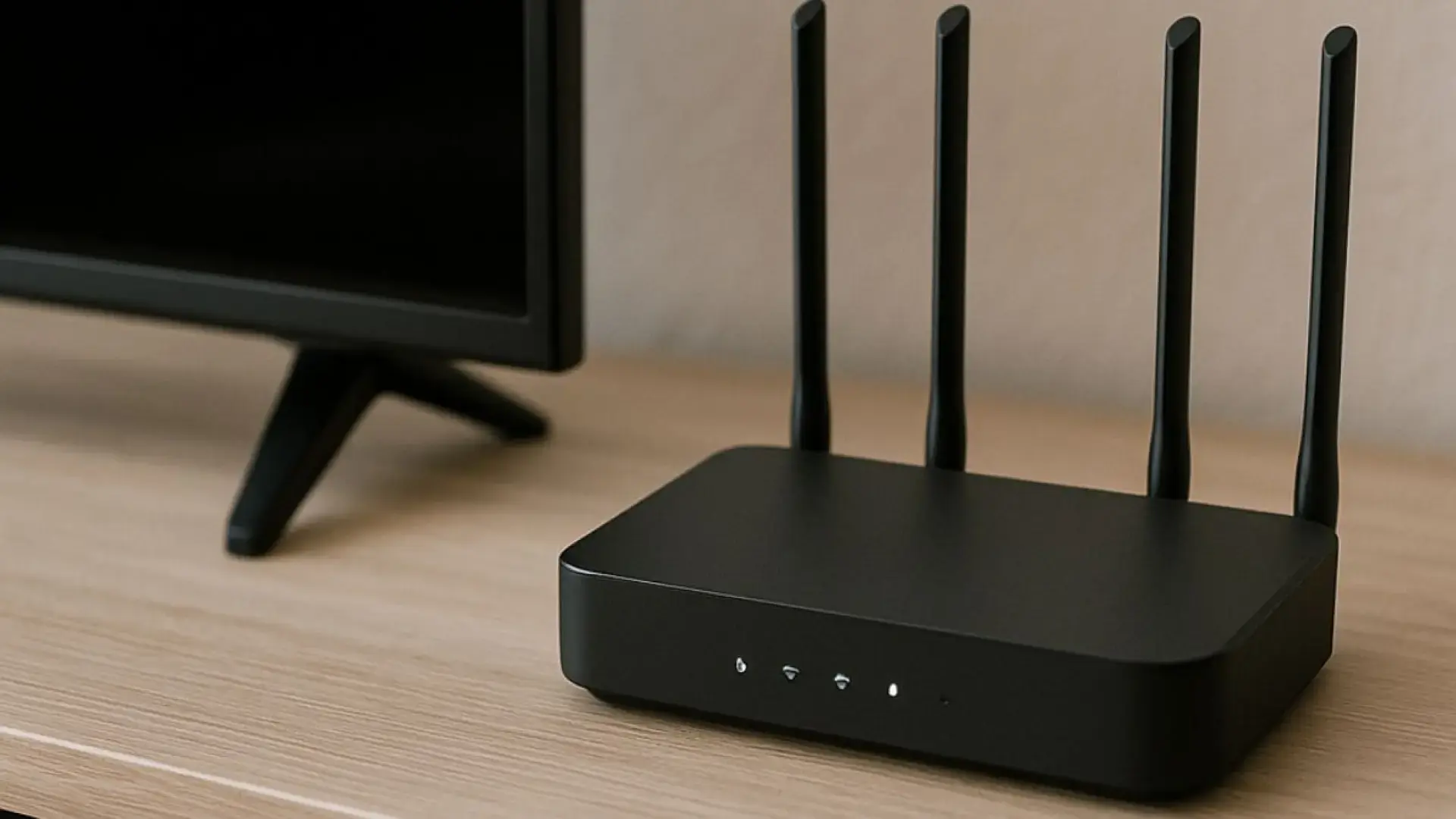
I'm sure it's happened to you before: you're browsing the internet peacefully or in the middle of an online game, and just as you decide to heat up some food on the stove, the connection starts to fail or simply disappears. The strangest thing is that, as soon as the device beeps and stops, everything goes back to normal as if nothing had happened. It's not an urban legend or a random glitch on your internet provider's end; it's a fairly common physical phenomenon that can drive anyone crazy.
While it may seem unbelievable that a household appliance could sabotage your digital life, the explanation lies in the science of radio waves. Sometimes we think the problem is the router or the fiber optic connection, but the reality is that the culprit is disguised as a harmless oven . This conflict occurs mainly because both devices compete for the same space in the radio spectrum, creating a chaotic mess of signals that prevents your data from reaching its destination.

The physical reason: the 2,4 GHz battle
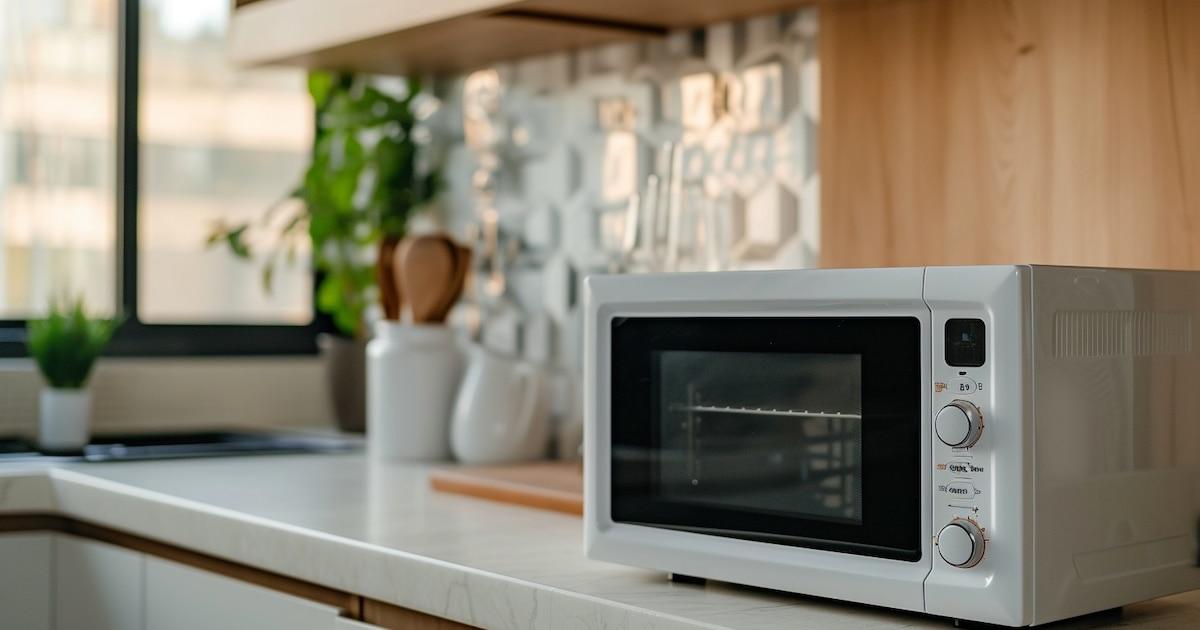
To understand this confusion, we need to talk about frequencies. The vast majority of mid-range routers and smart devices operate on the 2,4 GHz band . On the other hand, microwave ovens use electromagnetic waves to excite the water molecules in food, generating friction and heat. It turns out that the operating frequency of these ovens is precisely around 2,45 GHz , placing them right in the path of your internet signal. For more information, you can review the differences between 2,4 GHz and 5 GHz Wi-Fi.
In an ideal world, microwave radiation would be contained because the interior of the appliance acts as a Faraday cage , causing the waves to bounce and concentrate on the food. However, no insulation is perfect. Especially in older appliances or those with a worn door seal, small electromagnetic leaks escape to the outside.
These leaks pose no danger to our health, as they comply with international safety standards (such as those of the IEC or IEEE), but for Wi-Fi they are catastrophic. They act as a deafening noise that degrades data packets . When the receiver tries to reconstruct the Wi-Fi information and encounters this noise, it cannot do so correctly, causing videos to buffer or web pages to simply fail to load.

Other sources of noise and common problems
The oven isn't the only culprit behind these headaches. Other devices also operate in the 2,4 GHz band and can cause signal conflicts . Baby monitors, older cordless phones, Bluetooth headphones, and some smart home systems or lights commonly cause similar interference, although it's usually less intense than that of an 1100W microwave.
There are even surprising cases where devices like electric treadmills can cause connection drops. In professional environments, such as small office buildings (SOHOs) or shopping centers with many concentrated kitchens, this becomes a real headache for technicians, since a passive site survey wouldn't detect the problem if the microwave is turned off at the time of measurement.
How to prevent your microwave from ruining your connection
If you don't want your internet to go on vacation every time you heat up dinner, there are several practical solutions. The most effective is switching to the 5 GHz band . Most modern routers are dual-band; while the 2,4 GHz band has a longer range, the 5 GHz band is much faster and, most importantly, completely immune to microwave interference. If you need to upgrade your hardware, you might consider replacing your router and fine-tuning your home Wi-Fi.

If your devices only support 2,4 GHz, it's best to choose a strategic location for your router . Don't put it right next to the stove or behind metal cabinets. Ideally, place it in a high, central, and unobstructed spot. Maintaining a safe distance (at least a few meters of physical separation) helps prevent interference from the oven reaching the router with excessive power.
It's also advisable to check the condition of the appliance. If the oven is very old, it may be emitting more radiation than it should. Checking that the door closes tightly or considering replacing the appliance with one that has better shielding can make a difference. Of course, if you have a crucial video call, the wisest thing to do is avoid using the microwave at the same time.
Extra tips to optimize your wireless network
- Antenna orientation: If your router has external antennas, try placing one vertically and the other horizontally to improve coverage in all directions.
- Avoid corners: Do not hide the router in corners or closed rooms, as this limits the range and makes the signal weaker and more susceptible to external noise.
- Equipment upgrade: Modern routers manage the coexistence of signals better and are less sensitive to electromagnetic interference.
- Use of extenders: In large houses, the WiFi repeaters at home They can help carry the signal to areas far from the kitchen, reducing the likelihood of outages.
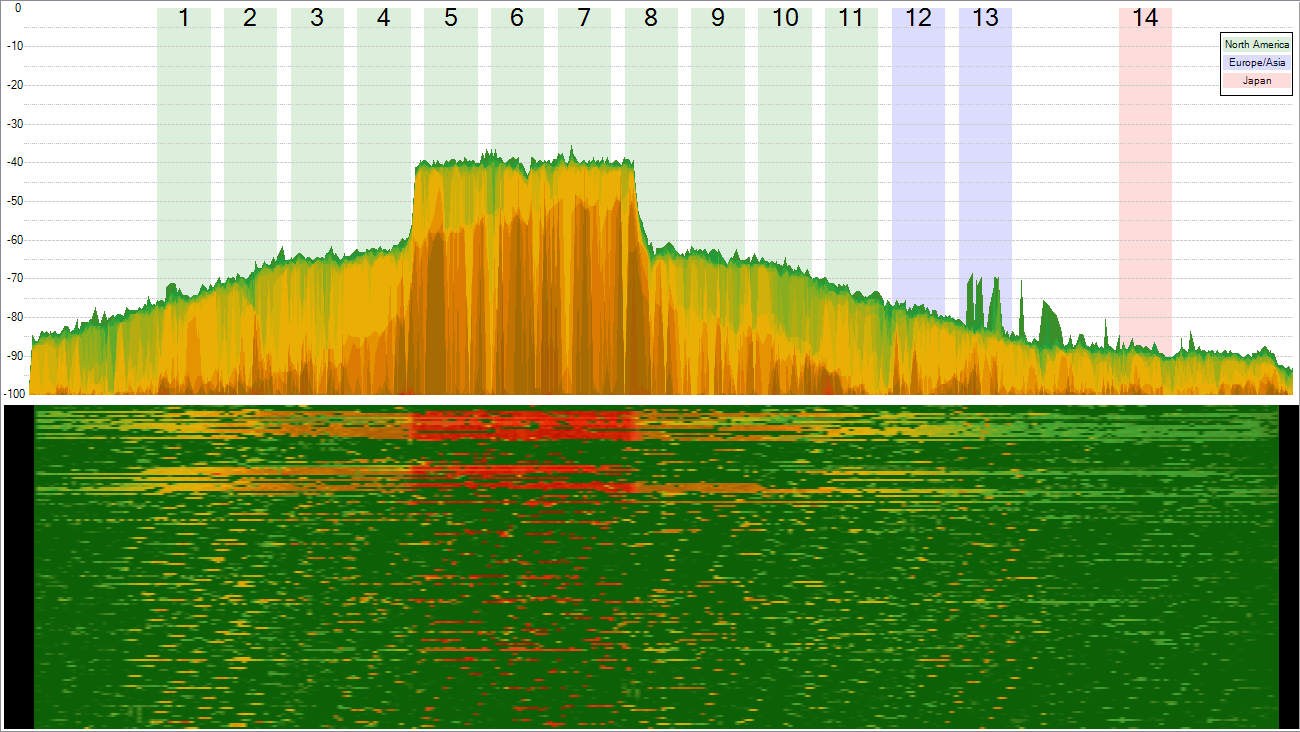
For those who are more detail-oriented or professional, there are spectrum analysis tools that allow you to detect radio noise in real time. This helps pinpoint exactly which channel the microwave is interfering with (usually starting from channel 8) and thus configure the router to a cleaner, more stable channel, ensuring that the network doesn't go down when you need it most. For this, a guide to analyzing routers and Wi-Fi access points is helpful.
Bearing in mind that wireless technology coexists with numerous sources of interference is crucial to avoid frustration with internet speed. Ultimately, it's about managing frequencies effectively , optimizing the placement of equipment, and, if possible, switching to the 5 GHz band to finally forget about the kitchen having the final say on your internet connection.
