- The digital license links activation to your hardware or account; the Retail key allows transfer between devices.
- Windows 10 and 11 share license validity if you install the same edition and meet the requirements.
- Check the channel (Retail/OEM/Volume) with slmgr /dli and link your license to your Microsoft account.
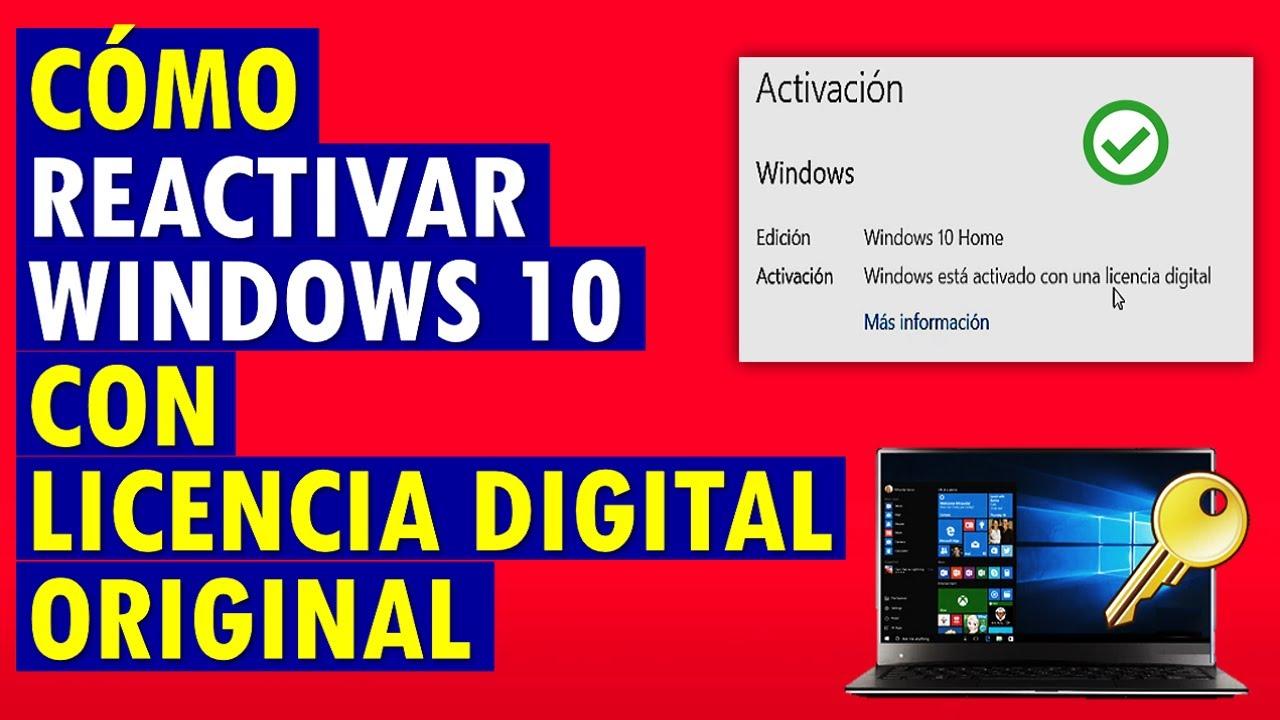
If you've come across the message "Windows is activated with a digital license" and are wondering what it means, you've come to the right place. Digital licenses have changed how Windows is activated : we've gone from cards with codes and COA stickers to authorization linked to the hardware or your Microsoft account. In everyday use, this translates to less hassle when reinstalling and less fear of losing the key.
To illustrate, imagine you buy a second-hand PC from a university, completely wipe it, and install Windows 11 from a USB drive. When finished, the system appears activated without you having typed anything. It's not magic: the computer likely already had a digital entitlement that Microsoft's servers recognized, and that's why Windows activated automatically.
What are Windows digital licenses?
Microsoft calls this activation method, which doesn't require entering a 25-character key, "digital authorization" or "digital entitlement." Permission to use Windows is linked to your hardware (primarily the motherboard) or your Microsoft account, and when your computer connects to the internet, activation servers recognize it and activate the system without user intervention.
This mechanism is common in new PCs with Windows pre-installed and in computers that have been upgraded from eligible previous versions. In many modern laptops, the licensed edition information is stored in the BIOS/UEFI , so the Windows installer detects it and applies the correct activation after the first boot with a network connection.
Additionally, digital licenses can be linked to your Microsoft account to facilitate future reinstalls and minor hardware changes. By connecting your account, you can use the activation troubleshooter to revalidate Windows if you have any doubts after a component change.
What if the PC comes from an institution or company? The original license might have been a volume license (KMS/MAK) or an Education edition license . In these cases, it's advisable to check the licensing channel, as not all licenses are transferable or intended for personal use outside the corporate domain.
Digital license vs. product key: practical differences
Both methods activate Windows and make it fully functional, but they don't work the same way. A digital license doesn't require a visible code ; it's stored on Microsoft's servers and/or your hardware. A product key, on the other hand, is a 25-character alphanumeric code in the format XXXXX-XXXXX-XXXXX-XXXXX-XXXXX that you enter manually.
In terms of delivery, the digital license travels with the device or your account, while the product key can arrive via email, a card, a physical box, or the reseller portal. Digital licenses typically appear after a Microsoft Store purchase or an eligible upgrade , and product keys are common with pre-installed devices, retailer products, volume acquisition agreements (MAKs), or developer subscriptions (MSDNs).
Regarding licensing, the key difference is transferability. OEM licenses are tied to the original computer (they expire with the motherboard), while Retail licenses can be moved to another PC if you stop using the previous one. Digital licenses linked to an account can also be recovered on the same computer after formatting, and in some cases migrated, provided the license type allows it.
In terms of cost, you'll find a wide range: cheap OEM keys from some distributors, higher retail prices from official stores, and, with new equipment, the license price is already included . Beware of offers that seem "too good to be true," as these are often non-transferable, recycled, or volume keys.
When do you get a digital license and when do you get a key?
These are the most common scenarios according to the official Microsoft guide, clearly explained. You will receive a digital license when:
- Upgrade for free from Windows 7/8.1 to Windows 10 on a compatible device with an original copy. This also applies to upgrading to Windows 11 from Windows 10. If you signed in with your Microsoft account, that account is linked to the digital right.
- You buy one upgrade to Windows 10 Pro or Windows 11 Pro from the Microsoft Store: the license is associated with your store email.
- You register as Windows Insider and you upgrade to a preview version from a suitable, activated installation.
- You acquire Windows in the Microsoft Store (app or web). Again, the license is tied to your Microsoft account.
Instead, you will receive a product key in situations like these:
- You buy a PC with Windows pre-installedThe key may be pre-embedded in the firmware, on the packaging, or in the COA.
- You buy one digital copy to an authorized retailerThe key arrives via confirmation email or is stored in your retailer account. After activation, the device generates its digital license.
- You have a volume licensing agreement or an MSDN subscription, which exposes the keys on the corresponding portal.
- You acquire a new piece of equipment or renovated/restored with Windows. Microsoft reminds users that if the PC has been restored, the product key must be provided by the person who performed the restoration, not Microsoft.
- You ask for one License from the Microsoft Store online using the browser, in which case you will receive the key or it will be applied to you as a digital right.
Do Windows 10 digital licenses work for Windows 11?
Yes. Both digital licenses and product keys for Windows 10 are valid for activating the equivalent edition in Windows 11 , provided you install the same edition (Home, Pro, etc.) and the hardware meets the requirements of the new version.
How to use your license in common situations
If the PC doesn't have an operating system, install Windows and activate it using your chosen option: purchase from the Microsoft Store, enter a product key, or validate an existing digital license if the computer already has one. In the case of a digital license, it will be associated with the hardware after activation.
When reinstalling the same Windows on the same computer, you don't have to do anything: Windows will automatically reactivate when it connects to the Internet, thanks to the previous digital entitlement.
If you're going to change hardware, especially the motherboard, link your digital license to your Microsoft account before doing so. Without this link, a major modification could disable Windows , especially with OEM versions.
Editions you can activate
Licenses don't unlock just any edition; they activate the specific edition you need. The most common are Home, Pro, and Pro for Workstations and LTSC . Home covers personal use; Pro adds BitLocker, Remote Desktop, and domain options; Pro for Workstations is designed for high-performance workstations.
Where to buy and what to consider
To be on the safe side, buy from the Microsoft Store app, the web store, or reputable retailers like Amazon. You'll also see offers on eBay , but the risk of unauthorized or volume keys is higher there: if a key is revoked, your Windows could be deactivated.
If you're offered an OEM license , keep in mind that it's only valid for one computer: it's tied to the motherboard. Retail licenses are more expensive, but they can be transferred to another PC if you uninstall it from the previous one.
A common question concerns pricing: seeing Windows 10 Home “EOM/OEM” for around $100 and Windows 10 Pro $15 cheaper can be surprising, since Pro is usually more expensive. When prices fluctuate erratically, be suspicious of volume keys, gray markets, or non-transferable licenses . If you plan to format and reinstall as many times as needed on the same PC, any legitimate license will work; if you intend to transfer the license to another computer in the future, look for a retail license.
Real cases and how to act
Scenario 1: You buy a used computer from a university with Windows 10. You erase the hard drive, install Windows 11, and it activates automatically. Most likely, the device already had a valid digital license for that edition, and Windows 11 inherited it. The downside? If the original activation was a volume (KMS) or Education license, it might not be suitable for indefinite personal use outside the domain. Check the license channel with "slmgr /dli". If it shows VOLUME_CHANNEL, it's not an individual Retail license , and you could have reactivation problems in the medium term.
Scenario 2: You send your PC to technical support, they reinstall Windows 10 Pro, and when you pick it up, you see a "digital license" message even though you have your box with a Retail key. This is perfectly normal . Once you activate a valid Retail license, Microsoft's servers generate a digital entitlement for that hardware. You can keep your key; you don't need to re-enter it if everything is working and linked to your account.
If you prefer to ensure the installation uses your Retail channel, change the key from Settings > System > Activation > Change product key and enter your 25-character code. Once validated, the system will be associated with your Retail license and will continue to generate a digital entitlement.
Activation in companies and servers: KMS, ADBA and Windows Server
In corporate environments and data centers, activation is managed centrally. KMS (Key Management Service) allows you to host an internal server that activates Windows clients and servers on the network, while ADBA integrates activation into Active Directory so that a domain-joined machine is validated without additional intervention.
Regarding Windows Server 2022 Datacenter, its top-of-the-line edition is designed for intensive virtualization, demanding workloads, and hybrid deployments with Azure Arc. It offers advanced security layers, high availability, and container support (Docker, Kubernetes) . Its commercial licensing model is based on host cores, and with a Datacenter license, you can run an unlimited number of VMs on that host with coverage, which is the correct distinction from "unlimited servers."
If you purchase the license digitally, its distribution and activation are faster than with physical media. Keep in mind the compatibility notes: do not mix it with Evaluation or N editions in the same activation flow when the contract or key specifies "Datacenter" standard.
How to check activation status and link your account
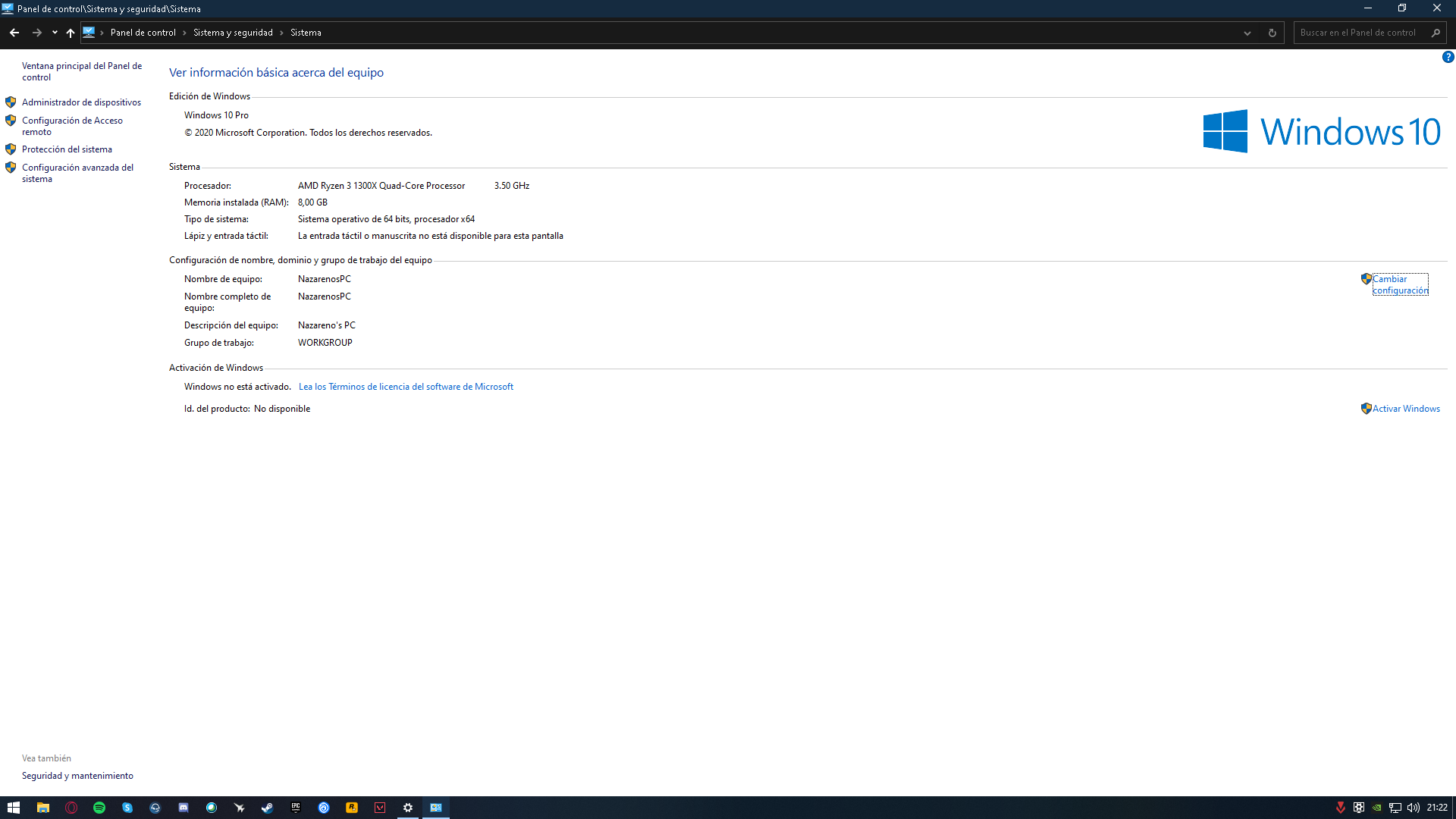
In Windows 10, go to Start > Settings > Update & Security > Activation. In Windows 11, go to Settings > System > Activation. There you will see messages such as “Windows is activated with a digital license” (no account link) or “Windows is activated with a digital license linked to your Microsoft account” (correct link).
If your digital license isn't linked, use the option to sign in and associate it with your account. This step is important if you plan on hardware changes or reinstalls . Then, when reinstalling, when the installer asks for the product key, click "I don't have a product key" and let Windows activate automatically when it connects to the internet.
For a more technical diagnosis, open Command Prompt and run “slmgr /dli”. You will see data such as “RETAIL_CHANNEL”, “OEM_CHANNEL”, or “VOLUME_CHANNEL”. This indicator will tell you the origin of your activation and will help you determine if your license is transferable or depends on KMS/MAK.
Key differences, pricing and support
Format/delivery: The digital license is stored on servers or firmware and is automatically activated when you connect ; the product key is a code that you must type in (unless it has already been redeemed and linked to your account).
Licensing/transfer: OEM licenses are tied to the device, Retail licenses can be moved to another device if you uninstall the previous one, and volume licenses are managed within the organization . Account-linked digital licenses simplify the recovery process.
Pricing: OEM licenses are usually cheaper from resellers, while retail licenses from the Microsoft Store or official partners are more expensive but offer better support and portability . A license is included with a new PC. Be wary of deals that seem too good to be true.
Support: Windows 11 has a long support lifecycle (security and feature channels through the next major release), and Windows 10 reaches its end of support in October 2025. If you purchase a valid Windows 10 key today, it will still activate the equivalent edition of Windows 11.
Risks, good practices and the context of 2025
Avoid cheap keys from unreliable sites: many are bulk keys, from gray markets, or have already been redeemed and may be invalidated . Save your key if it's a Retail key (photo, password manager), and always link your digital license to your Microsoft account.
If you upgrade your hardware, do it carefully: a motherboard change can deactivate an OEM license. In retail environments, use the activation resolver to transfer the license. On enterprise computers, follow the KMS/ADBA policy and consult with IT before reinstalling.
Looking ahead to 2025, with the end of support for Windows 10, consider upgrading to Windows 11 if your hardware is compatible. For new laptops/PCs, a digital license is sufficient ; for enthusiasts who frequently upgrade components, a retail license offers greater flexibility. In organizations, it makes sense to stick with volume licensing (KMS/ADBA) and centralized policies.
Office, Microsoft 365 and “digital law” beyond Windows
The concept of a digital license is also present in Office. In Office 2021, you redeem the key once, and it's linked to your Microsoft account ; from then on, you just log in and you're good to go. In Microsoft 365 , the license is the subscription: as long as you pay, you can activate it on multiple devices, regardless of the hardware.
If you don't need all the features of commercial Office, there are free alternatives you can try , although integration and compatibility with the Microsoft 365 ecosystem is the strong point of the official subscription.
FAQ
Can I transfer a digital license? If it's linked to your account and is a Retail license or from an eligible upgrade, then usually yes. OEM licenses are not transferable , and volume licenses depend on the company.
Where can I see my license type? In Settings > Activation, you'll see the status, and by using "slmgr /dli", you'll see the channel: Retail, OEM, or Volume. This information is key to understanding how you can reuse the license.
Can I reinstall without a key? Yes, if your computer already has a digital key. During installation, click "I don't have a product key," and Windows will activate automatically when you connect to the internet.
Do digital licenses receive updates? Yes. Activated Windows (digital or with a key) receives security patches and improvements depending on the edition and channel. The difference isn't in the updates themselves, but in how the license is validated.
If you have to remember just one key takeaway from all of this, let it be this: a digital license is a "permission" saved by Microsoft for your hardware or account that makes reinstalling or updating much easier, while a product key is the classic code with transfer advantages in Retail format; choose according to whether you need stability "forever on this PC" (OEM/digital) or flexibility to move to another computer (Retail).
