- Attackers use ICS files to automatically insert events into the calendar without prior consent.
- The main objective is the theft of passwords, bank details or the installation of malware through deceptive links.
- The key prevention involves disabling automatic invitation addition and enabling multi-factor authentication.

You're probably used to being suspicious of emails that arrive out of nowhere with strange links, but have you ever stopped to think that your own calendar could be a hacker's entry point? A phishing tactic using calendar invitations has recently become very popular , and it's capable of bypassing many traditional security filters, infiltrating your daily schedule without you even noticing.
These types of scams are especially dangerous because they play on our psychology; we feel safer seeing a calendar appointment than a suspicious email. However, a single click on a malicious link is all it takes for cybercriminals to take control of your passwords, access your bank accounts, or install spyware on your computer or mobile device. Let's take a closer look at how these traps work and what you can do to avoid being caught off guard.
What exactly does this deception consist of?

The mechanism is surprisingly simple but very effective. Attackers send a meeting request using ICS files (the iCalendar standard) or direct invitations from services like Google Calendar or Outlook. What's most unsettling is that, depending on your account settings, the event can automatically appear in your calendar even before you've decided whether to accept the appointment.
Once the appointment is set up, the scammer uses various hooks to get you to take the bait: from urgent notices about unpaid bills or exorbitant subscription renewals , to fake prizes or security alerts claiming your device has a virus. The goal is to create a sense of urgency or curiosity that will prompt you to click a button, like the typical "See here" or a fake reCAPTCHA form.
Common variations and tactics of scammers

Not all attacks are the same. Some focus on stealing credentials through cloned websites that mimic legitimate services like Google Drive or cryptocurrency platforms. Others, more aggressive, try to trick you into installing remote access tools like AnyDesk or TeamViewer, pretending to be technical support to "fix a billing problem" while, in reality, they're digging through your system.
For Apple users, there's a phenomenon known as the "iPhone calendar virus ." It's not a virus in the technical sense, but rather a forced subscription to a spam calendar. Suddenly, your phone starts bombarding you with alarming notifications about viruses or prizes. Many of these calendars are activated when the user interacts with fake CAPTCHAs on dubious websites or clicks on package tracking links in SMS messages.
How to spot a fake invitation
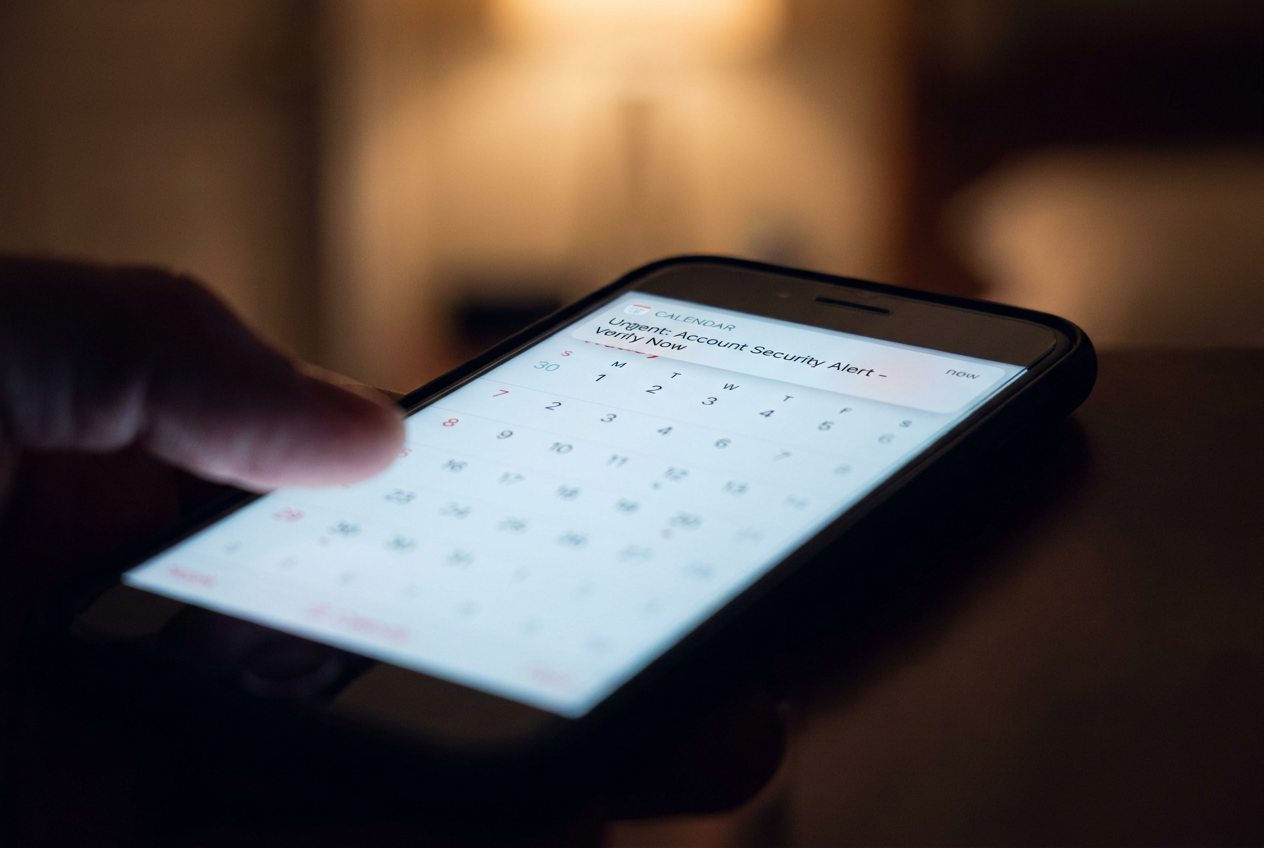
To avoid falling into the trap, pay attention to the details that criminals often overlook. For example, if you receive an invoice on your calendar instead of through the company's official channels, it's a clear sign of fraud . You should also be wary of titles that look like transaction statuses (e.g., "Payment processed successfully: ID-12345") rather than the names of actual meetings.
Another key point is the writing style. Look for grammatical errors, inconsistent capitalization , or overly generic greetings like "Dear Sir/Madam." Also, always double-check the sender's full email address; sometimes the name looks legitimate, but the domain is a private address or a generic Gmail account unrelated to any official company.
Steps to clean up your calendar and protect yourself
If your calendar is already full of spam, the first thing to do is remove suspicious accounts. On iPhone, go to Settings, then Calendar, and in the Accounts section, delete any subscriptions you don't recognize . On Mac or iCloud, you can manage your calendar preferences and uncheck any accounts that aren't yours.
To prevent this from happening again, the most effective measure is to disable automatic event addition . In Google Calendar, go to event settings and change the option so that invitations are only added when you reply from the email. In Outlook, uncheck automatic meeting request processing in the email options menu.
Additional security measures to protect your account
Don't just focus on cleaning up your calendar. It's crucial to enable multi-factor authentication (MFA) on all your accounts. This way, even if a hacker obtains your password through a phishing link, they won't be able to access your account without the second verification code. Additionally, using passkeys is a brilliant solution, as they are tied to a specific website and won't work on fraudulent copies.
It's also advisable to block pop-ups in your browser and avoid interacting with suspicious messages . Be careful with this: even clicking "Reject" can be a mistake, as it confirms to the attacker that your email account is active and you're a real person reading their messages, making you a more attractive target for future attacks.
Having complete control over your schedule means being wary of any unsolicited appointments, restricting who can add events to your calendar, and keeping your security software up to date to block malicious domains. A combination of restrictive settings, MFA, and common sense is the best defense against a simple notification turning into a digital disaster.