- Fundamental difference between using the integrated FM radio chip and tuning via internet streaming.
- A variety of free apps that allow access to thousands of global broadcasters, podcasts, and live sports.
- Importance of headphones as a physical antenna in devices that still retain the native radio receiver.

These days, anyone who wants to stay connected to what's happening in the world has their mobile phone at hand, and although it might seem like radio is something our grandparents did, the truth is it's more alive than ever . Whether it's to catch up on the news on your commute or to discover new music, turning your smartphone into a radio receiver is incredibly easy, although the method varies depending on the device you have in your pocket.
The first thing to understand is that not all Android devices are the same. While some models still use traditional analog technology , the vast majority have already switched to streaming. In this article, we'll tell you all the ways you can customize your device so you don't miss a single show, regardless of whether you have a signal or not.
The battle between the FM chip and streaming
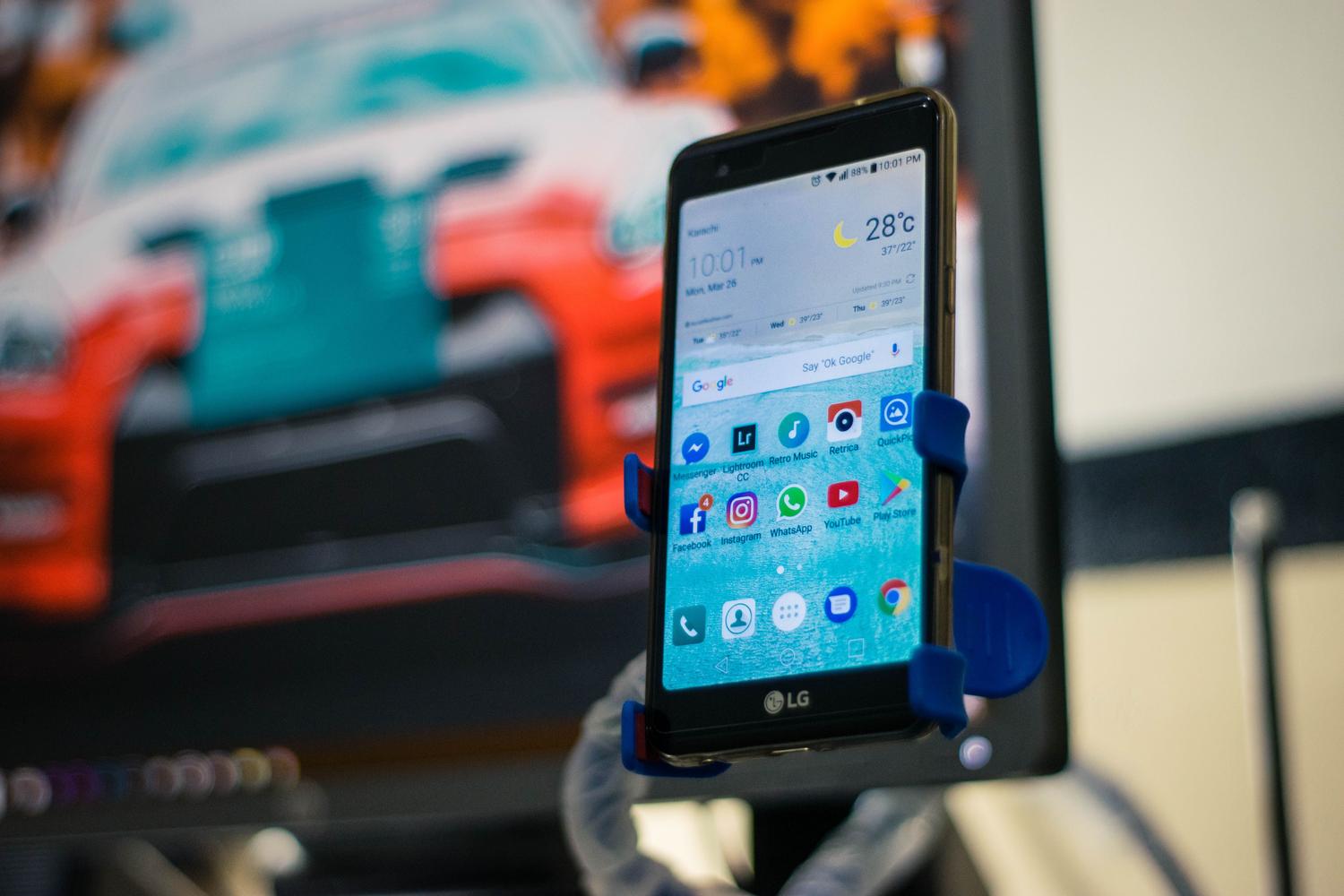
To begin, we need to distinguish between two very different approaches. On the one hand, we have mobile phones that come with an integrated FM radio chip . This is the ideal option because it doesn't use a single megabyte of your mobile data, as it picks up the signal directly from the air. The problem is that manufacturers, in order to save space and reduce costs, have been removing this component. Currently, brands like Xiaomi and Motorola are among the few that still dare to include it in some of their devices.
On the other hand, there's internet radio. This is the most common method and the one almost everyone uses. Here, your phone's hardware doesn't matter, only a stable Wi-Fi or mobile data connection . The difference is that while FM radio is instantaneous, internet radio can have a slight delay due to streaming processing. If you're in a rural area or there's a general power outage that knocks out the network, you'll depend entirely on having the physical SIM card to stay informed.
How to use native radio without using data
If you're lucky enough to have a mobile phone with an FM receiver, the process is very similar to that of old radios. First, look in your app menu for an app simply called "Radio" or "FM Radio." If you don't see it, you can try tools like NextRadio , which analyzes whether your hardware has the capability to tune into FM frequencies.
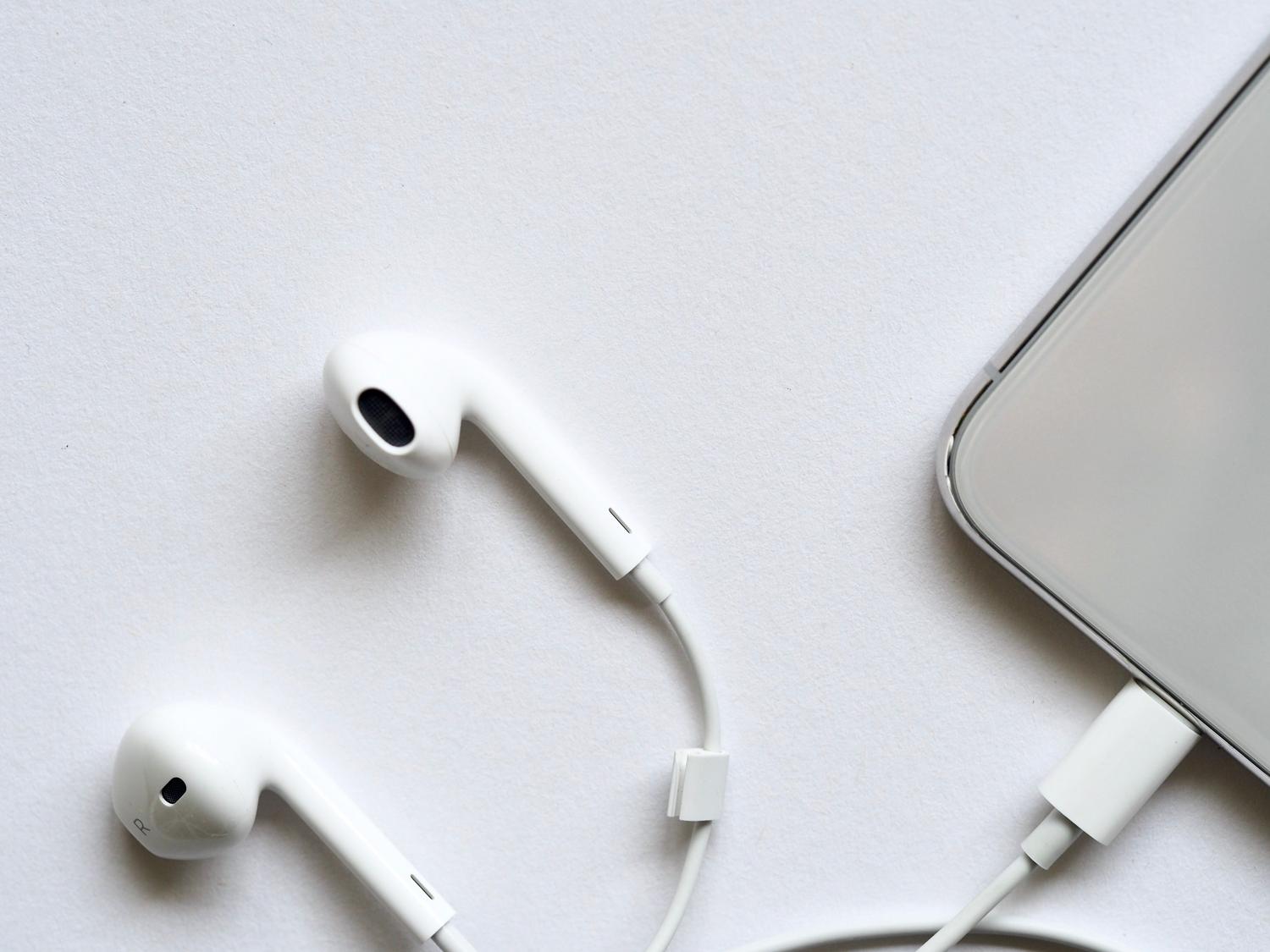
A crucial detail that many people forget is that headphones act as an antenna . If you try to open the radio and nothing is tuned in, you most likely need to plug in your headphones so the cable can pick up the electromagnetic waves. Once you've done this, simply tune in to your favorite station and enjoy. It's an unbeatable solution for saving both battery and mobile data.
The best apps for online radio on Android
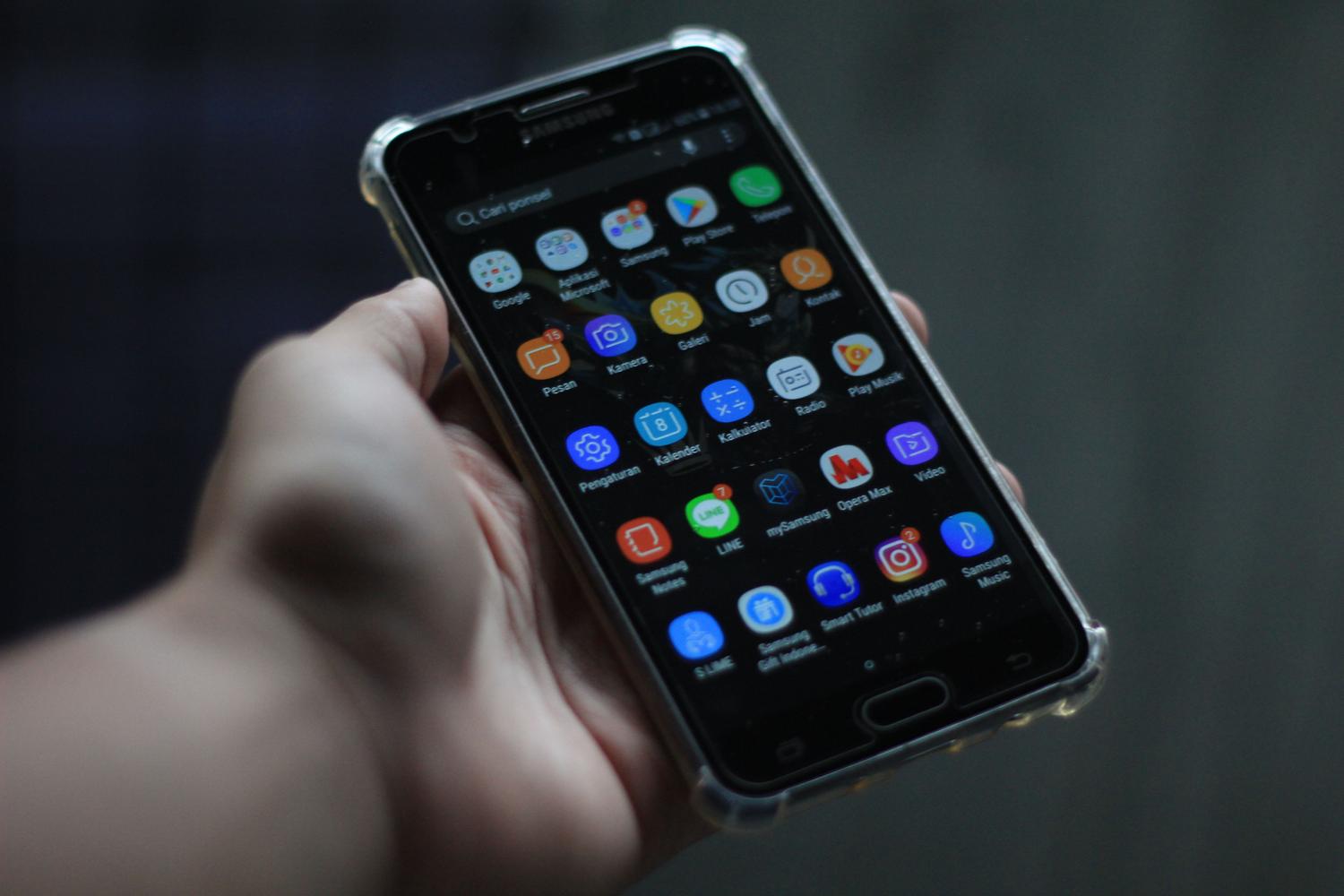
For those without a built-in chip, the Play Store is full of options. There are apps that are veritable sound worlds where you can jump from a Madrid radio station to a New York station in a second. Here are some of the most noteworthy:
- TuneIn Radio: It's probably the most comprehensive. It not only offers local and international stations, but also integrates podcasts and exclusive content, making it ideal for those looking for everything in one place.
- Simple Radio (from Streema): As its name suggests, it focuses on simplicity. It has a clean design and allows you to search by gender, country or city without complications, avoiding cluttered interfaces.
- FM radio: A massive option with millions of users that allows you to create shortcuts on the home screen and has very useful features such as sleep timer and alarm to wake up to your favorite program.
- myTuner Radio: It stands out for its enormous catalog, exceeding 50.000 stations worldwide, and is especially strong in its offering of Spanish chains.
- Audify: An interesting alternative that blends live radio with your own music library, allowing you to jump between streaming and your own music. offline songs.
Specific alternatives and podcasts

Sometimes we don't want an app that gives us thousands of options; we're loyal to a single station. In that case, the smartest thing to do is download the station's official app . Networks like SER, COPE, Onda Cero, and Los 40 Principales have their own optimized tools that offer superior sound quality and direct access to their flagship programs and breaking news.
And if you can't tune in to live radio because the schedule doesn't work for you, there are podcasts. Thanks to apps like Castbox , you can listen to recorded broadcasts whenever you want. This format has revitalized the medium, allowing for on-demand content and freeing you from having to rely on a clock to find out what your favorite broadcasters are saying.
Listening to the radio on your mobile phone is easier than ever, whether you use the physical receiver to avoid data charges or take advantage of the vast catalog of streaming apps to travel the world through sound. From minimalist options to global platforms and podcasts, every user can choose the tool that best suits their needs, ensuring that information and music are always just a tap away.