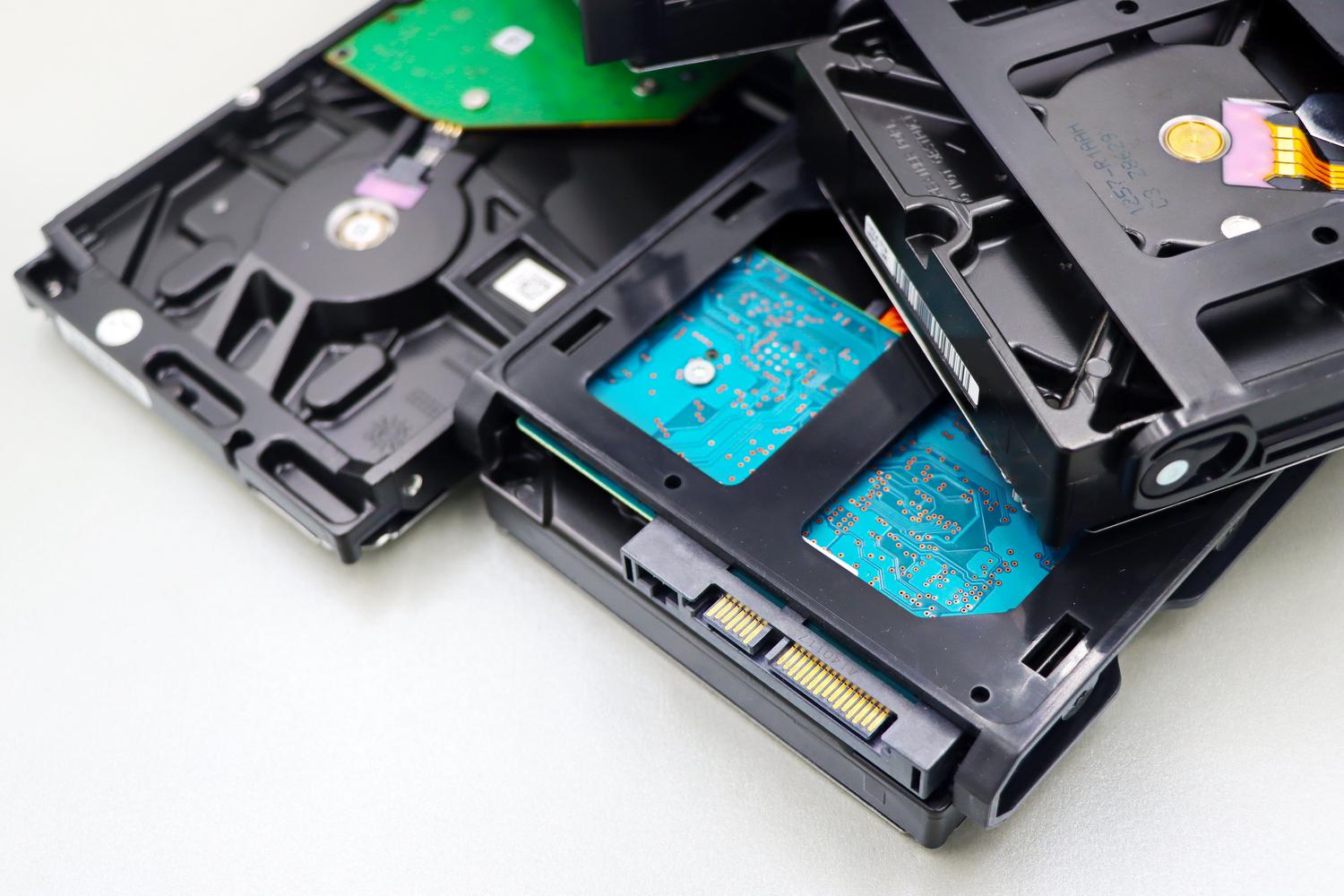
If you have some old hard drives lying around gathering dust and you're considering setting up a storage server with TrueNAS, you might encounter a few obstacles. It's not as simple as plug and play, as this system has its own rules for handling data and hardware.
The reality is that reusing old hardware is a great option for recycling, but it's important to understand that TrueNAS requires a specific configuration , especially regarding the file system and the drive where the operating system is located, to avoid any performance issues.

The dilemma of disks with previous data
One of the most common mistakes is trying to use disks that already have files from Windows. The problem is that TrueNAS is based on FreeBSD and, by default, doesn't have native support for NTFS . If you try to insert the disk without permission, the system won't recognize it for creating your storage pools.
To solve this problem, there's a technical alternative: installing the ntfs-3g package via the command line . This allows you to temporarily mount the Windows partition to recover your data. The smartest approach is to create a new partition on the disk using TrueNAS's native format, mount the NTFS portion, move your files internally , and once everything is safe, delete the old partition to maximize disk performance.

System and boot drive installation

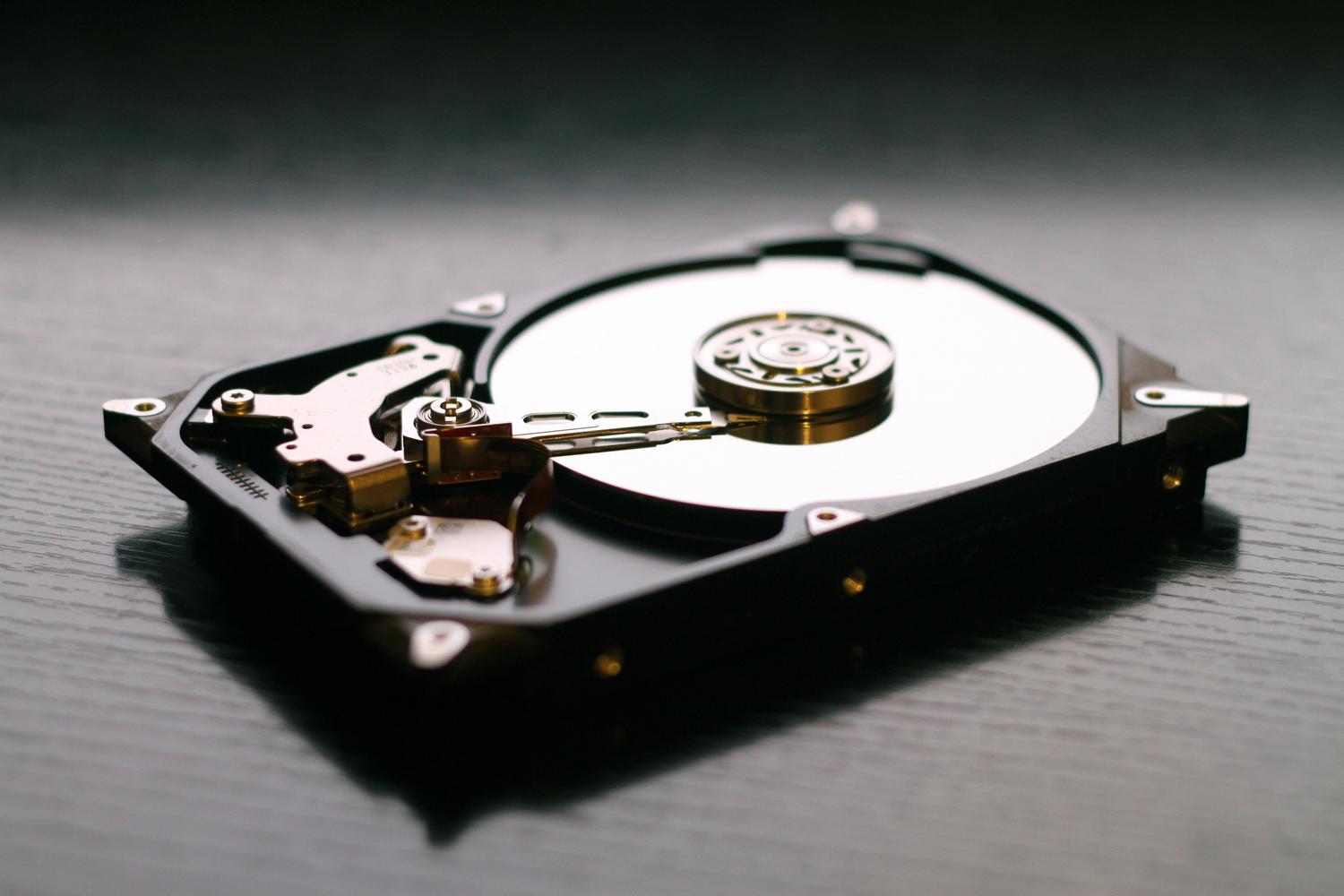
There's a very common misconception when installing software: thinking you can install it on the same drive where you'll store your data. Absolutely not! For everything to work properly, you must install the ISO on a USB drive or a small disk dedicated exclusively to the system.
- Do not use a Live CD to format your PC's hard drive if you want the system to be stable.
- The boot drive must be formatted in ZFS, which is the heart of TrueNAS.
- Make sure the USB drive is of good quality to prevent system corruption.
Once you have the system booting from the USB, you can enter disk management to add the old hard drives and start setting up a home NAS server step by step , creating the pools which are basically the groups of disks that will form your large data storage.

Considerations regarding limited hardware

While the desire to recycle may be strong, we must be realistic. TrueNAS is a powerful but demanding system. If the computer you're using has very limited resources (especially little RAM), you're very likely to experience crashes or frustratingly slow performance in the long run.
If you notice that the server is running slowly, it might be time to look for lighter alternatives that don't require so much power, since forcing outdated hardware with a robust system like ZFS can end up being a constant headache.
To get your server running smoothly, remember that the key is to clean up the disks by removing proprietary formats like NTFS, using a separate USB drive for booting with ZFS, and ensuring that there is enough RAM so that the system doesn't crash while you're managing your files.
