- The vulnerability lies in Broadcom's chips and allows remote control of the router.
- It affects older models from operators such as Movistar, Orange and O2 in Spain.
- The solution requires a specific firmware update to remove the WPS monitor.

You've probably heard about security flaws in your Wi-Fi connection, but WPSplinter is a whole different ballgame. Recently, an alarm was raised about a rather serious vulnerability affecting routers with Broadcom chips, and the worst part is that many of these devices are still installed in numerous Spanish homes. It's not a problem with the most modern routers, but for those still using older equipment, things could get ugly if they don't take action.
What's happening here is that there's a flaw in Broadcom's Wi-Fi software that allows an attacker, with the right tools, to take complete control of the device remotely. We're not talking about a simple internet outage, but the ability to run malicious code and spy on your network. The thing is, the manufacturer reportedly knew about this since 2018, but the problem has persisted because even disabling WPS leaves an active monitor that remains vulnerable.
The Broadcom problem and the real risk
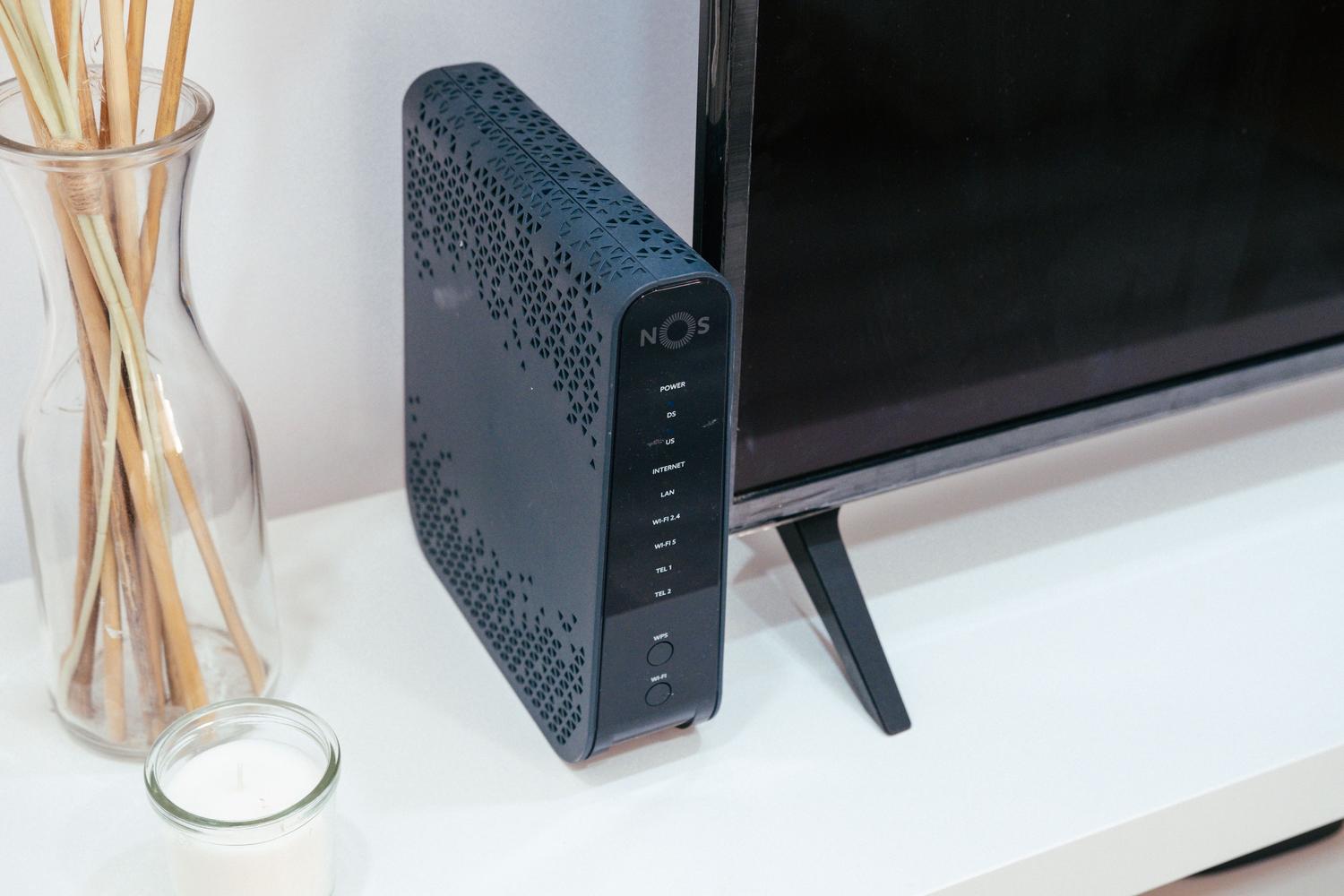
This vulnerability was discovered thanks to research by Quentin Kaiser, who used advanced artificial intelligence to track down the flaw. The risk is critical because a hacker could remotely access the router's management system . This means they could change your passwords, redirect your traffic, or access other devices connected to the local network.
In Spain, the problem mainly affects customers of operators like Movistar, Orange, MásMóvil, Jazztel, and O2 , although it depends entirely on the exact router model you have in your living room. To fix this, simply changing your Wi-Fi password isn't enough; you need a firmware update that removes the residual WPS monitor that Broadcom left behind.
Router models under scrutiny
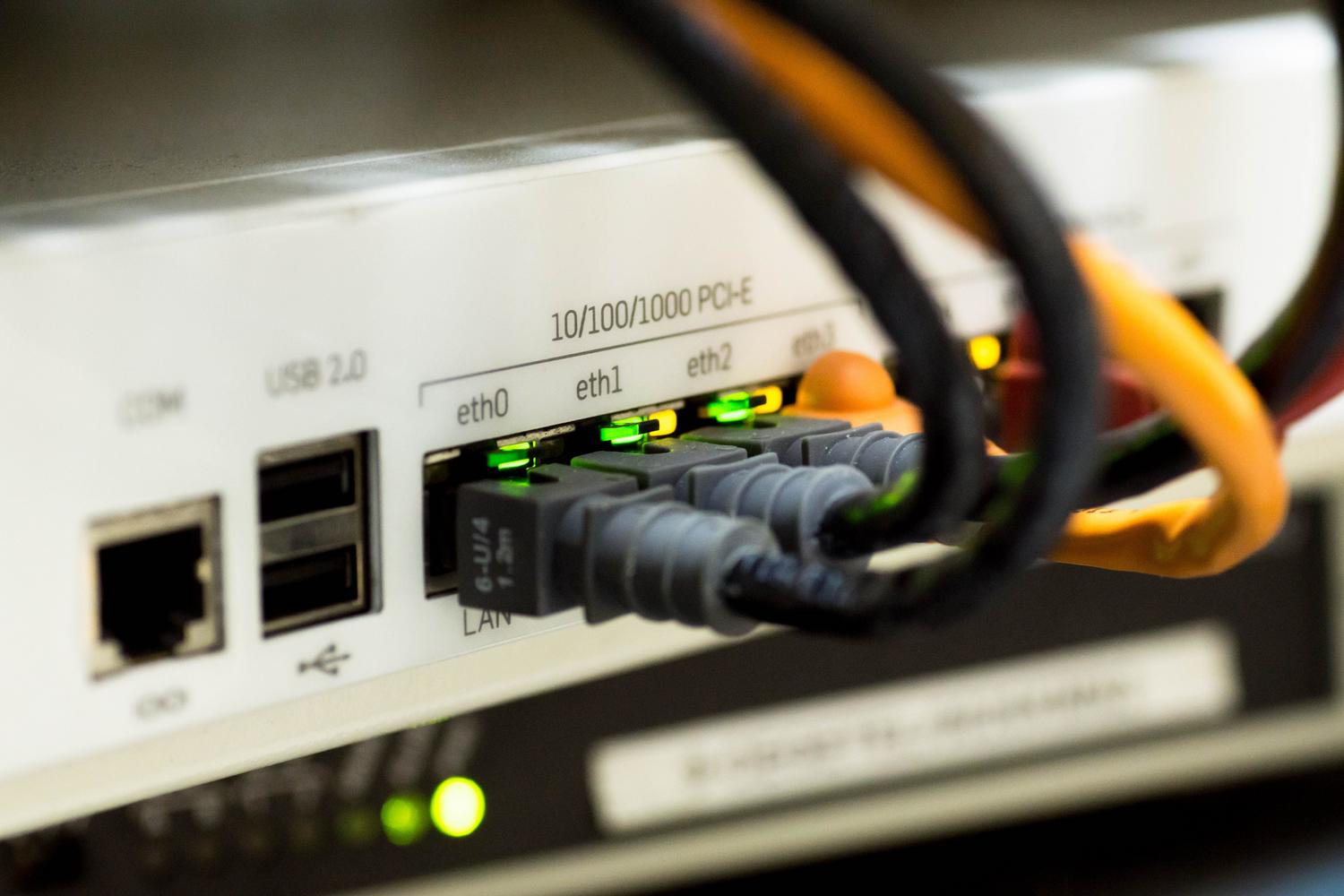
If you're curious to know if your device is blacklisted, take a look at these models. For Movistar and O2 , the most vulnerable devices are the Askey HGU RTF3505VW (especially versions prior to 203_n43), the MitraStar HGU GPT-2541GNAC (up to version 100VNJ0b38), and the Comtrend VG8050.
On the other hand, Orange and its white-label users should be cautious if they use the Sagemcom Fast 5656 or the ZTE F680v4. It's important to note that, although these devices are somewhat outdated, thousands of people are still using them unaware that they have a wide-open vulnerability.
Other threats: The KRACK and TP-Link case

Since we're discussing wireless security, we can't forget other vulnerabilities like KRACK attacks , which affect the WPA2 protocol. In the case of TP-Link, some of their products have been found to be vulnerable to key resets during the connection handshake. Interestingly, this doesn't affect the router in standard mode, but rather when it's used as a repeater, client, or WISP.
Among the TP-Link devices that have experienced problems are several models in the TL-WR series (such as the 940N, 841N, and 840N) and range extenders like the RE200 and RE450. In these cases, the attacker must be physically close to the network and act just as a device is connecting to the Wi-Fi. To prevent this, the key is to keep the firmware updated and avoid WDS mode unless absolutely necessary.
How to protect your home network
The best defense will always be constant updates. If you suspect your router is vulnerable, the first thing to do is check the manufacturer's support page or contact your internet service provider to ask if a patch is available. In the case of Broadcom routers, the solution should come from an official update that cleans the chip's software.
- For TP-Link routers, make sure they work in Router Mode or AP Mode, since these configurations are much more secure against KRACK.
- Update the operating system of all your mobile phones, tablets, and laptops, as many of these problems can be mitigated from the update stage. client side.
- If you use wireless adapters, don't neglect security patches from Microsoft or your network card manufacturer.
Taking control of your network means not leaving the firmware to chance. Although ISPs usually manage updates automatically, it's always a good idea to check the current version in your router's administration panel to ensure you don't have an outdated version that leaves you vulnerable to intruders.
Home security relies heavily on manufacturers and carriers eliminating critical flaws in communication chips. Whether addressing the Broadcom vulnerability in Movistar or Orange equipment, or protecting against KRACK in TP-Link devices, the golden rule is to keep software up to date and be aware that older devices are the weakest link in our network.