- Microsoft Defender offers robust, free protection built into Windows, ideal for most home users.
- There are high-risk profiles that benefit from premium tools thanks to proactive analysis and protection against zero-day threats.
- Comprehensive security depends on a combination of updated software, complementary tools, and the application of common sense.
When we build a new computer or upgrade the system, the same question always arises: is it worth spending the money on an antivirus or is the one that comes pre-installed sufficient? For years, the answer was a resounding no, but things have changed a lot and today Microsoft Defender is an extremely competent tool that has left its modest roots behind to compete head-to-head with the heavyweights of the sector.
The truth is, there's no single answer, as it all depends on what you do with your computer. For someone who only browses familiar sites and doesn't download suspicious files, Defender is more than enough. However, for those who like to tinker with unofficial software or navigate the web without inhibitions, there are additional layers of security that could save them from a sophisticated attack.

Analysis of Microsoft Defender's capabilities
This software has revolutionized the way we work. It now offers highly effective real-time threat detection , a robust firewall, and the SmartScreen filter for web browsing. It doesn't skimp on the essentials either: it scans files upon download and maintains a signature database that is constantly updated through Windows Update, ensuring the system is protected against the most common viruses.
In independent tests, such as those by AV-TEST or AV-Comparatives, Defender typically achieves very high scores, often approaching 99% effectiveness. One of its major advantages is its seamless integration with the operating system , meaning it doesn't consume as many resources as some third-party antivirus programs that seem intent on devouring all the computer's RAM.
Even so, it's important to know that Defender is mostly reactive. This means it only acts once a threat has been identified. Premium solutions, on the other hand, tend to be more proactive, using heuristics and behavioral analysis to stop suspicious processes even if the virus is so new it doesn't yet have a registered signature.
When should you consider a third-party antivirus?
Not everyone needs military-grade security, but there are risk profiles where Defender might fall short. If you frequently install cracked software , frequent dubious download forums, or manage critical business information, an extra layer of protection is advisable. Pirated software is a favorite entry point for malware, as it often forces users to disable protection in order to run.
There are threats like zero-day exploits , which take advantage of unknown system vulnerabilities before a patch is released. In these cases, the response time of a specialized tool can be shorter. Furthermore, ransomware has become extremely aggressive; although Defender has a Controlled Folder Access feature, it is usually disabled by default and can be troublesome due to the number of false positives it generates.
On the other hand, if you use browsers like Chrome or Firefox, Microsoft's web protection is less effective than in Edge. Premium suites offer browser-independent protection , analyzing URLs in real time to prevent you from falling into a phishing trap before the page even finishes loading.

Complementary tools and security optimization
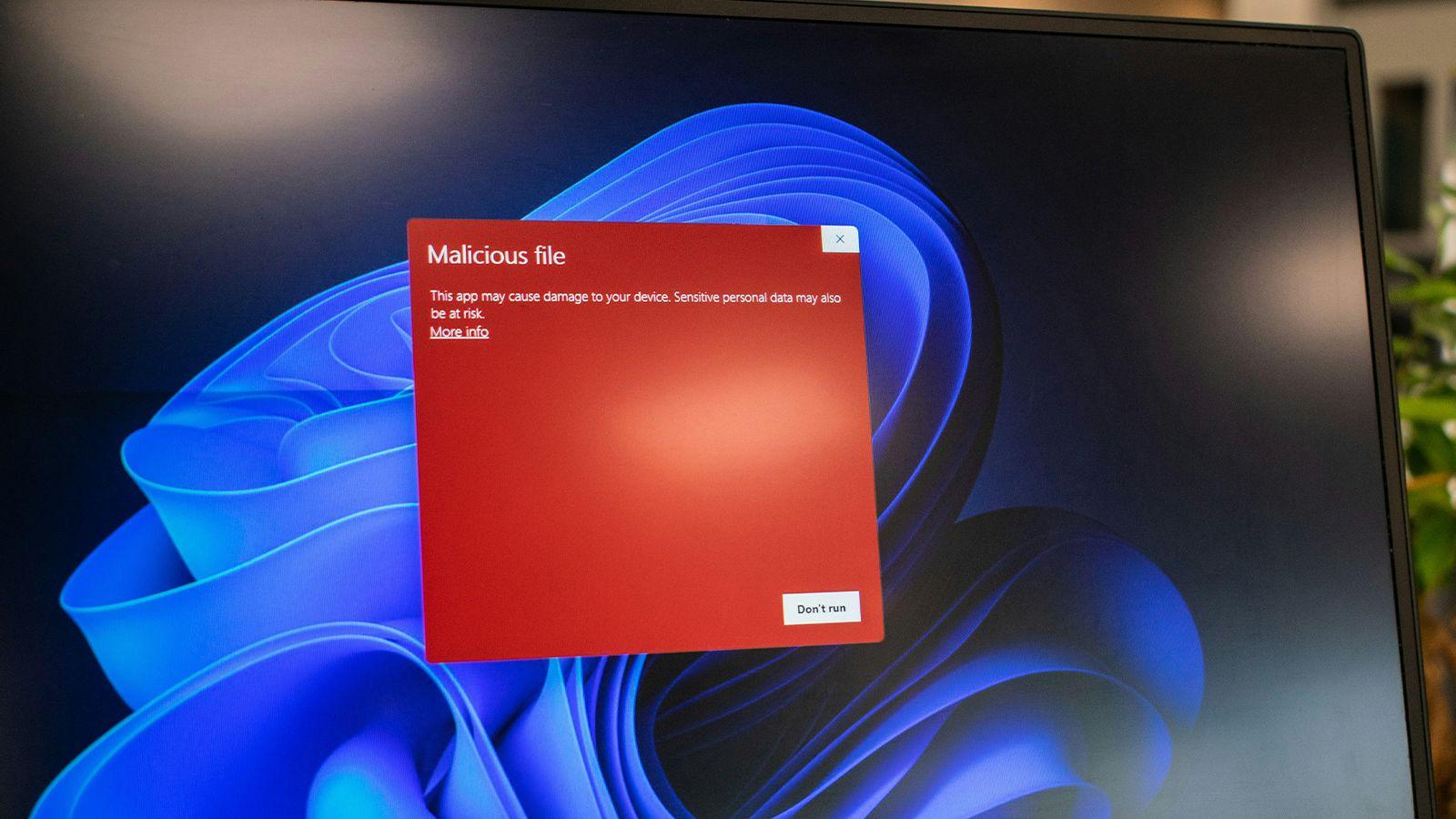
For those who want to strengthen their PC without spending money, there are some very interesting free options. Malwarebytes Free is the ideal partner for Defender, as it doesn't offer real-time protection (avoiding conflicts), but rather performs on-demand scans and cleans your PC of anything the main antivirus may have missed.
If you're concerned about privacy, tools like Privatezilla or Debotnet help limit Windows telemetry and close privacy holes that antivirus software doesn't address. Additionally, for more advanced users, ConfigureDefender allows you to adjust antivirus security levels, which can be set to default, high, or maximum, maximizing protection according to the user's profile.
It's also crucial to keep your system updated. Antivirus software is useless if the operating system has unpatched critical vulnerabilities . Running Windows Update regularly is essential, and if possible, using password managers and two-step authentication is vital so that even if a virus steals a password, the attacker can't access your accounts.

Practical tips to avoid infections
Technology is a helpful tool, but the real barrier is common sense. It doesn't matter if you have the most expensive license on the market; if you decide to open a suspicious email attachment or enter your data on a website that impersonates your bank, the software will have a very hard time protecting you. Phishing remains the most effective tool for cybercriminals because it attacks the user, not the code.
For worry-free browsing, you can use solutions like Sandboxie or migrate from Windows to Linux to isolate downloaded files in a controlled environment where, if a file is malicious, it cannot spread to the host system. It's also advisable to avoid using public Wi-Fi networks without a VPN, as traffic can be easily intercepted.
Regarding peripherals, you need to be careful with USB flash drives. An advanced configuration in the Windows Registry or through Group Policy can deny writing to removable disks , thus preventing an infected computer from writing malware to your flash drive when it's connected.
Protecting a modern PC doesn't depend on a single program, but rather on an ecosystem of healthy habits and well-configured tools. While Microsoft Defender is the ideal and sufficient foundation for the vast majority, those exposed to greater risks will find the peace of mind needed to operate in an increasingly hostile digital environment in premium versions or complementary tools.
