- Open source framework for designing sophisticated and scalable AI agents.
- Native support for local execution on Android devices via Gemini Nano.
- Ability to orchestrate multi-agent systems by combining cloud and on-premises models.
- Flexible ecosystem that allows integration of customized tools and MCP standards.
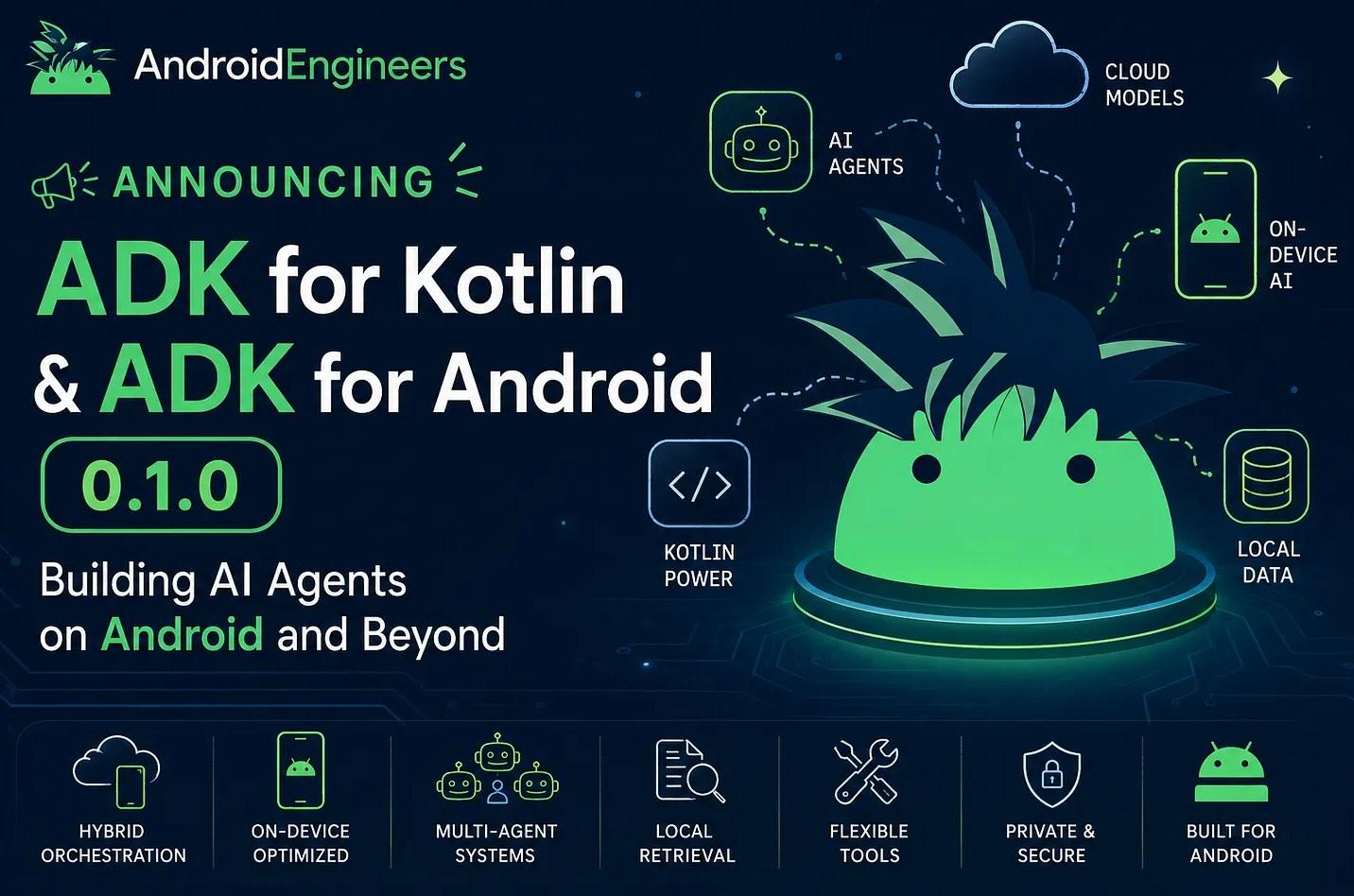
If you're into artificial intelligence and Kotlin programming, get ready because the Agent Development Kit (ADK) is here to make things interesting. Basically, it's a open source toolkit which allows you to design AI agents with total control, whether to run on your own computer, in the Google Cloud, or directly on a user's mobile device.
The most powerful aspect of this framework is that it opts for an approach "code-first"Forget tedious configurations in external interfaces; here you define the behavior, orchestration logic, and tool usage directly in the code, making it debug and version your agents be a walk in the park compared to other methods.
Implementation in the Android Ecosystem
Bringing AI to mobile devices is where the ADK truly shines. Thanks to its optimized dependencies for the Android environment, you can create experiences that prioritize privacy and they have very low latency, since they do not depend on a constant internet connection.
To get started, you need to have Android Studio and an updated Android SDK (at least compileSdk 34 and minSdk 24In the Gradle configuration file, you will need to add the library google-adk-kotlin-core-android and the KSP annotation processor. An important detail is that You shouldn't mix them. Android's dependence on the JVM is limited, as the mobile version already includes everything necessary and specific compatibility with device models.
When defining the agent, the syntax is very intuitive. Annotations such as @Tool y @Param to indicate what capabilities the agent has. For example, you can create a service that provides the current time in a city and link it to a LlmAgent configured with a model like the Gemini Flash. However, be very careful with security: Never enter API keys directly in the client app code; ideally, use your own backend or Firebase AI Logic to avoid exposing your credentials to the world.
To run the agent within an Android activity or ViewModel, you use the InMemoryRunnerThis component allows collect the answers from the agent using Kotlin coroutines, facilitating real-time user interface updates while the agent processes the user's request.
Gemini Nano and Local Models
One of the crown jewels is the integration with Gemini Nano through the ML Kit APIs. Instead of calling a remote model, you can use the class GenaiPrompt so that the inference can be made entirely on the deviceThis is pure gold for apps that handle sensitive data or that need to run in airplane mode.
The most curious thing is that you can play at being an AI architect and build multi-agent systemsImagine a scheme where a powerful cloud-based model acts as the orchestrating brain and delegates the more private or faster tasks to local sub-agents that run on the device. This structure allows for vertical scaling from a simple utility to a complex multi-agent application.
Development in JVM and Advanced Tools
If you're not developing for Android, the ADK also shines in the JVM. To get started, you only need Java 17 and Gradle 8.0. The workflow is similar: you define your agent and use the ReplRunner to interact with it from the console or, if you prefer something more visual, you can lift the AdkWebServer to test everything in a web chat interface on port 8080.
In terms of capabilities, the ADK is not limited to generating text. tools They allow the agent to interact with the real world. There are Function ToolsThese are local functions, and support for MCP (Model Context Protocol) servers, which greatly expands the range of actions that the agent can perform.
For those seeking maximum efficiency, there are advanced implementations that integrate CodeGraph to navigate the code's call graph, drastically reducing token consumption during exploration. Furthermore, the ability to use various LLM providers (such as OpenAI, Anthropic or Ollama) makes the framework extremely versatile and not dependent exclusively on a single ecosystem.
The Agent Development Kit for Kotlin positions itself as a robust solution that unifies the power of language models with the flexibility of Kotlin, allowing from rapid prototypes in JVM including complex and private deployments on Android using Gemini Nano and intelligent management of tools and multi-agents.