- Health Connect acts as a local database on the device, replacing the old cloud-based system of Google Fit.
- The setup requires enabling read and write permissions in both the source app (such as Samsung Health or Fitbit) and the destination app.
- Google will retire Fit APIs in 2026, forcing all health apps to migrate to the Health Connect standard.
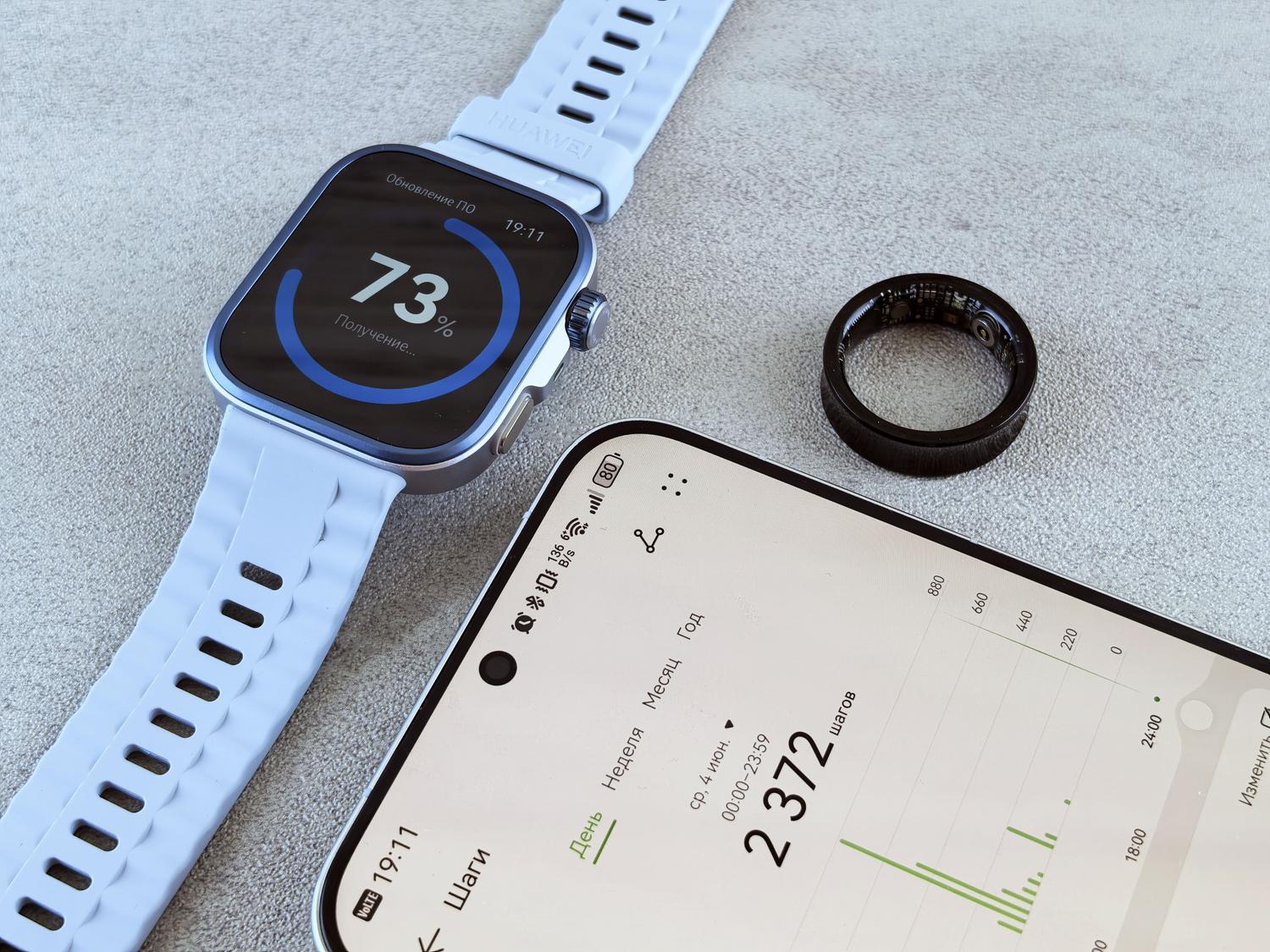
If you're active on the Android ecosystem and like to keep a close eye on your physical activity, you've probably noticed that the health app landscape has changed dramatically. For a long time, Google Fit was the undisputed king, the go-to place for everything, but now Health Connect has arrived to change the game and prevent your data from being scattered across ten different apps.
The truth is, at first, this might seem like a monumental mess. Why would I want a new tool if I already have Fit? Do I have to install anything extra, or is it something that comes pre-installed? Basically, we're moving from a cloud-based system to a much more private and local one , where you decide exactly what data each application can read, preventing your information from flying around uncontrolled third-party servers.
What exactly is Health Connect and how is it different from Google Fit?
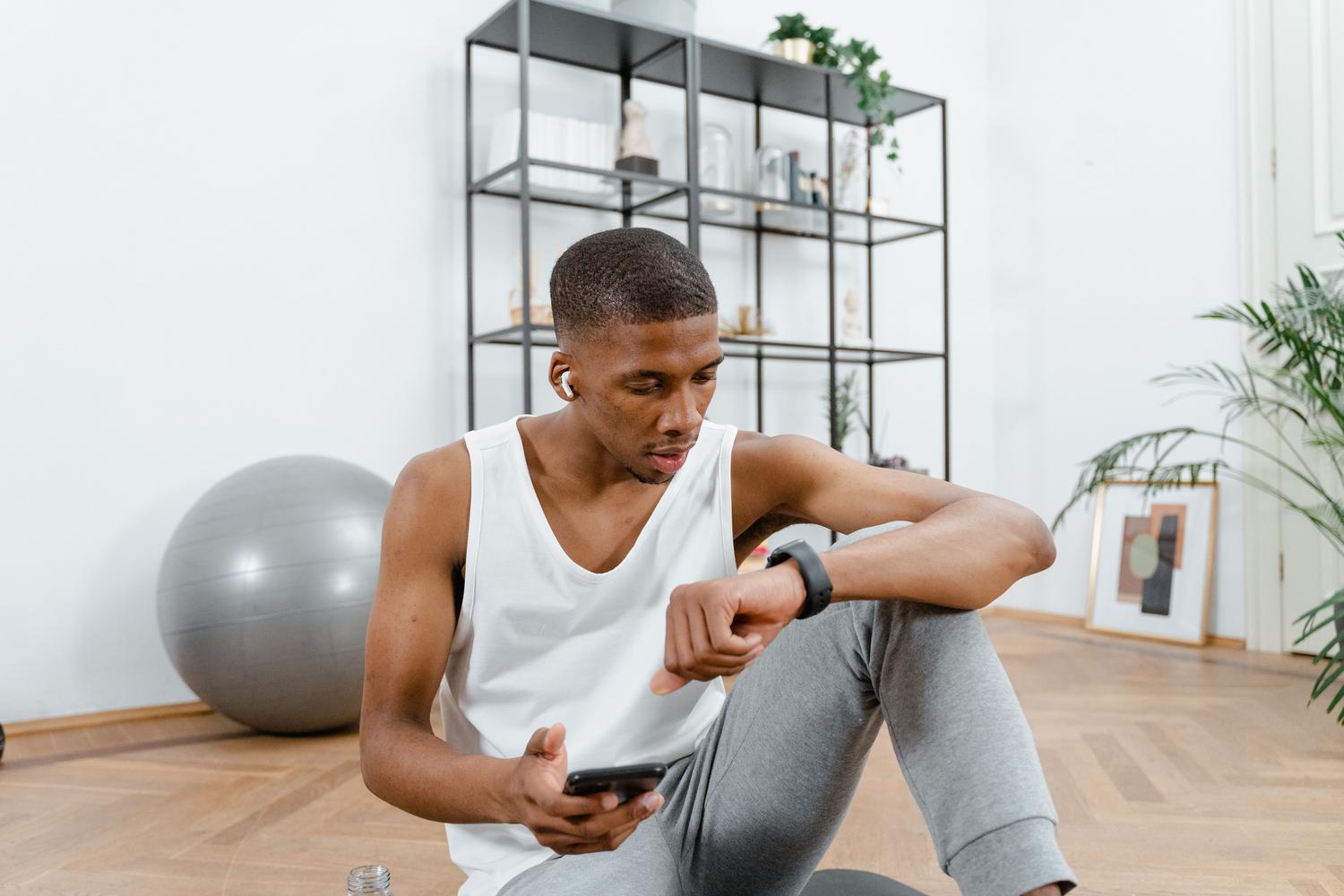
To put it simply: Google Fit is an app with an interface where you can see your steps and calories, while Health Connect is more of a local infrastructure or database that resides on your phone. While Fit sends everything to the Google cloud, Health Connect stores the information on the device, which represents a huge leap forward in privacy and security.
Furthermore, Health Connect doesn't require an active Google account to function, which is a relief. The key difference is that Health Connect acts as a bridge or translator : it allows Samsung Health, Fitbit, and Garmin to write their data to a common location so that another app (like Google Fit itself) can then read it and display it to you in a unified dashboard.
How to set up synchronization step by step
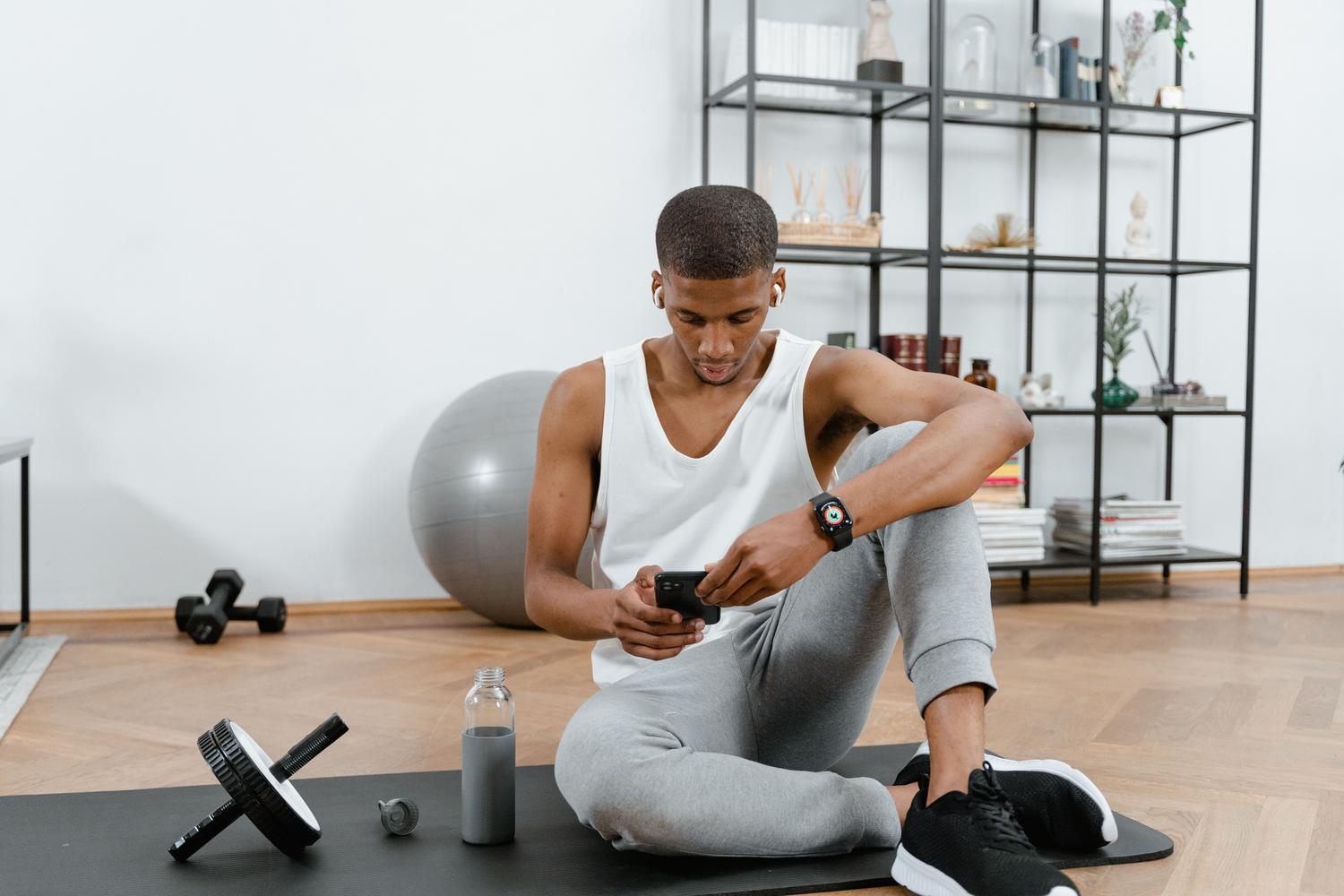
If you want your data to flow correctly, the process is quite simple, although it depends on your Android version. In versions 14 and later, it's already integrated into the system , but if you have Android 12 or 13, you'll have to check the Play Store and download the Health Connect app manually.
- Initial setup: Once installed, open Google Fit, go to your Profile, enter Settings and look for the Health Connect section to activate synchronization.
- Management from the system: If you prefer to do it from your phone's settings, go to Settings > Apps > Health Connect and tap Open.
- Access control: Within the Fit app, in the Health Connect menu, you have the option to Manage data and access to decide which connected applications have permission to read or write information.
If you ever get tired of it or want to clean up the system, you can disable syncing from the Fit menu. Keep in mind that if you delete the historical data Fit wrote to Health Connect, other apps will no longer be able to read it, although some may have already saved their own copy.
Integration with Samsung Health and other wearables
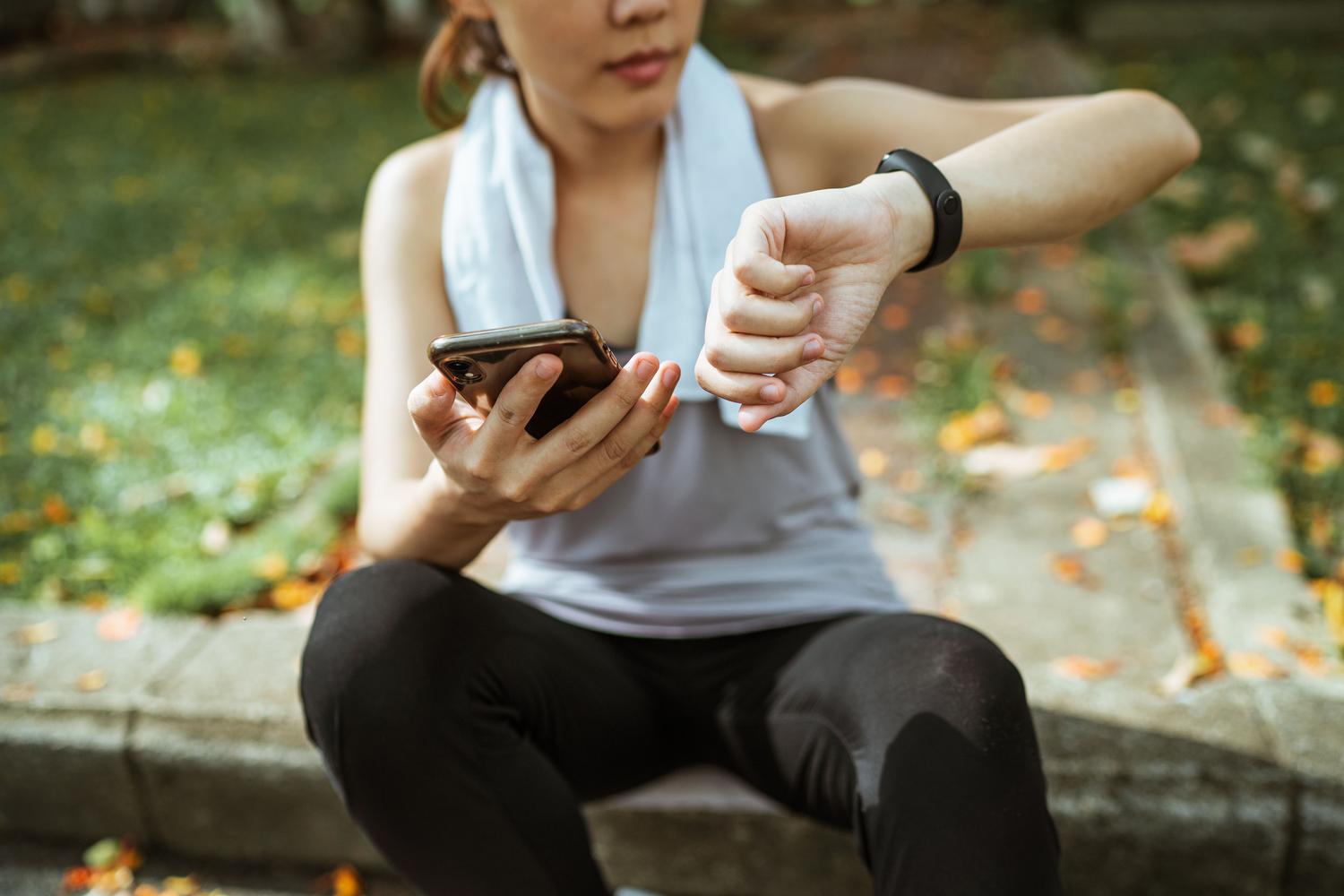
One of the biggest headaches was the fight between Samsung and Google. Fortunately, that's all in the past. Now you can connect your Galaxy Watch to Google Fit thanks to Health Connect. The process involves going to Samsung Health settings, finding the Health Connect section, and granting permission to share all data.
Once Samsung Health sends the information to the local database, all you have to do is go to Google Fit and enable the read option. This way, your Samsung watch's steps and sleep data will magically appear in the Fit dashboard. The same applies to other brands like Fitbit, Polar, and Garmin , although each has its own permission rules.
The future of data: The end of Google Fit APIs

There's something very important you should know: Google has announced that the Google Fit REST APIs will be discontinued by 2026. This means that apps that rely on the Fit cloud will stop working if their developers don't migrate to Health Connect. It's a complete paradigm shift towards local solutions.
For those who use multiple devices (a smart ring, a watch, and a scale), the problem of double counting arises . If two apps record steps at the same time, you could end up with inflated numbers. This is where aggregation apps like FitMesh Sync come in, helping to deduplicate data and tell you exactly which device each reading comes from, preventing your statistics from being a figment of your imagination.
Alternatives and advanced synchronization tools
If you have devices that don't natively work well together, there are solutions like Health Sync. This tool allows you to transfer data between Coros, Garmin, Withings, or Oura devices to Google Fit or Samsung Health. It even lets you export your metrics to Google Drive in formats like CSV or GPX to have a physical backup of your health.
In the iOS world, things are different. While Android is migrating to Health Connect, Apple Health (HealthKit) remains king on iPhones . Some cross-platform apps can now read data from both ecosystems, but Google's architecture is exclusive to Android.
Managing health data centrally now requires a small amount of manual configuration, ensuring that each app has the correct read and write permissions in the mobile device's local database. By migrating information from the cloud to the device, we gain privacy and speed, although we lose the universal automatic synchronization of the past, forcing us to use management tools or aggregation apps to avoid duplicate data and maintain a clean and accurate history.