- It allows real-time audio descriptions via the camera and Gemini Live.
- It includes assistance with framing the mobile device and asking follow-up questions.
- It is designed as an accessibility tool for blind or visually impaired people.
- Requires Android 9 or higher and does not replace traditional mobility aids.
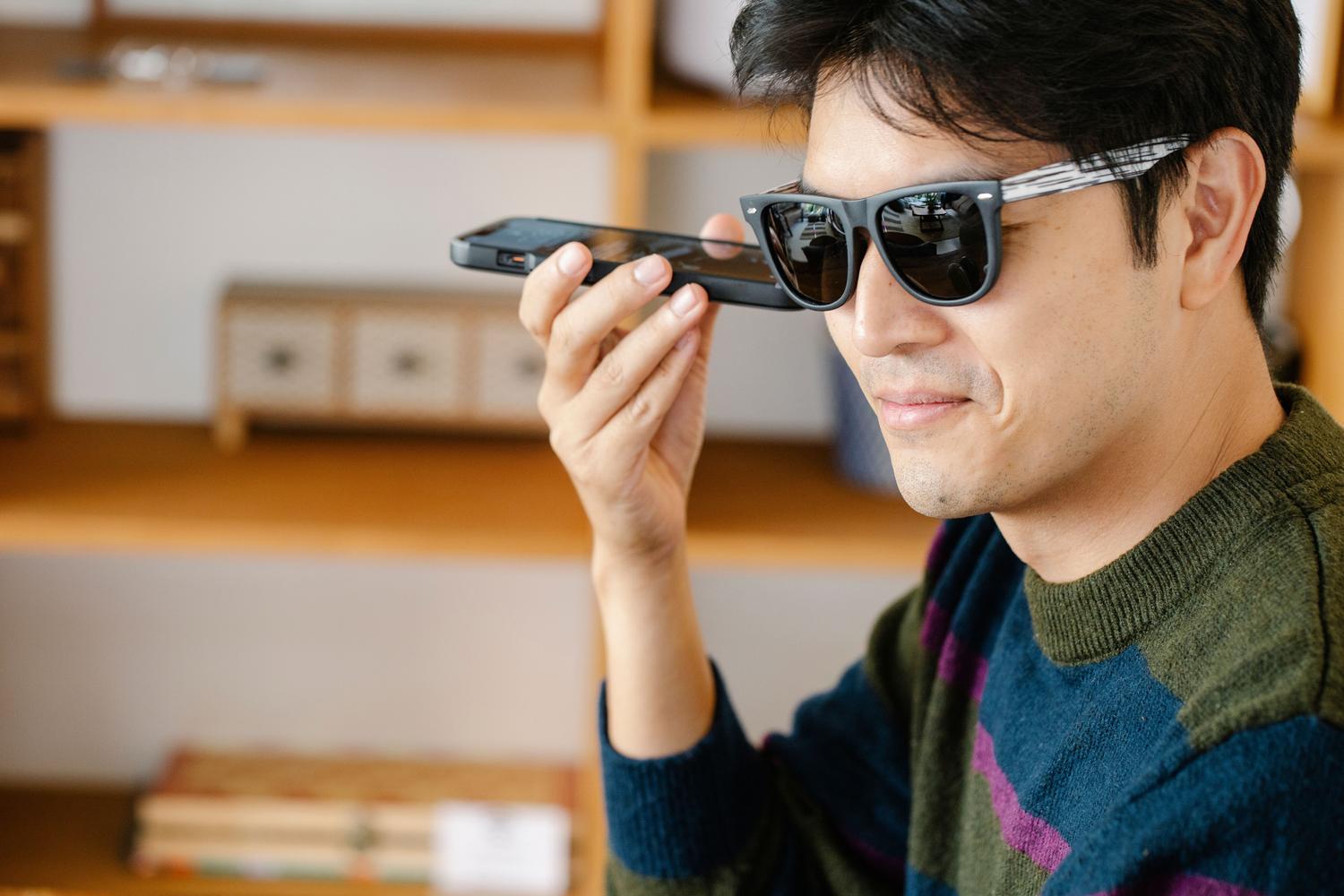
Imagine being able to carry someone in your pocket who can describe exactly what's happening around you in real time. Well, that's basically what Google has done by integrating Guided Vision into Gemini Live , a feature that breaks with the traditional dynamic of typing a question and waiting for an answer, now allowing us to interact with artificial intelligence simply by showing it the world through the camera lens.
This tool is not simply a static photo analyzer; it offers a fluid and dynamic conversation based on computer vision. While it has enormous potential for anyone who needs assistance with visual details, its core purpose is accessibility for blind or visually impaired individuals , aiming to make the environment much more understandable and manageable through precise audio instructions.
How exactly does this technology work?
The process is quite simple: the user activates the feature and shares the camera's signal with Gemini Live. From there, the AI analyzes the live image, and the user can ask anything about what they're seeing. The most powerful feature is that it allows follow-up questions ; that is, if Gemini identifies a jar of preserves, you can immediately ask it about the expiration date or the ingredients without having to restart the query.
Unlike other tools, Guided Vision can guide the phone's framing . If the device is pointing too high, too close to the object, or slightly off-center, the assistant will give you verbal cues to adjust the phone's position . This ensures the AI has the necessary visual information to avoid errors in its description.
Practical tools for everyday life

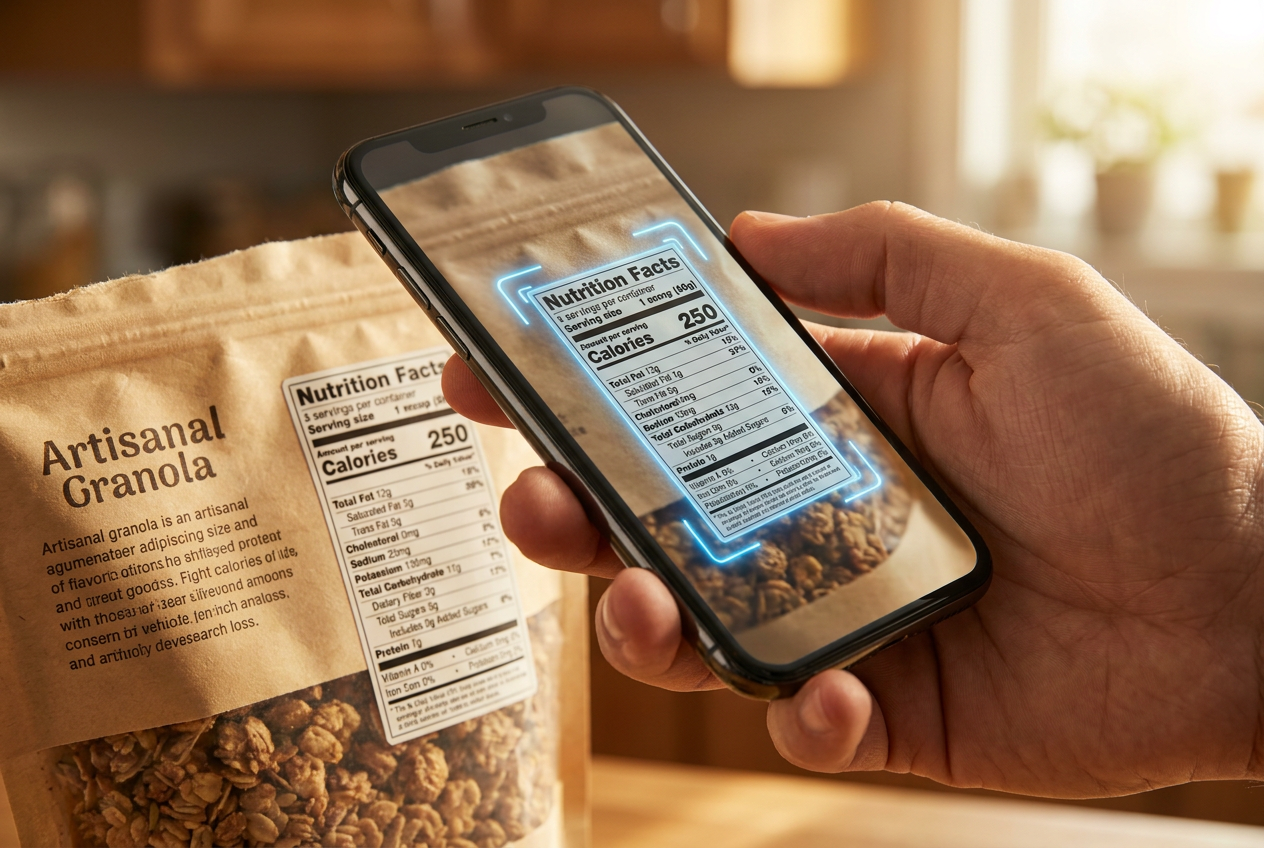
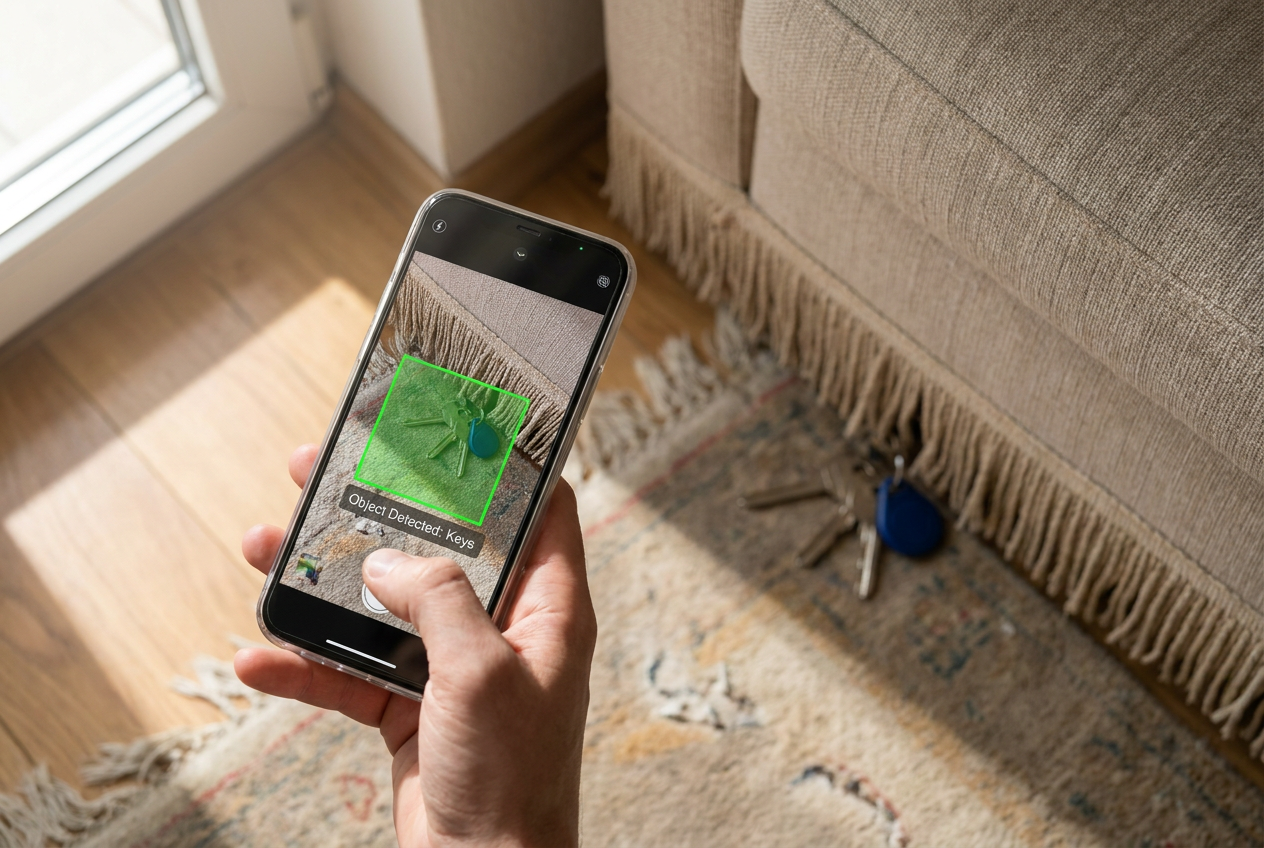
The applications are incredibly varied and address everyday situations that can sometimes be challenging. For example, it's ideal for reading tiny print on nutrition labels or medication leaflets where your eyes can't see. It's also very useful for locating lost objects ; you can move your phone around the room and ask it to alert you when it detects, for example, an earbud that has fallen on the floor or the pepper shaker in a kitchen full of jars.
Furthermore, the tool delves into more subjective and aesthetic realms. Guided Vision can recognize patterns, shapes, and colors , so you could ask it if a striped shirt goes well with specific pants or simply find out what color a garment is. It can even provide a general description of an unfamiliar room or identify the items on a table.
Android configuration and compatibility
To get started, the most direct way is to open the Gemini app, go to your profile settings, and enable the option to use Live Guided Vision. Once you've done this, simply open Gemini Live and share your camera feed. For those looking for even faster access, Google has included the option to create a shortcut from the Accessibility (Vision) menu, allowing you to activate it with two-finger gestures, the floating button, or by pressing both volume buttons simultaneously.
Regarding technical requirements, the feature runs smoothly on devices with Android 9 or later , provided Gemini Live is available in the user's language and region. It's essential to have both the operating system and the Gemini app updated to the latest version . Furthermore, it's fully integrated with Google TalkBack to maximize independence for users with visual impairments.
The development process and safety warnings
This breakthrough was not a matter of chance, but rather the result of close collaboration with Aira, experts in visual interpretation . To ensure the system's reliability, thousands of hours of real-world data were used, along with the support of over 1.000 testers from the Trusted Tester network , guaranteeing that the AI understood what information a person truly needs in an everyday situation.
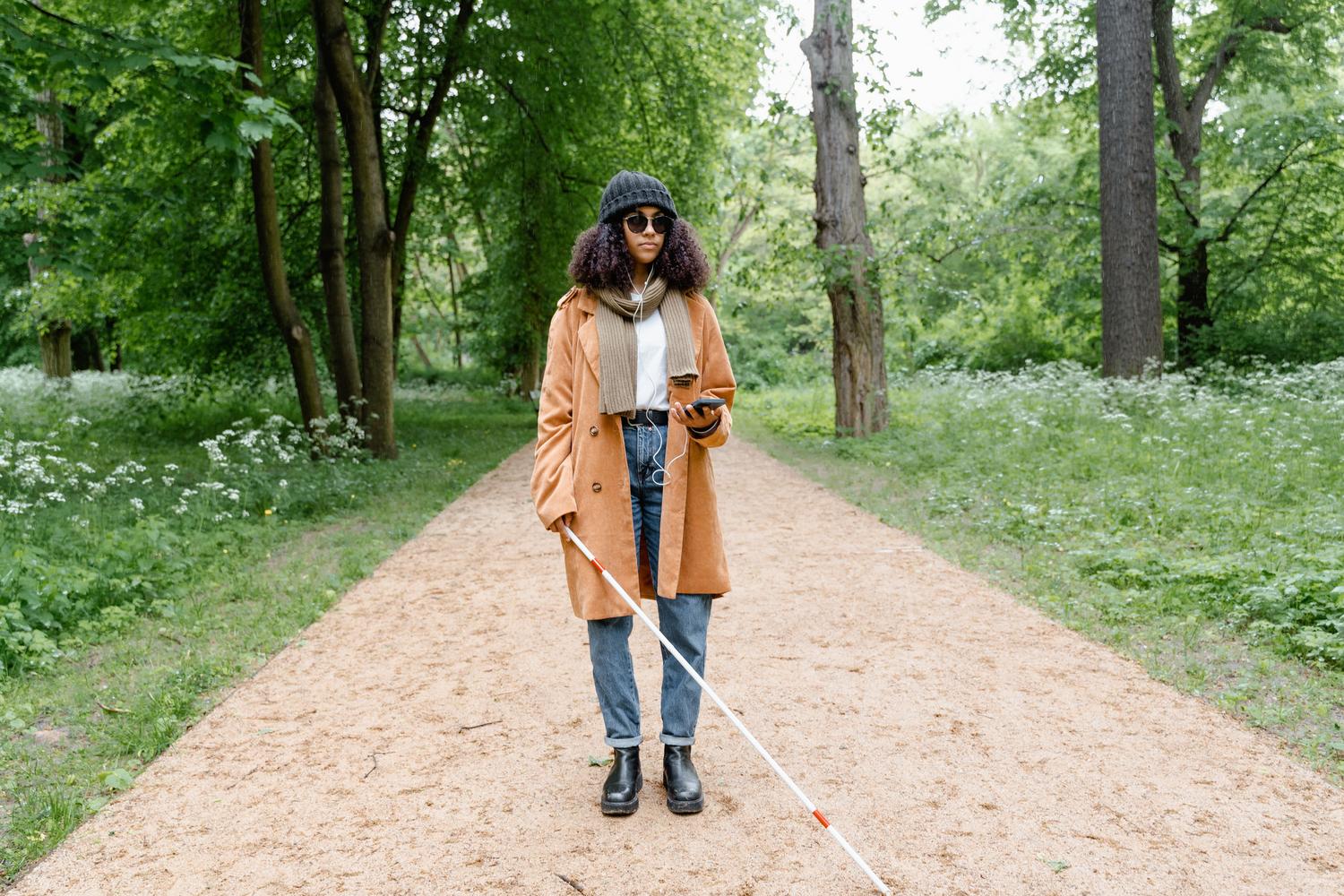
However, there's one point where Google is adamant: this tool is neither a medical device nor a safety system. The company warns that Guided Vision can make mistakes and, therefore, should not be used for navigating streets, detecting obstacles in the path, or replacing the function of a guide dog or cane. Its purpose is complementary visual assistance , not safe mobility guidance.
This integration of real-time vision marks a paradigm shift where we no longer adapt to the phone's interface, but rather AI adapts to our environment. By combining advanced visual recognition with a natural voice interface, Google transforms the mobile phone into an intelligent companion capable of reading, identifying, and guiding the user in any everyday situation.