- Differences between local processing with powerful GPUs and the use of lightweight models on limited equipment.
- Advantages of cloud-based tools for automatic data extraction from invoices and contracts.
- Importance of security and privacy in the storage of documents analyzed by AI.
Imagine having a mountain of PDF files that reaches your neck and not having the slightest idea where to begin organizing them. It's a very common situation these days, where we find ourselves with massive collections of documents ranging from a couple of sheets to forty pages, making manual cataloging a virtually impossible task.
The good news is that, thanks to artificial intelligence, we no longer have to drive ourselves crazy reading line by line. Now we can implement intelligent systems that act like an expert librarian, allowing us to query specific concepts, figures, or topics so the tool can deliver exactly what we need without wasting time.

Options for local analysis and required hardware

For those who prioritize privacy or are hesitant to upload sensitive data to the cloud, running AI locally is the best option. If you have a powerful machine, such as an RTX 3060 16GB graphics card , you already have a solid foundation to start with, although there are solutions that might require more robust hardware if the data volume is extremely high. It's important to note that some tools, like ChatWith RTX, can sometimes miss details in the middle of long texts, so it's advisable to carefully evaluate the tool based on the level of accuracy you require.
On the other hand, some try to do the same on less powerful machines, like a MacBook Air with only 8 GB of RAM . In these cases, the search focuses on extremely efficient LLMs (Language Models) or VLMs (Vision Models). This is vital when PDFs aren't clean text, but rather low-quality scanned images or invoices with chaotic structures that require robust visual recognition capabilities, even allowing you to manage your bibliography locally.

Cloud tools and data automation
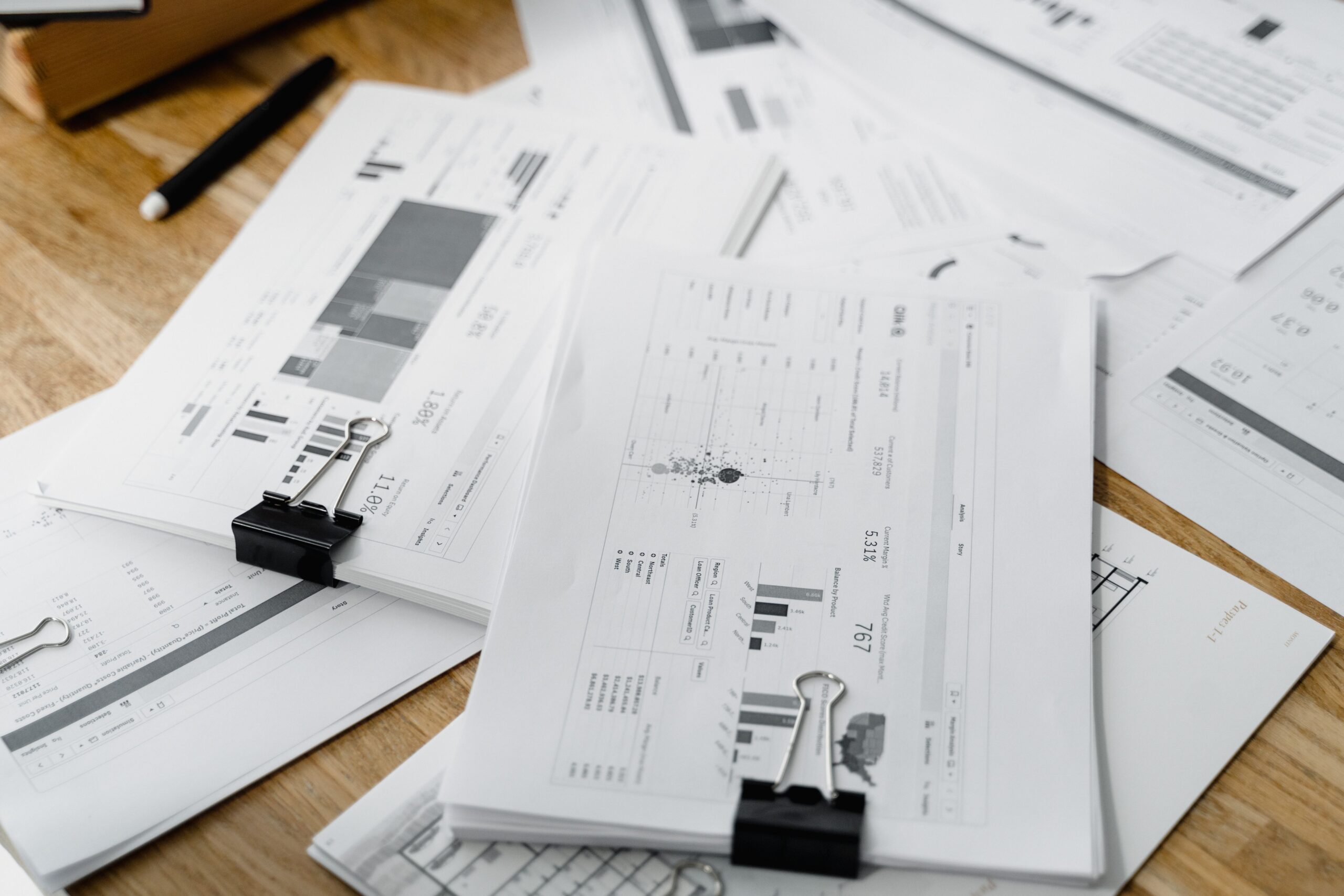
If you don't want the hassle of installing heavy software, there are online platforms that do the dirty work for you. There are specialized programs for automatic data extraction designed specifically to process invoices, contracts, or shipping reports. The big advantage here is that you can send the analyzed information directly to other applications, eliminating the manual data entry that is usually a real drag and consumes hours of work.
Another very popular alternative is the use of GPT-based assistants, such as Monica's ChatPDF. These tools allow you to compare original texts with translations and read documents at lightning speed. The process is incredibly simple: you drag and drop the file, ask your question, and get the answer. Furthermore, for those concerned about security, many of these services assure users that files are stored in secure cloud storage and that the information is not used to train their public models.
Additional resources and professional document management

To take document management to the next level, there are complete ecosystems like Foxit's, which go beyond AI-powered analytics and offer a comprehensive resource center . From tutorials and expert guides to advanced tools for editing and digitally signing documents, these suites enable professional file management in enterprise environments, ensuring a smooth workflow from creation to final analysis.
Having the ability to query your own documents , whether through a local installation for maximum privacy or via cloud services for greater agility, completely transforms how knowledge is managed. Whether you need to extract accurate data from a poorly scanned invoice or find a lost idea among thousands of pages, the key is choosing the tool that best suits your hardware capabilities and the level of confidentiality of your information, leveraging the practical applications of artificial intelligence in business.