- Access via personal or educational Google account to unlock advanced saving and customization features.
- Install as a PWA through Chrome or Edge to bypass the browser and gain access speed.
- Choose between Flash-Lite, Flash and Pro models depending on the complexity of the task and the required speed.
- Integration with connected Google apps for contextualized answers and location management.

If you're looking to boost your productivity and unlock your creativity , Google Gemini is the perfect tool. It's not just another chat app; it's an assistant that can help you with tasks that used to take hours, from organizing a work plan to drafting emails or poems, allowing you to focus on what's truly important.
The best part is that, while there isn't a traditional desktop application that can be installed via an official .exe file, there are several very easy ways to integrate it into your Windows PC. Whether by leveraging the web or creating an advanced shortcut, you can have AI just a click away to summarize complex topics or write code with ease.

What do you need to get started at full speed?
To get started, it's important to understand that you can use artificial intelligence without an account or registration for some basic functions, but if you want to save your history and take full advantage of its potential, you'll need to log in. You can do this with a personal Google account , an educational institution account (provided the administrator has approved it), or a compatible Workspace for Business account. It's also important to note that you must be over 18 to access the platform.
Meet the Gemini brains: The Models


When you're chatting, you'll see that you can choose between different models depending on your needs at any given time. They don't all do the same thing or at the same speed.
- Gemini Flash-Lite: It's the quickest and most efficient option. Ideal for everyday use, creating quick summaries, and explore preliminary ideas without waiting
- Gemini Flash: A balanced middle ground. It combines speed and reasoning ability to solve problems that range from from the simplest to the most complex.
- GeminiPro: The heavyweight. It's the most advanced model, brilliant in mathematics and programmingWith a deep understanding of videos, images, and files. Please note that, being more complex, it may take a little longer to respond.
If you have a paid plan and reach your usage limit, don't worry, the system will allow you to continue chatting using Flash-Lite so you don't run out of time.
How to install Gemini on Windows as if it were a program
If you're tired of having twenty tabs open in your browser, you can turn the Gemini website into a Progressive Web App (PWA) . This makes it function as a standalone program, with its own icon and window, without the browser's address bar.

Steps using Microsoft Edge
First, open Edge and go to the official Gemini website. Once there and logged in, click the browser's three-dot menu, find the Apps section , and select the option to install this site as an app . Give it any name you like, and that's it! You now have the icon on your desktop or pinned to the taskbar.
Steps using Google Chrome
The process is almost identical. You go to the website, open the Chrome menu, select Send, save, and share , and choose to install the page as an app . Just like in Edge, this creates a shortcut that uses very few resources, since it uses the browser's engine but eliminates visual distractions.
Advanced alternatives and extra features
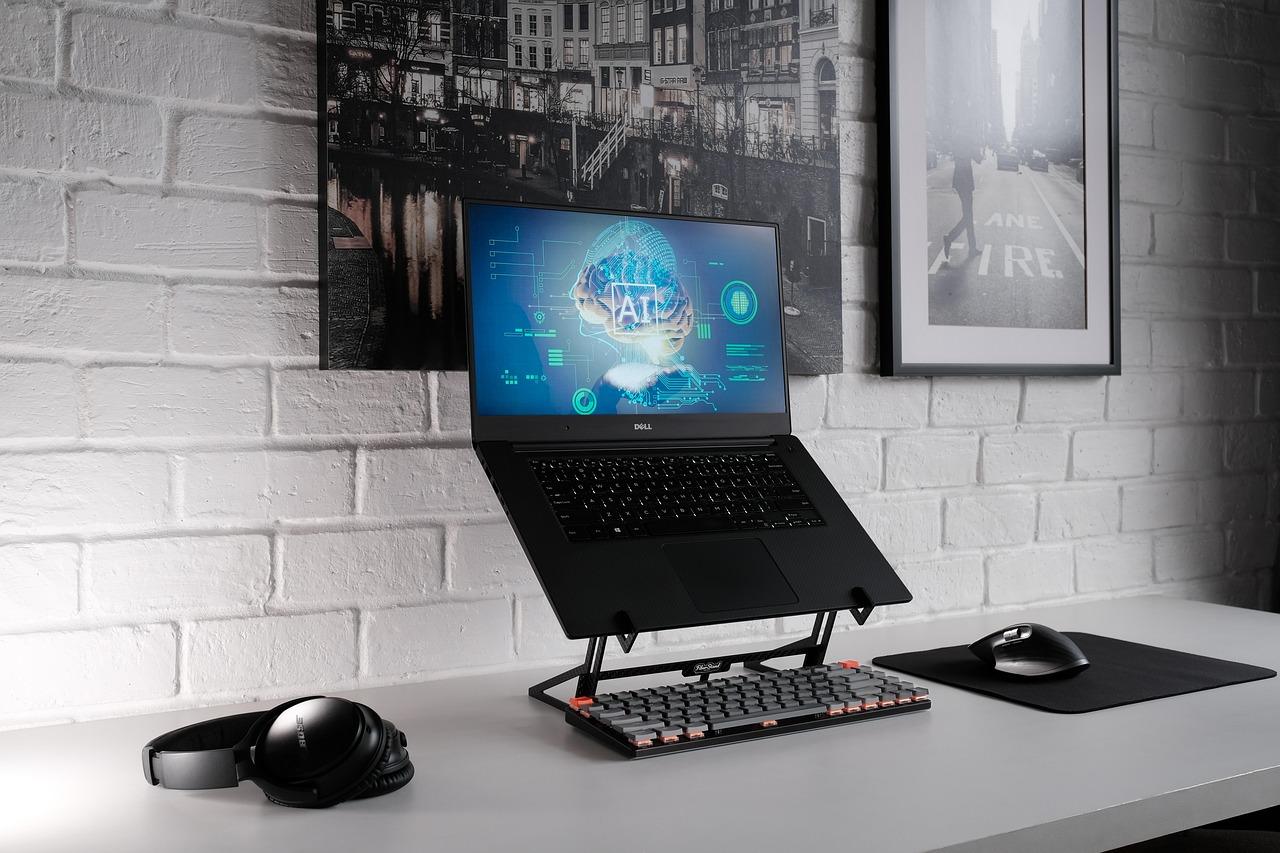

For those seeking something more "professional" and open-source, there are projects like GeminiDesk . This desktop application offers a native Windows experience with features the web version lacks, such as an always-on mode , global shortcuts for switching models, and the ability to paste screenshots directly into the chat.
Additionally, Gemini can make your life easier by granting it access to your precise location . This is very useful for getting contextualized answers based on where you are. You can manage this in the website settings: if the dot next to your location is blue, access is enabled ; if it's gray, it's disabled.
Enhancing the experience with Connected Apps
Gemini doesn't work alone; it can interact with other Google services through connected apps . This allows the AI to draw information from other tools to give you much more accurate answers. However, keep in mind that the availability of these features depends on your region , language, and the type of account you use. If you use a work account, you may need to check with your administrator to enable these connections.

It's important to note that while macOS already has native features like screen sharing and connecting local folders, these capabilities will be rolled out gradually on Windows. In the meantime, combining PWAs with third-party tools remains the best approach.
Having this assistant on your computer means going from a simple web search to an integrated workflow where you can generate files, export data to Google Drive, and optimize your time using AI models tailored to each task, whether it's a quick query or a complex programming project.

Table of Contents