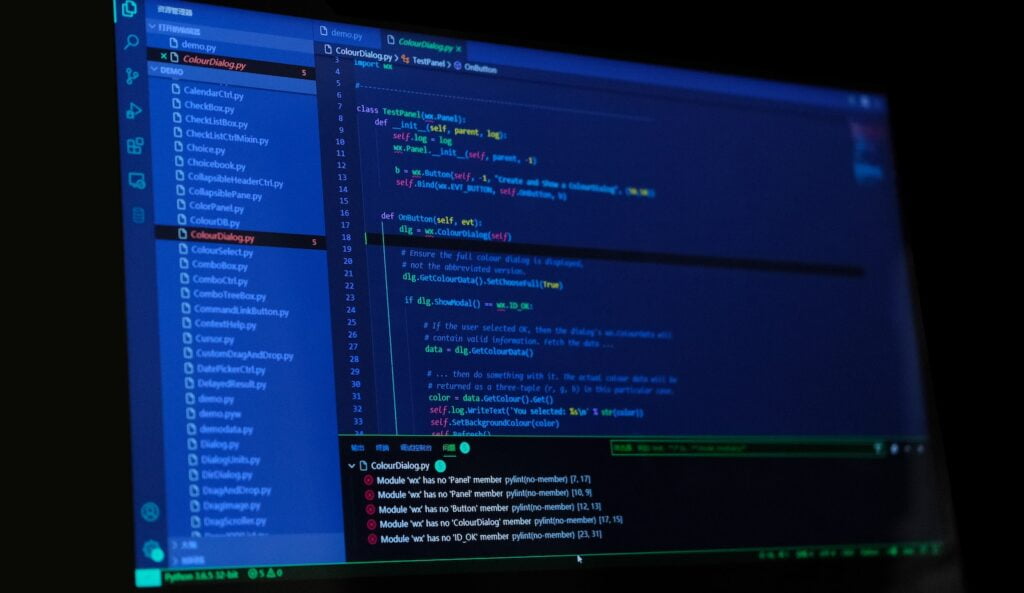
In the exciting world of programming, choosing the right tools can be the difference between frustration and success. Whether you're a budding programmer or a seasoned veteran, you've likely heard of Java Eclipse . What makes this combination so perfect for programmers? In this article, we'll dive into the fascinating universe of Java Eclipse, exploring its features, advantages, and why it's a brilliant choice for any developer.
Introduction to Java Eclipse
What exactly is Java Eclipse and why is it so praised by programmers all over the world? Let me explain it to you in a simple way.
What is Java Eclipse?
Java Eclipse is an open-source integrated development environment (IDE) that has become a cornerstone of the programming world . Created by the Eclipse Foundation, this IDE provides programmers with the tools they need to write, compile, debug, and run their Java applications efficiently and effectively . But what makes it so special?
Why Java Eclipse?
Java Eclipse is the preferred choice of programmers for several powerful reasons:
1. Friendly user interface
One of the first things you'll notice when using Java Eclipse is its intuitive user interface. With its clean and organized layout, even beginners feel comfortable using it.
2. Robust code editor
Eclipse's code editor is highly customizable and offers syntax highlighting, auto-completion, and contextual suggestions that make coding faster and more accurate.
3. efficient debugging
Eclipse's Java debugging feature is second to none. You can effectively track down and troubleshoot issues in your code, saving time and frustration.
4. Powerful refactoring tools
Eclipse offers a variety of refactoring tools that allow you to safely restructure your code, improving its quality and maintainability.
5. Plugin Support
With a wide range of plugins available, you can customize Eclipse to suit your specific needs, making it a versatile IDE.
6. Active community
The Eclipse community is active and engaged, meaning you can always find help and resources online when you need them.
Now that we have explored some of the reasons why Java Eclipse is so popular, let’s dive even deeper into its key features.
Highlights of Java Eclipse
Java Eclipse shines for many reasons, and here are some of its most notable features:
1. Smart Code Editor
Eclipse's code editor is highly intelligent. It offers syntax highlighting, auto-completion, and contextual suggestions. This means that writing code in Eclipse is fast and accurate. You no longer have to worry about forgetting a semicolon or a closing brace.
2. Powerful Debugging
Debugging can be one of the most challenging tasks for a programmer. However, Eclipse greatly simplifies this process. You can set breakpoints, inspect variables, and follow the execution of your program step by step. This makes finding and fixing errors a much easier task.
3. Safe Refactoring
Refactoring is a common practice in software development to improve code structure and readability. Eclipse offers a comprehensive set of refactoring tools that allow you to safely make changes to your code, avoiding common mistakes.
4. Support for Multiple Languages
Although Eclipse is widely known for its Java support, it also supports a variety of other programming languages . If you work on projects that use multiple languages, Eclipse can be your best ally.
5. Efficient Project Management
Eclipse makes organizing your projects easy. You can quickly and easily create Java projects, import existing projects, and efficiently manage dependencies.
6. Integrated Version Control
Version control integration, such as Git, is essential for collaborative development. Eclipse offers seamless integration with various version control tools , allowing you to maintain a change log and collaborate effectively with other developers.
7. Android Development Environment
If you're interested in Android app development, Eclipse has a suite of Android Development Tools (ADTs) that make it easy to create high-performance mobile applications .
8. Extensibility with Plugins
Eclipse is highly customizable thanks to its plugin system. You can find a wide variety of community-developed plugins that can further enhance your workflow.
9. Unit Testing Support
Quality software development requires unit testing. Eclipse offers native support for creating and running unit tests, helping you ensure the robustness of your code.
10. Regular Updates
Eclipse is constantly updated. New and improved versions are released regularly, meaning you'll always be up to date with the latest features and bug fixes.
Now that we have explored the key features of Java Eclipse, let's talk about how to get started using this powerful tool.
Getting Started with Java Eclipse
It's time to dive into the world of Java Eclipse! Here's a step-by-step guide to get you started:
1. Download and Installation
The first step is to download Eclipse from the official website. Make sure to select the version that best suits your needs, such as Eclipse IDE for Java Developers. Installation is quick and easy.
2. Initial setup
Once you've installed Eclipse, you'll need to configure some initial preferences. You can adjust the theme, user interface design , and code preferences to suit your personal tastes.
3. Creating a Project
To begin coding, create a new project in Eclipse. You can select the project template that best suits your application, whether it's a standard Java application, a web project, or something else entirely.
4. Code Writing
Now comes the fun part. Open the code editor and start writing your Java code. Eclipse will help you with syntax highlighting and auto-completion so you can write efficiently.
5. Debugging and Testing
As you write your code, use Eclipse's debugging tools to detect and fix errors. Also, don't forget to write unit tests to ensure the quality of your software.
6. Version Management
If you work in a team, set up a version control system like Git to collaborate effectively on your projects.
7. Explore Plugins
Eclipse has a wide variety of plugins available. Research and download those that can improve your workflow.
8. Stay updated
Be sure to keep Eclipse up to date to take advantage of the latest features and bug fixes.
With these steps, you'll be ready to make the most of Java Eclipse in your software development. But what do experienced programmers say about this tool?
Programmers' Experiences with Java Eclipse
We've spoken to experienced programmers who have been using Java Eclipse in their projects for years. Here are some of their thoughts:
Manuel Pérez, Senior Developer : "Eclipse has been my trusted companion for over a decade. Its powerful code editor and debugging tools have saved me countless hours of work. It's an undisputed choice for any Java developer."
Laura Gómez, Programming Student : "When I started learning programming, Eclipse seemed friendly and easy to use. It has helped me to better understand code and to write Java applications more efficiently."
Javier Rodríguez, Android Developer : "Eclipse's support for Android Development Tools (ADT) is essential to my work. It allows me to efficiently create high-quality mobile applications."
Conclusion
In short, Java Eclipse is truly the perfect combo for programmers. Its user-friendly interface, intelligent code editor, robust debugging tools, and wide range of features make it an essential choice for developers of all experience levels. Whether you are writing standard Java code or developing mobile applications for Android, Eclipse provides you with the tools you need to succeed in the world of programming.
So why wait? Download Eclipse today, start coding, and discover why so many programmers around the world choose Java Eclipse as their IDE of choice. You won't regret it!