Skip to content
Computer Science and Digital Technology
  • Home
  • Technology
  • Databases
  • Software
  • Development
  • Windows
  • Security

Productivity

How to summarize videos and audios with Gemini in Google Chrome

31th October 2026
Man working on his laptop in a bright and natural environment, representing productivity with Gemini.

Save hours of video with Gemini. Learn how to summarize YouTube content and audio on Chrome and Android quickly and easily. Try it now!

Categories Artificial Intelligence, Productivity

How to use PowerToys Mouse Button Lock to drag files without getting tired

30th October 2026
Close-up of a person using a wireless mouse on an ergonomic mousepad on a modern desk.

Tired of holding down the mouse button? Discover how to configure PowerToys Mouse Button Lock for effortless file dragging and text selection.
Categories Productivity, Windows

A complete guide to mastering Recordly: Automatic zoom and cursor tracking

30th October 2026
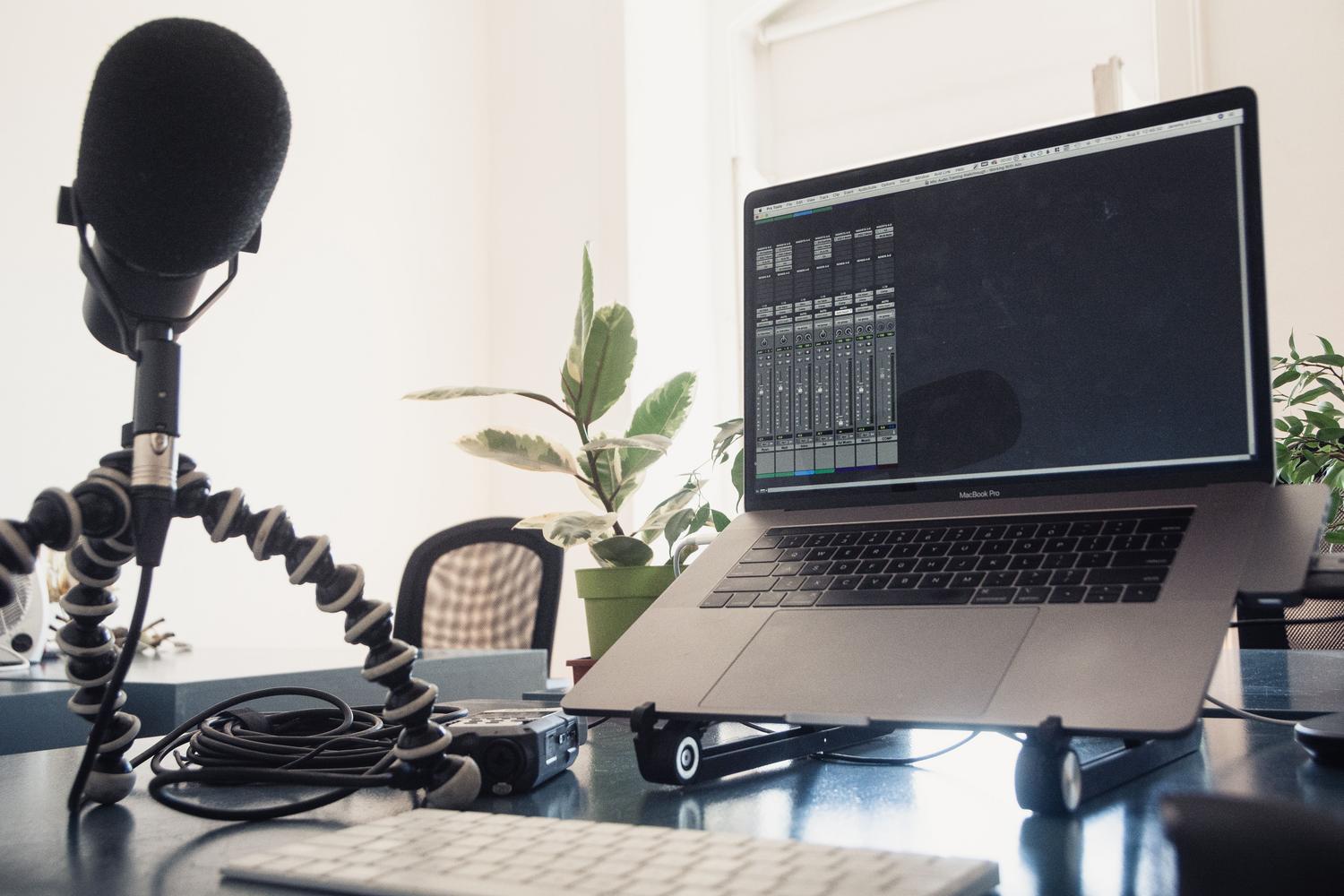
Professional studio with laptop and microphone for recording software tutorials.

Discover how to create professional tutorials with Recordly. Automatic zoom, cursor tracking, and subtitles—no subscriptions required. Try it now!
Categories Productivity

How to keep a window always visible in Windows 11 with PowerToys

28th October 2026
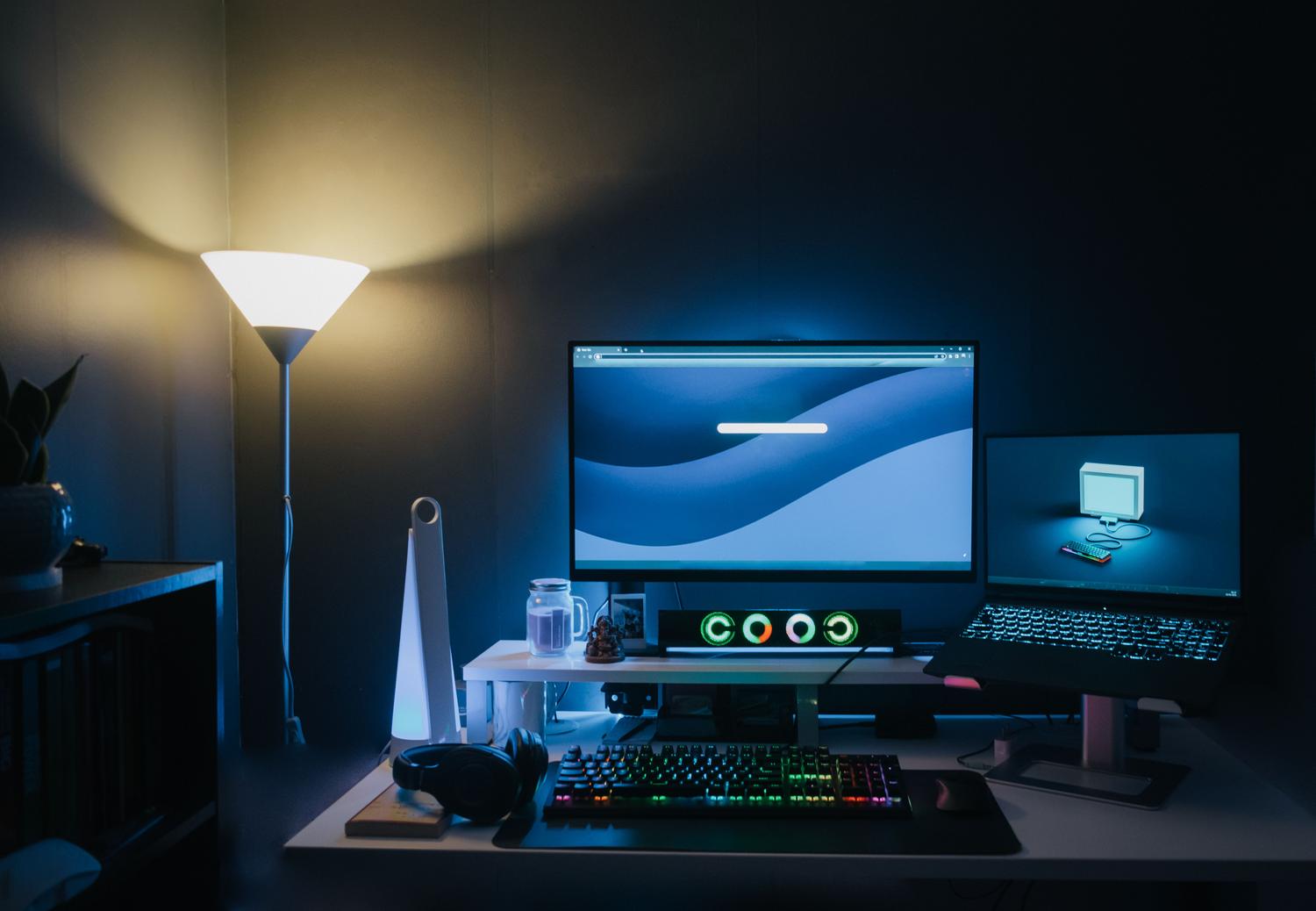
Modern workspace with dual monitors and a Windows 11 desktop, ideal for illustrating multitasking and productivity.

Discover how to use PowerToys' Always on Top to pin windows in Windows 11. Tips, shortcuts, and alternatives to boost your productivity.
Categories Productivity, Windows

How to activate and master desktop window mode on Android tablets and phones

24th October 2026
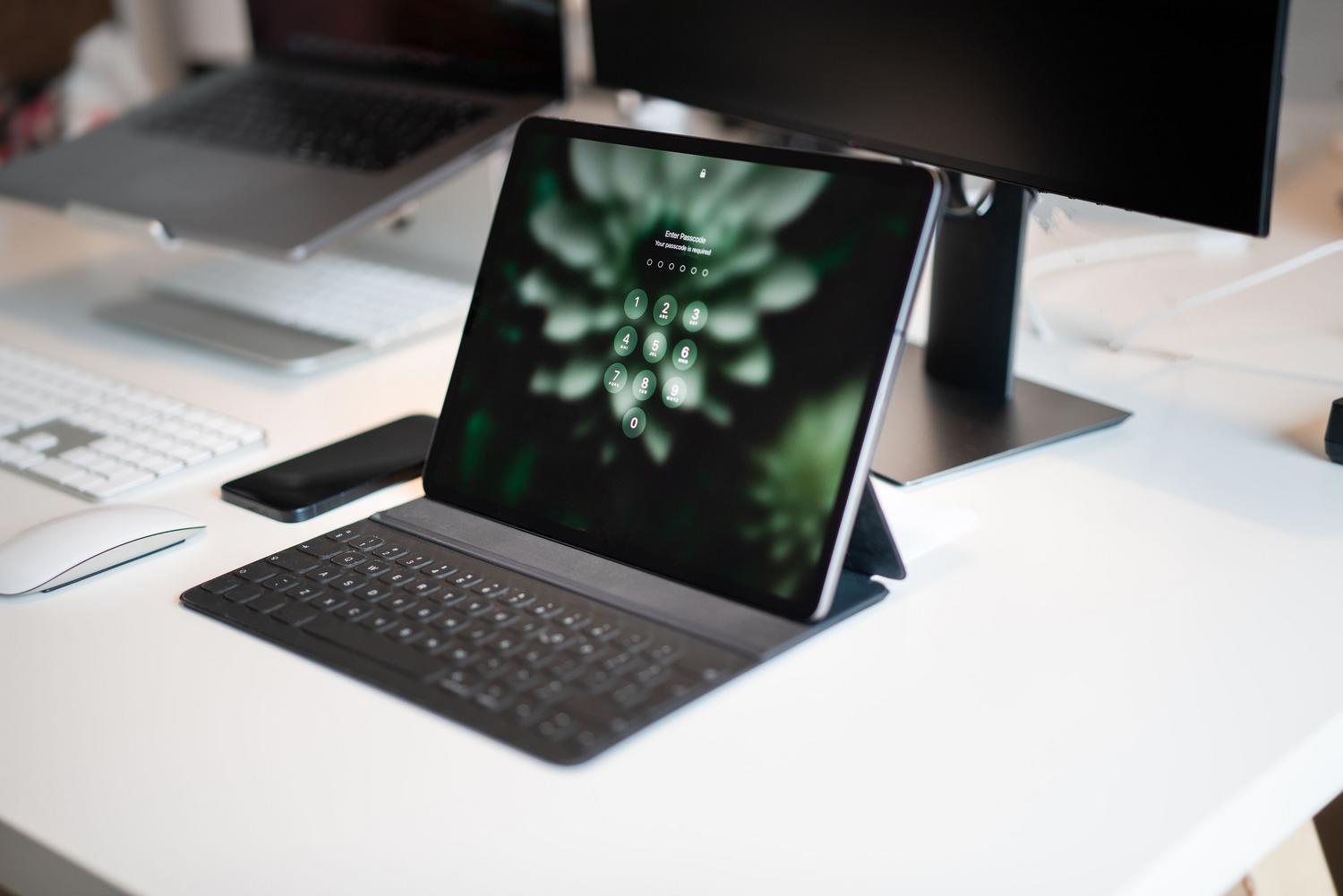
Modern workstation with tablet, keyboard, mouse and external monitor in the background, illustrating desktop mode setup.

Turn your Android into a PC. Learn how to use desktop mode, manage windows, and connect monitors to boost your productivity.

Categories Productivity, Systems

How to automate tasks with Gemini Spark: The complete guide to Google's AI agent

23th October 2026
Laptop on a modern desktop showing an AI automation interface with a digital brain and network nodes, symbolizing agentic artificial intelligence.

Discover how to delegate complex tasks to Gemini Spark. Learn how to configure this AI agent to automate your workflow and save time.
Categories Artificial Intelligence, Productivity

How to configure Thunderbird to manage multiple accounts, contacts, and calendars

22th October 2026
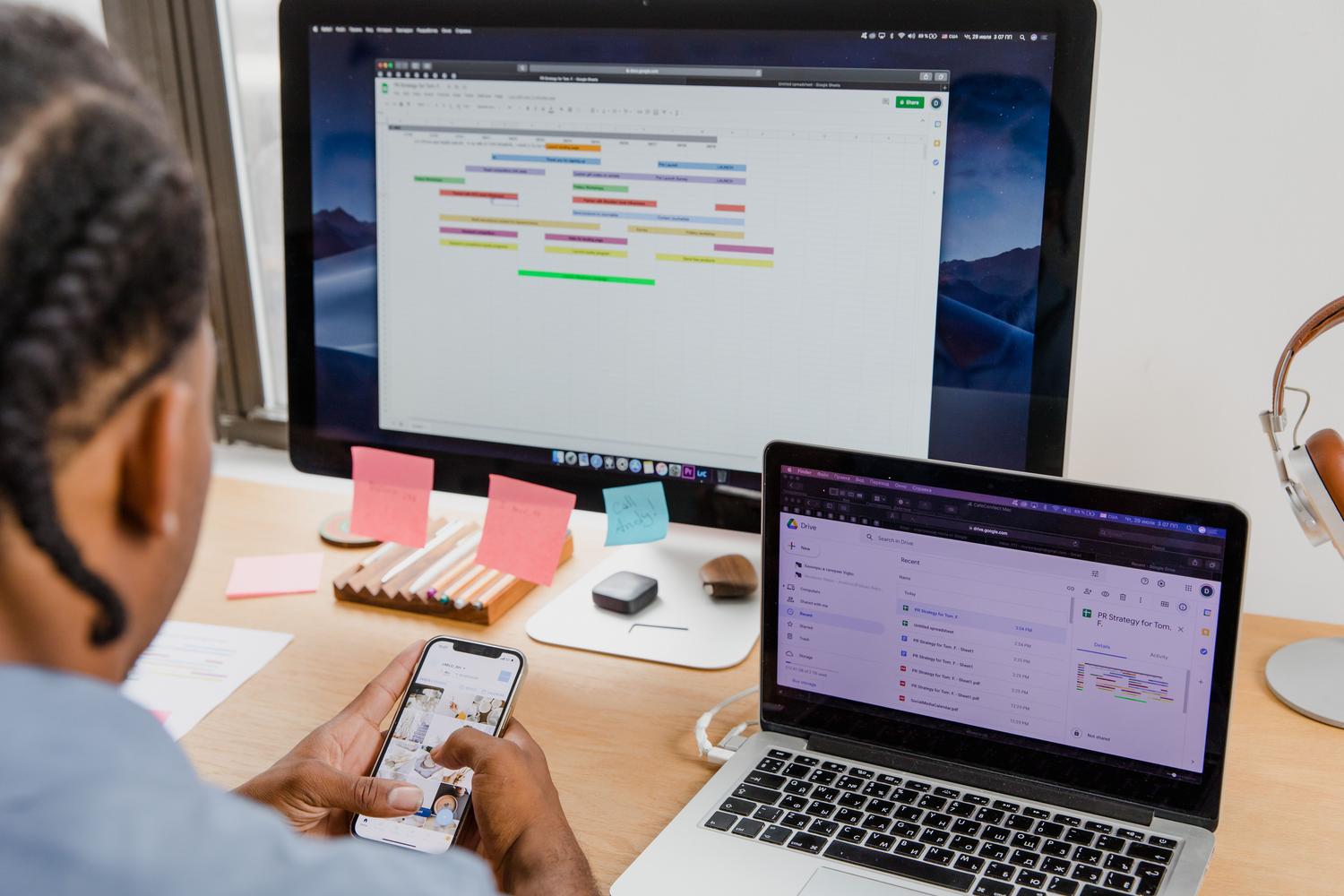
Multitasking businessman using smartphone, laptop and monitor in a modern office to manage his workflow.

Learn to master Thunderbird: manage all your accounts, easily sync calendars and contacts. Complete step-by-step guide here!
Categories Productivity, Support

How to convert scanned PDFs into searchable text with OCRmyPDF

22th October 2026
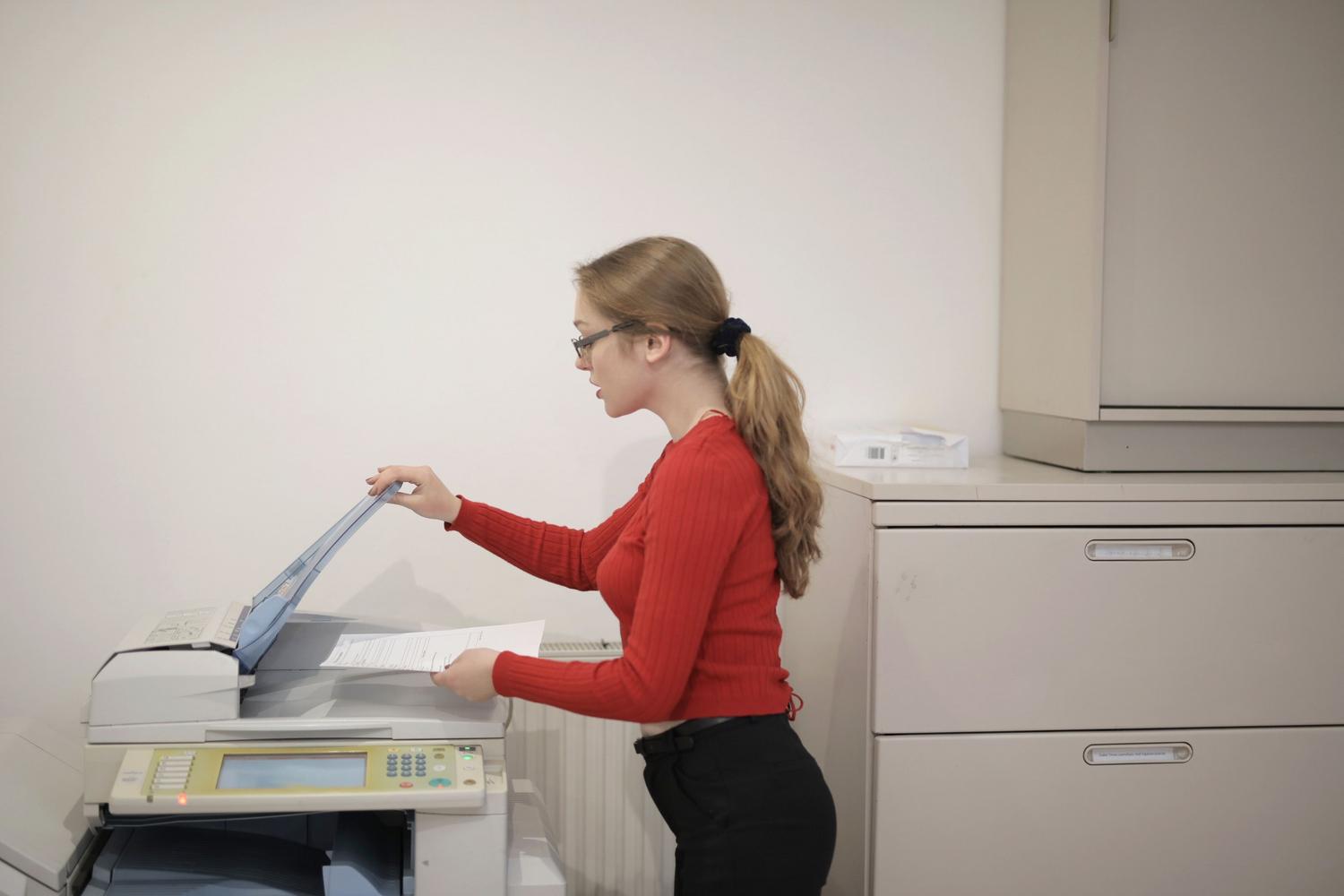
Office worker using a scanner to digitize documents

Learn how to convert scanned PDFs into searchable and editable documents. A complete guide to OCR, PDF/A, and advanced use of OCRmyPDF.

Categories Productivity

How to extract text from images and videos in Windows 11 with PowerToys Text Extractor

21th October 2026
Close-up in black and white of hands typing on a laptop, conveying professionalism and technological modernity.

Copy text from any image or video in Windows 11. Learn how to use PowerToys Text Extractor and the Snipping Tool to quickly digitize text.
Categories Productivity, Windows

How to migrate your Word notes to Notion to organize them by topic

19th October 2026
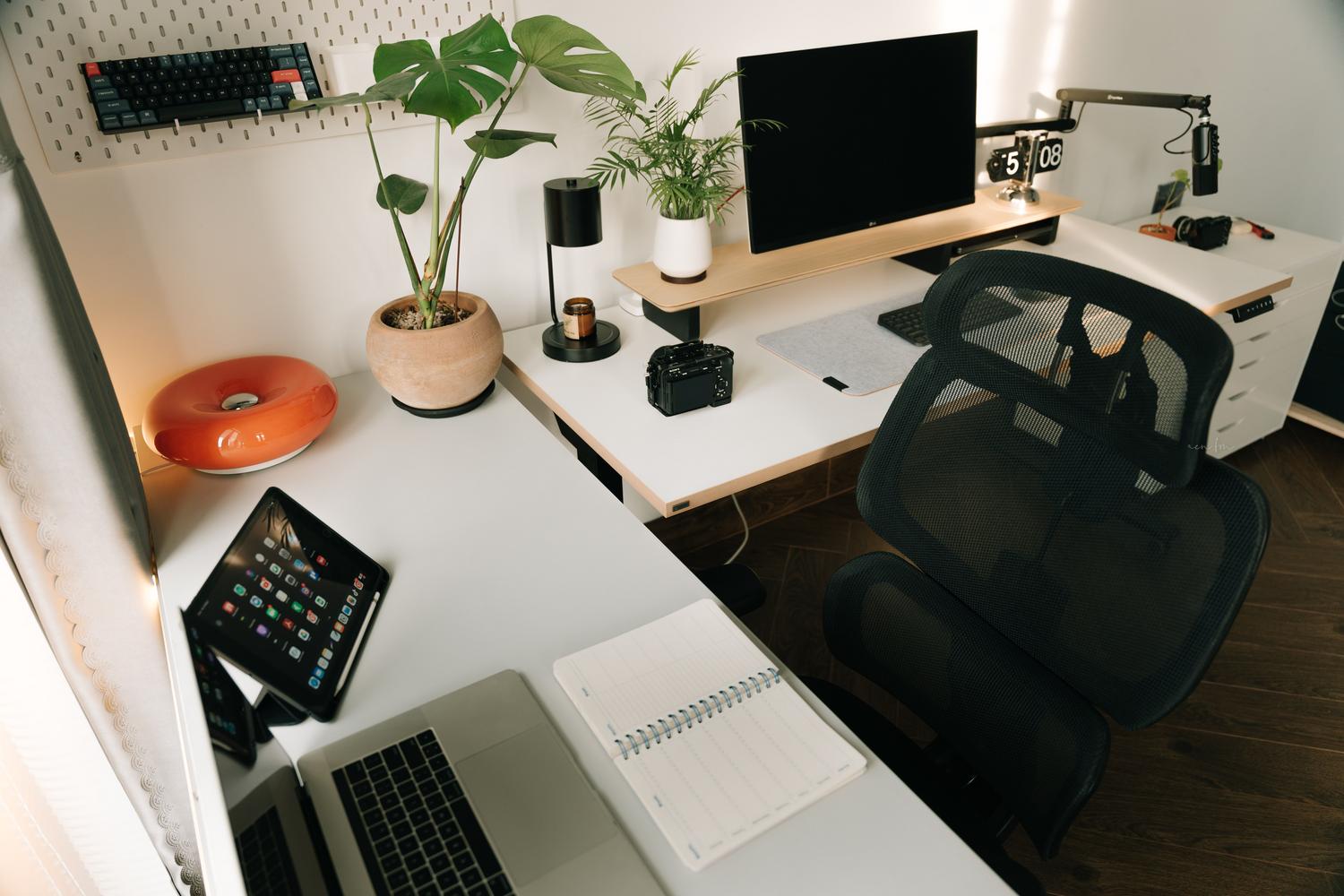
Minimalist desk with laptop, iPad and an open notebook, representing the transition from traditional notes to a flexible digital system.

Discover how to migrate your Word notes to Notion. Learn how to organize your information by topic and leverage the power of blocks and AI.
Categories Productivity

A complete guide to organizing Google Photos and locating old screenshots

19th October 2026
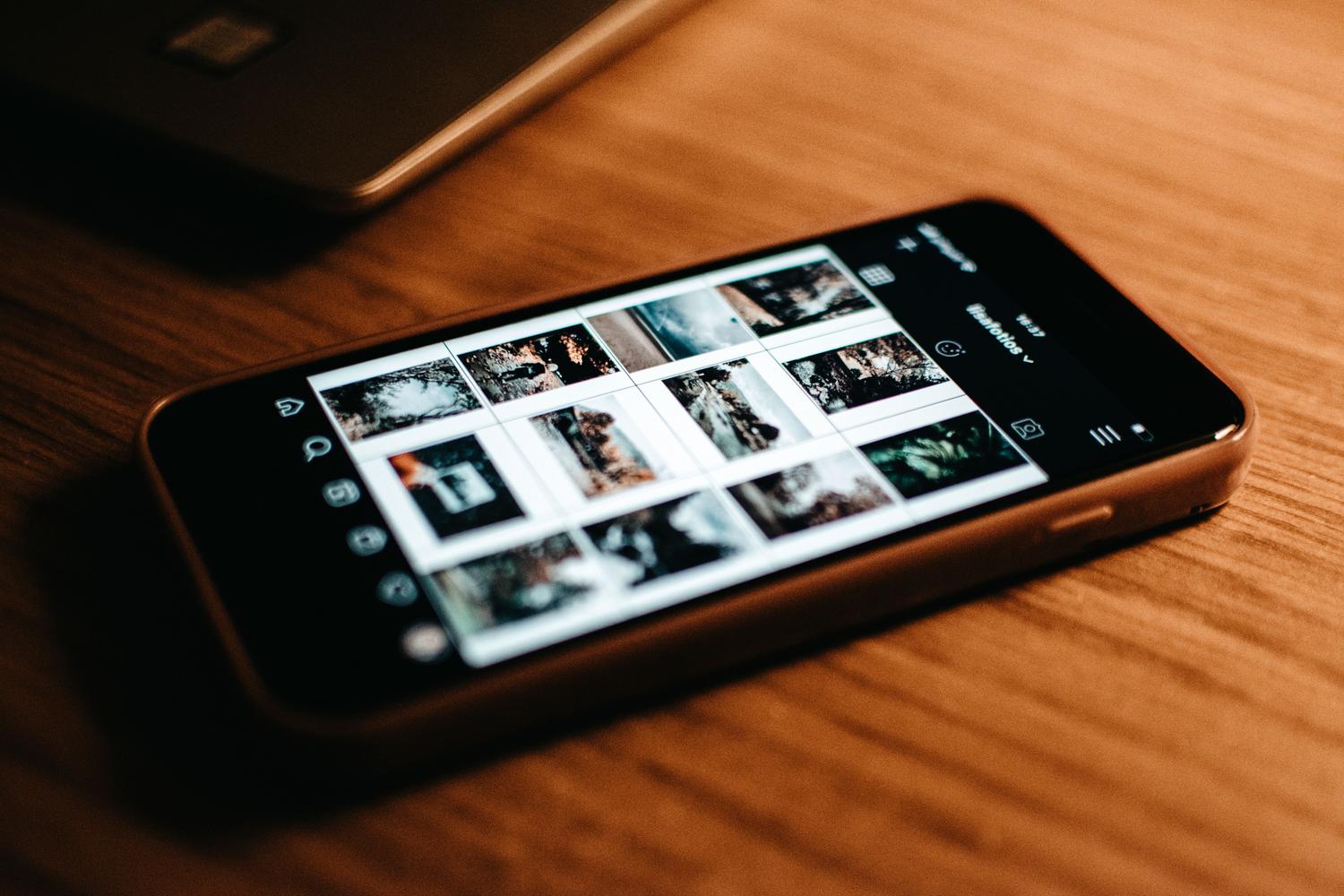
Smartphone screen showing a dense grid of photographs, representing the digital chaos of a full gallery.

Learn to master Google Photos: organize your images, find old photos, and use AI to never lose a memory. Get started now!

Categories The Cloud, Productivity
Previous Posts
Next entries
← Previous Page1 Page2 Page3 ... Page15 Next →

Computer Science and Digital Technology

At InformaTecDigital, we're dedicated to providing you with the latest news and effective tips, so you're always up-to-date and well-informed. Our goal is to be your trusted partner on this exciting technological journey, making your experience easier with every new discovery.

Categories

Technology

Artificial Intelligence

Programme

Algorithms

Computer Technology

Internet

follow us

© 2026 InformaTecDigital

About Us

Legal Notice

Contact