- A computer with Windows 10/11, a 2,5 GHz processor, 8 GB of RAM, and 12 GB of SSD space is recommended.
- For professional use, large projects, or virtualization on Mac/Linux, it is advisable to upgrade to 16 GB of RAM.
- The software allows you to convert industrial PCs or Raspberry Pi into controllers compatible with the IEC 61131-3 standard.
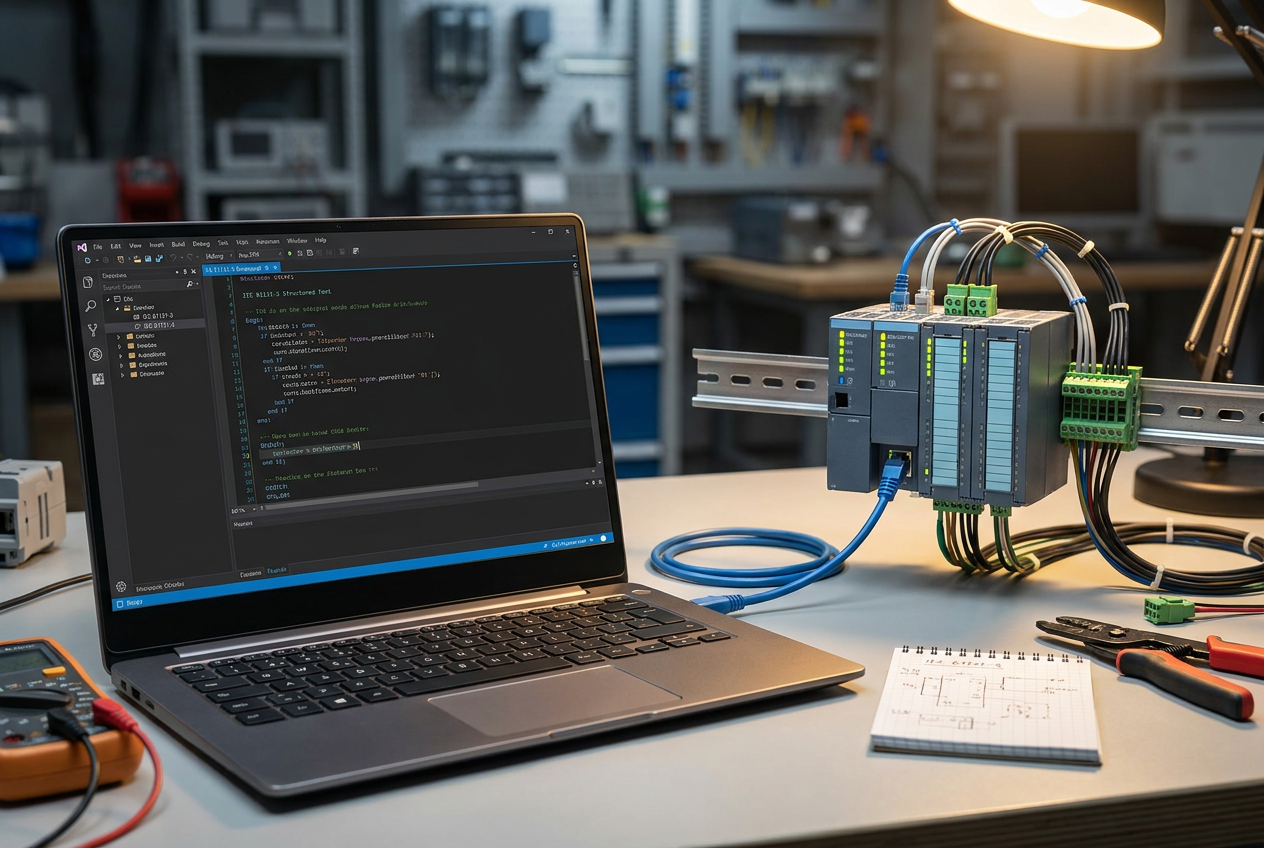
If you're just starting to explore the fascinating world of industrial automation, you've almost certainly come across the name CODESYS . Essentially, it's the most widely used standard for programming according to IEC 61131-3 , and the best part is that you don't have to spend a single euro on the development system license. It's an incredibly powerful tool, but before you start installing it, you should check your computer's specifications to avoid the frustration of your PC freezing right when you're at the most exciting part of your project.
The truth is, the software is quite flexible, but there's a world of difference between using it for a couple of simple exercises and setting up a complex control system with heavy visualizations and simulations. Depending on whether you're working with a physical PLC or prefer to turn your own machine into a controller using a SoftPLC , the resources you need will vary. To avoid any surprises, let's break down which hardware is ideal for working smoothly and without putting too much strain on your computer.
Technical requirements and practical advice
According to the manufacturer's specifications, the recommended requirements are a 2,5 GHz processor , 8 GB of RAM, and 12 GB of free hard drive space. However, it's important to clarify that these specifications aren't an insurmountable barrier, but rather a guideline. Any modern office laptop easily meets these requirements, so there 's no need to spend a fortune on a top-of-the-line machine to get started.
The operating system: Where to install it?
Here's a key point: the development environment (IDE) is an application specifically designed for Windows , and versions 10 and 11 are compatible as long as they are updated. However, if you prefer macOS or Linux, don't worry, there's a solution, although it requires an extra step. You'll have to use a virtual machine to run Windows, which means your computer will have to work twice as hard, consuming more CPU and RAM to run two systems simultaneously.
Detailed analysis of PC components
- Processor: You don't need a NASA-level chip. A modern Intel Core i5 or Ryzen 5 will be more than enough. However, if your projects are massive, having more cores This will help make the compilation and loading of the application much faster.
- RAM: Although some manuals say that 4 GB is enough, in reality, 8 GB is the logical starting point. If you plan to run the IDE and the SoftPLC simultaneously, or if you work with virtualization, my advice is to skip directly to the 16 GB of RAM to avoid annoying tugs.
- Storage: The initial 12 GB will quickly become insufficient as you add libraries, device packages, and add-ons. Furthermore, installing CODESYS Control Win SL will require an additional couple of gigabytes. The most important thing here is to use a SSD diskbecause the difference in startup speed and project opening compared to a mechanical disk is enormous.
- Screen and Vision: We sometimes forget this, but programming on a small screen is torture. Between the project tree and the message windows, a Full HD monitor It's the bare minimum to avoid going crazy, and if you have a second monitor, debugging becomes much easier.
- Connectivity: To communicate with real PLCs, you absolutely need a Ethernet portIf your laptop is a modern model without a port, buy a USB-to-Ethernet adapter. Depending on your hardware, you might also need USB or serial ports for the initial setup.
Use cases according to user profile
For someone just starting out and working on small projects, a computer with 8 GB of RAM and a 256 GB SSD is more than enough to run the IDE and simulator. If you're already working in a typical professional environment, handling medium to large projects and many plugins, it's ideal to upgrade to 16 GB of RAM and a 512 GB SSD . Finally, if you're working with virtualization on Mac or Linux, don't go below 16 GB, as you need to reserve a generous portion of the resources to ensure the virtual machine doesn't run too slowly.
Understanding the CODESYS ecosystem and the SoftPLC
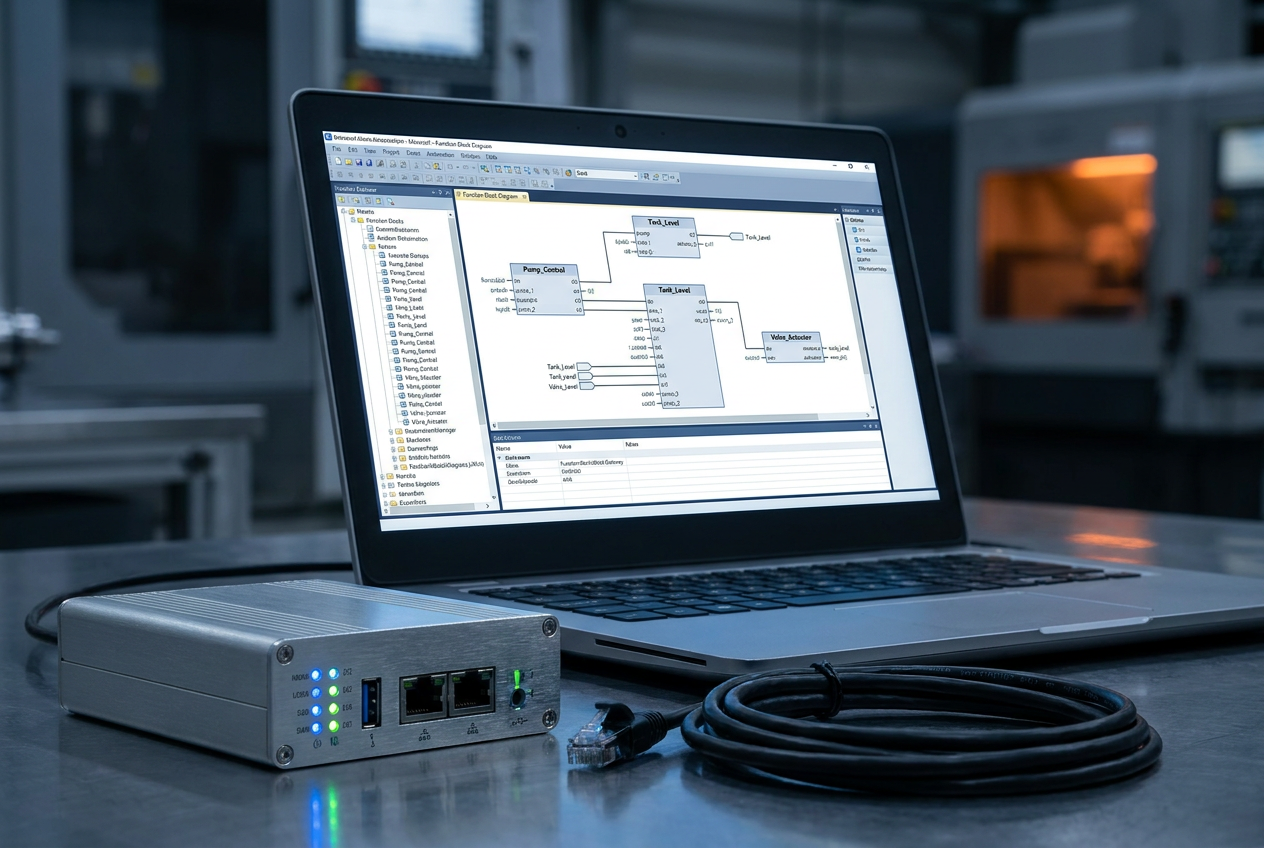
It's crucial to understand that CODESYS is not just a text editor, but a highly versatile Soft-PLC development environment. Its greatest strength is the Runtime system, which allows you to transform any industrial PC or even a Raspberry Pi into an industrial controller fully compliant with the IEC 61131-3 standard. This means you can program using languages like ST (Structured Text) , LD (Ladder Logic), SFC, or FBD, adapting to your preferences or the specific requirements of your project.
There are very powerful implementations, such as those from SENECA, that integrate CODESYS 2.3 with high-performance hardware to ensure maximum reliability in complex systems. These solutions allow you to leverage the power of Windows CE and optimize setup times with additional tools that simplify the configuration of I/O and converters. Furthermore, it stands out for its ability to integrate with various industrial networks and support VPN-IoT , making it ideal for Industry 4.0.
To optimize setup times, there are tool suites like the SENECA CODESYS package, which includes helpful instructions for quickly configuring the project with I/O devices, converters, and network analyzers. The Z-NET4 software , for example, allows you to generate the project and load it directly into the CPU's CODESYS environment. Because the compiler doesn't excessively burden hardware resources, it's an ideal choice for programming both automated machine controllers and industrial control systems seeking a cost-effective alternative to PLCs with proprietary software.
Always remember to verify the exact version you're going to install, as service packs (like V3.5 SP21) can slightly adjust the requirements. Don't forget to check the device packages from each manufacturer, as some may require additional resources. Ultimately, with a standard Windows PC, 8 GB of RAM, and an SSD, you're well on your way to getting started, leaving the 16 GB of RAM and an extra monitor for when the complexity of your automations demands it.
Having a balanced computer based on Windows 10 or 11, an i5/Ryzen 5 processor and an SSD allows you to take full advantage of the power of this free programming environment, facilitating the transition from basic learning to the implementation of complex industrial systems and controller virtualization.