- Turbo Pascal, created by Borland in the 80s, revolutionized programming due to its speed and ease of use.
- It influenced the teaching of programming and was widely adopted in universities.
- It introduced innovative features such as a fast compiler and an efficient integrated development environment.
- His legacy lives on in modern languages and a passionate community of programmers.

Turbo Pascal history and versions: a look at its evolution and legacy
1. The origins of Turbo Pascal
1.1. Pascal's legacy
1.2. The rise of Borland
1.3. The birth of Turbo Pascal
2. Turbo Pascal 1.0: The beginning of an era
2.1. Revolutionary Features
2.2. Reception by the programming community
2.3. Impact on the software industry
3. The evolution of Turbo Pascal
3.1. Turbo Pascal 2.0 and 3.0: Improvements and new features
3.2. Turbo Pascal 4.0
3.3. Turbo Pascal 5.0 and 5.5: Refinement and optimization and object-oriented programming
4. Turbo Pascal 6.0: Consolidating a success
4.1. New features and improvements
4.2. Impact on application development
4.3. Popularity in the educational and professional field
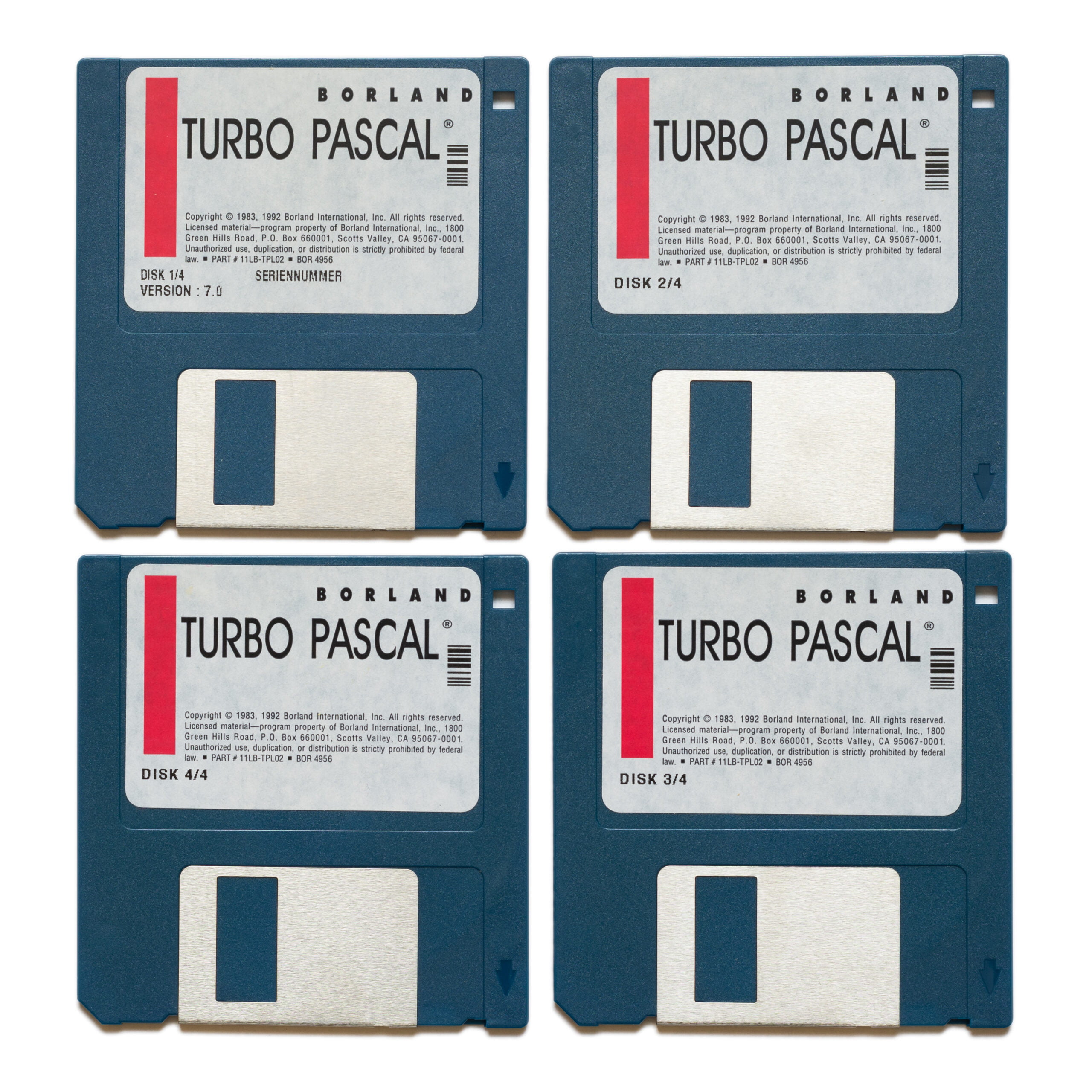
5. Turbo Pascal 7.0: The last classic version
5.1. New features and improvements
5.2. Compatibility with new platforms
5.3. The end of an era
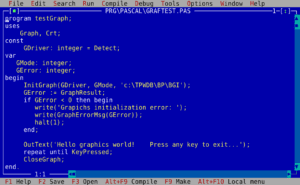
6. Typical structure in a basic program in Turbo Pascal 7
program ProgramName;
uses
// List of units (libraries) used
type
// Defining custom data types
const
// Definition of constants
var
// Declaration of global variables
{Declaration of subprograms (procedures and functions)}
procedure ProcedureName;
begin
// Procedure code
end;
function FunctionName: ReturnType;
begin
// Function code
end;
{ Main program }
begin
// Main program code
end.
program NombreDelPrograma;: It is the declaration of the name of the program.uses: The units or libraries that will be used in the program are listed here, separated by commas.type: This section defines custom data types such as records, enumerations, etc.const: Here the constants that will be used in the program are defined.var: Global variables that will be accessible from any part of the program are declared.- Subprogram Declaration: The procedures and functions that will be used in the program are declared. Each subprogram has its own code block delimited by
beginyend. - Main Program: This is the block of code that is executed when the program starts. It is delimited by
beginyend, and ends with a period (.).
7. The legacy of Turbo Pascal
7.1. Influence on other programming languages
7.2. Community of passionate programmers
7.3. Notable projects developed with Turbo Pascal
- Sidekick: A popular productivity app that combined a calendar, planner, calculator, and other tools into a single interface.
- Turbo Vision: A GUI component library for Turbo Pascal that facilitated the development of graphical user interface applications.
- Wolfenstein 3D: An influential first-person shooter that laid the groundwork for the 3D shooter genre.
8. Comparison table between the different versions of Turbo Pascal
| Version | Release year | Key features |
|---|---|---|
| Turbo Pascal 1.0 | 1983 | First release, includes a fast compiler and an integrated development environment (IDE). |
| Turbo Pascal 2.0 | 1984 | Adds support for structured programming, unit libraries, and improved error handling. |
| Turbo Pascal 3.0 | 1986 | Introduces faster code generation, graphics support with Turbo Graphix Toolbox, and extended memory handling. |
| Turbo Pascal 4.0 | 1987 | Complete rewrite of the compiler, improved unit handling, support for abstract syntax trees, and improved error detection. |
| Turbo Pascal 5.0 | 1988 | Adds support for integrated debugging, exception handling, and code optimization tools. |
| Turbo Pascal 5.5 | 1989 | Introduces object-oriented programming (OOP), including classes and inheritance. |
| Turbo Pascal 6.0 | 1990 | Improved IDE, support for Turbo Vision (user interface library), better memory management, and more debugging tools. |
| Turbo Pascal 7.0 | 1992 | It adds more Turbo Vision features, better DOS integration, support for Windows 3.x, and an improved version of the compiler with further code optimization and extended support. |
| Borland Pascal 7.0 | 1992 | Professional version of Turbo Pascal 7.0, includes Turbo Debugger and Turbo Profiler, plus support for protected mode programming and Windows application development. |