When we delve into the world of hardware and cooling, the dilemma of choosing the right fan size always arises. It's not just a matter of them fitting in the case, but also how they affect the overall performance. thermal performance and noise that they generate on a daily basis.
Many people wonder if switching from a very thin fan to a standard one really makes a difference. The reality is that, while compact models are useful in small spaces, the ability to move air It varies drastically depending on the thickness and diameter.

Size comparison: from 25 mm to 140 mm
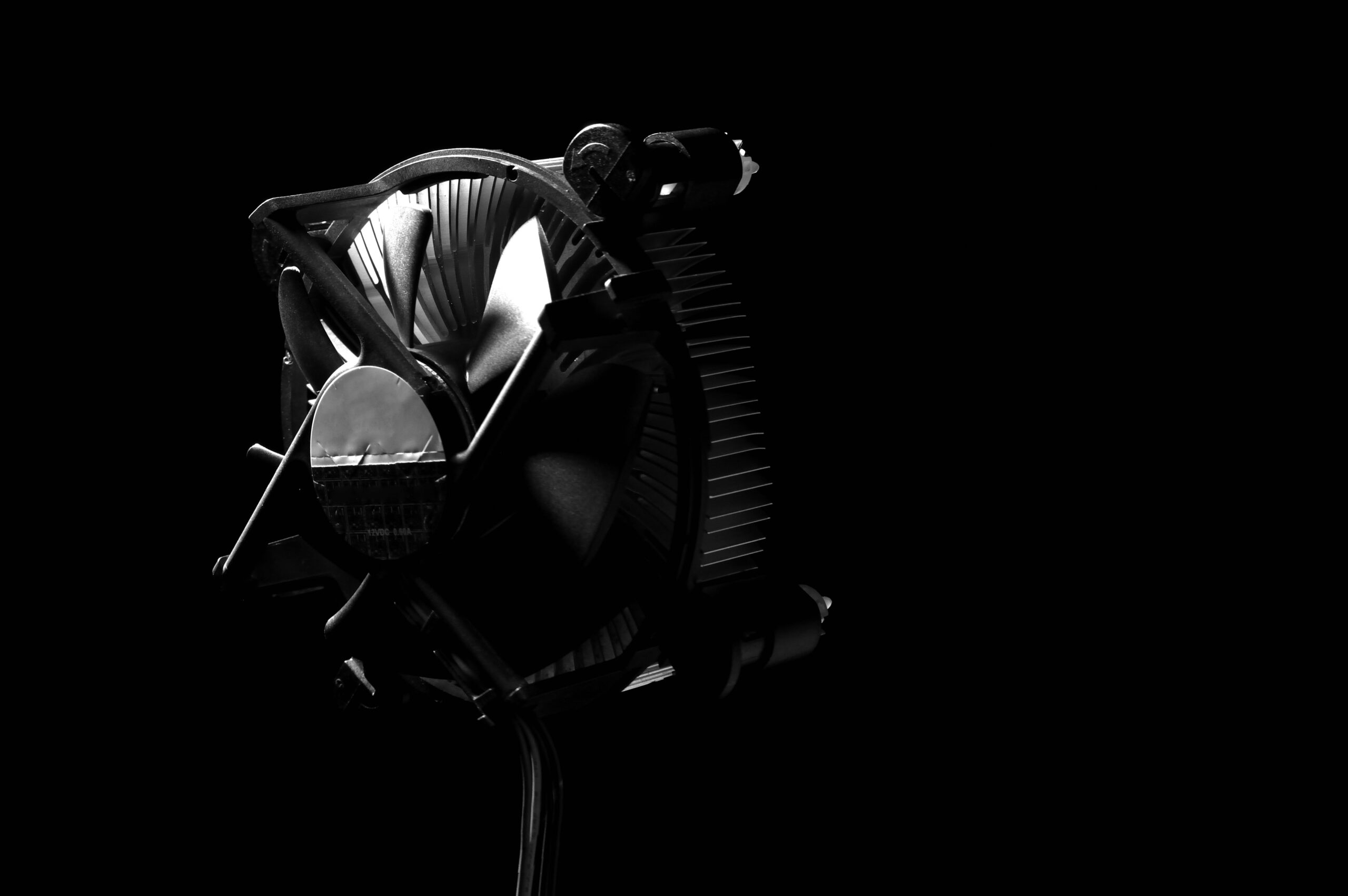
There are options on the market to suit all tastes and needs. We can find tiny fans of 25mm and 30mmThese are ideal for very specific components and can be scaled up to the more robust 120mm or 140mm models. Smaller models, such as the 30x30x7mm, usually come with brushless motors to ensure they are quiet and durable, frequently operating at 24V with simple 2-pin connections.
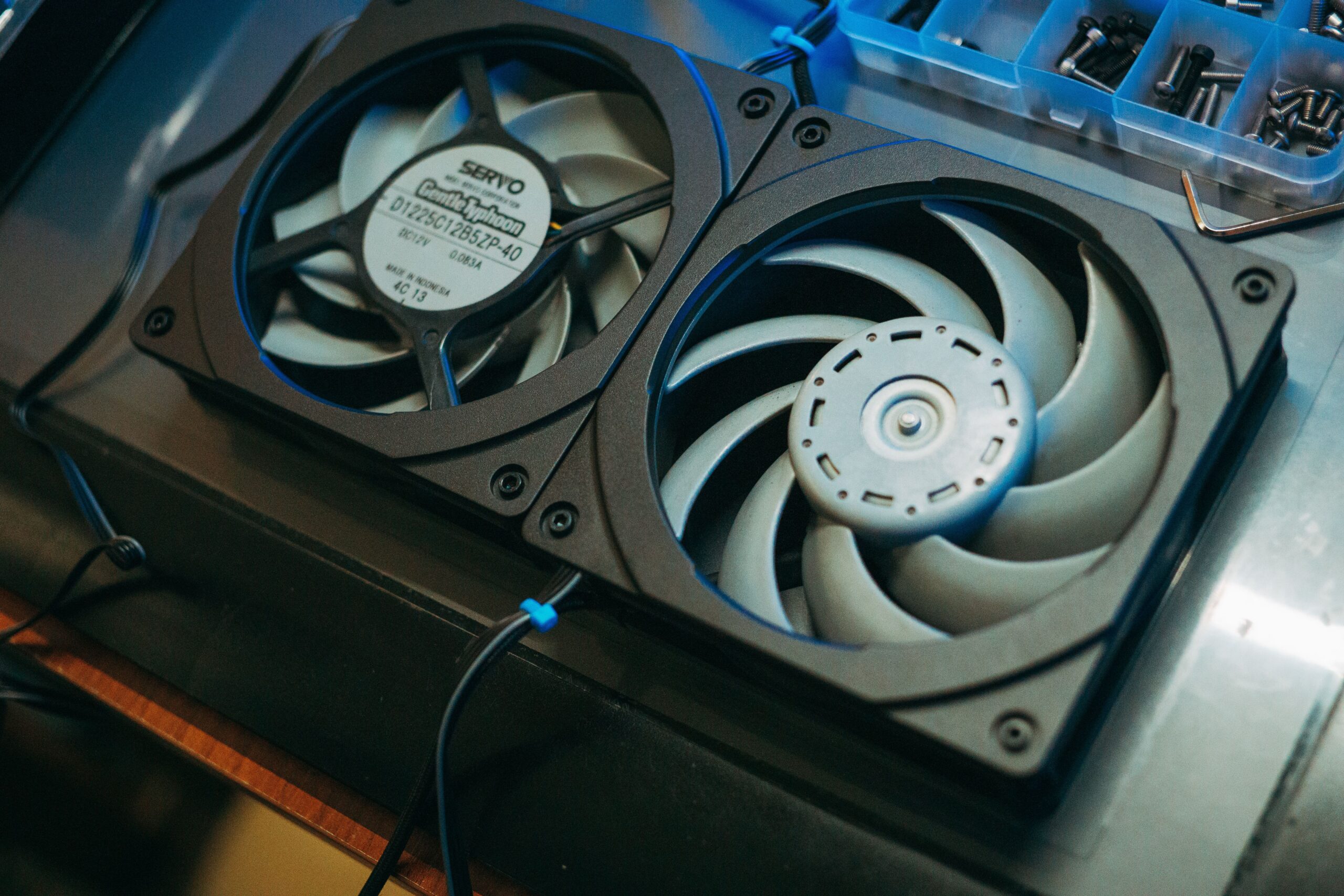
On the other hand, when we talk about radiators, the difference in thickness is key. For example, someone who uses 15mm fans because the RAM memory is clogging up space You'll notice that the noise is much greater to maintain low temperatures. When you switch to fans... 25 mm of thicknessThe airflow is more efficient, allowing for reduced revolutions and, therefore, lower decibels without sacrificing cooling.
The importance of bearings in service life
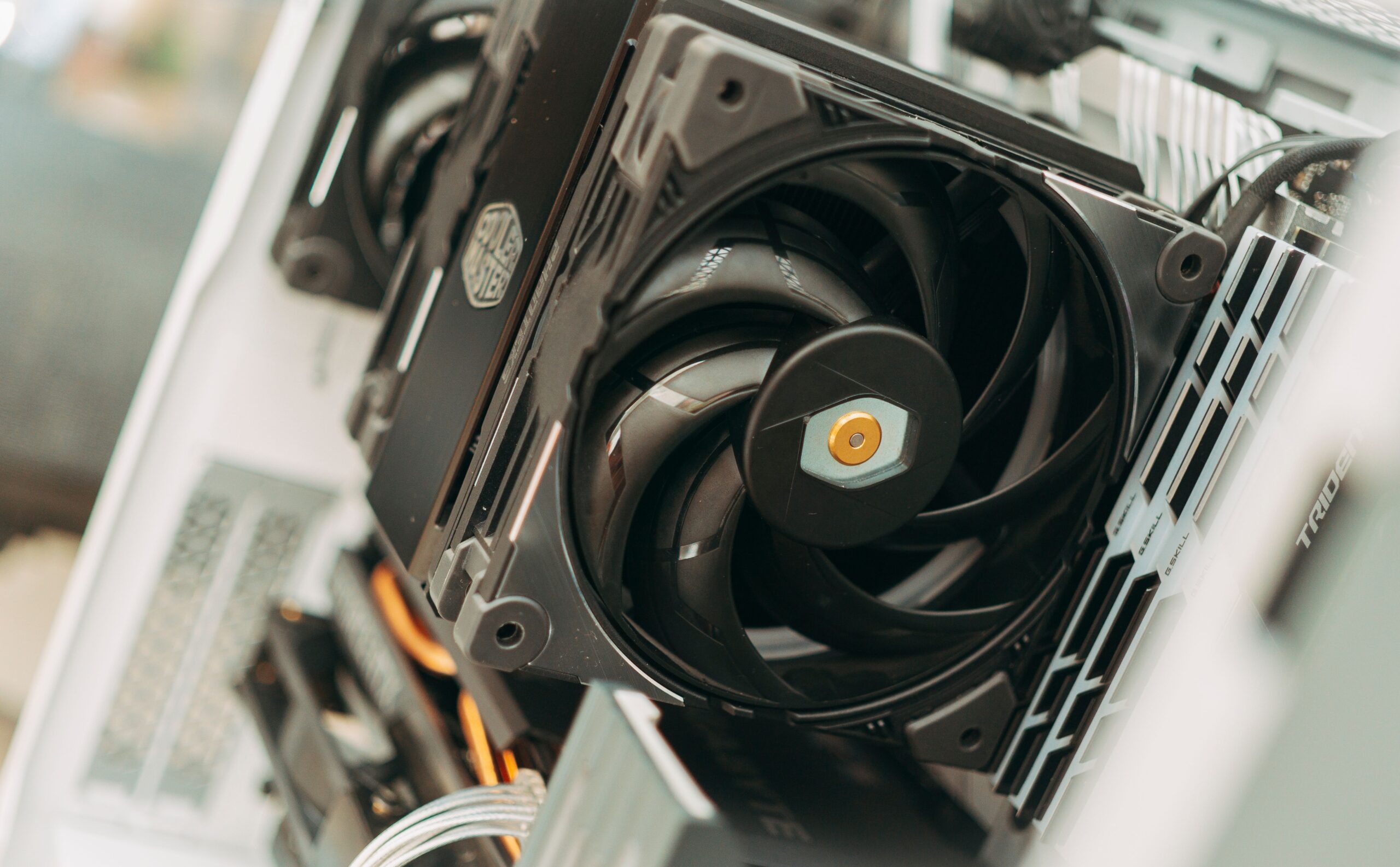
It's not all about size; what happens inside the fan shaft is what determines how long the component will last. bearings or bushings They are the dynamic structure that allows the blades to rotate without jamming. Basically, the less friction there is during movement, The greater the stability and the longevity of the device.
- Basic bearings: Ideal for light use where extreme durability is not required.
- Advanced bearings: Designed for more demanding environments, reducing wear from friction.
When choosing, it is essential to look at the specifications table according to the usage environmentA fan that runs 24/7 in a server is not the same as one for a casual gaming PC. Choosing the right bearing will determine whether the fan starts making annoying noises after a few months or if it will remain in good working order. silent for years.
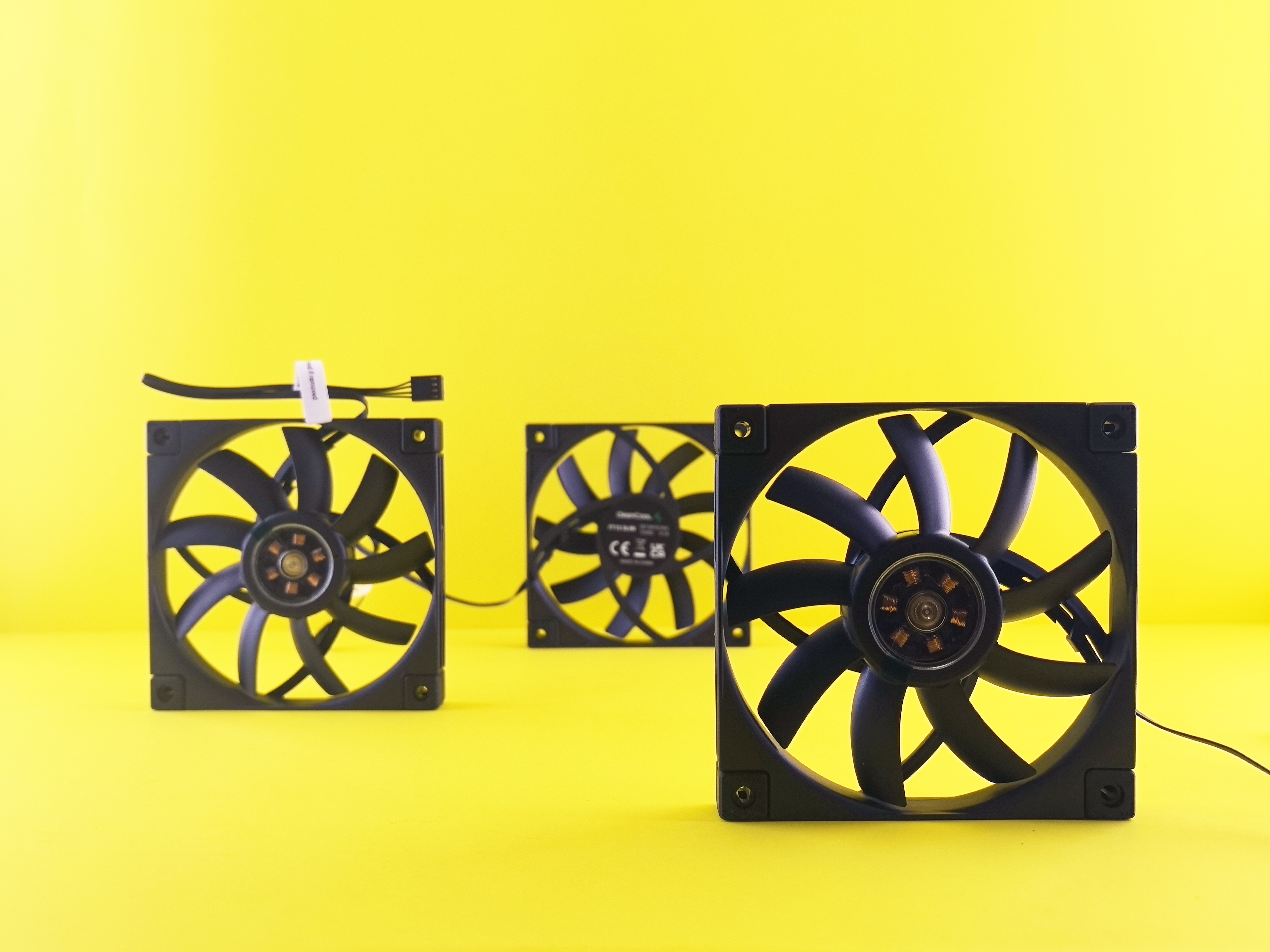
Keep in mind that diameter and thickness directly influence static pressure and airflow; this is vital to avoid mistakes. While 25 mm or 30 mm models are surgical solutions for very limited spacesThe 120mm standard offers the best balance between noise and power, provided that the PC chassis allow it and there are no components like RAM that obstruct the flow.
