- UWP allows you to create universal apps for all Windows 10 and 11 devices.
- Offers advanced security and adaptability in the user interface according to each device
- Facilitates distribution and monetization through the Microsoft Store
- It supports multiple languages and development models, integrating the latest Microsoft technologies.
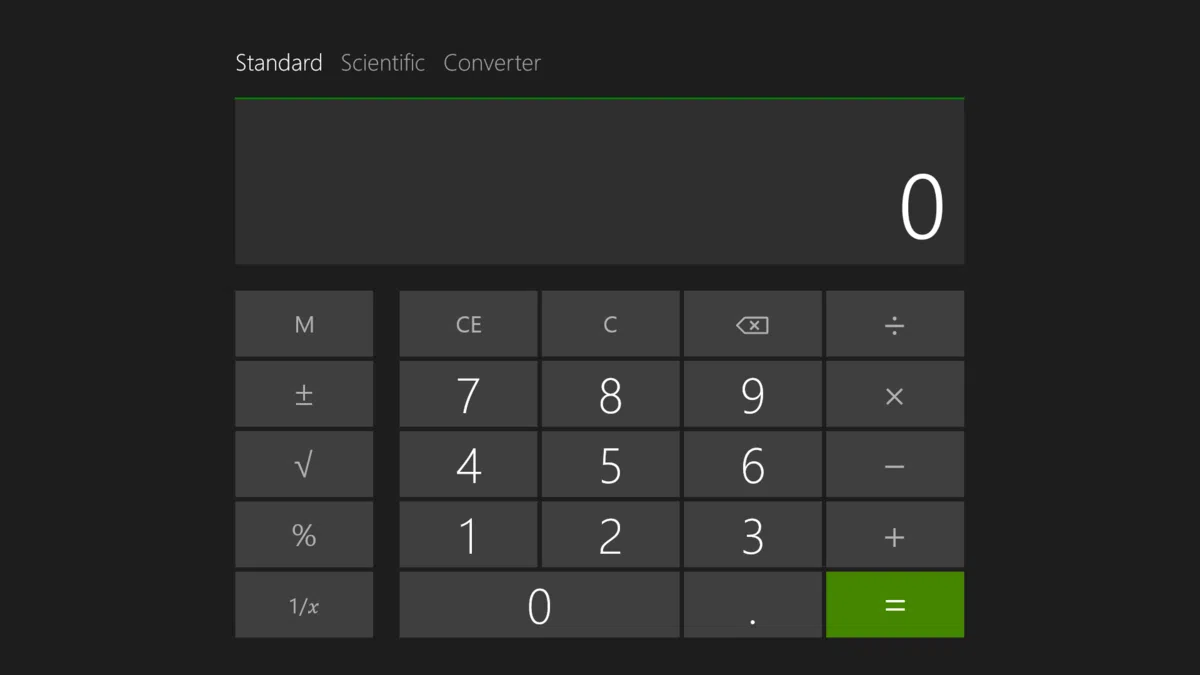
When we think about developing applications for Windows devices, it's common to encounter a sea of different terms, technologies, and standards that can create uncertainty. However, in recent years, Microsoft has made a strong commitment to a more unified and clear path for all developers: the Universal Windows Platform , better known by its acronym UWP. This platform aims to simplify life for both those who create applications and the users themselves, allowing a single application to work on a multitude of devices.
The essence of UWP is to make it possible to have an application available with a single codebase for computers, tablets, mobile phones, Xbox consoles, mixed reality devices, and even wearables or IoT devices, as long as they have Windows 10 or higher. All of this, with full integration into the Microsoft ecosystem and taking advantage of the latest innovations in design, security, and user experience.
What exactly is UWP?
The Universal Windows Platform ( UWP) is Microsoft's initiative for developing modern and versatile applications within the Windows ecosystem. UWP's main goal is to enable the creation of applications that run natively on any Windows 10 or Windows 11 device, regardless of form factor or screen size.
Thanks to UWP, developers don't have to worry about creating device-specific versions. A single app can run on a desktop PC, laptop, Surface, Xbox, Windows Phone, HoloLens, or even small connected devices (IoT), always intelligently adapting to the capabilities and form factor of each device. This universality is what makes UWP so relevant for those looking to reach the maximum number of users in the Windows world.
Applications created with UWP can take advantage of the operating system's modern tools and libraries , and can be distributed centrally through the Microsoft Store, which greatly facilitates installation, updates, and monetization.
The evolution of UWP in Microsoft development
Looking back, Windows application development has gone through multiple stages and technologies: from the classic Win32 APIs to Windows Forms, WPF, the arrival of .NET, and COM-based models. UWP represents the next step in this evolution, relying on a technology known as Windows Runtime (WinRT).
Unlike previous models, UWP is based on allowing a single project and binary to run on different families of devices , leveraging a common API surface across all of them. Thanks to language projections , developers can work in C#, C++, Visual Basic, or even JavaScript, and naturally access Windows Runtime functionalities.
One of the great differentiating values of UWP compared to other Microsoft development frameworks is the integration and management of application distribution through the Microsoft Store, with a package system (AppX or MSIX) that is secure, updatable, and easy to install/uninstall without leaving a trace or causing problems in the operating system.
Main features of UWP
Universal Windows apps offer a number of advantages and features that make them very attractive to both developers and end users. Their strengths include:
- Advanced Security: Each UWP app must explicitly declare the resources it needs to access (such as the camera, microphone, location, files, etc.), and it's the user who authorizes these permissions. This protects the device's privacy and security.
- Common API surfaceThe core UWP APIs are shared across all Windows devices. This means that if an app uses only those standard APIs, it's automatically compatible with any device running Windows 10 or Windows 11.
- Specific capabilities and adaptability: UWP includes extension SDKs to leverage the unique features of each device type (e.g., Xbox features or IoT devices), while also providing visual controls and tools that allow you to adapt the graphical interface to any screen size and resolution.
- Safe installation and uninstallation: The UWP package system allows you to install and remove applications without leaving any residue, minimizing risks to system stability and avoiding the dreaded “degradation” over time.
- Integration with the store: UWP apps can be distributed through the Microsoft Store, automatically reaching users on PCs, tablets, consoles, and more. The store system itself offers different options for monetizing apps, from direct sales to in-app purchases.
- Advanced notifications: UWP allows for push notifications, live tiles, integration with the Windows Activity Timeline, and with assistants like Cortana to improve user retention and engagement.
- Flexibility of languages and technologies: You can program universal applications in C#, Visual Basic, C++ or JavaScript, and choose between different interface technologies (XAML, HTML/JS, DirectX, WinUI).
User and system-centric security
One of the most notable aspects of UWP architecture is its granular permissions management . Each application must define, through a manifest, which system resources it will use. Whether it's the webcam, location, input devices, or files, the user always consciously grants this access, reducing the risk of malicious or intrusive applications.
Additionally, UWP apps run in a controlled environment (sandbox), minimizing any potential performance or stability issues on Windows systems. This approach is especially attractive for businesses and environments where security is a key factor.
Common API and scalability across devices
One of the key promises Microsoft delivers with UWP is the ability to write an application's core functionality once and run it on any compatible device. This is made possible by a shared API surface : most basic functions (file access, networking, user interface, etc.) work the same on PCs, Xbox, HoloLens, Surface Hub, or even IoT devices.
When an application needs to use a specific function of a particular device (for example, the motion sensor of a wearable or an exclusive Xbox feature), extension SDKs can be used . These allow you to selectively add additional APIs based on the needs of the hardware on which the app is running.
This architecture allows apps to be selectively distributed in the Microsoft Store based on device type, or to conditionally adapt their runtime behavior by checking for available APIs. This achieves a perfect balance between universality and specialization.
Responsive interface design and universal controls
Design and user experience are key elements of any modern application. UWP offers visual controls and design panels specially designed to intelligently adapt to different screen sizes, resolutions, and densities (DPI). Thus, the same application can be viewed perfectly on a 27-inch desktop screen and a 6-inch mobile screen.
Universal controls provide a consistent look and feel across all devices, while layout panels allow you to automatically rearrange or scale interface elements based on available space. For example, a photo gallery can display a grid on a PC and a single scrollable column on a mobile device.
Input isn't limited to keyboard and mouse: UWP fully supports touch, digital pens, and game controllers, opening the door to much richer, more natural experiences on both tablets and consoles.
Unified distribution and monetization
One of the biggest leaps forwards introduced by UWP is the centralization of distribution through the Microsoft Store. From this platform, any developer can upload their application and define which devices it will be available on, significantly facilitating access to the target audience.
Furthermore, UWP offers multiple monetization methods . Not only can you charge for app downloads, but you can also offer trial versions, in-app purchases, or set promotional offers and prices to attract and retain users. The entire process of payments, download analysis, and user feedback is integrated into the Microsoft ecosystem.
Easy updates and maintenance
UWP apps are packaged in AppX or MSIX formats, ensuring clean and reliable installations, updates, and uninstalls. When updating an app, the system replaces or adds only the necessary files, improving stability and avoiding the "junkware" issues that often arise with other traditional installation models.
This model also facilitates telemetry and analysis : UWP integrates with tools like Application Insights that allow you to collect usage data, detect errors and understand how users interact with the app, thus helping to improve it continuously.
Developer Options: Supported Languages and Technologies
An obvious advantage of UWP is the freedom to choose the language and technology that best suits each development team. You can build apps using:
- C# with XAML or WinUI based user interface
- C++ with DirectX to take advantage of high-performance games and graphics
- Visual Basic
- JavaScript and HTML for those coming from web or hybrid development
This means there are no artificial barriers for those with previous Windows development experience. Furthermore, the transition from environments like WPF and Windows Forms can be done gradually, modernizing legacy applications with universal functionality and selling them in the Microsoft Store.
Deployment Requirements and Considerations
To begin developing UWP applications, you must have Windows 10 or later on your development computer and a development environment like Visual Studio (2019 or later) installed. Once installed, simply create a new "Empty App (Universal Windows)" project and select your preferred language. This will generate the basic structure and all the necessary files to begin designing the interface, adding controls, and programming the application's logic.
UWP apps are always delivered packaged and, in enterprise scenarios, can also be installed centrally using tools like DISM or sideloading. Permissions and publishing can be managed in both home and professional or educational environments.
Limitations, recommendations and aspects to take into account
Like any technology, UWP has certain limitations and specific requirements, especially when used in virtualized or enterprise environments. For example, certain advanced Win32 API features may not be supported or may have limited support in UWP applications, especially in scenarios like Citrix Virtual Apps and Desktops.
In these environments, there may be limitations with file type association, live preview, or Action Center integration between remote and local sessions. It's also important to consider visual aspects, such as icon visibility on light backgrounds or graceful logout management in published applications.
Finally, uninstalling a UWP app should be done individually for each user, as the security model ensures that each profile has its own version installed, thus increasing privacy and control in shared environments.
UWP and the Future: Developing Advanced Games and Experiences
The UWP platform isn't limited to productivity apps or utilities; it's the foundation upon which Microsoft is building the next generation of video games and interactive experiences on Windows. Tools like DirectX, along with full integration of multimedia APIs, make UWP a powerful option for those who want to create titles that run on PC, Xbox, mixed reality, and the entire range of supported devices.
Developers can access specialized resources and documentation to tailor their games and apps to the specifics of each device, taking advantage of sensors, controllers, and the unique characteristics of each environment, such as HoloLens augmented reality or Xbox social features.